
Introduction
This manual provides essential instructions for the proper installation, use, and maintenance of your DRONEEYE 4DV12 drone spare parts, including the battery, propellers, and protective cover. Adhering to these guidelines will ensure optimal performance and longevity of your drone accessories.
Product Overview
The DRONEEYE 4DV12 spare parts package includes the following components:
- DRONEEYE 4DV12 Lithium Ion Battery: Provides power for drone operation.
- DRONEEYE 4DV12 Propellers: Essential for flight, designed for specific rotation.
- DRONEEYE 4DV12 Protective Cover: Shields drone components from impact.
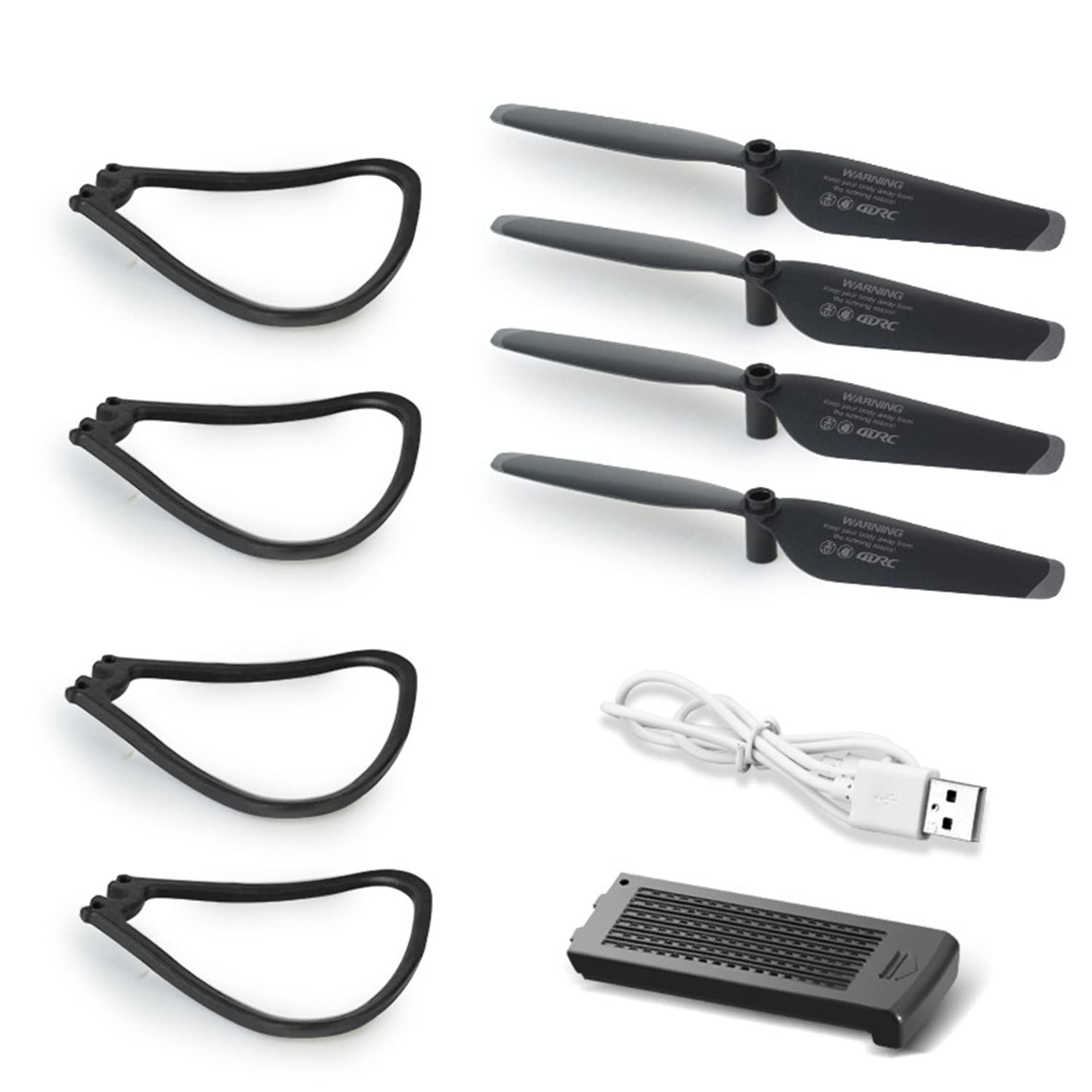
Image: The DRONEEYE 4DV12 drone, representing the product for which these spare parts are intended.
Setup and Installation
1. Battery Installation
- Ensure the drone is powered off before installing or removing the battery.
- Locate the battery compartment on the drone.
- Carefully insert the Lithium Ion battery into the compartment, ensuring the connectors align correctly.
- Close the battery compartment securely.
Note: Fully charge the battery before its first use. Refer to the main drone manual for charging instructions.
2. Propeller Installation
- Identify the correct propeller for each motor. Propellers are typically marked (e.g., 'A' and 'B' or with dots) to indicate their rotation direction and corresponding motor.
- Align the propeller with the motor shaft.
- Press down firmly and twist (if applicable) until the propeller is securely locked in place. Do not overtighten.
- Gently pull on each propeller to confirm it is securely attached and does not wobble.
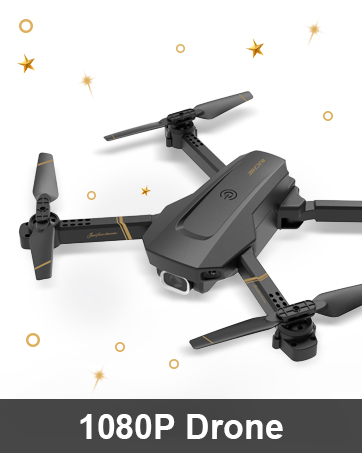
Image: A close-up view of the DRONEEYE 4DV12 drone, illustrating the propeller and motor assembly.
3. Protective Cover Installation
- Ensure the drone is powered off.
- Align the protective cover with the drone's frame, typically around the propellers or main body.
- Snap or clip the cover into place, ensuring all attachment points are secure.
- Verify that the cover does not obstruct propeller movement or camera view.
Operating Guidelines
While these are spare parts, proper handling during operation is crucial:
- Battery Usage: Always use the specified Lithium Ion battery. Avoid overcharging or completely draining the battery to prolong its lifespan.
- Propeller Safety: Keep fingers and loose objects away from spinning propellers. Always inspect propellers for damage before each flight. Replace bent or chipped propellers immediately.
- Protective Cover: The protective cover is designed to absorb minor impacts. While installed, it may slightly affect flight dynamics. Remove it for advanced maneuvers if recommended by the main drone manual.
Maintenance
Cleaning
- Propellers and Cover: Use a soft, dry cloth to wipe away dust and debris. For stubborn dirt, a slightly damp cloth can be used, ensuring parts are completely dry before reinstallation.
- Battery: Keep battery contacts clean and dry. Do not use liquids to clean the battery.
Storage
- Battery: Store Lithium Ion batteries in a cool, dry place, away from direct sunlight and extreme temperatures. For long-term storage, charge the battery to approximately 50-60% capacity.
- Propellers and Cover: Store in a protective case or bag to prevent bending or damage.
Troubleshooting
- Battery not charging: Ensure the charging cable and adapter are functioning correctly. Check battery contacts for dirt or damage.
- Drone unstable after propeller replacement: Verify that all propellers are installed on the correct motors and are securely fastened. Check for any bent or damaged propellers.
- Protective cover loose: Re-check all attachment points to ensure they are fully engaged. If the cover is damaged, it may need replacement.
Specifications
| Feature | Detail |
|---|---|
| Brand | DRONEEYE |
| Model Name | 4DV12 |
| Included Components | Battery, Propeller, Protective Cover |
| Battery Cell Composition | Lithium Ion |
| Are Batteries Included | Yes (1 Lithium Ion battery) |
| Item Weight | 1.76 ounces (for the package) |
| Package Dimensions | 7.24 x 5.55 x 1.02 inches |
| Manufacturer Recommended Age | 14 years and up |
Warranty and Support
For specific warranty information regarding your DRONEEYE 4DV12 spare parts, please refer to the original product documentation that came with your drone or visit the official DRONEEYE website. For technical support or further assistance, please contact DRONEEYE customer service through their official channels.