
Introduction
Welcome to the user manual for your new OnePlus 10 Pro 5G Android Smartphone. This guide provides essential information for setting up, operating, and maintaining your device. The OnePlus 10 Pro features a powerful triple camera system co-developed with Hasselblad, a 120Hz Fluid AMOLED Display, and advanced charging capabilities.
What's in the Box
Your OnePlus 10 Pro package includes the following items:
- OnePlus 10 Pro Smartphone
- 65W SUPERVOOC Power Adapter
- Type-C Cable
- Quick Start Guide
- Welcome Letter
- Safety Information and Warranty Card
- SIM Tray Ejector
- USB Dongle (Type-A to Type-C)
Setup
To begin using your OnePlus 10 Pro, follow these basic setup steps:
- Insert SIM Card: Use the provided SIM tray ejector to open the SIM card slot. Insert your Nano-SIM card into the tray and reinsert it into the phone.
- Power On: Press and hold the Power button on the right side of the device until the OnePlus logo appears.
- Initial Configuration: Follow the on-screen prompts to select your language, connect to a Wi-Fi network, and set up your Google account.
- Fingerprint Unlock: Configure the in-display fingerprint sensor for secure and quick unlocking.
Operating Instructions
Familiarize yourself with the basic operations of your OnePlus 10 Pro:
- Power Button: Located on the right side, used for powering on/off and screen lock/unlock.
- Volume Rocker: Located on the left side, used to adjust media and call volume.
- Alert Slider: Positioned above the Power button, this physical slider allows quick switching between Ring, Vibrate, and Silent modes.
- Navigation Gestures: Utilize intuitive on-screen gestures for navigation (e.g., swipe up for Home, swipe up and hold for Recents, swipe from side for Back).
Key Features
The OnePlus 10 Pro is equipped with several advanced features:
- 5G Connectivity: Experience blazing-fast speeds powered by the Qualcomm Snapdragon 8 Gen 1 processor.
- Triple Camera System: Co-developed with Hasselblad, featuring a 48MP main sensor, 50MP ultra-wide sensor, and 8MP telephoto lens.
- 150° Ultra-Wide Camera: Capture expansive shots with a unique field-of-view.
- OnePlus Billion Color Solution: Processes 64x more color information for accurate and vibrant photos.
- Smart 120Hz Display with LTPO 2.0: Dynamic refresh rate adjustment from 1Hz to 120Hz for smooth visuals and optimized battery life.
- HyperBoost Gaming Engine: Enhances graphics and performance for mobile gaming, complemented by an advanced heat dissipation system.
- 65W SuperVOOC Fast Charging: Get a day's power in approximately 15 minutes.
- 50W Wireless Charging: Achieve a full charge in about 30 minutes with compatible wireless chargers.
- Large 5000mAh Battery: Provides extended usage for power users.
- Alexa Hands-Free: Integrate with Amazon Alexa for voice commands and smart features.
Camera Features
The OnePlus 10 Pro's camera system is designed for versatile photography and videography:
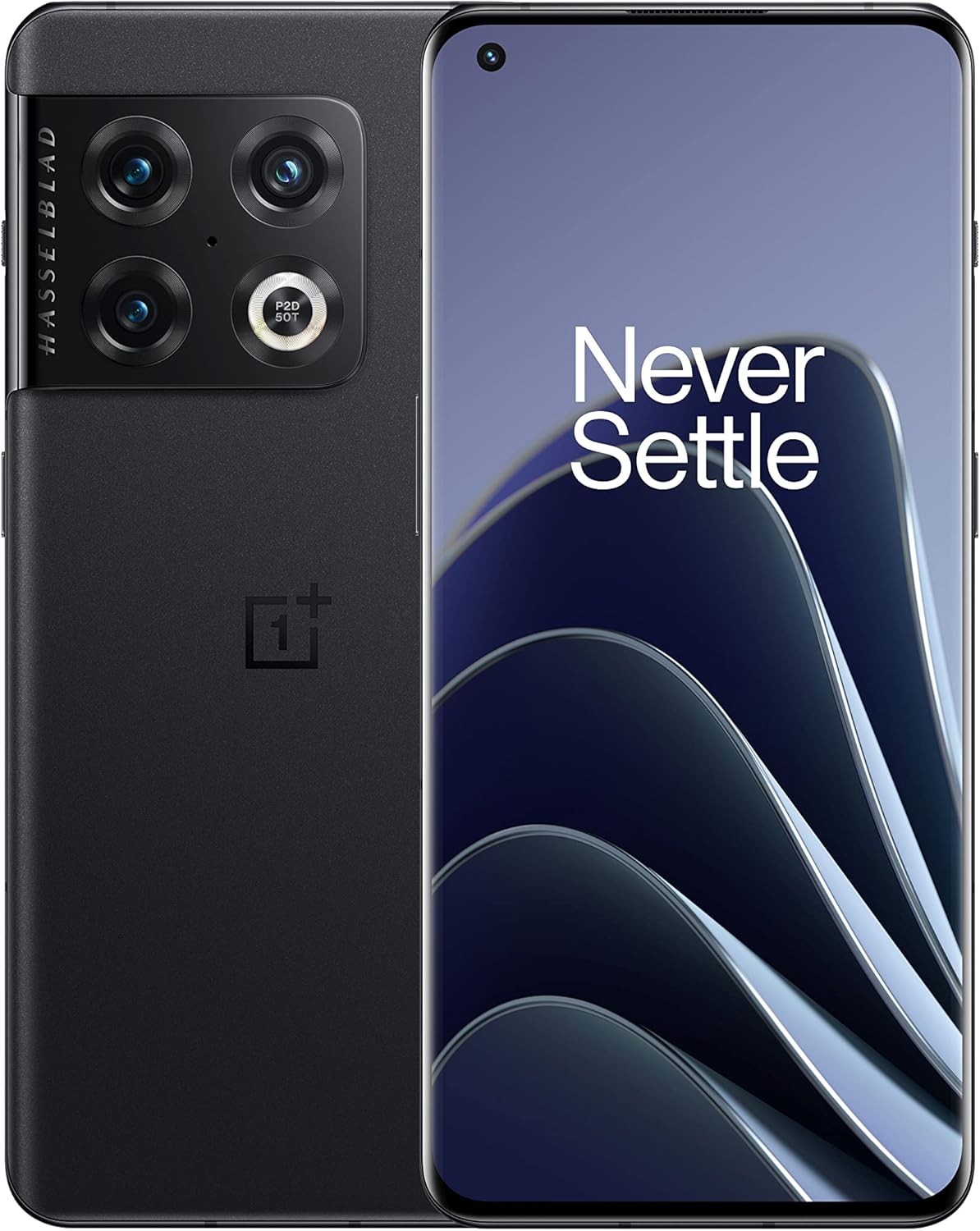
Figure 1: Front and back view of the OnePlus 10 Pro smartphone.
- Rear Cameras: Features a 48MP main sensor, a 50MP ultra-wide sensor with a 150° field-of-view, and an 8MP telephoto lens with 3.3x optical zoom.
- Front Camera: Equipped with a 32MP sensor for high-resolution selfies and video calls.
- Video Recording: Supports 8K video recording, 4K at up to 120fps, and 1080p.
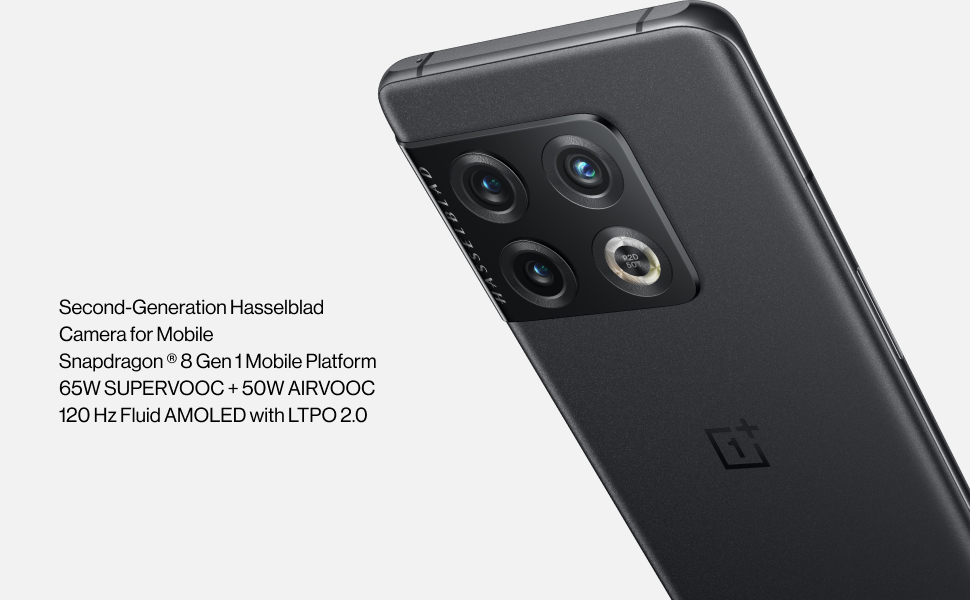
Figure 2: Close-up view of the OnePlus 10 Pro's triple camera module, co-developed with Hasselblad.
Video 1: Official promotional video showcasing the OnePlus 10 Pro's fast charging capabilities and overall design.
Charging and Battery
The OnePlus 10 Pro is designed for extended use and rapid recharging:
- Battery Capacity: A large 5000mAh battery ensures long-lasting power throughout your day.
- Wired Charging: Supports 65W SUPERVOOC fast charging, allowing you to quickly replenish your battery.
- Wireless Charging: Features 50W wireless charging for convenient and fast power-ups.
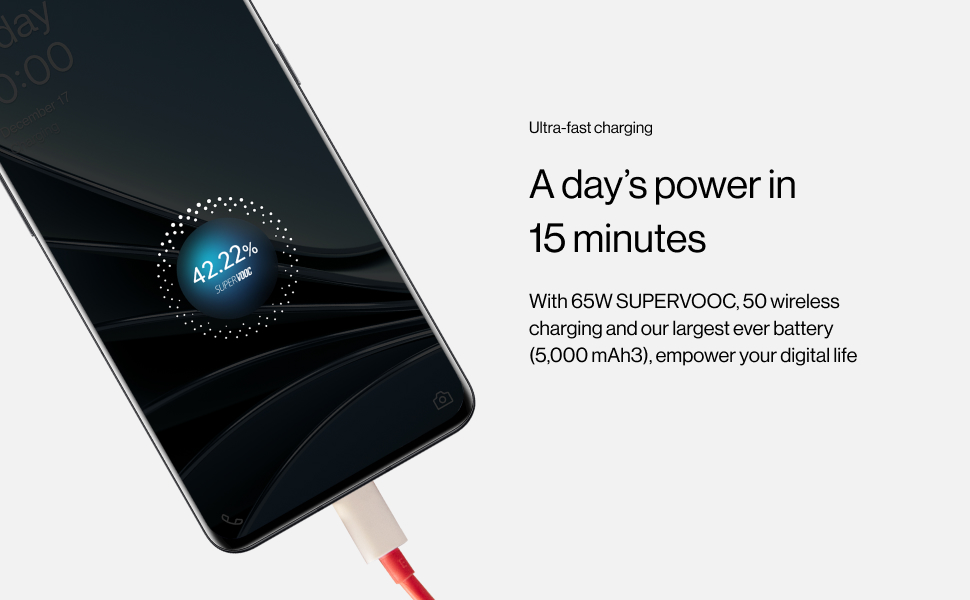
Figure 3: Illustration of the OnePlus 10 Pro's ultra-fast charging, providing a day's power in 15 minutes.
Video 2: Official video highlighting the design and key features of the OnePlus 10 Pro.
Performance
The OnePlus 10 Pro delivers robust performance for all your mobile needs:
- Processor: Powered by the latest Qualcomm Snapdragon 8 Gen 1, ensuring smooth multitasking and demanding application performance.
- RAM & Storage: Comes with 8GB of RAM and 128GB of internal storage.
- Gaming: The HyperBoost Gaming Engine optimizes graphics and performance, making it an excellent choice for mobile gamers.
Display
Enjoy stunning visuals on the OnePlus 10 Pro's advanced display:
- Screen Type: 6.7-inch QHD+ Fluid AMOLED display.
- Refresh Rate: Smart 120Hz refresh rate with LTPO 2.0 technology, dynamically adjusting from 1Hz to 120Hz for fluid scrolling and power efficiency.
Audio
The device features stereo speakers for an immersive audio experience, with support for Dolby Atmos.
Connectivity
Stay connected with the OnePlus 10 Pro's comprehensive connectivity options:
- Cellular: 5G capable (network compatibility may vary by carrier and region).
- Wireless: Bluetooth, Wi-Fi, and NFC for seamless connections to other devices and services.
Maintenance and Care
To ensure the longevity and optimal performance of your OnePlus 10 Pro, follow these guidelines:
- Cleaning: Use a soft, lint-free cloth to clean the screen and body. Avoid harsh chemicals.
- Software Updates: Regularly check for and install system updates to benefit from the latest features, security patches, and performance improvements.
- Avoid Extreme Temperatures: Do not expose the device to extreme heat or cold, as this can affect battery life and component integrity.
Troubleshooting
If you encounter any issues with your OnePlus 10 Pro, consider the following basic troubleshooting steps:
- Restart Device: A simple restart can often resolve minor software glitches.
- Check Connections: Ensure Wi-Fi, Bluetooth, or cellular connections are active and stable.
- Clear Cache: Clearing the cache of problematic apps can resolve performance issues.
- Factory Reset: As a last resort, a factory reset can resolve persistent software problems (back up your data first).
For more detailed troubleshooting and support, please refer to the Official User Manual (PDF).
Specifications
| Product Dimensions | 7.48 x 3.78 x 2.72 inches |
| Item Weight | 7 ounces |
| Item model number | NE2115 |
| OS | Android 12.0 |
| RAM | 8 GB |
| Connectivity technologies | Bluetooth, Wi-Fi, USB, NFC |
| Special features | 5G Connectivity, Powerful Triple Camera System co-developed with Hasselblad, 150° Ultra-Wide Camera, OnePlus Billion Color Solution for Photography, Smart 120Hz Display with LTPO 2.0, HyperBoost Gaming Engine, 65W Fast Charging and 50W Wireless Charging, Alexa Hands-Free Capability |
| Other camera features | Rear, Front |
| Form Factor | Bar |
| Color | Volcanic Black |
| Battery Power Rating | 5000 mAh |
| Manufacturer | OnePlus |
| Screen Size | 6.7 Inches |
| Resolution | 2560 x 1440 |
| Wireless Carrier | Unlocked |
| Cellular Technology | 5G |
Warranty and Support
For detailed warranty information and customer support, please refer to the official documentation included with your product or visit the OnePlus support website.
You can also find the complete User Manual (PDF) for comprehensive instructions and troubleshooting.
Visit the OnePlus Store for accessories and additional product information.


