
1. Introduction
This manual provides essential information for the safe and effective use of your Energizer AA Alkaline Power Batteries. Please read these instructions carefully before use and retain them for future reference. These batteries are designed to provide reliable power for a wide range of everyday electronic devices.
2. Product Overview
The Energizer AA Alkaline Power Battery pack contains 32 individual AA-sized alkaline batteries. These batteries are engineered for long-lasting performance and are suitable for various household and personal devices.

Image: A 32-count pack of Energizer AA Alkaline Power batteries, showing the brown cardboard box with the Energizer bunny logo and individual batteries arranged in front.
Key features include:
- Dependable power for everyday devices.
- Up to 10 years of shelf life in storage.
- Designed to protect against damaging leaks.
- Made with recycled materials (steel up to 10% recycled, excluding 9V).
3. Battery Installation
Follow these steps to correctly install batteries in your device:
- Identify Battery Compartment: Locate the battery compartment on your electronic device. This is often found on the back, bottom, or side of the device.
- Open Compartment: Open the battery compartment cover. This may involve sliding a latch, pressing a button, or unscrewing a small screw.
- Observe Polarity: Inside the compartment, observe the polarity markings (+ and -). These indicate the correct orientation for battery insertion.
- Insert Batteries: Insert the Energizer AA batteries according to the polarity markings. Ensure the positive (+) end of the battery aligns with the positive terminal in the compartment, and the negative (-) end aligns with the negative terminal.
- Close Compartment: Securely close the battery compartment cover.
Caution: Incorrect battery installation can lead to device malfunction or battery leakage.
4. Usage Guidelines
Energizer AA Alkaline Power batteries are suitable for a wide range of devices requiring AA batteries. These include, but are not limited to:
- Wireless mice and keyboards
- Game controllers
- Flashlights
- Thermometers
- Smart home devices
- Remote controls
- Clocks

Image: Various electronic devices such as a game controller, electric trimmer, flashlight, VR controllers, and a VR headset, illustrating the versatility of Energizer batteries.
For optimal performance:
- Always replace all batteries in a device at the same time.
- Do not mix old and new batteries, or different types of batteries (e.g., alkaline with rechargeable).
- Remove batteries from devices that will not be used for extended periods.
5. Maintenance
5.1 Storage
These batteries have a shelf life of up to 10 years when stored properly. To maximize battery life and prevent damage:
- Store batteries in a cool, dry place at room temperature.
- Keep batteries in their original packaging until ready for use.
- Avoid storing batteries near metal objects (like coins or keys) to prevent short-circuiting.

Image: Various sizes of Energizer batteries (AA, AAA, C, D) with text indicating '10 Years Shelf Life'.
5.2 Disposal
Proper disposal of used batteries is important for environmental protection. Do not dispose of batteries in household trash.
- Check local regulations for battery recycling and disposal options. Many communities have designated collection points for used batteries.
- Some retailers offer battery recycling programs.

Image: The Energizer bunny character next to a brown carton with the text 'RECYCLABLE CARTON', emphasizing environmental responsibility.
6. Troubleshooting
If your device is not functioning correctly with new Energizer AA batteries, consider the following:
- Check Polarity: Ensure batteries are inserted with the correct positive (+) and negative (-) orientation.
- Verify Contact: Make sure the battery terminals are clean and making proper contact with the device's contacts. Gently clean any corrosion with a pencil eraser or cotton swab.
- Test Batteries: If possible, test the batteries with a battery tester or try them in another known working device.
- Device Issue: If the batteries are confirmed to be good, the issue may lie with the device itself. Refer to your device's instruction manual.
7. Specifications
| Specification | Detail |
|---|---|
| Battery Type | Alkaline |
| Size | AA |
| Quantity | 32 Count |
| Model Number | AP91DP-32 |
| Product Dimensions | 7.56 x 4.21 x 1.22 inches |
| Item Weight | 1.74 pounds |
| Shelf Life | Up to 10 years in storage |
| Battery Cell Composition | Alkaline |
| Manufacturer | Energizer |
8. Safety Information
WARNING: Keep batteries away from small children. If swallowed, consult a physician immediately.
To prevent personal injury or damage to your device, observe the following safety precautions:
- Do not recharge alkaline batteries. Attempting to recharge them can cause leakage, fire, or explosion.
- Do not dispose of batteries in fire. They may explode.
- Do not disassemble, crush, puncture, or modify batteries.
- Do not expose batteries to excessive heat or direct sunlight.
- If a battery leaks, avoid contact with the leaked material. If contact occurs, wash affected area thoroughly with soap and water. Seek medical attention if irritation persists.
- Always insert batteries correctly, observing the polarity (+ and -) markings.
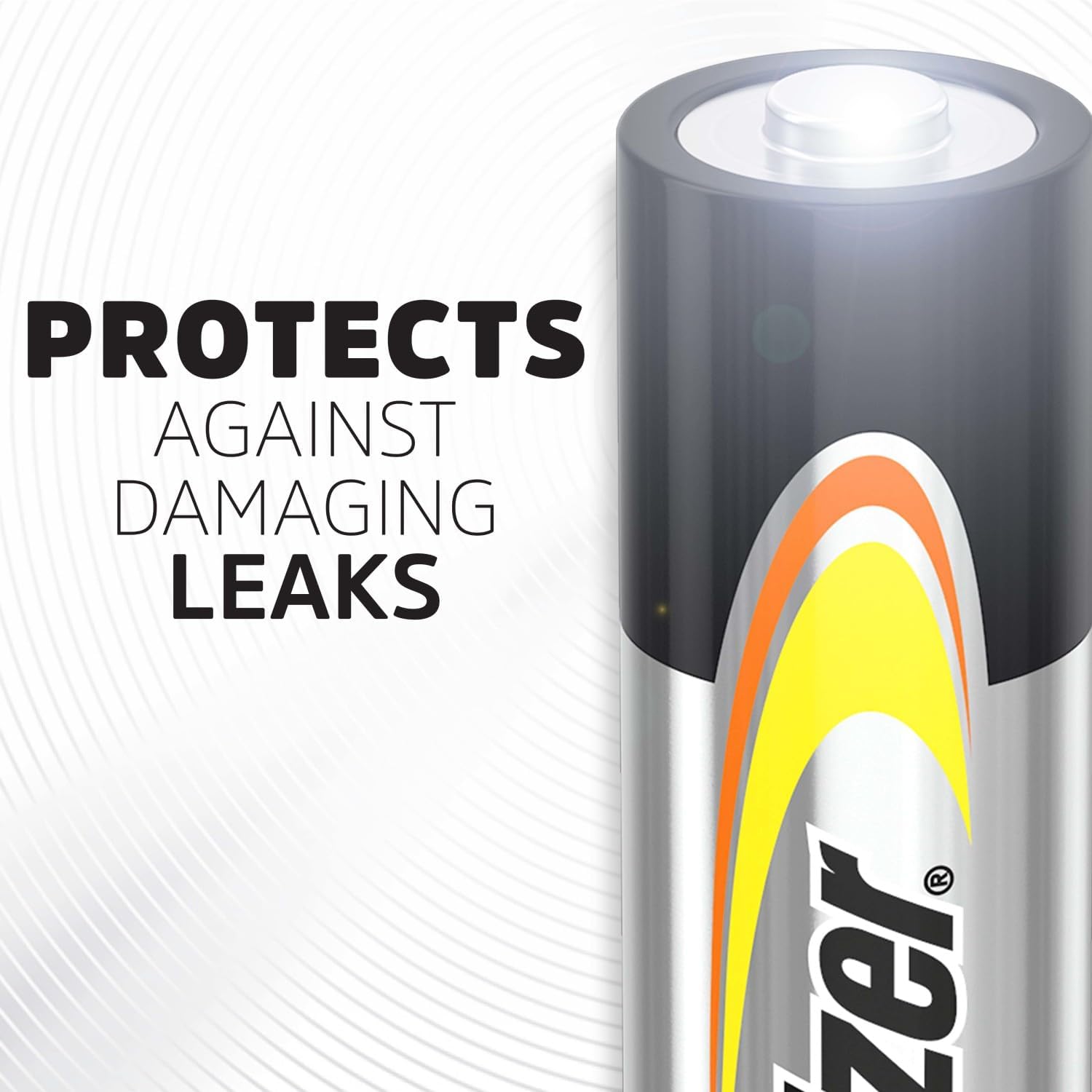
Image: A close-up of an Energizer battery with text indicating 'PROTECTS AGAINST DAMAGING LEAKS'.
9. Warranty and Support
Energizer batteries are manufactured to high-quality standards. For specific warranty information or customer support, please refer to the official Energizer website or contact their customer service directly. Details are typically available on the product packaging or the manufacturer's official channels.
For further assistance, visit the official Energizer website: www.energizer.com


