
1. Important Safety Information
Please read all safety instructions carefully before installation and use. Keep this manual for future reference.
- Ensure the power supply is disconnected before installation or maintenance.
- Installation should be performed by a qualified electrician.
- Do not modify the product or its components.
- This product is designed for indoor use only. Do not expose to moisture or extreme temperatures.
- Ensure proper ventilation around the LED driver.
For detailed safety information, please refer to the official safety document: Safety Information (PDF)
2. Product Overview
The Ledvion LED Panel 120x30 is a professional, energy-efficient lighting solution designed for various indoor environments such as offices, workshops, and reception areas. It provides a high light output with a neutral white light color (4000K) similar to daylight.
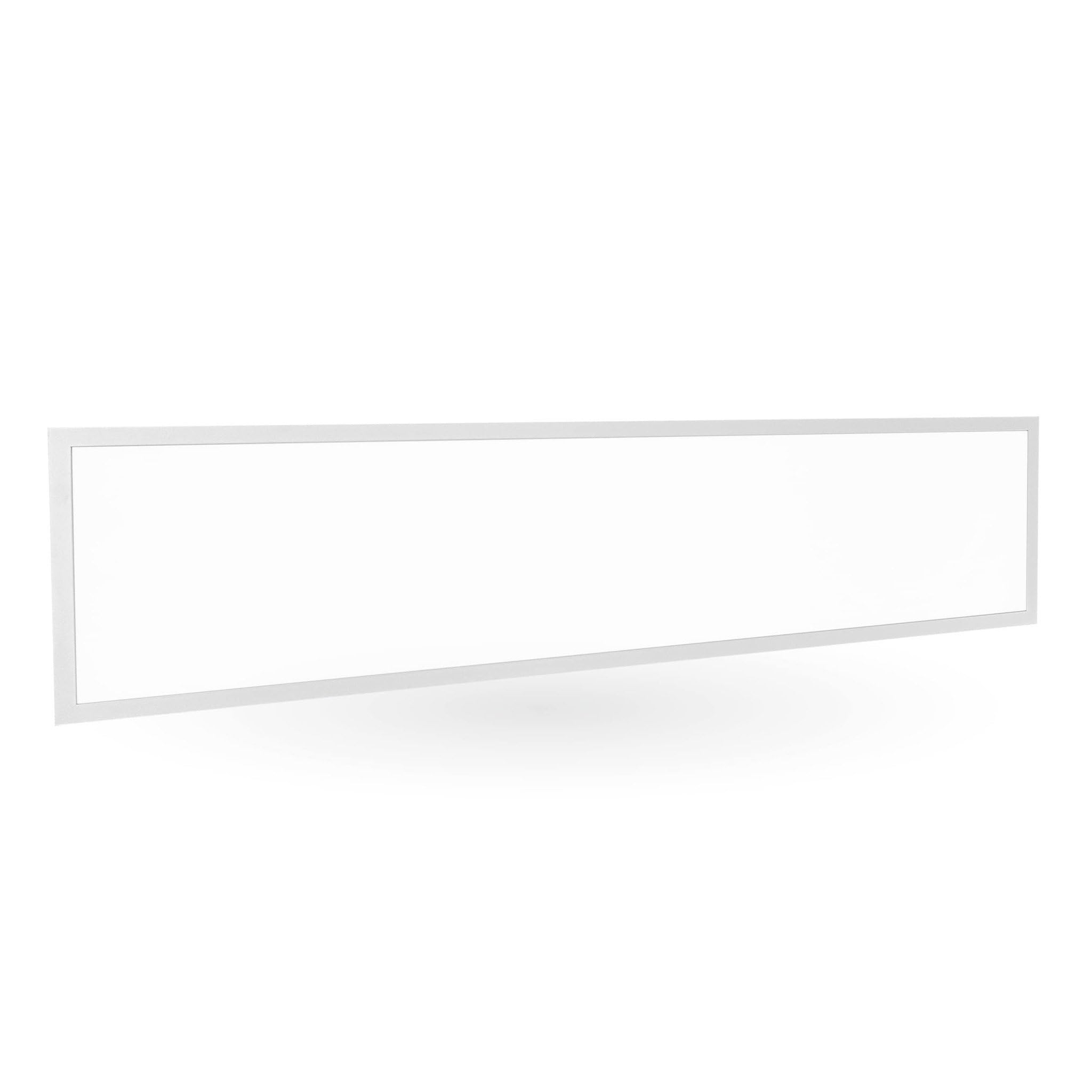
Image: The Ledvion 120x30 LED Panel, illuminated.
Key Features:
- Energy Efficient: Provides 100 lumens per watt, reducing energy consumption.
- Flicker-Free: Ensures comfortable lighting without visual flicker.
- Long Lifespan: Designed for approximately 50,000 operating hours.
- High Quality: Manufactured with durable materials for reliable performance.
- Easy Installation: Simple setup process for quick deployment.

Image: Ledvion LED Panel highlighting flicker-free operation and 4000K neutral white light.

Image: Professional LED Panel features, including 100 Lumen/W efficiency, 36 Watt power, and 4500 Lumen output.
3. What's in the Box
Verify that all components are present before beginning installation.
- 1x Ledvion LED Panel (120x30cm)
- 1x LED Driver
- 1x Panel Connector (Quick Connector)
- 1x Instruction Manual

Image: Packaging contents, including the LED panel, panel connector, and instruction manual.
4. Installation and Setup
Pre-Installation Checks:
- Ensure the installation location is suitable for a ceiling light and can support the panel's weight (1.89 kg).
- Verify that the power supply matches the panel's requirements (230 Volts).
- Gather necessary tools (e.g., screwdriver, wire strippers, drill).
Mounting Instructions:
This LED panel is designed for surface-mounted ceiling installation. Mounting accessories (e.g., screws, brackets) are not included and must be sourced separately based on your ceiling type.
- Disconnect Power: Turn off the main power supply at the circuit breaker before starting any electrical work.
- Prepare Mounting Location: Mark the drilling points on the ceiling according to the panel's dimensions (120x30cm) and your chosen mounting method.
- Secure Mounting Hardware: Install the appropriate mounting hardware (e.g., brackets, clips) to the ceiling.
- Connect Electrical Wiring: Connect the LED driver to the main power supply. The driver includes a quick connector for easy wiring. Connect the Live (L), Neutral (N), and Earth (E) wires correctly. Refer to the diagram on the driver for specific terminals.

Image: Ledvion LED driver with quick connector for electrical wiring.
- Connect Panel to Driver: Plug the LED panel's connector into the LED driver's output port. Ensure a secure connection.
- Mount the Panel: Carefully attach the LED panel to the secured mounting hardware on the ceiling. Ensure it is firmly in place.
- Restore Power: Once installation is complete and all connections are secure, restore power at the circuit breaker.
- Test Functionality: Turn on the light switch to ensure the LED panel illuminates correctly.
5. Operating Instructions
The Ledvion LED Panel operates like a standard light fixture. Once installed and connected to the power supply, it can be controlled using a wall switch connected to the circuit.
- Turning On/Off: Use the standard wall switch to turn the LED panel on or off.
- No Dimming: This specific model (4000K, 120x30cm) is not dimmable. Ensure it is not connected to a dimmer switch unless explicitly stated for a dimmable variant.
6. Maintenance
Regular maintenance ensures optimal performance and extends the lifespan of your LED panel.
- Cleaning: Disconnect power before cleaning. Use a soft, dry, or slightly damp cloth to wipe the surface of the panel. Do not use abrasive cleaners, solvents, or harsh chemicals, as these can damage the finish or optical components.
- Inspection: Periodically check for any loose connections or visible damage. If any issues are found, disconnect power and consult a qualified technician.
- No User-Serviceable Parts: The LED panel and driver contain no user-serviceable parts. Do not attempt to open or repair them.
7. Troubleshooting
If you encounter issues with your Ledvion LED Panel, refer to the following common problems and solutions:
| Problem | Possible Cause | Solution |
|---|---|---|
| Panel does not light up | No power supply Loose electrical connection Faulty LED driver | Check circuit breaker and wall switch. Ensure all wires are securely connected to the driver and panel (disconnect power first). Contact Ledvion support if driver is suspected faulty. |
| Light flickers | Incompatible dimmer switch Unstable power supply | Ensure the panel is not connected to a dimmer switch, as this model is not dimmable. Consult an electrician to check the power supply stability. |
| Reduced brightness | Dust accumulation Aging LED components | Clean the panel surface (disconnect power first). LED panels have a long lifespan, but brightness can gradually decrease over many years of use. |
If the problem persists after attempting these solutions, please contact Ledvion customer support.
8. Specifications
Technical specifications for the Ledvion LED Panel 120x30 (Model: LV60005_2).
| Feature | Specification |
|---|---|
| Brand | Ledvion |
| Model Number | LV60005_2 |
| Dimensions (L x W x H) | 125L x 31W x 4H centimeters (Panel: 120x30cm) |
| Weight | 1890 Grams |
| Material | Aluminum (Frame), Plastic (Shade) |
| Color Temperature | 4000 Kelvin (Neutral White) |
| Wattage | 36 Watts |
| Luminous Flux (Light Output) | 4000 Lumens |
| Luminous Efficacy | 100 lm/W |
| Voltage | 230 Volts |
| Lifespan | Approx. 50,000 hours |
| Installation Type | Surface-mounted (Ceiling) |
| Indoor/Outdoor Use | Indoor |
| Included Components | LED Driver |
| Smart Home Compatibility | Not compatible |
| Country of Origin | China |

Image: Dimensional drawing of the Ledvion LED Panel, indicating 1200 mm length and 300 mm width.
9. Warranty and Support
Warranty Information:
This Ledvion LED Panel comes with a 5-year limited warranty from the date of purchase. The warranty covers defects in materials and workmanship under normal use. It does not cover damage caused by improper installation, misuse, accidents, or unauthorized modifications.

Image: Ledvion 5-year warranty.
Customer Support:
For technical assistance, warranty claims, or any questions regarding your Ledvion LED Panel, please contact Ledvion customer support through their official channels. You can find more information and contact details on the Ledvion Brand Store on Amazon.


