
1. Introduction
This manual provides essential instructions for the safe and effective use of your Portronics Cleansify Ear Endoscope Otoscope/Wax Cleaner. Please read this manual thoroughly before operating the device and retain it for future reference. The Cleansify device is designed to assist in visual inspection of the ear canal and aid in ear wax removal with precision, utilizing a high-definition camera and various attachments.

Image 1.1: The Portronics Cleansify device, showing the endoscope, USB charging cable, and various ear cleaning tips.
2. Safety Information
Your safety is paramount. Please adhere to the following guidelines:
- Consult a Medical Professional: Before using this device, especially if you have a history of ear conditions, ear surgery, ear infections, or a perforated eardrum, consult an Ear, Nose, and Throat (ENT) specialist. This device is not a substitute for professional medical diagnosis or treatment.
- Gentle Use: Always insert the device gently into the ear canal. Avoid forceful insertion, which can cause injury to the eardrum or ear canal.
- Accessory Caution: Exercise extreme caution when using the included ear cleaning accessories. Some accessories may be too long or rigid for safe use within the ear canal and could potentially damage the eardrum. It is recommended to use the device primarily for visual inspection. If using accessories for cleaning, ensure they are appropriate for your ear canal size and use with minimal pressure.
- Not for Children: Keep this device out of reach of children. Adult supervision is required if used on children, and only with extreme care and professional guidance.
- Cleanliness: Always clean the ear tips and lens before and after each use to prevent infection.
- Temperature: Do not use the device if it feels excessively hot. Allow it to cool down.
- Water Exposure: This device is not waterproof. Avoid exposing it to water or other liquids.
- Discontinue Use: If you experience any pain, discomfort, dizziness, or bleeding during use, immediately stop using the device and consult a medical professional.
3. Package Contents
Verify that all items are present in your package:
- Portronics Cleansify Ear Endoscope Otoscope
- USB Charging Cable
- Assorted Ear Cleaning Tips/Attachments
4. Product Overview
The Portronics Cleansify is an advanced ear endoscope designed for clear visualization of the ear canal. Key features include:
- High-Resolution Camera: Equipped with a 1080p Full HD camera and a 3-megapixel endoscope for detailed imaging.
- Ultra-Fine Lens: Features an ultra-fine 4.5mm lens, allowing for easy and safe insertion into the ear canal.
- Integrated LED Lights: Six LED lights illuminate the ear canal for optimal visibility.
- 3-Axis Gyroscope: Provides stable and accurate image orientation.
- Wireless Connectivity: Connects to your smartphone via 2.4GHz Wi-Fi for real-time viewing.
- Rechargeable Battery: Built-in 180mAh Lithium Polymer battery for portable use.
- Textured Grip: Ensures a secure and comfortable hold during operation.

Image 4.1: Internal components of the 1080p FHD camera with 4.5mm lens and LED lights.
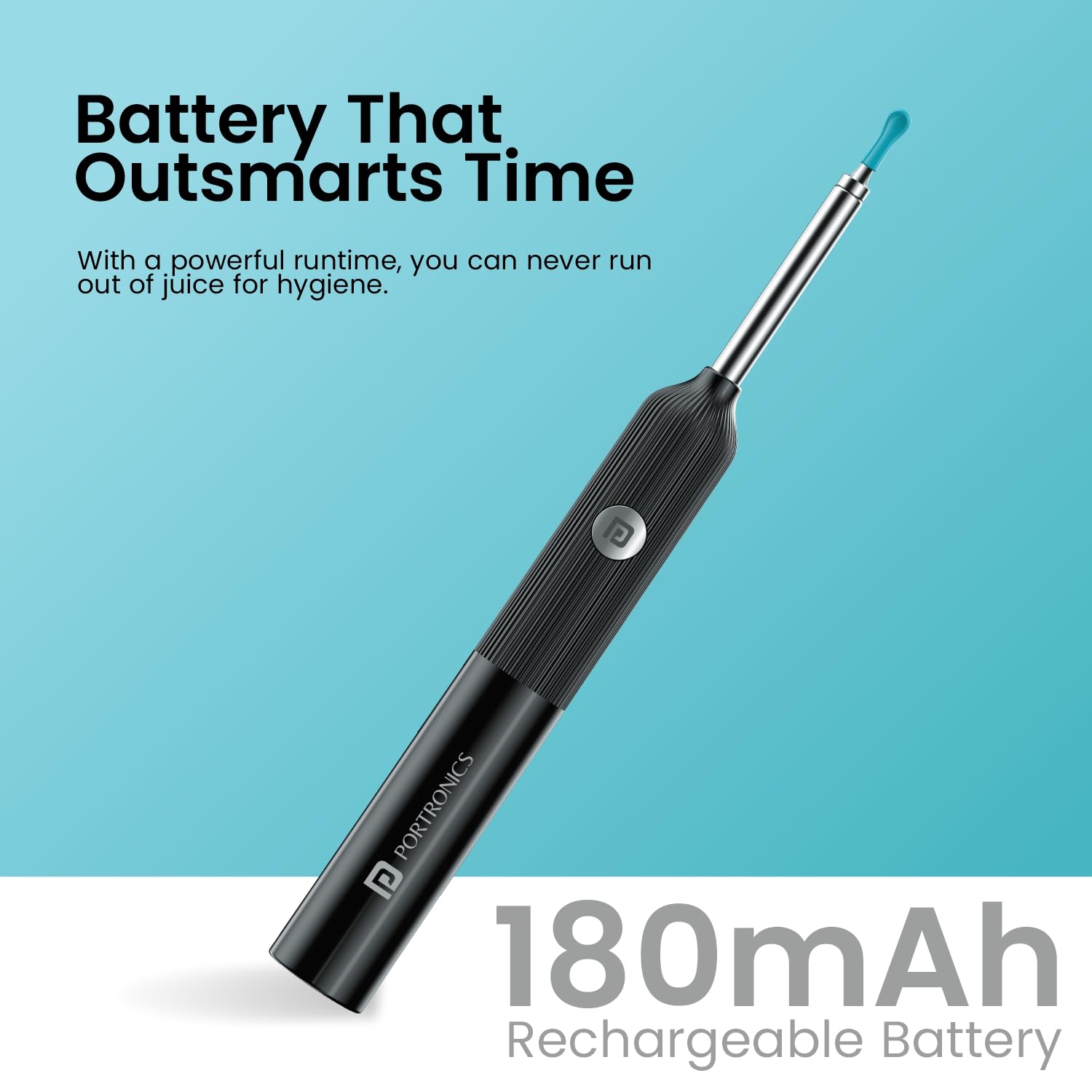
Image 4.2: Overview of device features: screw-secured tip, power button, textured grip, and LED light.
5. Setup
- Charge the Device: Before first use, fully charge the Cleansify device using the provided USB cable. Connect the cable to the device's USB port and a compatible power source (e.g., computer USB port, wall adapter). The charging indicator will show the charging status.
- Download the App: Scan the QR code provided on the packaging or in the product information, or visit http://www.bebird.cn/app/en.html to download the 'Bebird' application on your smartphone (compatible with Android and iOS).

Image 5.1: Smartphone displaying the Bebird app download options and QR code.
- Attach an Ear Tip: Select a suitable ear tip from the provided accessories. Gently screw or push the chosen tip onto the endoscope head until it is securely fastened. Ensure it is firm and will not detach during use.

Image 5.2: Illustration of how to securely attach an ear tip to the device.

Image 5.3: A selection of multiple ear tips and extensions for different needs.
- Power On: Press and hold the power button on the device for a few seconds until the LED light illuminates.
- Connect to Wi-Fi: Open the Bebird app on your smartphone. Go to your phone's Wi-Fi settings and connect to the Wi-Fi network broadcast by the Cleansify device (usually named 'Bebird-XXXX' or similar). Once connected, return to the Bebird app, and the live view from the endoscope camera should appear.

Image 5.4: The device connects wirelessly to a smartphone for live viewing.
6. Operating Instructions
- Positioning: Hold the device firmly but gently. Position your smartphone so you can clearly see the live feed from the camera.
- Insertion: Carefully and slowly insert the ear tip into the ear canal. Do not force the device. Observe the live feed on your phone to guide the tip.
- Inspection: Use the camera to inspect the ear canal for wax buildup, foreign objects, or any abnormalities. The 3-axis gyroscope helps maintain a stable image.
- Cleaning (Optional and with Caution): If you choose to use an ear cleaning attachment, proceed with extreme caution. Use very light pressure and avoid touching the eardrum. Only remove visible, easily accessible wax. Do not attempt to remove hard, impacted, or deep wax, as this should be done by a medical professional.
- Withdrawal: Once inspection or cleaning is complete, slowly and carefully withdraw the device from the ear canal.
- Power Off: Press and hold the power button to turn off the device.

Image 6.1: Illustrative diagram of the endoscope tip within the ear canal.

Image 6.2: User operating the device with a smartphone for visual guidance.
7. Maintenance
- Cleaning the Lens and Tips: After each use, carefully remove the ear tip. Use a soft, dry, lint-free cloth or an alcohol wipe to clean the camera lens and the ear tip. Ensure no debris obstructs the lens. Do not use abrasive cleaners or immerse the device in liquid.
- Charging: Recharge the device when the battery is low. A full charge ensures optimal performance. Avoid overcharging for extended periods. The device features a 180mAh rechargeable battery.

Image 7.1: The device is powered by a 180mAh rechargeable battery.
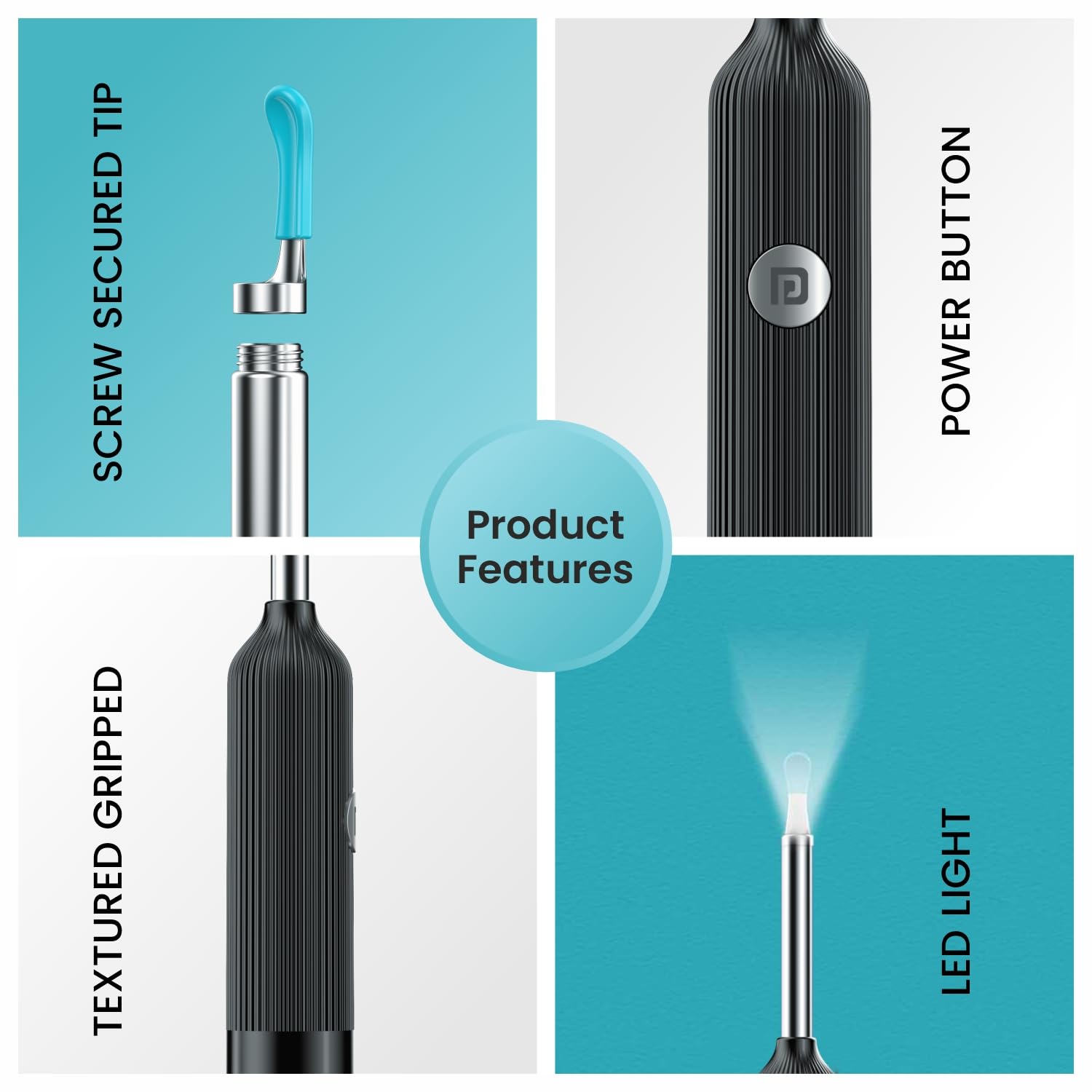
Image 7.2: The device charges via a standard USB port.
- Storage: Store the device and its accessories in a clean, dry place, away from direct sunlight and extreme temperatures.
8. Troubleshooting
If you encounter issues with your Portronics Cleansify device, refer to the following common problems and solutions:
| Problem | Possible Cause | Solution |
|---|---|---|
| Device does not turn on. | Low battery; device malfunction. | Charge the device fully. If the issue persists after charging, contact customer support. |
| Cannot connect to Wi-Fi or app. | Incorrect Wi-Fi selection; app issue; device not broadcasting Wi-Fi. | Ensure the device is powered on. Check your phone's Wi-Fi settings to connect to the correct 'Bebird-XXXX' network. Restart the app and the device. Reinstall the app if necessary. |
| Image is blurry or unclear. | Dirty lens; focus issue; poor lighting. | Clean the camera lens carefully with a soft cloth. Ensure the ear canal is adequately lit by the device's LEDs. |
| Device turns off automatically. | Low battery; internal malfunction. | Charge the device fully. If the problem continues, it may indicate a battery or internal component issue; contact customer support. |
| Accessories feel too long/unsafe. | Inappropriate accessory selection. | Use only the shortest and softest tips for visual inspection. Avoid using longer tips for cleaning to prevent injury. Consider professional ear cleaning if wax is deep or impacted. |
9. Specifications
| Feature | Detail |
|---|---|
| Model Number | POR-1564 |
| Camera Resolution | 1080p FHD (3 Megapixel) |
| Lens Diameter | 4.5mm |
| Connectivity | 2.4GHz Wi-Fi |
| Battery Type | Lithium Polymer |
| Battery Capacity | 180mAh |
| Product Dimensions | 15 x 2 x 2 cm |
| Item Weight | 185 g |
| Color | Black |
| Country of Origin | China |
10. Warranty and Support
The Portronics Cleansify device typically comes with a standard manufacturer's warranty. An optional 1-year extended warranty may be available for purchase. For specific warranty terms, service, or technical support, please refer to the warranty card included with your product or visit the official Portronics website.
For further assistance, you may contact Portronics customer support directly.
