
1. Introduction and Overview
The Itel A27 is a feature-rich smartphone designed for everyday use. It combines a vibrant display with robust security features and a long-lasting battery. This manual provides essential information for setting up, operating, maintaining, and troubleshooting your device.

Image: The Itel A27 smartphone, showcasing its front display and rear camera design in Crystal Blue.
2. What's in the Box
Upon unboxing your Itel A27, please ensure all the following items are present:
- Itel A27 Mobile Phone
- Battery Pack
- Back Cover
- Adaptor/USB Cable
- User Manual

Image: The retail packaging of the Itel A27, showing the phone and included accessories like the battery, charger, and back cover.
3. Setup Guide
3.1. SIM Card and Battery Installation
- Remove the Back Cover: Gently pry open the back cover from the designated notch on the side of the phone.
- Insert SIM Cards: Locate the Dual SIM slots. Insert your Nano SIM cards into the respective slots, ensuring the gold contacts face downwards.
- Insert MicroSD Card (Optional): If you wish to expand storage, insert a MicroSD card into the dedicated slot.
- Insert Battery: Place the battery into its compartment, aligning the gold contacts with the phone's terminals.
- Replace Back Cover: Carefully align and press the back cover until it clicks securely into place.
3.2. Initial Power On and Setup
- Power On: Press and hold the Power button until the Itel logo appears.
- Language Selection: Follow the on-screen prompts to select your preferred language.
- Network Connection: Connect to a Wi-Fi network or use your mobile data to complete the setup.
- Google Account: Sign in with your Google account or create a new one. This is essential for downloading apps and accessing Google services.
- Security Setup: Configure your preferred security method (Fingerprint, Face Unlock, PIN, Pattern, or Password).
- Complete Setup: Follow any remaining prompts to finalize the initial setup process.
4. Operating Instructions
4.1. Display and Navigation
The Itel A27 features a 5.45-inch FW+IPS Full Screen Display. Navigate your device using touch gestures:
- Tap: Select items or open applications.
- Swipe: Scroll through screens, menus, or web pages.
- Pinch: Zoom in or out on images and web pages.
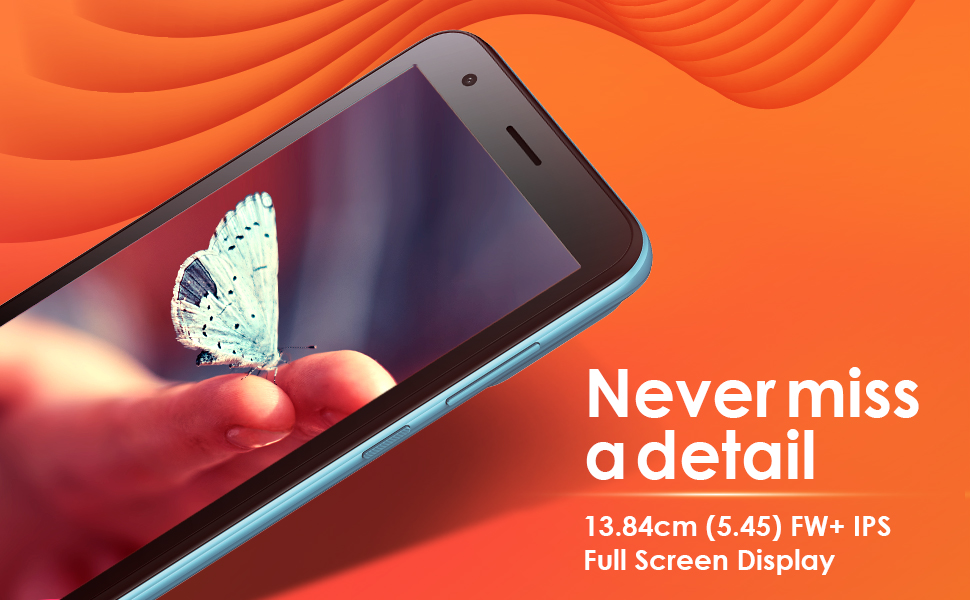
Image: A close-up of the Itel A27's 5.45-inch FW+IPS Full Screen Display, showcasing its visual clarity.
4.2. Security Features
Your Itel A27 is equipped with Dual Security features for enhanced protection:
- Fingerprint Sensor: Register your fingerprints to unlock your device quickly and securely. The sensor is typically located on the rear of the phone.
- Face Unlock: Use your face to unlock the phone. Ensure you are in a well-lit environment for optimal performance.
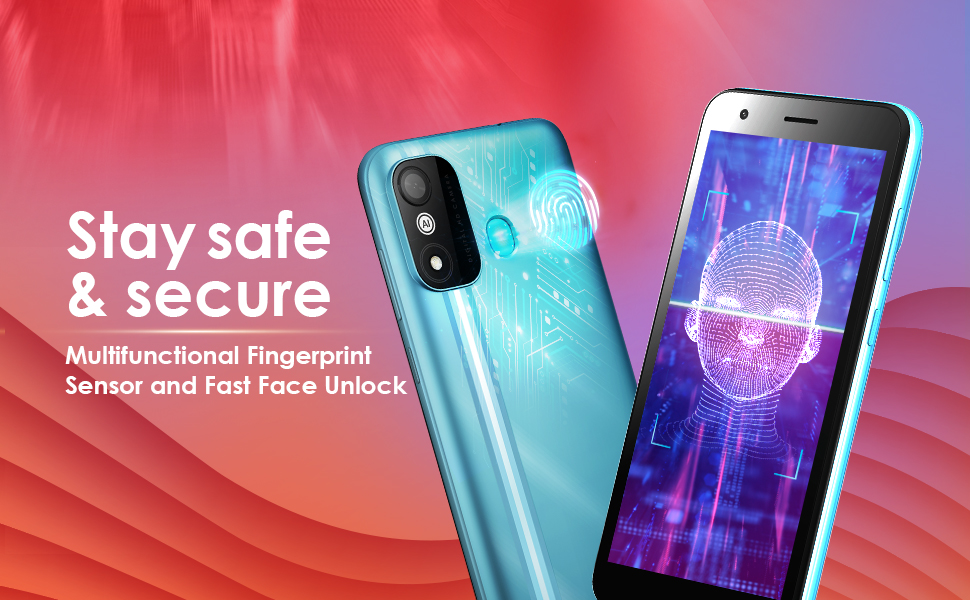
Image: The Itel A27 highlighting its fingerprint sensor on the back and the face unlock feature on the front display.
4.3. Camera Usage
Capture moments with the Itel A27's cameras:
- Rear Camera: The 5MP AI Rear Camera supports various shooting modes, including Portrait.
- Front Camera: The 2MP Front Photo Sensor is suitable for selfies and video calls.
To use the camera, open the Camera app from your home screen or app drawer. Tap the shutter button to take a photo or switch to video mode to record.
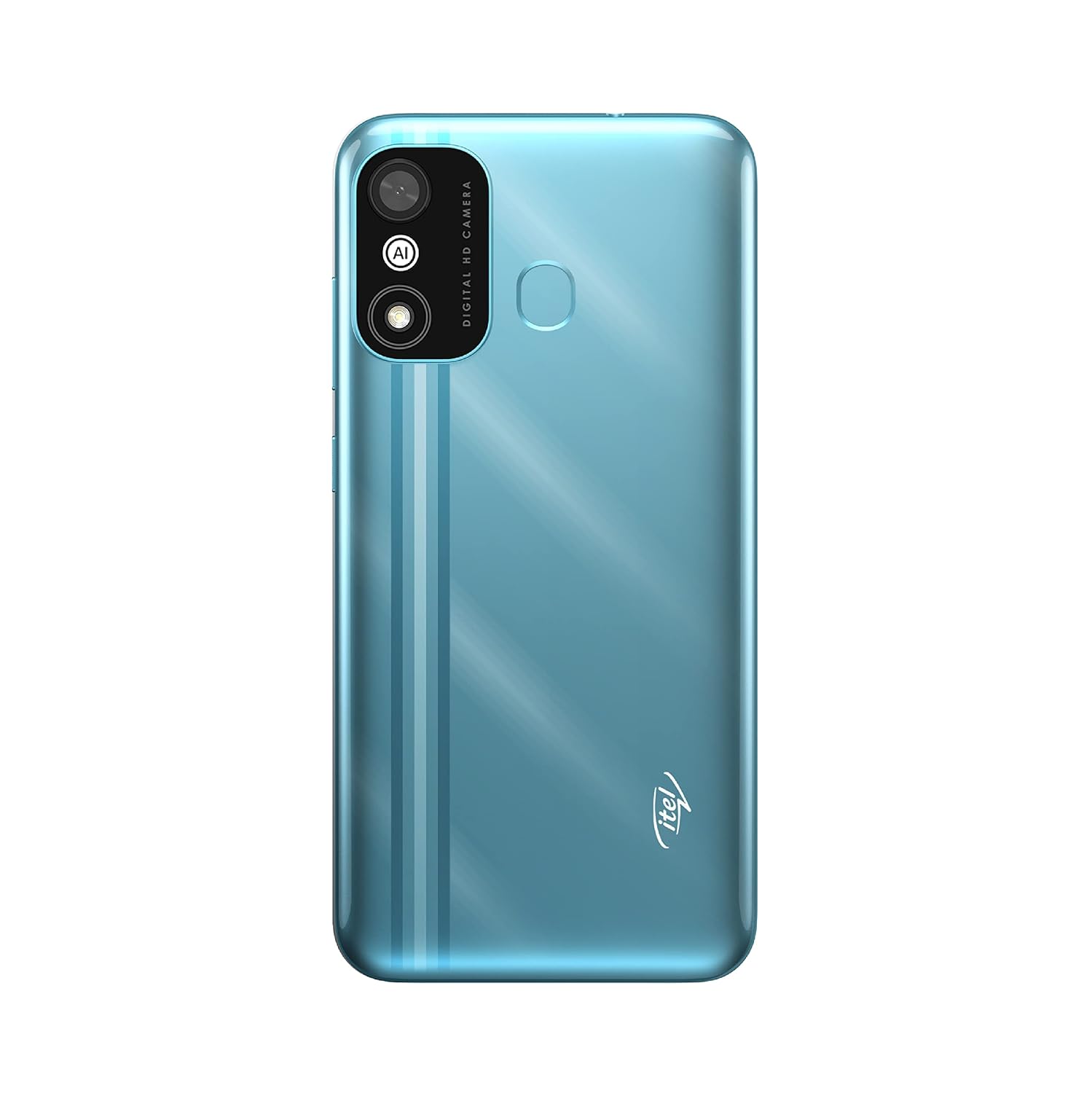
Image: The back of the Itel A27, featuring the 5MP AI Rear Camera module and fingerprint sensor.
4.4. Memory and Storage
The device comes with 2GB RAM and 32GB internal storage. Storage can be expanded up to 128GB using a MicroSD card (sold separately).

Image: Visual representation of the Itel A27's memory specifications, showing 2GB RAM and 32GB ROM, with an option for 128GB expandable storage.
4.5. Operating System
The Itel A27 runs on Android 11 (Go Edition), optimized for entry-level smartphones to provide a smooth and efficient user experience.
5. Battery Management
The Itel A27 is powered by a 4000mAh Lithium-Ion battery, offering an average life of 24 hours and up to 20 hours of talk time.
- Charging: Use the provided adaptor and USB cable to charge your device. Connect the USB cable to the phone's Micro USB port and the adaptor to a power outlet.
- Battery Optimization: To extend battery life, reduce screen brightness, close unused apps, and disable unnecessary features like Wi-Fi or Bluetooth when not in use.
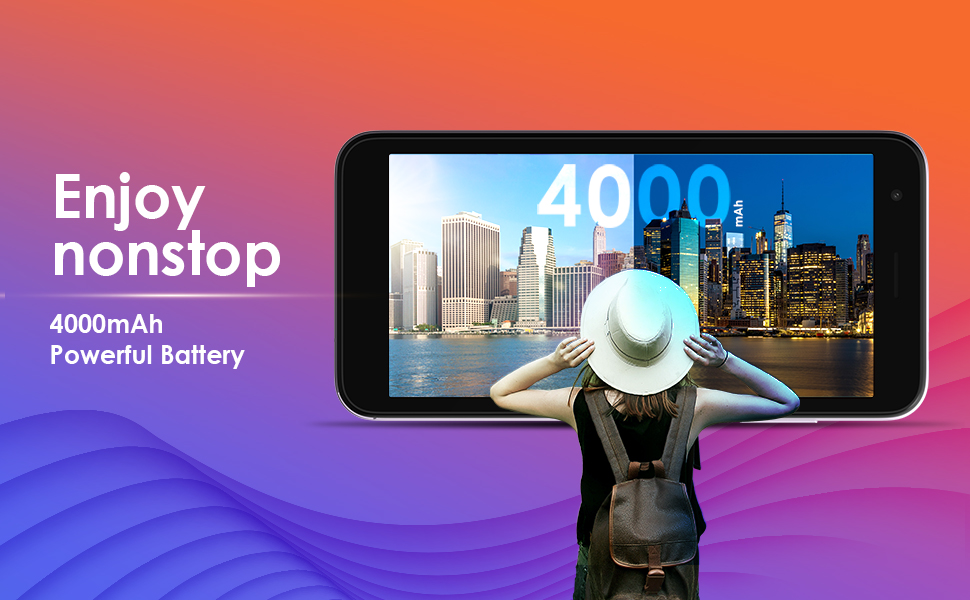
Image: The Itel A27 displaying a prominent 4000mAh battery indicator, emphasizing its long-lasting power.
6. Specifications
| Feature | Detail |
|---|---|
| Brand | Itel |
| Model | A27 (A551L) |
| Operating System | Android 11.0, Go Edition |
| RAM Memory Installed Size | 2 GB |
| Memory Storage Capacity | 32 GB (Expandable up to 128GB) |
| CPU Model | A-Series Quad-Core Processor |
| CPU Speed | 1.4 GHz |
| Colour | Crystal Blue |
| SIM Card Slot Count | Dual SIM (Nano) |
| Connector Type | 3.5mm Jack, Micro USB |
| Biometric Security Feature | Fingerprint Recognition, Face Unlock |
| Water Resistance Level | Water Resistant |
| Front Photo Sensor Resolution | 2 MP |
| Rear Facing Camera Photo Sensor Resolution | 5 MP AI |
| Battery Capacity | 4000 Milliamp Hours (Lithium-Ion) |
| Battery Average Life | 24 Hours |
| Phone Talk Time | 20 Hours |
| Screen Size | 13.84 Centimetres (5.45 inches) |
| Display Type | LCD |
| Maximum Display Resolution | 960x480 Pixels |
| Cellular Technology | 4G |
| Wireless Network Technology | Bluetooth, USB, Wi-Fi, LTE |
| Item Weight | 189 Grams |
| Item Dimensions | 15.3 x 7.5 x 1.1 Centimeters |
7. Troubleshooting
If you encounter issues with your Itel A27, try the following steps:
- Device Not Responding: Press and hold the Power button for about 10-15 seconds to force a restart.
- Battery Draining Quickly: Check background app usage, reduce screen brightness, and disable GPS, Wi-Fi, or Bluetooth when not needed.
- Network Connectivity Issues: Ensure your SIM card is correctly inserted. Try toggling Airplane Mode on and off. If issues persist, contact your network provider.
- Apps Crashing: Clear the cache and data for the problematic app via Settings > Apps > [App Name] > Storage. If the issue continues, uninstall and reinstall the app.
- Slow Performance: Close unused applications, clear cache, and ensure you have sufficient free storage space. Consider performing a factory reset as a last resort (back up your data first).
8. Maintenance
- Cleaning: Use a soft, lint-free cloth to clean the screen and body of the phone. Avoid harsh chemicals or abrasive materials.
- Software Updates: Regularly check for and install system updates to ensure optimal performance and security. Go to Settings > System > System update.
- Environmental Conditions: Avoid exposing your phone to extreme temperatures, direct sunlight, or excessive moisture.
- Screen Protection: Utilize the provided back cover and consider a screen protector to prevent scratches and damage.

Image: A visual reminder of the one-time screen replacement offer within 100 days, showing a phone with a cracked screen.
9. Warranty and Support
Your Itel A27 comes with a 1-year manufacturer warranty. Additionally, Itel offers a One Time Screen Replacement within 100 Days from the date of purchase.
For warranty claims or technical support, please contact:
- Manufacturer: Ismartu India Private Limited. D-197 and 198, Sector-63, Noida, Gautam Buddh Nagar, Uttar Pradesh-201301, S MOBILE DEVICES PRIVATE LTD
- Importer: S Mobile Devices Private Limited. Unit No B-303, 3rd Floor, Tower B, Plot No. 7, Sector -142, Noida, Gautam Buddh Nagar, Uttar Pradesh-201301
Please retain your proof of purchase for warranty services.


