
1. Introduction
This manual provides essential information for the installation, operation, and maintenance of your AlveyTech 24 Volt 2-Wire Hand Throttle. This throttle is designed as a replacement part for various 24-volt electric scooters and bicycles, including models from Avigo Extreme, Pulse Charger, Lightning, Reverb, Dynacraft, and Hot Wheels. Please read these instructions carefully before installation and use to ensure proper function and safety.
2. Product Overview
The AlveyTech 24 Volt 2-Wire Hand Throttle is a durable and cost-effective replacement component. It features a 48-inch wire length and is designed to fit most 7/8" handlebars, providing a smoother and more precise throttle response for compatible electric vehicles.
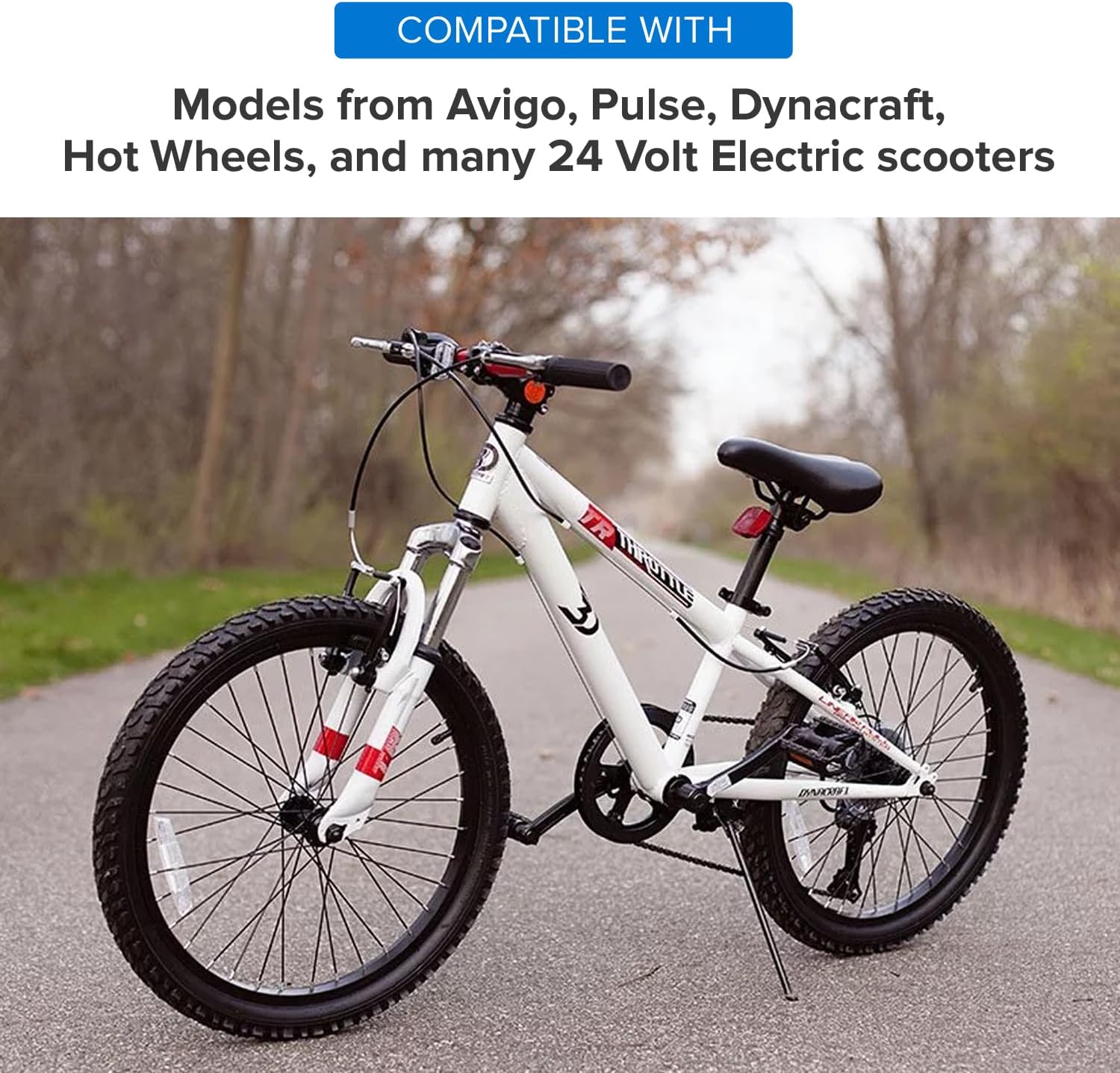
Figure 2.1: AlveyTech 24 Volt 2-Wire Hand Throttle.
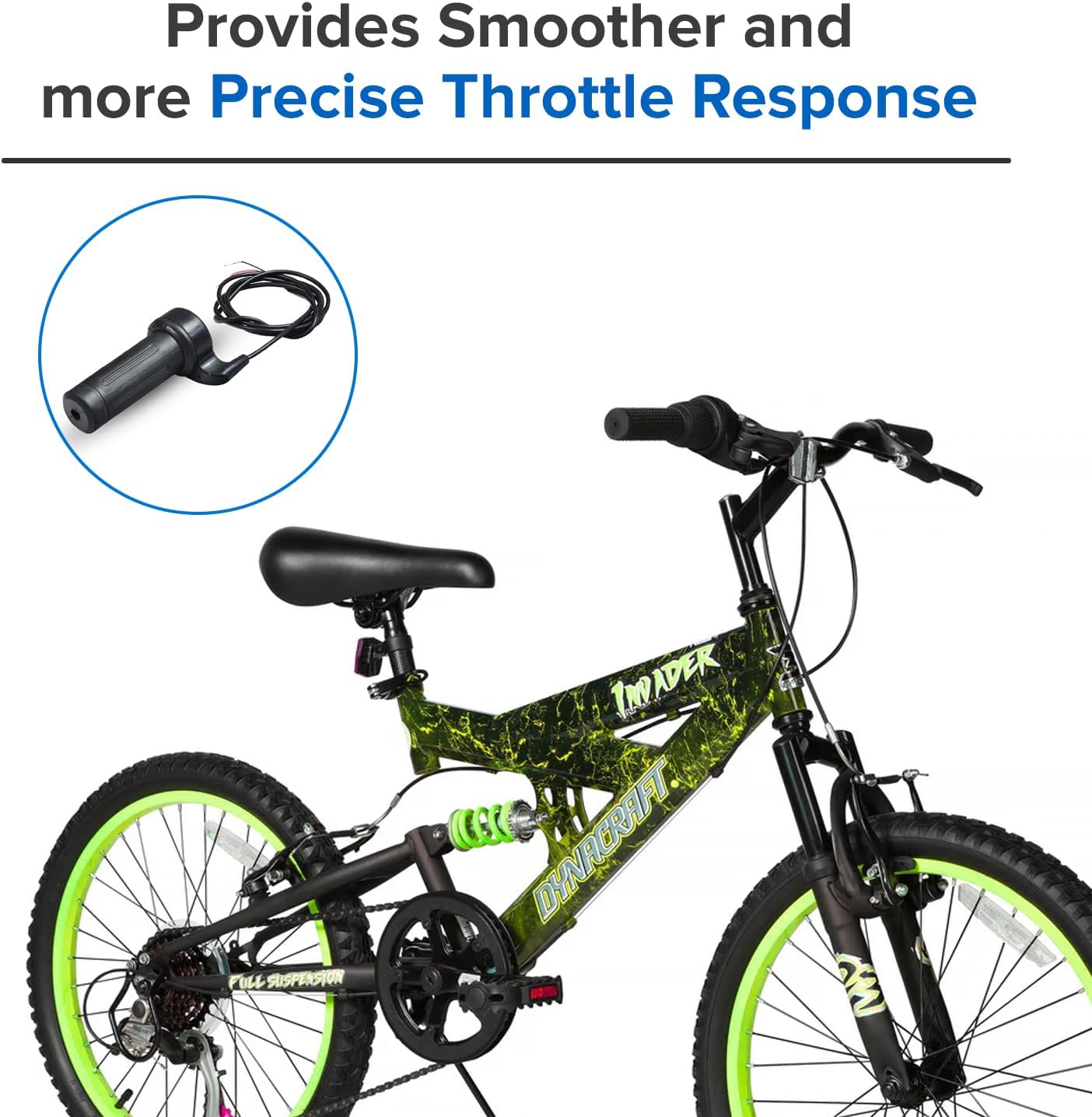
Figure 2.2: The hand throttle showing the grip and attached wiring.

Figure 2.3: Detail of the textured grip for enhanced control.
3. Compatibility
This 24-volt hand throttle is compatible with a wide range of electric scooters and bicycles. Known compatible models include:
- Avigo Extreme
- Pulse Charger
- Lightning
- Reverb
- Various electric models from Dynacraft and Hot Wheels
The throttle is designed to fit most 7/8" handlebars. Always verify the voltage and wiring requirements of your specific vehicle before installation.
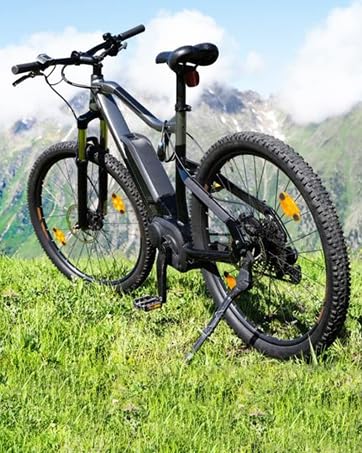
Figure 3.1: Examples of electric scooters and bicycles compatible with the AlveyTech 24 Volt 2-Wire Hand Throttle.
4. Setup and Installation
Installation of the AlveyTech 24 Volt 2-Wire Hand Throttle requires careful attention to wiring. It is recommended that installation be performed by an individual with basic electrical knowledge or a qualified technician.
4.1 Tools Required
- Wire cutters/strippers
- Crimping tool (if reusing old connectors)
- Soldering iron and solder (optional, for secure connections)
- Heat shrink tubing or electrical tape
- Small screwdriver or Allen wrench (for handlebar clamp, if applicable)
4.2 Installation Steps
- Safety First: Disconnect the battery from your electric scooter or bicycle before beginning any installation work.
- Remove Old Throttle: Carefully remove your existing hand throttle. This may involve loosening screws on the handlebar clamp and disconnecting the wiring. Note the existing wiring configuration.
- Mount New Throttle: Slide the new AlveyTech 24 Volt 2-Wire Hand Throttle onto the handlebar. Position it comfortably and securely tighten any screws on the throttle's clamp. Ensure it does not interfere with braking or other controls.
- Wiring Connection: The AlveyTech 24 Volt 2-Wire Hand Throttle typically has two wires for operation (power and signal). However, some units may include a third wire for a different signal type or ground. Refer to your vehicle's wiring diagram or the original throttle's wiring for correct connections. The throttle comes with 48" wires, which may need to be cut or spliced to match your vehicle's existing connectors.
- Secure Connections: After making the electrical connections, ensure they are secure and insulated using heat shrink tubing or electrical tape to prevent short circuits.
- Test Functionality: Reconnect the battery. Carefully test the throttle's operation before riding. Ensure smooth acceleration and deceleration.

Figure 4.1: Example of throttle wiring. Note: This product is a 2-wire throttle. If your unit has 3 wires (e.g., red, black, white), consult your vehicle's wiring diagram for correct signal identification.
5. Operating Instructions
Once installed, operating the AlveyTech 24 Volt 2-Wire Hand Throttle is straightforward:
- Power On: Ensure your electric scooter or bicycle is powered on.
- Engage Throttle: Gently twist the hand throttle towards you to engage the motor and begin accelerating.
- Control Speed: The amount you twist the throttle will directly correspond to the speed of your vehicle. Twist further for more speed, and release to reduce speed or stop.
- Braking: Always use your vehicle's brakes to slow down or stop, especially in emergency situations. The throttle should return to its neutral position when released.
6. Maintenance
The AlveyTech 24 Volt 2-Wire Hand Throttle is designed for durability and requires minimal maintenance. Follow these general guidelines:
- Regular Inspection: Periodically check the throttle for any signs of wear, damage, or loose connections.
- Cleanliness: Keep the throttle clean from dirt, dust, and moisture. Use a damp cloth for cleaning; avoid harsh chemicals.
- Cable Integrity: Ensure the throttle cable is not pinched, frayed, or damaged. Replace if necessary.
- Secure Mounting: Verify that the throttle remains securely mounted to the handlebar. Tighten any loose screws as needed.
7. Troubleshooting
If you encounter issues with your AlveyTech 24 Volt 2-Wire Hand Throttle, consider the following:
- Throttle Not Responding:
- Check all electrical connections for tightness and proper insulation.
- Ensure the battery is charged and properly connected to the vehicle.
- Verify the wiring sequence. Different scooter brands may use different wire connectors. You may need to cut or splice the wires and re-use your old connector. Incorrect wiring is a common cause of non-functionality.
- Intermittent Operation:
- Inspect the wiring for any loose or corroded connections.
- Check for any physical obstructions preventing the throttle from returning to its neutral position or twisting smoothly.
- Stiff or Sticky Throttle:
- Ensure the throttle is not overtightened on the handlebar.
- Clean any debris from around the throttle mechanism.
If issues persist after troubleshooting, consult a qualified technician or contact AlveyTech customer support.
8. Specifications
| Feature | Detail |
|---|---|
| Voltage | 24 Volt |
| Wiring | 2-Wire (Power, Signal) |
| Wire Length | 48 inches |
| Handlebar Compatibility | Most 7/8" handlebars |
| Item Weight | 0.25 Pounds |
| Item Dimensions (LxWxH) | 9.5 x 6 x 2 inches |
| Manufacturer Part Number | T53-6166 |
9. Warranty and Support
Specific warranty information for the AlveyTech 24 Volt 2-Wire Hand Throttle is not provided in the product details. Please refer to the retailer or manufacturer's official website for current warranty terms and conditions. For technical support or inquiries, contact AlveyTech customer service through their official channels.