
Introduction
The WaterPulse WP-V500 Portable Water Flosser is designed to provide effective oral hygiene through powerful, pulsating water jets. This device helps remove plaque and food debris from areas inaccessible to traditional toothbrushes, promoting healthier gums and brighter teeth. Its portable and rechargeable design ensures convenient use at home or while traveling.
Safety Information
Warning:
- Do not use the device with broken or damaged parts.
- Keep the device out of reach of children.
- Always follow all usage and maintenance instructions provided in this manual.
- Ensure the charging adapter is 5V or lower to prevent battery damage.
Package Contents
The WaterPulse WP-V500 package typically includes:
- WaterPulse WP-V500 Portable Water Flosser unit
- Multiple nozzle tips (e.g., classic, tongue cleaner, deep cleaning)
- USB charging cable (adapter not included)
- User Manual

Image: The WaterPulse WP-V500 Water Flosser shown with its retail packaging and a selection of interchangeable nozzle tips.
Product Overview
The WaterPulse WP-V500 features a compact, ergonomic design for comfortable handling. It includes a water reservoir, power button, mode selection button, and indicator lights for pressure settings and battery status.

Image: The WaterPulse WP-V500 Water Flosser unit, highlighting its automatic pressure memory feature and showing three types of nozzle tips: classic, tongue cleaner, and deep cleaning.
Setup
- Charge the Device: Before first use, fully charge the water flosser. Connect the USB charging cable to the device and a 5V USB power adapter (not included). The battery indicator will show charging status. A full charge provides approximately 14 days of use.

Image: The WaterPulse WP-V500 Water Flosser with an illustration indicating up to 14 days of battery life and a low battery warning.
- Fill the Water Reservoir: Open the water tank cover and fill the 320 ml reservoir with lukewarm water. Close the cover securely.
- Attach Nozzle Tip: Insert your desired nozzle tip into the opening on top of the device until it clicks into place.
Operating Instructions
- Select Pressure Setting: Press the 'M' (Mode) button to cycle through the available pressure settings: Low, Medium, and High. The device also features a massage mode. Choose a setting comfortable for your gums.
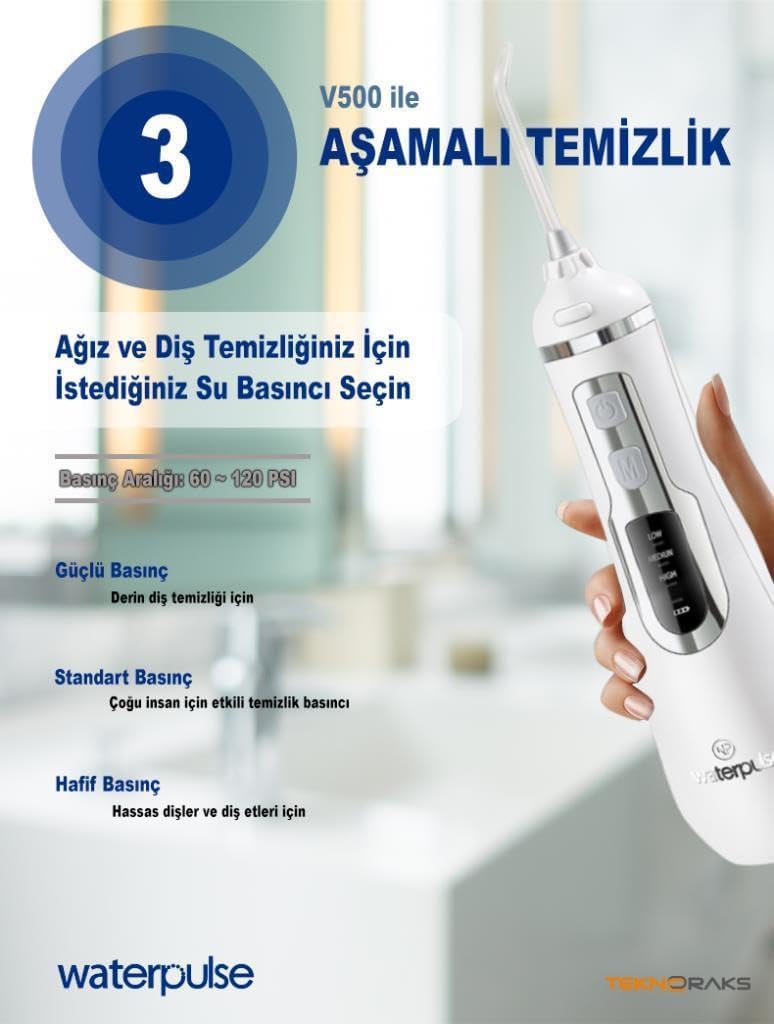
Image: A diagram showing the three adjustable pressure settings (Low, Medium, High) for personalized cleaning with the WaterPulse WP-V500.

Image: The WaterPulse WP-V500 Water Flosser illustrating its two primary operational modes: Cleaning and Massage, with a visual of water jets.
- Position the Tip: Lean over a sink and place the irrigator tip into your mouth, aiming the tip at your gumline at a 90-degree angle.
- Start Cleaning: Press the power button to start the water flow. Move the tip along your gumline, pausing briefly between teeth. Allow the water to flow into the sink.
- Clean All Areas: Ensure you clean both the front and back surfaces of your teeth, as well as between teeth and along the gumline. The 320 ml tank provides approximately 90 seconds of continuous use.
- Turn Off: Press the power button again to stop the water flosser.
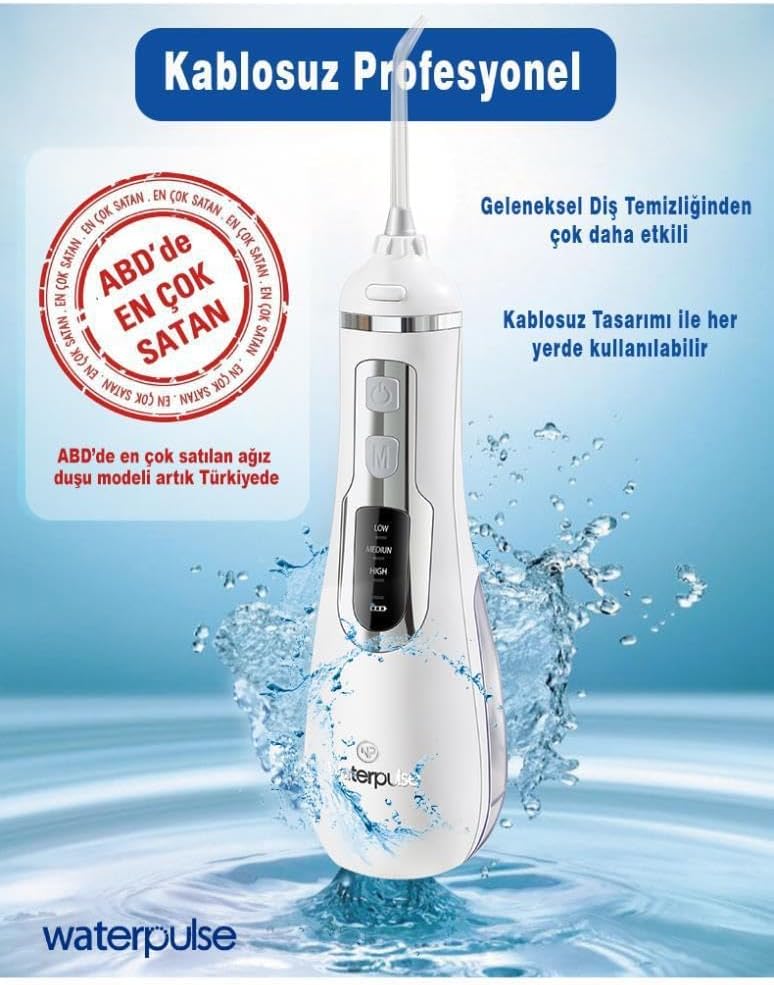
Image: A user demonstrating the WaterPulse WP-V500 Water Flosser in action, showing the powerful water jet effectively cleaning teeth and gums.
Maintenance
- Empty and Dry: After each use, empty any remaining water from the reservoir. Detach the nozzle tip and allow both the tip and the main unit to air dry.
- Clean the Reservoir: Periodically clean the water reservoir with warm, soapy water. Rinse thoroughly.
- Clean the Nozzle Tips: Rinse nozzle tips under running water. For deeper cleaning, soak them in a solution of 2 parts water and 1 part white vinegar for 5-10 minutes, then rinse.
- Store Properly: Store the device in a clean, dry place.
Troubleshooting
| Problem | Possible Cause | Solution |
|---|---|---|
| Device does not turn on. | Low battery or device malfunction. | Charge the device fully. If the problem persists, contact customer support. |
| Weak water pressure. | Low battery, clogged nozzle tip, or low water level. | Charge the device. Clean the nozzle tip. Refill the water reservoir. |
| Water leaks from the device. | Water reservoir cover not securely closed or damaged seal. | Ensure the water reservoir cover is tightly closed. Inspect seals for damage. |
Specifications
| Brand | Waterpulse |
| Model Number | V500 |
| Product Dimensions | 9 x 2.6 x 0.8 cm; 430 grams |
| Water Tank Capacity | 320 ml |
| Power Source | Battery Powered (2000 mAh) |
| Features | Multiple Pressure Settings, Massage Mode, Portable, Cordless |
| Color | White |
| Material | Plastic |
| Country of Origin | China |
Warranty and Support
The WaterPulse WP-V500 Water Flosser comes with a 2-year warranty from the date of purchase. This warranty covers manufacturing defects under normal use.
For warranty claims, technical support, or any questions regarding your device, please contact your retailer or the Waterpulse customer service department. Please have your proof of purchase and model number ready when contacting support.


