
Start-X Remote Starter Kit Instruction Manual
For Toyota RAV4 (2019-2024) Non-Hybrid Vehicles with Key Ignition
1. Product Overview
The Start-X Remote Starter Kit provides remote start functionality for compatible vehicles, enhancing comfort by allowing pre-heating or cooling of the vehicle interior before entry. This system integrates with your existing factory key fob, eliminating the need for additional remote devices.

Figure 1: Start-X Remote Starter Kit for Toyota RAV4.
2. Vehicle Compatibility and Requirements
- Compatible Vehicles: Toyota RAV4 models from 2019, 2020, 2021, 2022, 2023, and 2024.
- Ignition Type: Designed exclusively for vehicles equipped with key blade ignition. Not compatible with push-to-start ignition systems.
- Vehicle Type: Non-hybrid models only.
- Transmission: Gas and automatic transmission only.
- Remote Control: Requires the original factory remote key fob for operation. No additional remote is included in this kit.
- Programming: A Windows PC is required to complete the installation and programming process.

Figure 2: Visual representation of vehicle compatibility requirements.
3. Safety Precautions
- Some vehicle disassembly may be required. Refer to the installation guide for specific details.
- As a safety measure, the vehicle will shut down automatically when a door is opened after remote starting. The vehicle must be restarted manually before driving.
- Ensure the vehicle is in Park (P) before attempting to remote start.
4. What's Included
The Start-X Remote Starter Kit includes all necessary components for installation:
- Remote Start Module (pre-flashed for your vehicle's firmware)
- Vehicle-specific T-Harness (eliminates wire cutting and splicing)
- Pry Tool
- Zip Ties
- Installation Guide
- Welcome Card
- Warning Sticker

Figure 3: All components included in the kit.
5. Setup and Installation
The installation process is designed to be plug-and-play with the included T-harness. A detailed installation video is available to guide you through each step. A Windows PC is required for module programming.
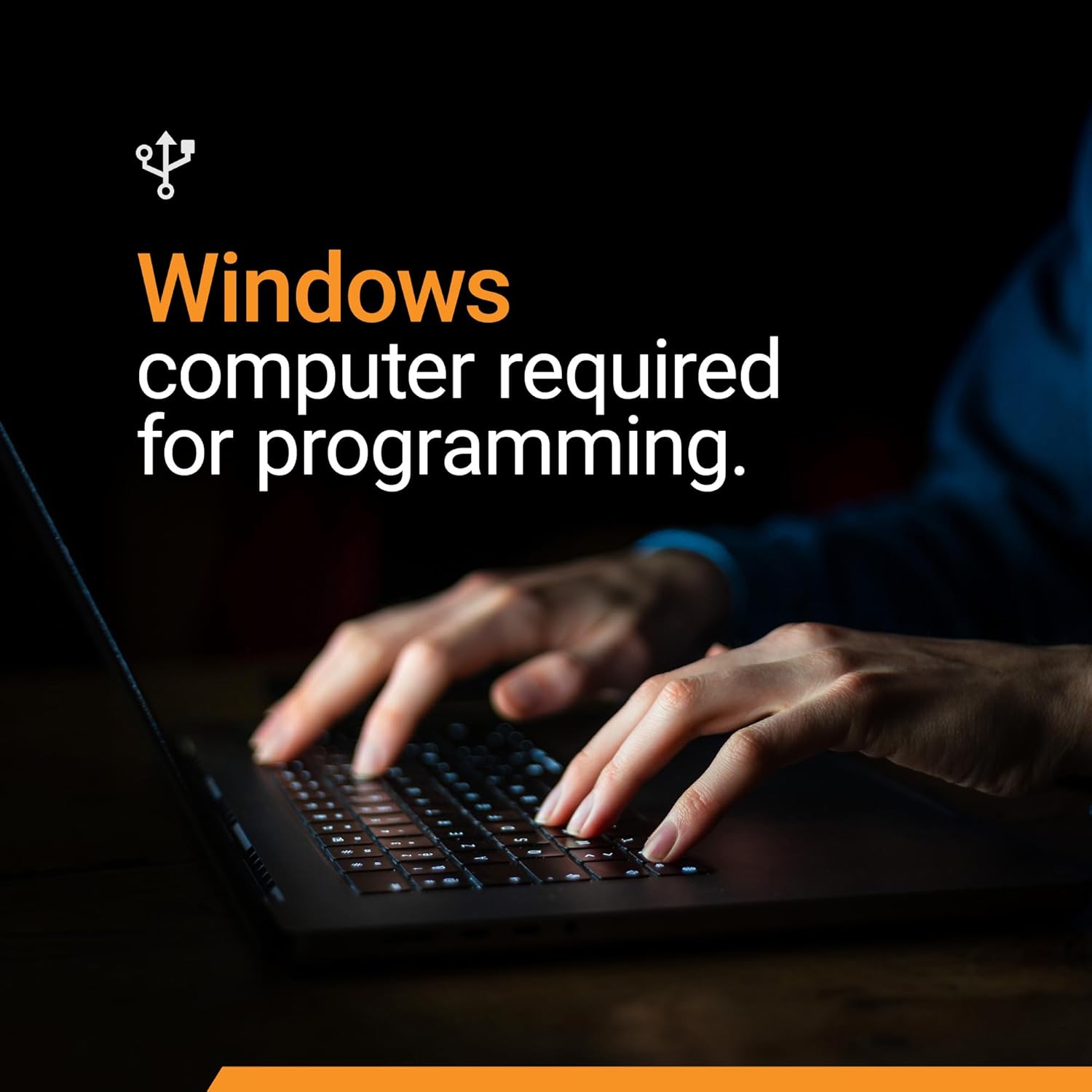
Figure 4: A Windows PC is necessary for module programming.
5.1. Dashboard Panel Removal
Use the provided pry tool to carefully remove the necessary dashboard panels to access the vehicle's wiring connectors. This typically involves removing the lower dash panel and potentially the side panel near the driver's door.
5.2. T-Harness Connections
Locate the vehicle's Body Control Module (BCM) connectors. Disconnect the factory connectors and insert the vehicle-specific T-harness in-line. Ensure all connections are secure and click into place.
5.3. Module Programming
Connect the remote start module to the T-harness. Follow the specific programming instructions provided in the detailed installation guide using a Windows PC. The module is pre-flashed, but programming is required for vehicle recognition.
5.4. Securing the Module
Once all connections are made and the module is programmed, use the provided zip ties to secure the module and excess wiring away from moving parts or potential interference. Reassemble all removed panels in reverse order of disassembly.
6. Operating Instructions
6.1. Remote Starting the Vehicle
To remote start your Toyota RAV4, press the 'Lock' button on your factory remote key fob three (3) times consecutively. The vehicle's lights will flash, and the engine will start.
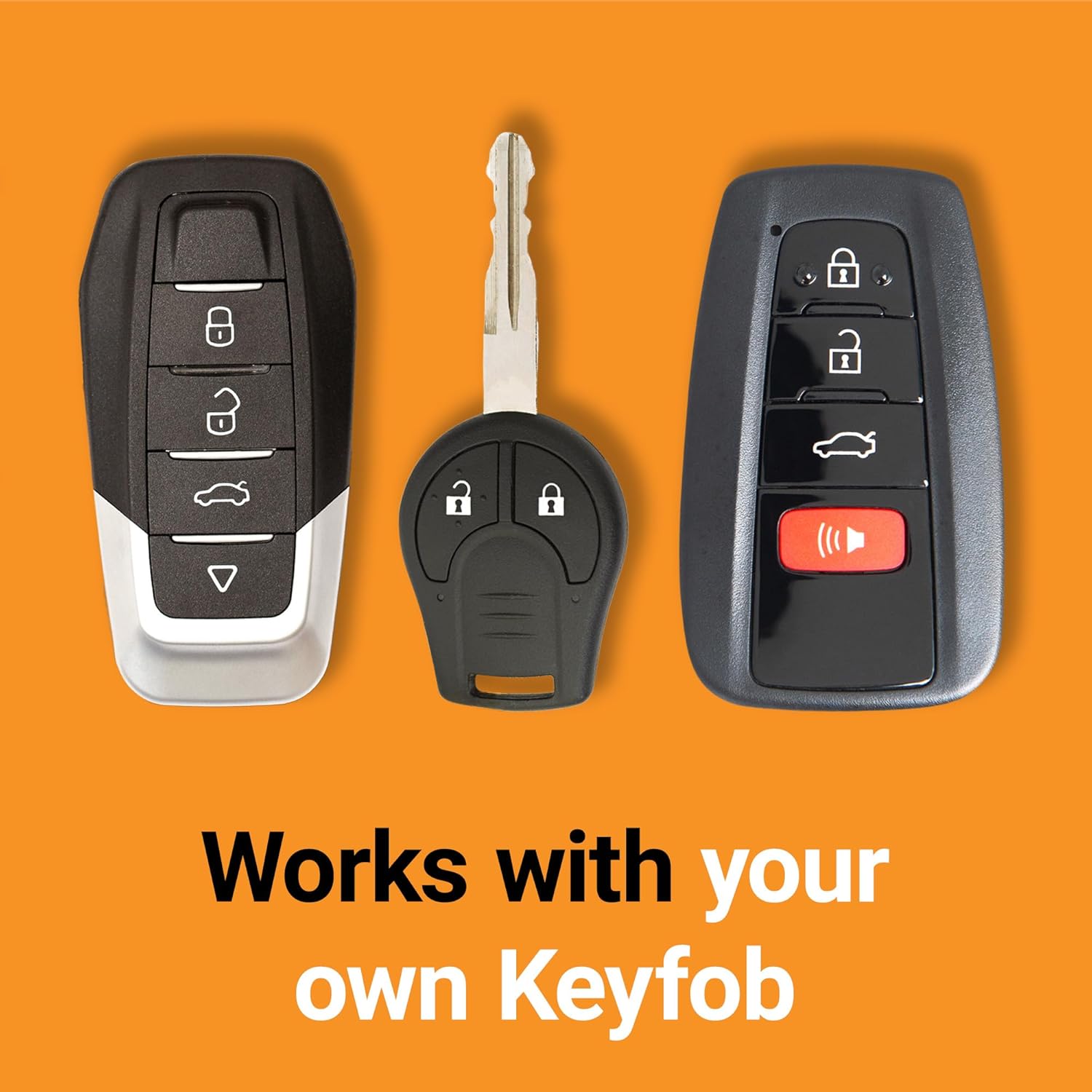
Figure 5: The system integrates with your existing factory key fob.
6.2. Turning Off the Vehicle Remotely
To turn off the vehicle after remote starting, press the 'Lock' button on your factory remote key fob three (3) times consecutively again.
6.3. Driving After Remote Start
After remote starting, unlock the vehicle, enter, and insert your key into the ignition. Turn the key to the 'ON' position (without starting the engine) and then to 'START' to take over control of the vehicle. The vehicle will shut down if a door is opened before the key is inserted and turned.
6.4. Remote Start Range
The distance from which you can remote start your vehicle is the same as the effective range of your factory remote key fob for locking/unlocking the doors. For extended range, a Start-X RF kit (sold separately) can be integrated.

Figure 6: Remote start from the comfort of your home or office.
7. Maintenance
The Start-X Remote Starter Kit is designed for maintenance-free operation. Ensure all connections remain secure. No user-serviceable parts are inside the module.
8. Troubleshooting
- Vehicle does not remote start: Verify all T-harness connections are secure. Ensure the module was programmed correctly using a Windows PC. Check the factory key fob battery.
- Vehicle shuts down immediately after remote start: This is a safety feature if a door is opened. Ensure the key is inserted and turned to 'ON' before opening doors.
- Reduced remote start range: The range is limited by the factory key fob. Consider purchasing a Start-X RF kit for extended range.
- Tire pressure light on after remote start: Some vehicles may temporarily display a tire pressure warning light after remote start. This typically resolves once the vehicle is driven.
9. Specifications
- Brand: Start-X
- Model Number: T12-R4
- Item Weight: 1.39 pounds
- Package Dimensions: 8.82 x 4.61 x 3.62 inches
- Date First Available: January 26, 2022
10. Warranty and Support
Start-X provides technical and customer support for additional assistance with installation or troubleshooting. Please refer to the contact information provided in your kit or on the official Start-X website for support.


