
Finlux FLU5535ANDROID
Finlux FLU5535ANDROID 55-inch 4K Ultra HD Android Smart TV
User Manual
1. Introduction
Thank you for purchasing the Finlux FLU5535ANDROID 55-inch 4K Ultra HD Android Smart TV. This manual provides essential information for setting up, operating, and maintaining your new television. Please read this manual thoroughly before using the product and keep it for future reference.
Important Safety Information
Always follow basic safety precautions when using this television to reduce the risk of fire, electric shock, and injury to persons. Do not expose the TV to rain or moisture. Do not open the cabinet. Refer all servicing to qualified personnel.
- Ensure proper ventilation around the TV.
- Do not block ventilation openings with items such as newspapers, table-cloths, or curtains.
- Do not place the TV on an unstable cart, stand, tripod, bracket, or table.
- Unplug the TV during lightning storms or when unused for long periods.
- Keep small components and batteries out of reach of children.
2. What's in the Box
Upon unpacking your Finlux FLU5535ANDROID TV, please ensure all the following items are present:
- Finlux FLU5535ANDROID 55-inch 4K Ultra HD Android Smart TV
- Remote Control with Batteries
- Power Cable
- Stand (if applicable, for tabletop placement)
- User Manual (this document)
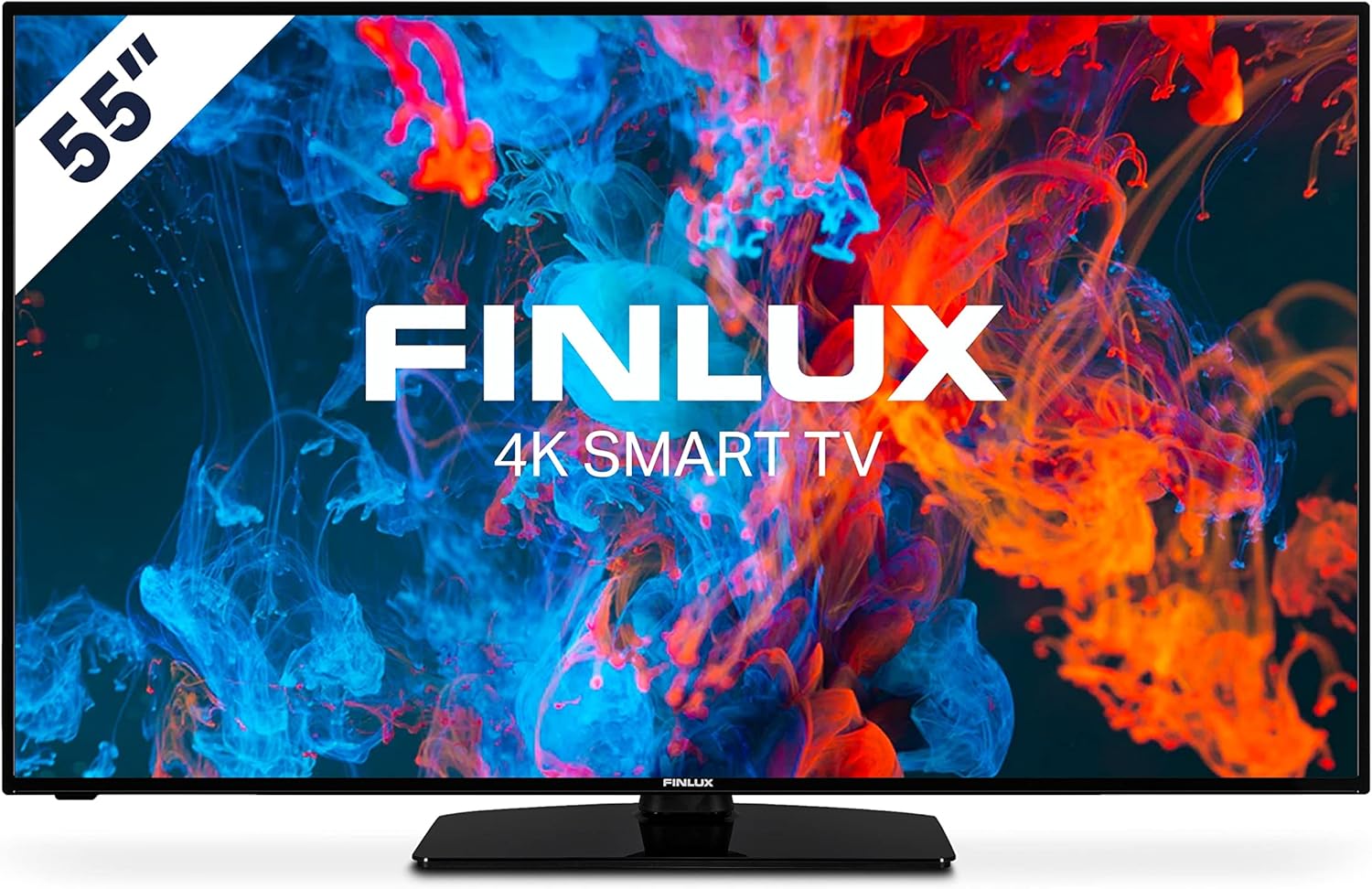
Image: Front view of the Finlux FLU5535ANDROID 55-inch 4K Ultra HD Android Smart TV, showcasing its slim bezel and central stand.
3. Setup
3.1 Physical Placement
The Finlux FLU5535ANDROID TV features a practical size and a slim screen, making it easy to place in various rooms. Its flat back and thin screen design allow for easy wall mounting or placement against a wall.
- Tabletop Placement: Attach the provided stand securely to the TV following the instructions in the separate quick start guide. Place the TV on a stable, level surface.
- Wall Mounting: If you plan to wall mount the TV, ensure you use a VESA-compatible wall mount (not included) and follow the wall mount manufacturer's instructions.
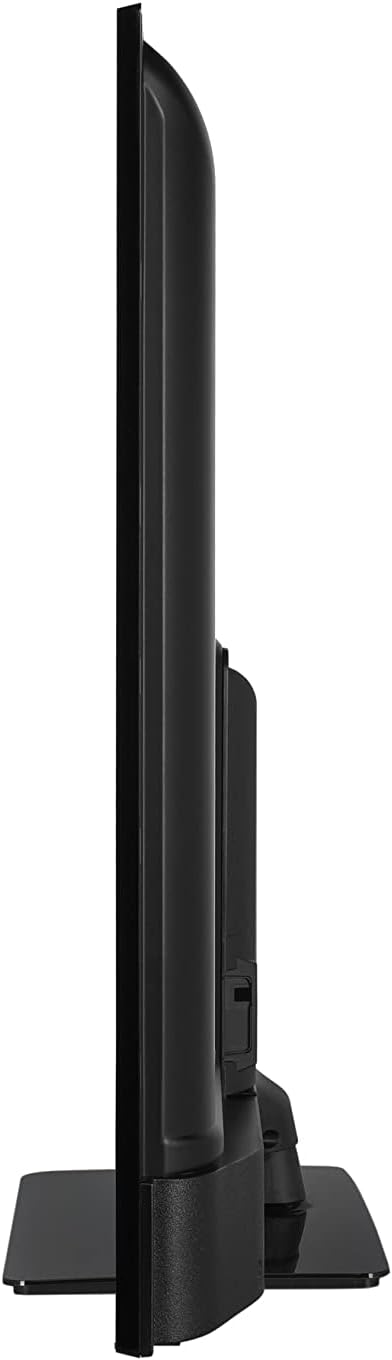
Image: Side profile view of the Finlux FLU5535ANDROID TV, highlighting its slim design.
3.2 Connecting Cables
Connect the power cable to the TV's power input and then to a wall outlet. Connect your external devices such as set-top boxes, gaming consoles, or Blu-ray players to the appropriate ports on the TV.

Image: Rear view of the Finlux FLU5535ANDROID TV, displaying the arrangement of its input ports including HDMI and USB.
- HDMI: Connect high-definition devices using HDMI cables. This TV features 4 HDMI ports.
- USB: Connect USB storage devices for media playback or PVR functionality. This TV has 2 USB ports.
- Antenna/Cable: Connect your antenna or cable TV input for broadcast channels.
- Ethernet: For a stable wired internet connection.
3.3 Initial Power On and Setup Wizard
After connecting all necessary cables, plug the TV into a power outlet and press the power button on the remote control or the TV itself. The TV will guide you through the initial setup process, including language selection, network connection, and channel scanning.
4. Operating Your TV
4.1 Remote Control Overview
The provided remote control allows you to navigate the TV's features and menus. Insert the included batteries into the remote control before use.

Image: The Finlux TV remote control, featuring dedicated buttons for quick access to popular streaming services like Netflix and YouTube, along with standard navigation and number keys.
- Power Button: Turns the TV on or off.
- Number Buttons: For direct channel selection.
- Navigation Pad (Up/Down/Left/Right/OK): To navigate menus and confirm selections.
- Volume Up/Down: Adjusts the volume level.
- Channel Up/Down: Changes TV channels.
- Netflix/YouTube Buttons: Direct access to these streaming applications.
- Menu Button: Opens the main settings menu.
- Exit Button: Exits the current menu or application.
4.2 Android Smart TV Features
This TV runs on the Android operating system, providing access to a wide range of applications and smart features. Popular applications like Netflix, YouTube, and Prime Video are pre-configured for your convenience.
- Streaming Services: Enjoy movies and series in high quality from Netflix, YouTube, Prime Video, and Spotify.
- Google Play Store: Download additional apps, games, and content from the Google Play Store.
- Chromecast Built-in: Easily cast content from your smartphone or other compatible devices directly to your TV.
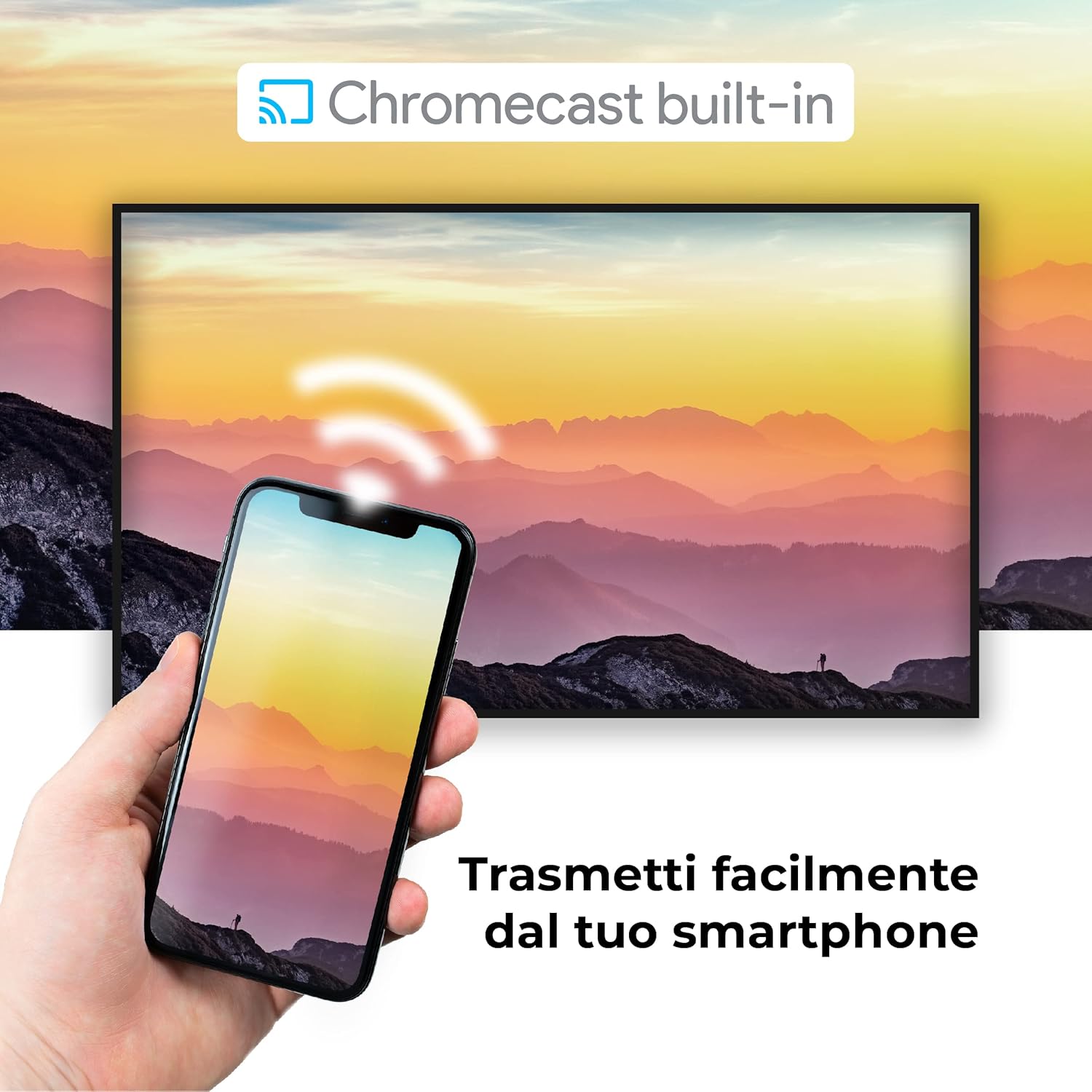
Image: A visual representation of the Chromecast built-in feature, demonstrating how content can be easily streamed from a smartphone to the Finlux TV.
4.3 USB Media Player and PVR
The TV supports USB multimedia playback, allowing you to view photos, play music, or watch videos directly from a USB storage device. It also features PVR (Personal Video Recorder) readiness, enabling you to record TV programs to a connected USB drive.
5. Connections
Your Finlux TV offers a variety of connection options for external devices:
- HDMI Ports (x4): For connecting high-definition devices such as Blu-ray players, game consoles, and set-top boxes.
- USB Ports (x2): For connecting USB storage devices (e.g., flash drives, external hard drives) for media playback or PVR functionality.
- Bluetooth: For wireless connection to compatible audio devices like headphones or soundbars.
- Wi-Fi: Built-in Wi-Fi for wireless internet access and Smart TV features.
- Ethernet (LAN): For a stable wired internet connection.
- Antenna Input: For connecting an aerial for digital terrestrial television (DVB-T, DVB-T2).
- Satellite Input: For connecting a satellite dish (DVB-S, DVB-S2).
- Optical Digital Audio Output: For connecting to a soundbar or home theater system for high-quality audio.
6. Maintenance
6.1 Cleaning the TV
To ensure the longevity and optimal performance of your TV, regular cleaning is recommended:
- Screen: Gently wipe the screen with a soft, lint-free cloth. For stubborn marks, dampen the cloth slightly with water or a specialized screen cleaner. Never spray cleaner directly onto the screen.
- Cabinet: Use a soft, dry cloth to wipe the TV cabinet. Avoid using abrasive cleaners or solvents.
- Before Cleaning: Always unplug the TV from the power outlet before cleaning.
6.2 General Care
- Avoid placing the TV in direct sunlight or near heat sources.
- Do not expose the TV to extreme temperatures or humidity.
- Protect the TV from dust by regularly dusting its surface.
- Do not place heavy objects on top of the TV.
7. Troubleshooting
If you encounter issues with your TV, refer to the following common problems and solutions before contacting support:
| Problem | Possible Cause / Solution |
|---|---|
| No Power | Ensure the power cable is securely plugged into the TV and the wall outlet. Check if the power outlet is working. Try pressing the power button on the TV itself. |
| No Picture / No Sound | Check the input source (HDMI, AV, TV) is correctly selected. Ensure external devices are powered on and connected properly. For sound, check volume levels and mute settings. |
| Poor Picture Quality | Check antenna/cable connection. Adjust picture settings (brightness, contrast, sharpness) in the TV menu. Ensure the source content is high quality. |
| Remote Control Not Working | Check and replace batteries. Ensure there are no obstructions between the remote and the TV's IR sensor. |
| Cannot Connect to Wi-Fi | Ensure Wi-Fi is enabled on the TV. Check your router is working and within range. Re-enter the Wi-Fi password. Try restarting both the TV and the router. |
| Smart TV Apps Not Loading | Check your internet connection. Try restarting the TV. Ensure the app is updated to the latest version. Clear app cache if available in settings. |
8. Specifications
Below are the key technical specifications for the Finlux FLU5535ANDROID TV:
| Feature | Detail |
|---|---|
| Brand | Finlux |
| Model Number | FLU5535ANDROID |
| Screen Size | 55 Inches (140 cm) |
| Display Technology | LED |
| Resolution | 4K Ultra HD (3840 x 2160) |
| Refresh Rate | 100 Hz (with integrated technology, base 50 Hz) |
| Operating System | Android |
| Connectivity | Bluetooth, HDMI, USB, Wi-Fi, Ethernet |
| HDMI Ports | 4 |
| USB Ports | 2 |
| Special Features | Flat Design, Android Smart TV, Chromecast Built-in, PVR Ready |
| Supported Internet Services | Netflix, YouTube, Prime Video, Spotify |
| Included Components | Power cable, Standard, TV |

Image: EU Energy Label for the Finlux FLU5535ANDROID TV, indicating its energy efficiency class G and power consumption details. For more details, visit the official EPREL database: EPREL Product Information
9. Warranty and Support
Finlux products are designed for reliability and performance. This product comes with a standard manufacturer's warranty. Please refer to the warranty card included with your product for specific terms and conditions.
For technical support, troubleshooting assistance beyond this manual, or warranty claims, please contact Finlux customer service. Contact information can typically be found on the manufacturer's official website or on the product packaging.
Note: Information regarding spare parts availability is not provided. Software updates are not guaranteed beyond a certain period.
Related documentsFLU5535ANDROID


Ask a question about this manual
Ask about setup, troubleshooting, compatibility, parts, safety, or missing instructions. Manuals+ will review the question and use this page’s manual context to help answer it.