1. Introduction
This manual provides detailed instructions for the installation and operation of the Start-X Remote Starter, model N7-O. This system allows you to remotely start your 2022 or 2023 Mitsubishi Outlander using your existing factory key fob, enhancing comfort by pre-conditioning your vehicle's interior.

Image 1.1: Start-X Remote Starter packaging and compatible vehicle.
2. Product Features
- Plug N Play Installation: Designed for a simplified installation process with no wire cutting or splicing required.
- Factory Remote Integration: Utilizes your vehicle's existing factory key fob for remote start functionality.
- T-Harness System: Includes a specialized T-harness for direct connection to factory wiring.
- North American Design: The remote start module is designed and manufactured in North America.
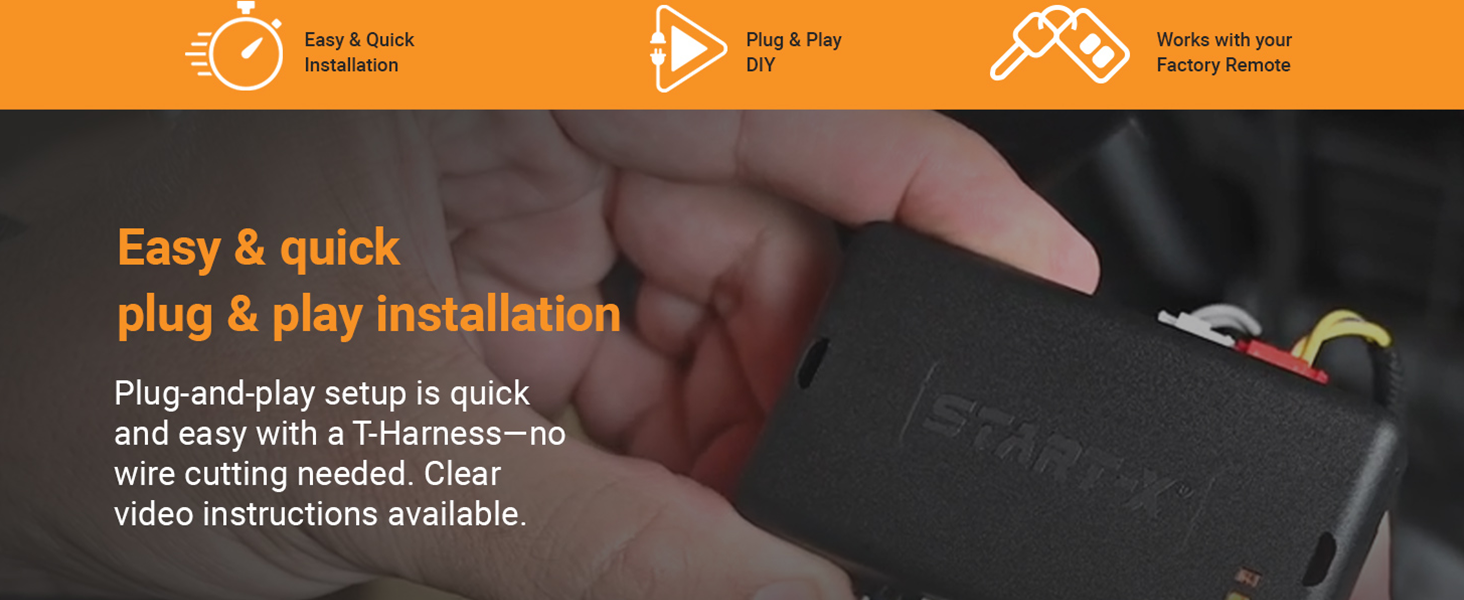
Image 2.1: The Start-X module and T-harness for plug-and-play installation.
3. Compatibility and Vehicle Requirements
3.1 Compatible Vehicles
This Start-X Remote Starter (Model N7-O) is compatible with the following vehicles:
- 2022 Mitsubishi Outlander
- 2023 Mitsubishi Outlander
Important: This kit is NOT compatible with the Mitsubishi Outlander Sport model.
3.2 Vehicle Requirements
Your vehicle must meet the following criteria for proper operation:
- Automatic Transmission: The remote starter is designed for vehicles with automatic transmissions only.
- Push-To-Start Ignition: Compatible only with vehicles equipped with a push-button start system.
- Gasoline Fuel Type: Designed for gasoline-powered vehicles.
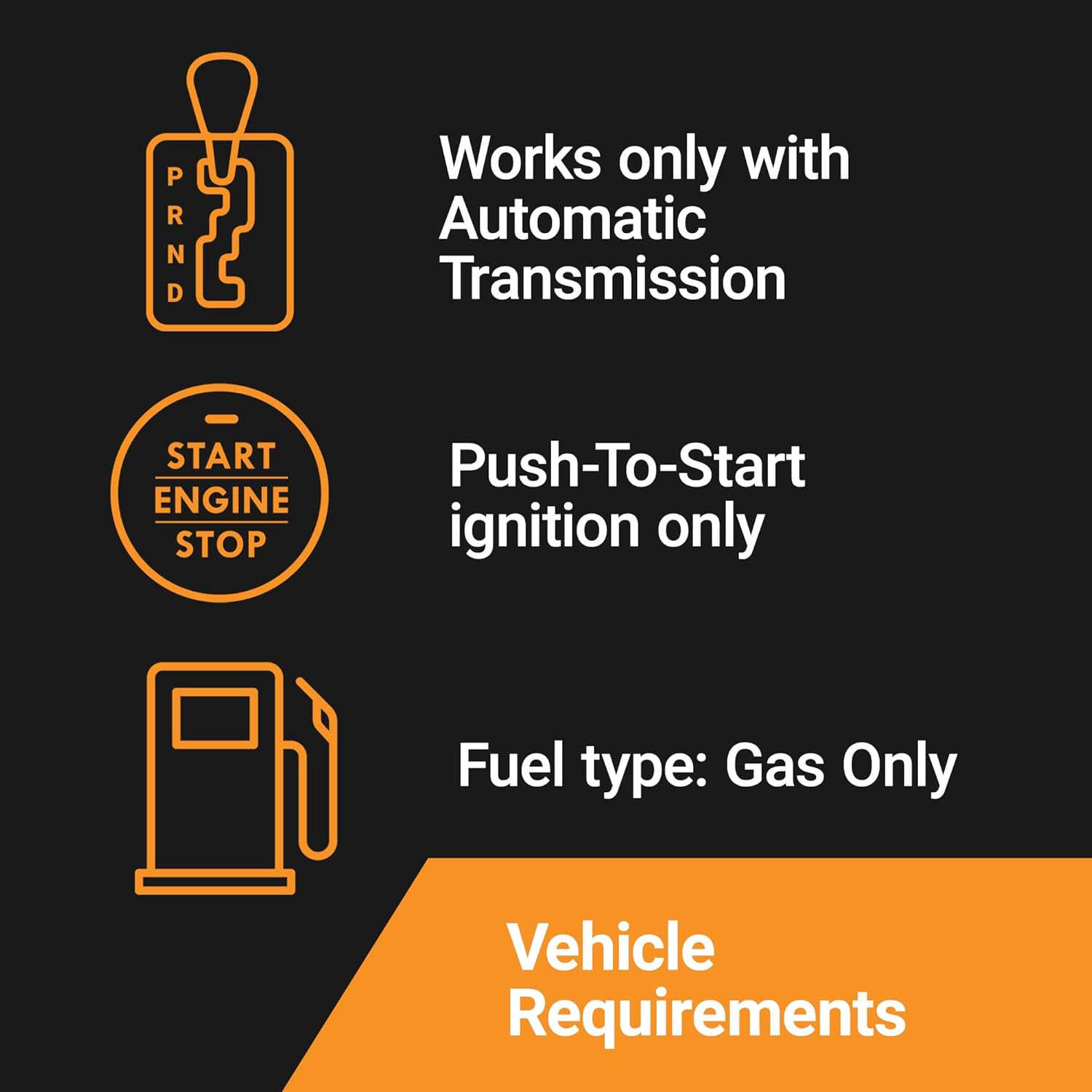
Image 3.1: Visual representation of vehicle compatibility requirements.
4. What's in the Box
Upon opening your Start-X Remote Starter package, you should find the following components:
- Remote Start Module: The main control unit for the system.
- Vehicle Connection Harness: Pre-wired harness for connecting the module to your vehicle's electrical system.
- Pry Tool: A plastic tool to assist in safely removing interior trim panels.
- Zip Ties: For securing wiring and the module after installation.
- Install Guide: A printed guide for installation.
- Welcome Card: General product information.
- Warning Sticker: For safety notices.

Image 4.1: All components included in the Start-X Remote Starter kit.
5. Setup and Installation
The Start-X Remote Starter is designed for a plug-and-play installation. No wire cutting or splicing is required. It is recommended to watch the official installation video for your specific vehicle model before beginning the installation process. Search for "Start-X Mitsubishi Outlander Remote Start Installation" on video platforms for visual guidance.
5.1 General Installation Steps
- Access Vehicle Wiring: Carefully remove the necessary interior trim panels to access the vehicle's wiring harness. Use the provided pry tool to prevent damage.
- Connect T-Harness: Locate the designated factory connectors and connect the Start-X T-harness. Ensure all connections are fully seated and secure.
- Program the Module: Follow the specific programming instructions provided in the included Install Guide. This typically involves a sequence of button presses and observing LED indicators on the module.
- Secure Components: Once programmed and tested, use the provided zip ties to secure the remote start module and all wiring, ensuring they are clear of moving parts and not pinched.
- Reinstall Trim Panels: Carefully reattach all removed interior trim panels.
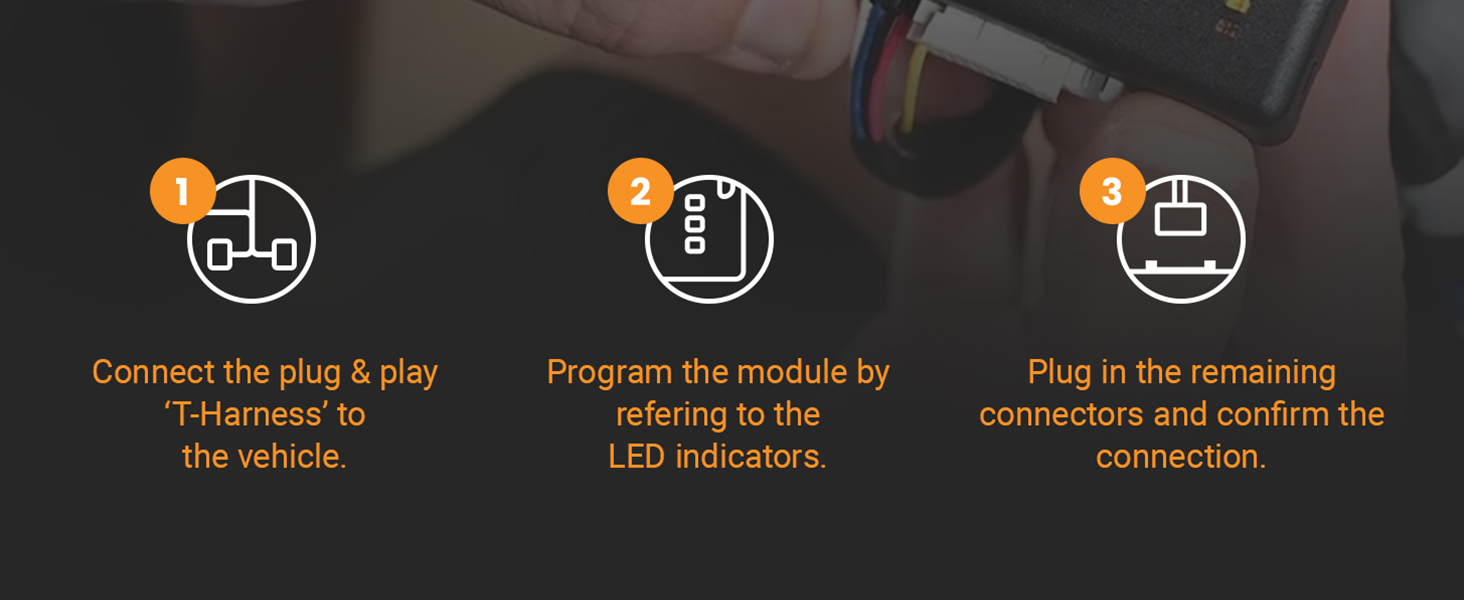
Image 5.1: Simplified installation steps for the remote start module.
6. Operating Instructions
6.1 Remote Starting Your Vehicle
To remote start your Mitsubishi Outlander:
- Ensure your vehicle is locked.
- Press the Lock button on your factory key fob three (3) times consecutively.
- The vehicle's parking lights will flash, and the engine will start.
The remote start function will typically run for a preset duration (e.g., 10-15 minutes) before automatically shutting off. You can extend this time by repeating the remote start sequence.
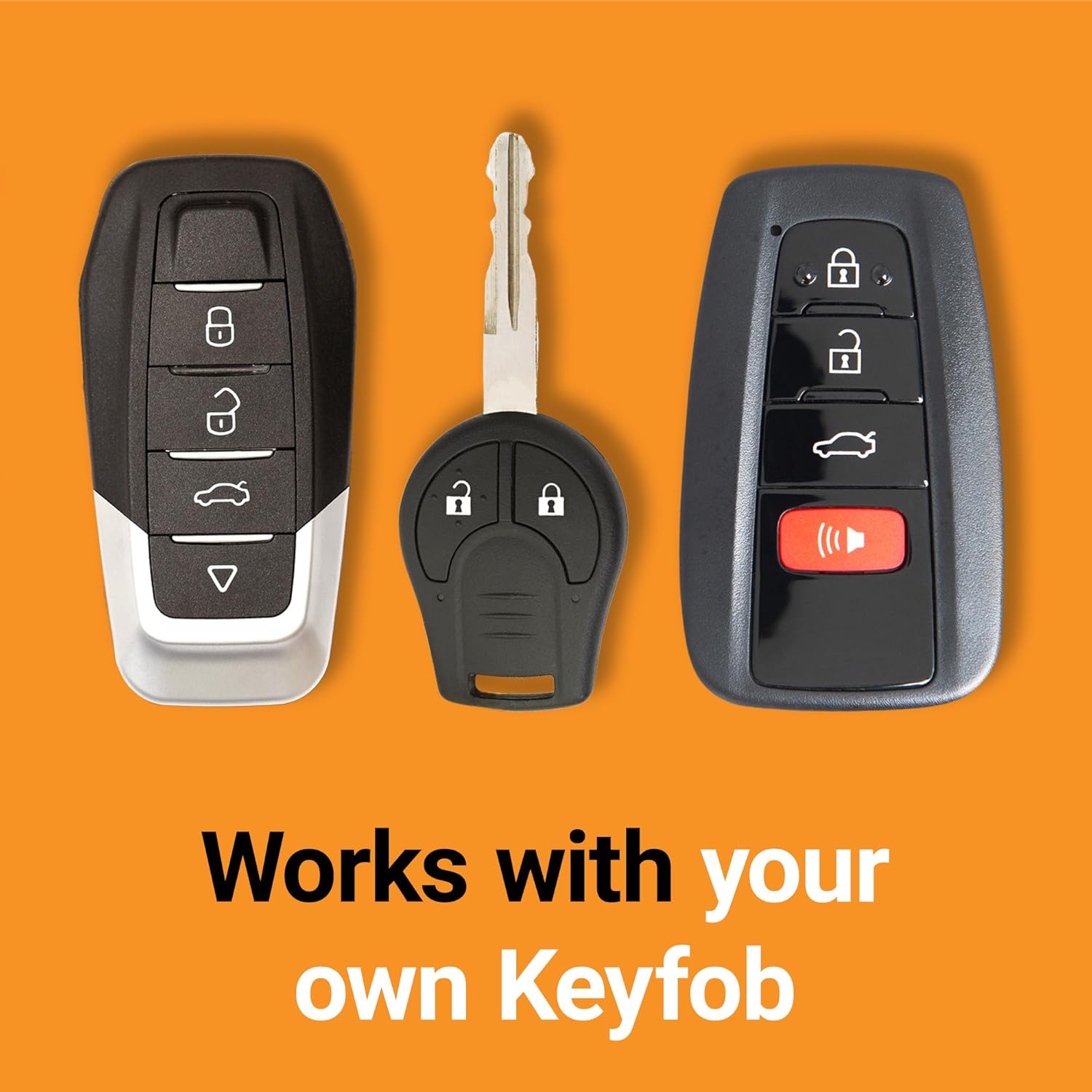
Image 6.1: The remote starter operates using your vehicle's original key fob.
6.2 Remote Shutting Off Your Vehicle
To remotely shut off your vehicle after it has been remote started:
- Press the Lock button on your factory key fob three (3) times consecutively.
6.3 Important Operating Notes
- Operating Range: The effective range for remote starting is the same as the range for locking/unlocking your vehicle with the factory key fob. Test your key fob's range to understand the remote start's operational distance.
- Driving Requirement: After two consecutive remote starts, the vehicle must be driven (i.e., the ignition turned on with the key, and the vehicle put into gear) before the remote start function can be used again. This is a safety feature.
- Horn Honk: Depending on your vehicle's settings, pressing the lock button three times may result in multiple horn honks. This is a normal indication of the remote start command being received.
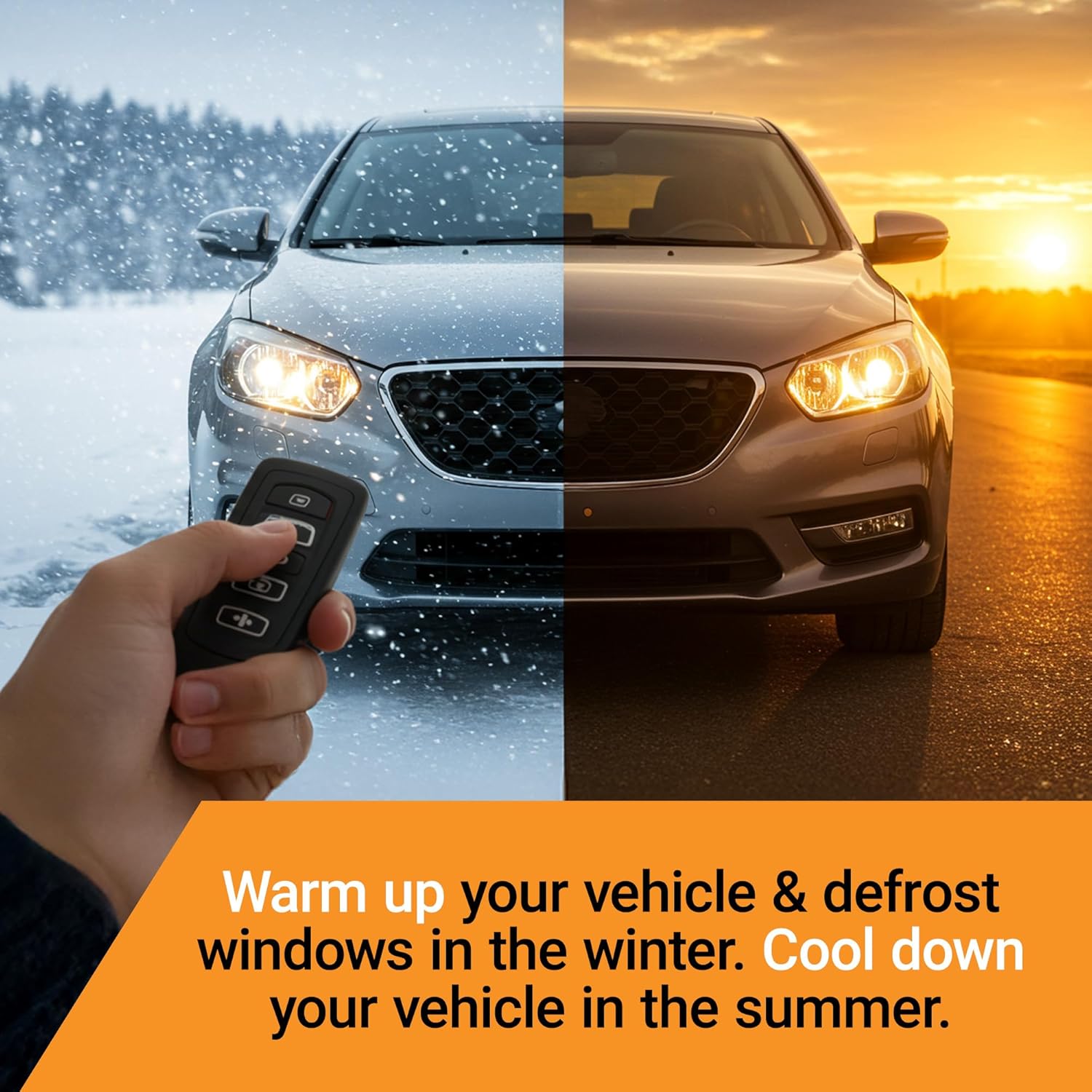
Image 6.2: Remote start provides comfort in various weather conditions.
7. Troubleshooting
If you encounter issues with your Start-X Remote Starter, please review the following common troubleshooting steps:
| Problem | Possible Cause | Solution |
|---|---|---|
| Remote start does not activate. |
|
|
| Engine starts but immediately shuts off. |
|
|
| Remote start range is poor. | Environmental interference or key fob battery. | Test your factory key fob's normal range. Replace key fob battery if necessary. Avoid areas with high electromagnetic interference. |
If these steps do not resolve the issue, please contact Start-X technical support for further assistance.
8. Specifications
| Attribute | Detail |
|---|---|
| Model Number | N7-O |
| Manufacturer | Start-X |
| Item Weight | 11.3 ounces |
| Package Dimensions | 8.19 x 4.17 x 2.32 inches |
| Compatibility | 2022 & 2023 Mitsubishi Outlander (Automatic Transmission, Push-To-Start, Gas Only) |
9. Warranty and Support
For warranty information regarding your Start-X Remote Starter, please refer to the documentation included in your product package or visit the official Start-X website.
Start-X provides technical support with agents located in the USA, offering assistance in English. For support inquiries, please refer to the contact information provided in your product documentation or on the Start-X website.


