
Introduction
The BORUIT SK305 Portable Cold Smoke Infuser is designed to impart natural smoky flavors to a variety of foods and beverages. This device offers a convenient and efficient method for enhancing culinary creations without altering their temperature or texture. Its compact design allows for use in various settings, from home kitchens to outdoor events.
Safety Information
- Keep out of reach of children.
- Use only in a well-ventilated area.
- Do not touch the burning chamber immediately after use as it may be hot.
- Ensure the device is completely cool before cleaning or storing.
- Use only approved wood chips or smoking materials.
- Do not immerse the main unit in water.
Package Contents
Before use, please verify that all items are present in the package:
- 1 x BORUIT SK305 Portable Cold Smoke Infuser (Main Unit)
- 1 x Detachable Hose
- 1 x Sample Wood Chips
- 1 x Cleaning Brush
- 1 x Screwdriver
- 2 x Replacement Meshes
- 1 x User Manual
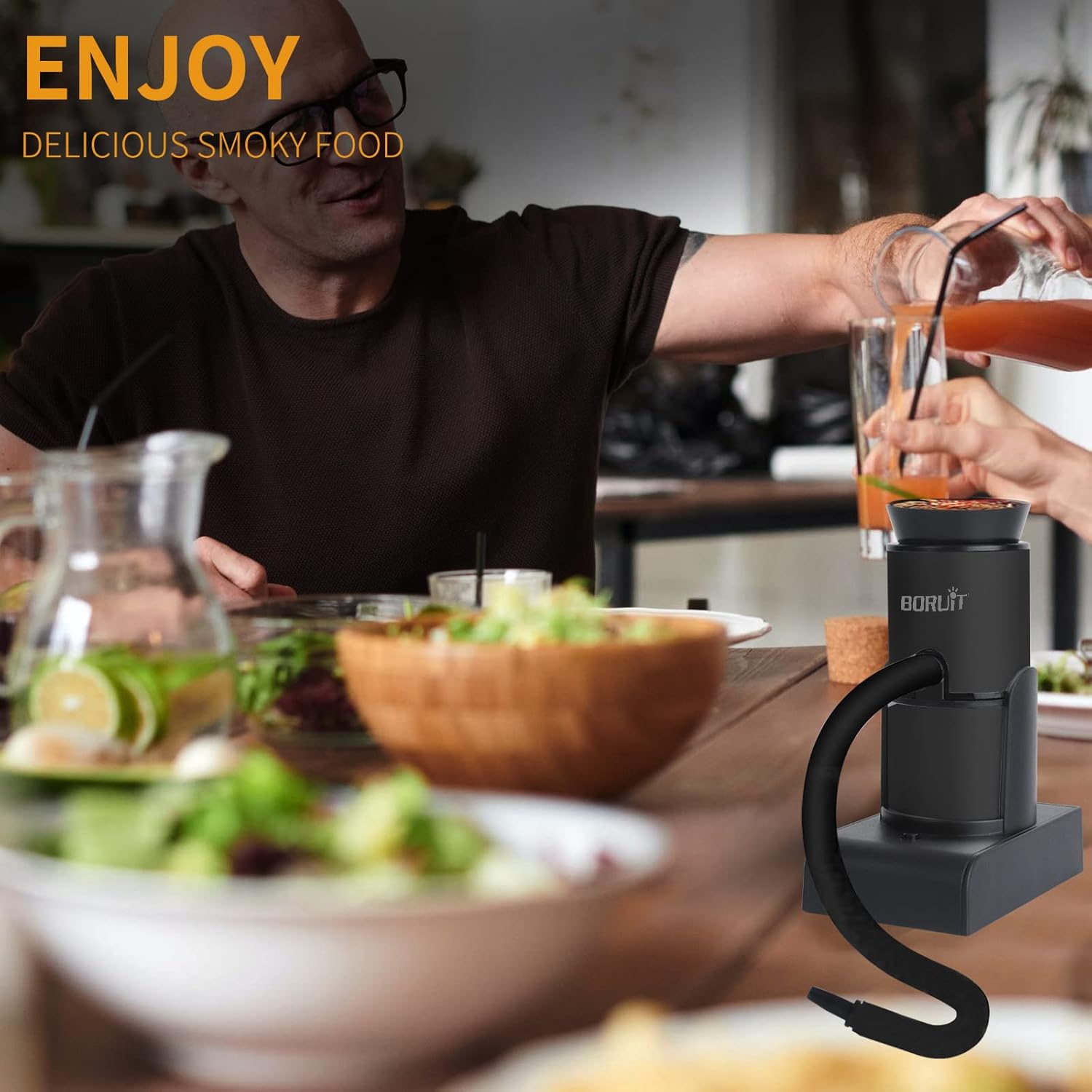
Image: This image displays all items included in the product package: the smoking gun, a detachable hose, wood chips, a cleaning brush, a screwdriver, replacement meshes, and the user manual.
Setup Instructions
1. Battery Installation
- Locate the battery compartment at the base of the smoke infuser.
- Open the battery cover.
- Insert two (2) AA batteries, ensuring correct polarity. (Batteries not included)
- Close the battery cover securely.
2. Device Assembly
- Attach the detachable hose to the smoke outlet on the side of the main unit. Ensure it is firmly connected.
- Place the main unit onto its base.
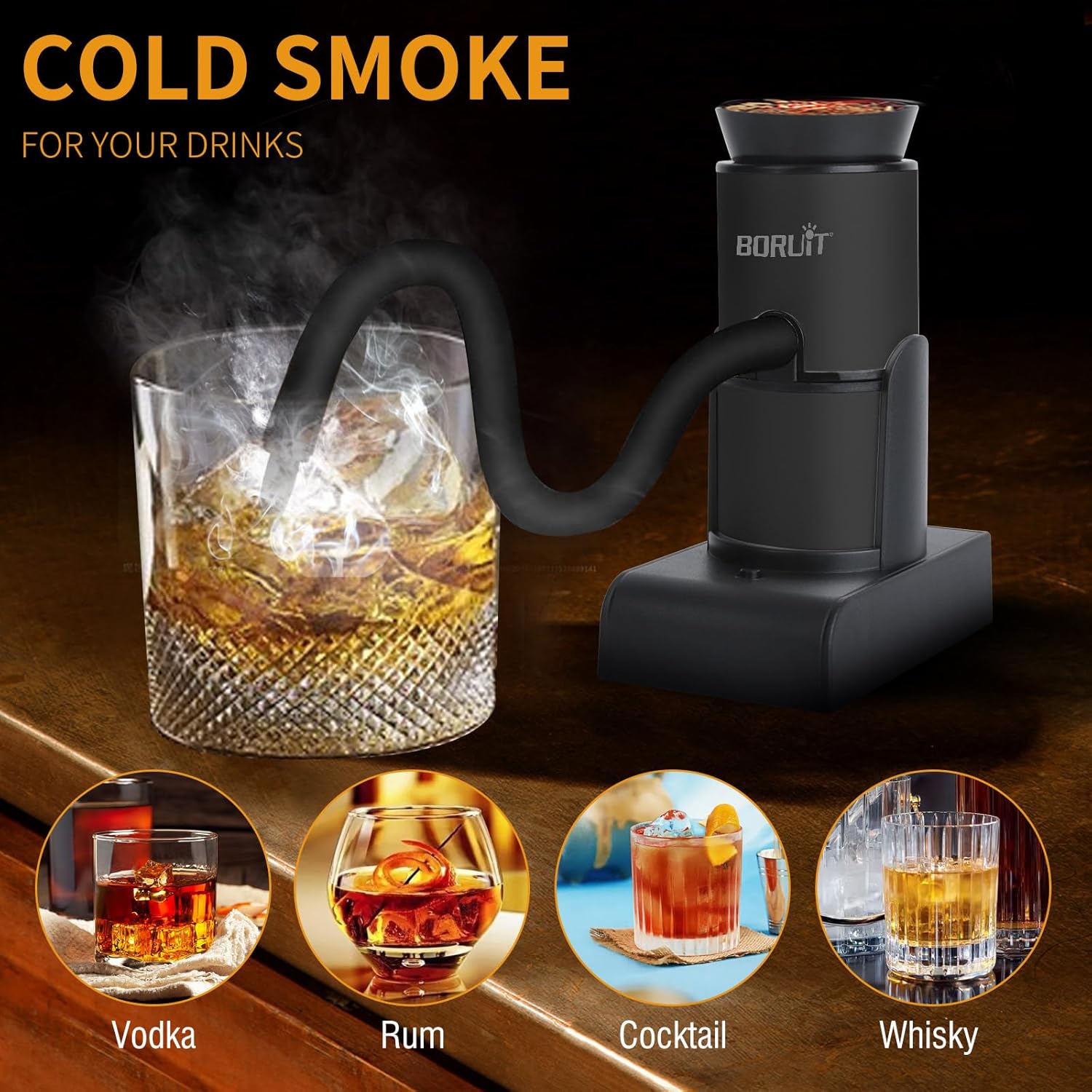
Image: A visual guide detailing the six operational steps: 1. Install two AA batteries. 2. Add wood chips to the chamber. 3. Turn on the switch. 4. Light the wood chips. 5. Smoke your food or drink. 6. Clean the combustion chamber.
Setup and Operation Video
Video: This video demonstrates the assembly, battery installation, wood chip loading, and basic operation of the BORUIT SK305 Portable Cold Smoke Infuser.
Operating Instructions
1. Add Wood Chips
Place a small amount of wood chips, tea, herbs, spices, hay, or dried flowers into the top combustion chamber. Do not overfill.
2. Activate and Light
- Turn on the power switch located on the base of the unit. The fan will begin to operate.
- Using a lighter or match, ignite the wood chips in the combustion chamber until smoke is produced.
3. Apply Smoke
Direct the hose into a covered container, cloche, or directly over the food/drink you wish to infuse. Allow the smoke to circulate for a few seconds to a few minutes, depending on the desired intensity of flavor. Remove the hose and cover the item to allow the smoke to settle.
Applications
The BORUIT SK305 is suitable for infusing a variety of items:
- Food: Steak, vegetables, cheese, desserts, fish, popcorn.
- Drinks: Cocktails, whiskey, vodka, rum.

Image: The image illustrates the smoke infuser adding cold smoke to various food items including steak, vegetables, cheese, and dessert, highlighting its versatility.

Image: This image shows the smoke infuser being used to infuse cold smoke into different beverages such as vodka, rum, cocktails, and whiskey.
Smoking Process Demonstration
Video: A demonstration video showcasing the BORUIT SK305 Portable Cold Smoke Infuser in action, applying smoke to various food and drink items.
Maintenance
Cleaning the Smoke Infuser
Regular cleaning is essential for maintaining the device's durability and performance. Follow these steps after each use:
- Ensure the device is completely cool.
- Carefully remove the top combustion chamber.
- Empty any remaining ash or unburnt wood chips from the chamber.
- Use the provided cleaning brush to remove residue from the mesh filter and the interior of the chamber.
- Wipe the exterior of the unit with a damp cloth. Do not use abrasive cleaners.
- Ensure all parts are thoroughly dry before reassembling and storing.
Cleaning Demonstration Video
Video: This video provides a step-by-step guide on how to properly clean and maintain the BORUIT SK305 Portable Cold Smoke Infuser to ensure its longevity and optimal performance.
Troubleshooting
- No Smoke Production:
- Ensure batteries are correctly installed and have sufficient charge.
- Verify that the wood chips are properly ignited.
- Check if the combustion chamber or hose is clogged with residue. Clean as per maintenance instructions.
- Fan Not Working:
- Replace batteries with new ones.
- Ensure the power switch is in the 'ON' position.
- Check for any obstructions in the fan area.
- Weak Smoke Output:
- Ensure the wood chips are dry and of appropriate size.
- Clean the mesh filter and hose to ensure unobstructed airflow.
Specifications
| Feature | Detail |
|---|---|
| Brand | BORUIT |
| Model Name | SK305 |
| Power Source | Battery Powered (2x AA, not included) |
| Outer Material | Stainless Steel |
| Item Weight | 11.2 ounces (0.7 Pounds) |
| Product Dimensions | 6.1"D x 2.3"W x 5.3"H |
| Fuel Type | Wood Chips |
| Form Factor | Handheld |
Warranty and Support
BORUIT is committed to customer satisfaction. If you encounter any issues or have questions regarding your SK305 Portable Cold Smoke Infuser, please contact our customer support team. We aim to respond to all inquiries within 24 hours.
Please refer to your purchase documentation for specific warranty details.