1. Introduction
Thank you for choosing the X-Raypad Aqua Control 2 Gaming Mouse Pad. This manual provides essential information to help you get the most out of your new mouse pad, ensuring optimal performance for both gaming and professional design tasks. The Aqua Control 2 is engineered for ultra-high precision, offering a perfect balance of speed and control, and consistent X and Y axis glide.
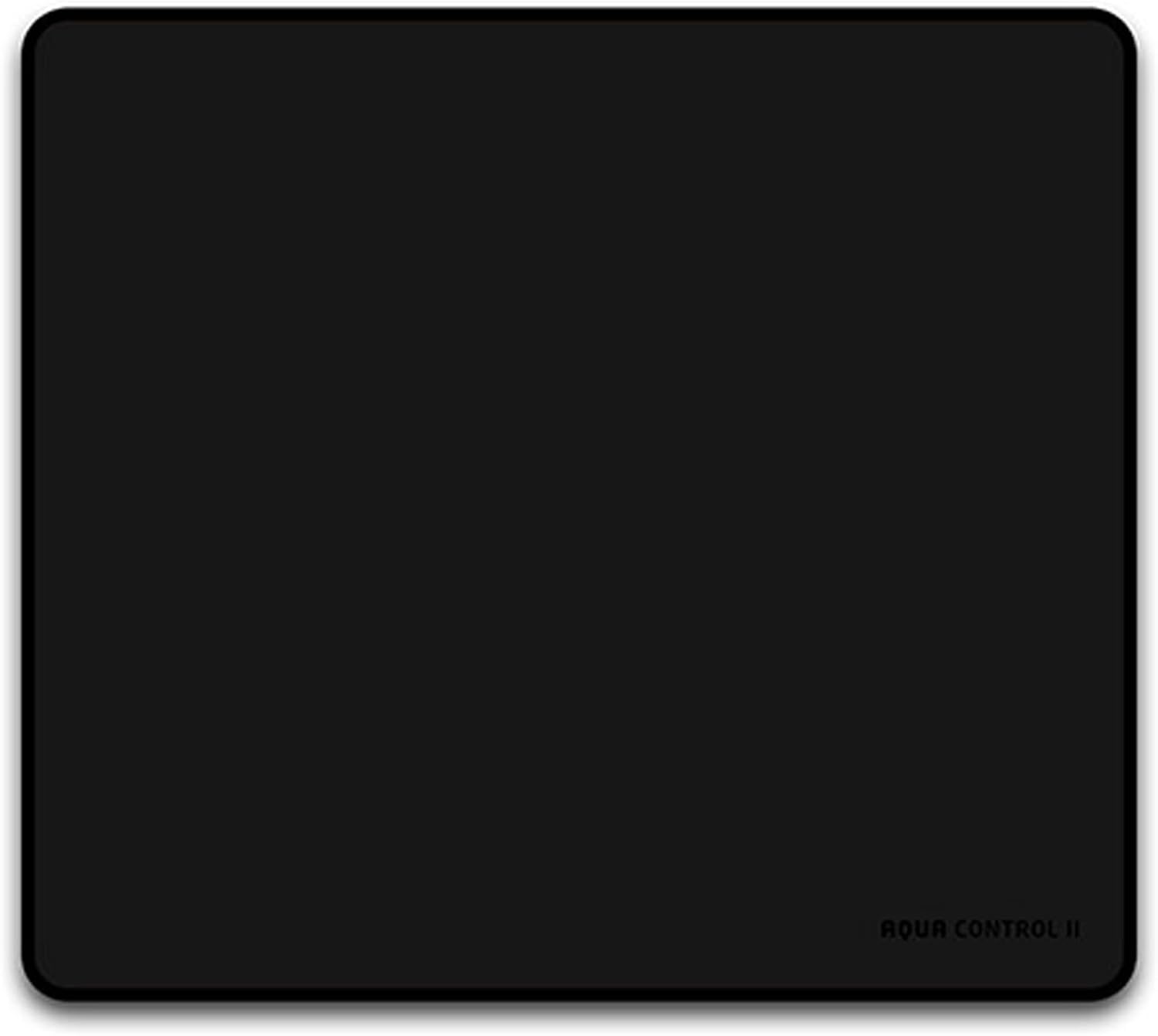
Image: Top-down view of the X-Raypad Aqua Control 2 Gaming Mouse Pad, showcasing its minimalist black design.

Image: A complete gaming setup with multiple monitors, a gaming chair, and the X-Raypad Aqua Control 2 mouse pad on the desk, illustrating its integration into a high-performance environment.
2. Key Features
- Pixel Precise Accuracy: Engineered for high-speed accuracy of linear trajectory, achieving 96.43% at 50ips/3200DPI and 99.2% circle track accuracy. This ensures pixel-precise movements whether moving in a straight line or turning, providing excellent tracking capability.
- Optimized Edge Design: Features a flat, elastic knitted thread on the stitched edge, ensuring a soft and comfortable feel that does not scratch your hand during use. This design enhances comfort compared to traditional mouse pads.
- Advanced Surface Texture: The irregular knitting direction of the woven texture on the front surface minimizes sliding restraint, ensuring consistent X/Y axis control. The mat also features a sweat-proof design, maintaining smooth mouse glide even with wet or sweaty hands, ideal for competitive players.
- Designed for Precision Software: Ideal for users of high-precision design software such as Photoshop (Ps), After Effects (Ae), Illustrator (Ai), Audition (Au), InDesign (Id), Premiere Pro (Pr), Cinema 4D (CD4), and 3D Max. It provides the necessary fluency and precision to improve productivity.
- High-Purity Rubber Material: Constructed from Vietnamese natural high-purity rubber, offering high softness and no bulging at the edges. The material retains its original shape like memory foam, even after being wrinkled.

Image: An illustration demonstrating the pixel-precise accuracy of the mouse pad, showing hands manipulating a mouse with a focus on speed and control.

Image: The mouse pad positioned next to a keyboard and mouse, with a computer screen displaying various high-precision design software icons, highlighting its suitability for creative professionals.

Image: A close-up view of the mouse pad's surface texture and its underlying rubber material, alongside small rubber pellets, emphasizing the 'Food Grade Silicone' and durable construction.
3. Setup and Installation
The X-Raypad Aqua Control 2 Gaming Mouse Pad requires minimal setup. Follow these steps for optimal placement:
- Unpack: Carefully remove the mouse pad from its packaging.
- Unroll: Gently unroll the mouse pad and lay it flat on your desired surface. Due to its high-purity rubber material, it should flatten quickly.
- Position: Place the mouse pad on a clean, flat, and stable desk surface. Ensure there are no obstructions beneath it that could cause unevenness.
- Allow to Settle: If the mouse pad shows any slight curling from packaging, allow it to sit for a few hours, or overnight, to fully flatten. The natural rubber base will provide excellent grip and prevent slipping.
4. Operating Instructions
The X-Raypad Aqua Control 2 is designed for immediate use with any optical or laser mouse. Its specialized surface provides a consistent glide for both speed and control, catering to various user preferences and applications.
4.1. General Usage
- Place your mouse directly onto the surface of the mouse pad.
- The unique surface texture ensures consistent tracking and precise cursor movement, whether you require fast glides for quick maneuvers or controlled movements for fine adjustments.
- The sweat-proof design ensures performance is maintained even during extended use or in humid conditions.

Image: A gaming setup with a mouse on the X-Raypad Aqua Control 2, illustrating how the surface reflects the moving light of the mouse sensor for accurate control during gameplay.
5. Care and Maintenance
Proper care will extend the lifespan and maintain the performance of your X-Raypad Aqua Control 2 Gaming Mouse Pad.
- Regular Cleaning: For light cleaning, use a soft, damp cloth to wipe down the surface.
- Spot Cleaning: For minor spills or marks, a quick wipe with a microfiber towel and a small amount of germ killer spray (non-abrasive) can help remove grease and sweat, restoring the glide.
- Drying: After cleaning, allow the mouse pad to air dry completely before use. Do not expose it to direct sunlight or high heat.
- Important Note: Deep cleaning with soapy water or strong detergents is not recommended as it may alter the unique feel and performance characteristics of the mouse pad's surface.
- Storage: When not in use for extended periods, store the mouse pad rolled up loosely to prevent creases.
6. Troubleshooting
If you encounter any issues with your X-Raypad Aqua Control 2 Gaming Mouse Pad, please refer to the following common solutions:
| Problem | Possible Cause | Solution |
|---|---|---|
| Mouse pad not lying flat | Rolled packaging; new product settling | Lay flat on a clean surface for 24-48 hours. Placing heavy, flat objects on the edges can help. |
| Mouse glide feels inconsistent or slow | Surface dirt/debris; humidity; worn mouse feet | Clean the mouse pad surface as per maintenance instructions. Ensure your mouse feet are clean and not worn. Check room humidity. |
| Mouse tracking issues | Dust/debris on mouse sensor; mouse pad surface dirty | Clean your mouse sensor. Clean the mouse pad surface. Ensure adequate lighting for optical mice. |
| Mouse pad slides on desk | Desk surface is too smooth or dirty | Ensure the desk surface is clean and dry. The natural rubber base provides excellent grip on most surfaces. |
7. Product Specifications
| Specification | Detail |
|---|---|
| Product Name | X-Raypad Aqua Control 2 Gaming Mouse Pad |
| Model Number | Aqua Control Ⅱ |
| Dimensions (Current Model) | 450 x 400 x 4 mm (17.72 x 15.75 x 0.16 inches) |
| Material | Natural High-Purity Rubber (Base), Fabric Surface |
| Color | Black |
| Item Weight | 15.5 ounces (approx. 439 grams) |
| Special Features | Sweat-Resistant, High-Precision Surface, Designed for Low DPI Gaming and Precision Software |
| Recommended Use | Gaming, Professional Design Software |

Image: A diagram illustrating the dimensions of the X-Raypad Aqua Control 2 mouse pad (450mm x 400mm) and its 4mm thickness, along with a note on its durable, non-slip material.
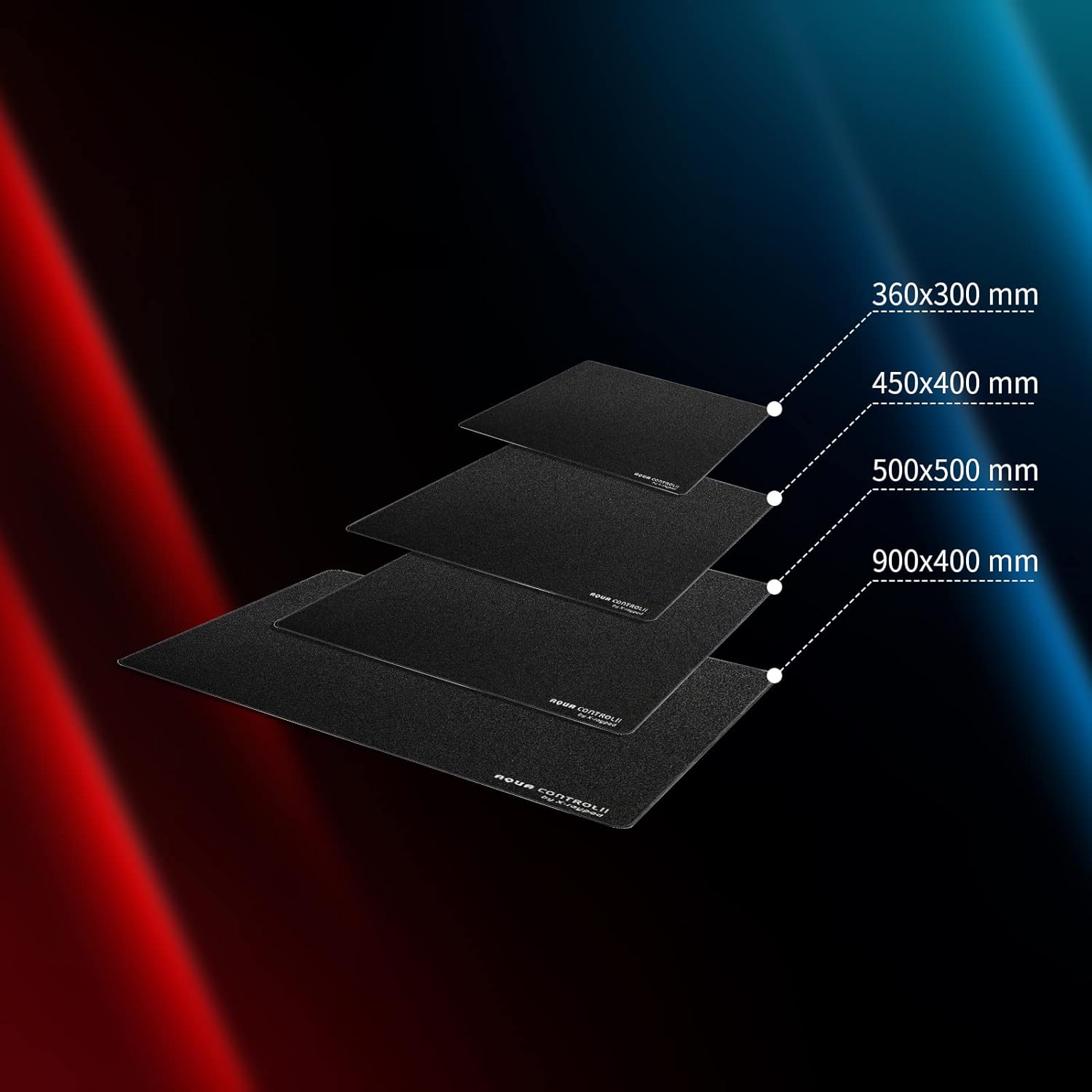
Image: An overview showing different available sizes of X-Raypad Aqua Control mouse pads, including 360x300mm, 450x400mm, 500x500mm, and 900x400mm, demonstrating the range of options.
8. Warranty and Support
X-Ray X-Raypad is committed to providing high-quality products. For specific warranty information and support inquiries, please refer to the official X-Raypad website or contact their customer service directly.
- Online Support: Visit the official X-Raypad website for FAQs, product registration, and support resources.
- Contact Customer Service: If you require further assistance or have questions not covered in this manual, please reach out to X-Raypad customer support. Contact details can typically be found on their official website.


