
1 Hora BOC061
1 Hora Portable Bluetooth Speaker User Manual
Model: BOC061
Introduction
Thank you for choosing the 1 Hora Portable Bluetooth Speaker. This mini wireless speaker offers a powerful 5W output, hands-free calling, Micro USB charging, FM radio, and TF card support. It is designed for portability, making it ideal for travel, camping, and various indoor and outdoor activities. This manual provides detailed instructions for setup, operation, maintenance, and troubleshooting to ensure you get the most out of your device.

Image: The 1 Hora Portable Bluetooth Speaker in red, showcasing its compact cylindrical design with a mesh grille and top-mounted controls, along with a nylon strap for portability.
Safety Information
- Do not expose the speaker to extreme temperatures, direct sunlight, or high humidity.
- Avoid dropping or subjecting the speaker to strong impacts.
- Do not disassemble, repair, or modify the speaker yourself. Contact qualified service personnel for assistance.
- Keep the speaker away from water and other liquids. This product is not waterproof.
- Use only the provided charging cable or a certified equivalent.
- Do not use abrasive cleaners or solvents to clean the speaker.
- Dispose of the battery and speaker according to local regulations.
Package Contents
Please check the package for the following items:
- 1 Hora Portable Bluetooth Speaker (Model: BOC061)
- USB Charging Cable
- Nylon Lanyard
- User Manual
Product Overview (Components)
Familiarize yourself with the speaker's components and controls:

Image: Views of the 1 Hora Portable Bluetooth Speaker from the front, top (control panel), side (ports), and bottom, illustrating its various features and connection points.
Control Panel (Top)
- Power Button: Press and hold to power on/off. Short press to switch modes (Bluetooth/FM/TF/USB/AUX).
- Play/Pause Button: Press to play or pause music. Press to answer/end calls. Double-click for TWS pairing.
- Volume Up (+): Press to increase volume. Press and hold for next track.
- Volume Down (-): Press to decrease volume. Press and hold for previous track.
Ports (Side)
- Micro USB Port: For charging the speaker.
- TF Card Slot: Insert a TF (Micro SD) card for music playback.
- USB Port: Insert a USB flash drive for music playback.
- AUX Port (3.5mm): Connect external audio devices via a 3.5mm audio cable.
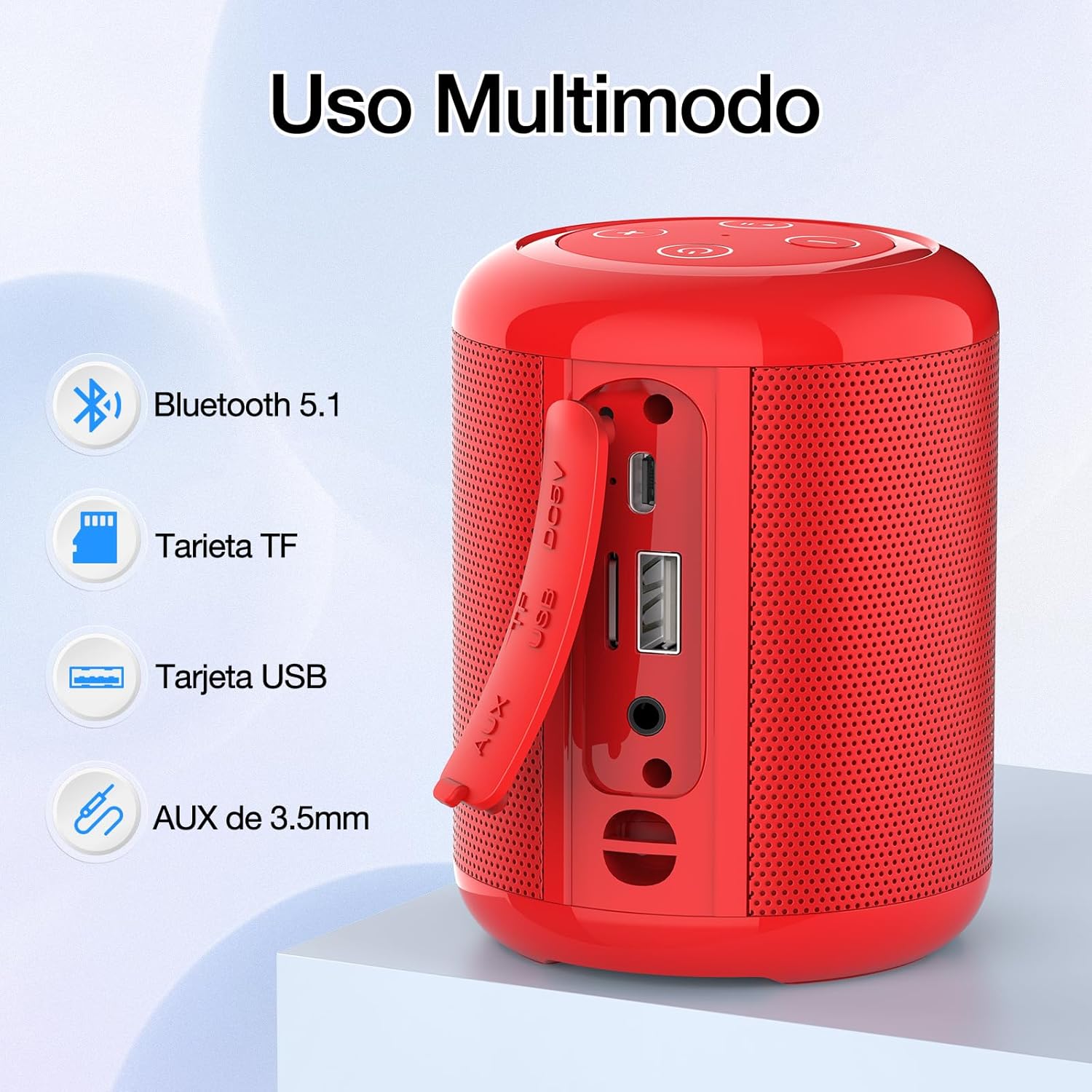
Image: A close-up view of the side of the 1 Hora Portable Bluetooth Speaker, highlighting its various input ports including Bluetooth 5.1, TF card slot, USB card slot, and 3.5mm AUX input, demonstrating its multi-mode usage capabilities.
Setup
Charging the Speaker
Before first use, fully charge the speaker. The built-in 1500mAh rechargeable lithium battery provides extended playback time.
- Connect the Micro USB end of the charging cable to the speaker's Micro USB port.
- Connect the USB-A end of the charging cable to a USB power adapter (not included) or a computer's USB port.
- The charging indicator light will illuminate during charging and turn off when fully charged (approximately 4 hours).
A full charge provides approximately 7 hours of playback at 100% volume or up to 10 hours at 80% volume.
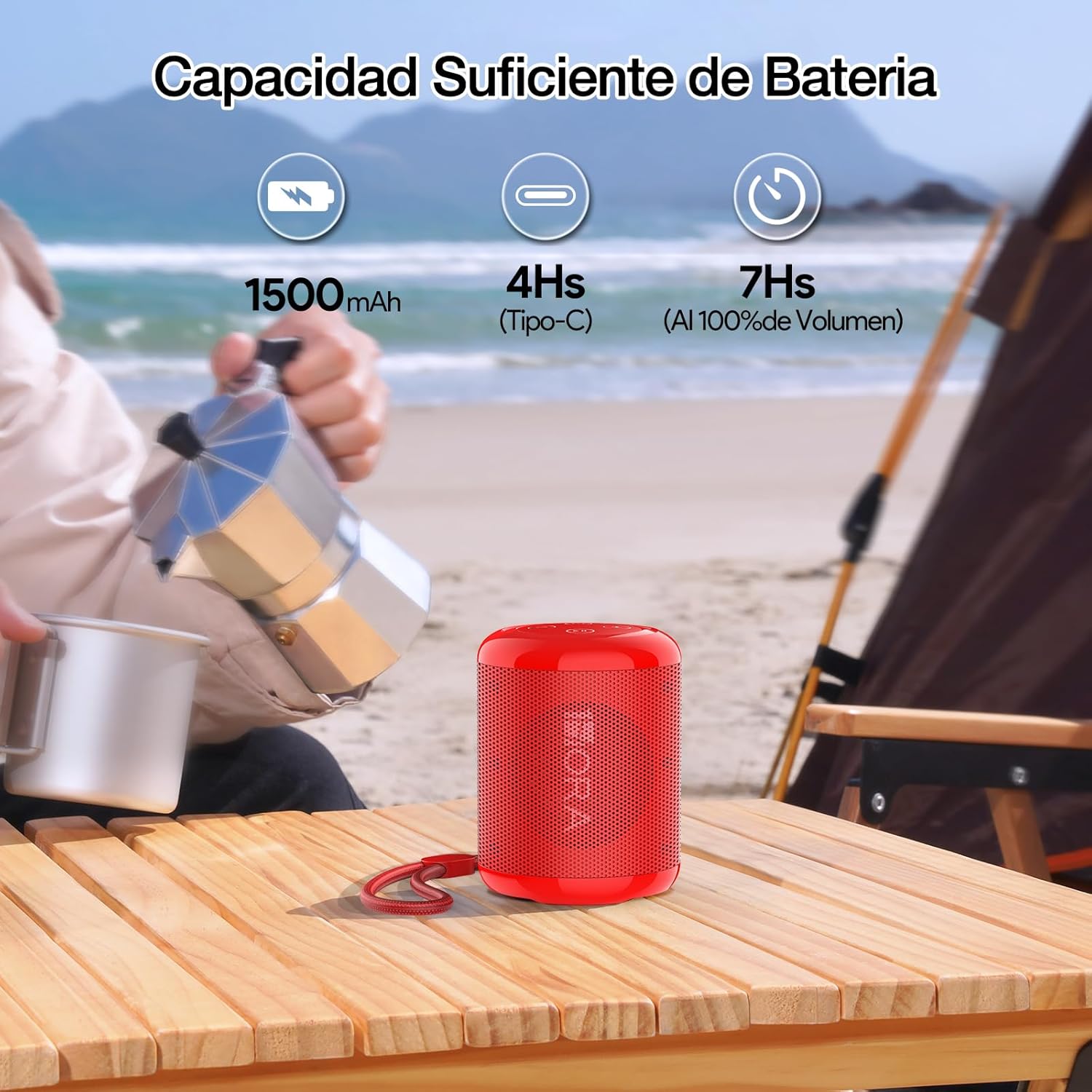
Image: The 1 Hora Portable Bluetooth Speaker placed on a wooden table outdoors, with icons indicating its 1500mAh battery capacity, 4-hour charging time (Type-C), and 7 hours of playback at 100% volume.
Powering On/Off
- To Power On: Press and hold the Power button for a few seconds until you hear an audible prompt.
- To Power Off: Press and hold the Power button for a few seconds until you hear an audible prompt.
Operating Instructions
Bluetooth Pairing
The speaker uses Bluetooth 5.1 for stable and fast wireless transmission up to 10 meters.
- Ensure the speaker is powered on and in Bluetooth mode (indicated by a flashing blue light or audible prompt). If not, short press the Power button to cycle modes until Bluetooth mode is activated.
- On your device (smartphone, tablet, laptop), enable Bluetooth and search for available devices.
- Select "BOC061" or "1 Hora Speaker" from the list of found devices.
- Once paired, the speaker will emit an audible confirmation, and the indicator light will turn solid blue.
- You can now play music from your device through the speaker.

Image: The 1 Hora Portable Bluetooth Speaker on a wooden table next to a smartphone, illustrating a stable Bluetooth 5.1 connection for seamless music streaming.
True Wireless Stereo (TWS) Pairing
For an immersive stereo sound experience, you can pair two 1 Hora BOC061 speakers together.
- Ensure both speakers are powered on and in Bluetooth mode, but not connected to any device.
- On one of the speakers (this will be the primary speaker), double-click the Play/Pause button.
- The speakers will automatically search for and pair with each other. You will hear a confirmation tone once TWS pairing is successful.
- Now, connect your device to the primary speaker via Bluetooth as described in the "Bluetooth Pairing" section. Both speakers will play audio simultaneously, providing true stereo sound.
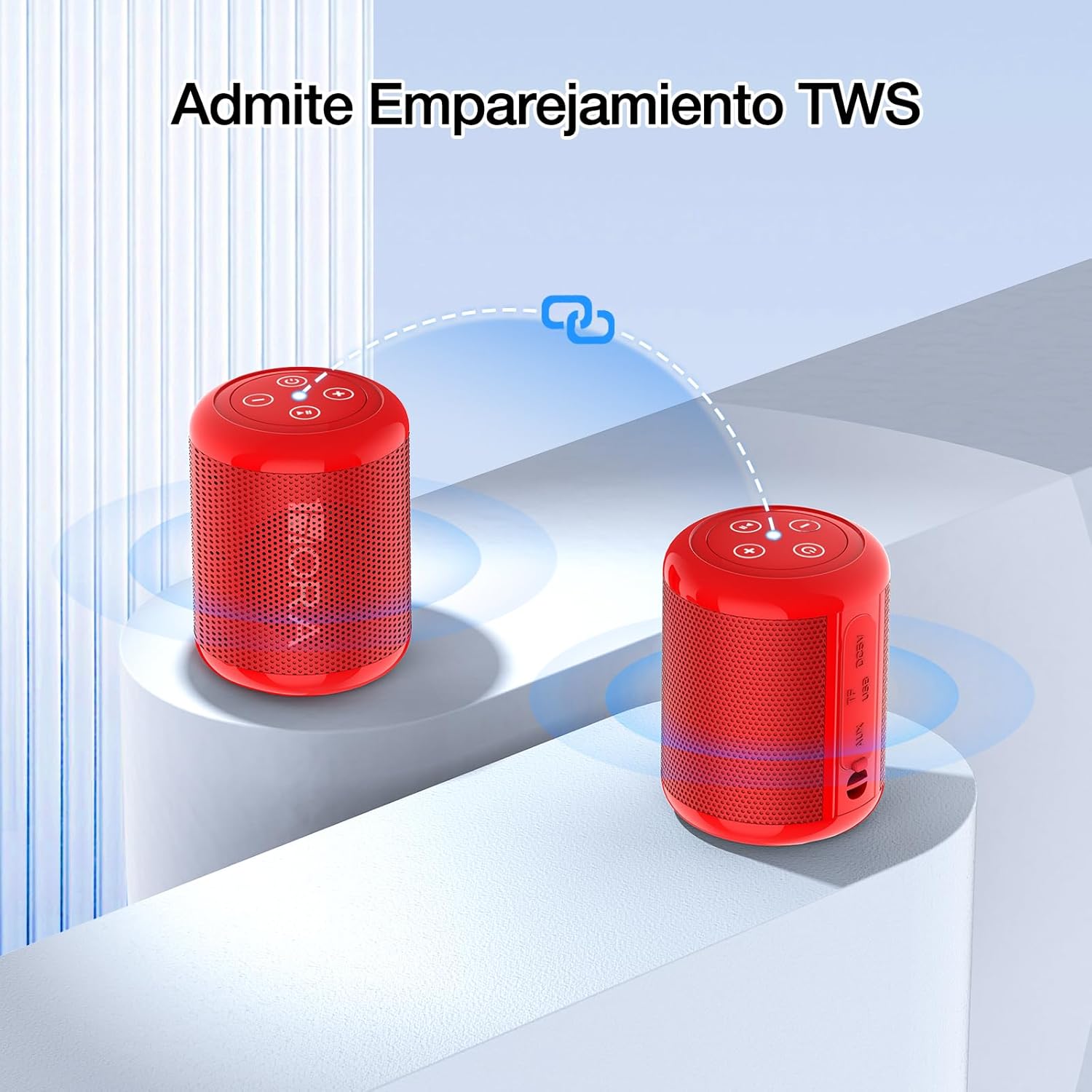
Image: Two 1 Hora Portable Bluetooth Speakers, one red and one black, shown with a dotted line and chain link icon between them, indicating their ability to connect via TWS (True Wireless Stereo) pairing for a synchronized audio experience.
Using TF Card / USB Drive
The speaker supports music playback directly from a TF (Micro SD) card or a USB flash drive.
- Insert a TF card or USB drive with MP3 audio files into the corresponding slot on the speaker.
- The speaker will automatically switch to TF card or USB mode and begin playing music. If it doesn't, short press the Power button to cycle modes until the correct mode is activated.
- Use the Play/Pause, Volume Up (+), and Volume Down (-) buttons to control playback.
FM Radio Mode
The speaker includes a built-in FM radio function.
- Short press the Power button to cycle modes until you enter FM Radio mode.
- In FM mode, press the Play/Pause button once to automatically scan and save available radio stations.
- Use the Volume Up (+) and Volume Down (-) buttons (short press) to switch between saved stations.
Hands-Free Calling
When connected to your smartphone via Bluetooth, the speaker can be used for hands-free calls.
- Answer Call: Press the Play/Pause button once.
- End Call: Press the Play/Pause button once during a call.
- Reject Call: Press and hold the Play/Pause button for 2 seconds.
Volume Control
- Increase Volume: Short press the Volume Up (+) button.
- Decrease Volume: Short press the Volume Down (-) button.

Image: A hand pressing the control panel on top of the 1 Hora Portable Bluetooth Speaker, demonstrating its portable and easy-to-operate interface for music playback, volume adjustment, call answering, and FM radio.
Maintenance
- Cleaning: Use a soft, dry cloth to clean the speaker's surface. Do not use liquid or aerosol cleaners.
- Storage: Store the speaker in a cool, dry place away from direct sunlight and extreme temperatures.
- Battery Care: If the speaker will not be used for an extended period, charge it at least once every three months to preserve battery life.
Troubleshooting
| Problem | Possible Cause | Solution |
|---|---|---|
| Speaker does not power on. | Low battery. | Charge the speaker fully. |
| Cannot pair with Bluetooth device. | Speaker not in pairing mode; device Bluetooth off; too far from speaker. | Ensure speaker is in Bluetooth pairing mode. Turn on Bluetooth on your device. Move device closer to speaker (within 10m). Forget previous pairings on your device and try again. |
| No sound or low volume. | Volume too low on speaker or device; incorrect mode selected. | Increase volume on both speaker and connected device. Ensure correct mode (Bluetooth, TF, USB, AUX) is selected. |
| TWS pairing fails. | Speakers already connected to a device; incorrect pairing procedure. | Ensure both speakers are not connected to any device. Follow TWS pairing steps precisely. |
| FM radio reception is poor. | Weak signal; environmental interference. | Move the speaker to a location with better signal. Extend the charging cable (if connected) as it can act as an antenna. |
Specifications
| Feature | Detail |
|---|---|
| Model Name | BOC061 |
| Speaker Type | Portable |
| Connectivity Technology | Bluetooth 5.1 |
| Max Speaker Output Power | 5 Watts |
| Subwoofer Diameter | 52 mm |
| Frequency Response | 150 Hz |
| Battery Capacity | 1500 mAh |
| Charging Time | Approx. 4 Hours |
| Battery Life (Playback) | 7 hours (100% volume), 10 hours (80% volume) |
| Wireless Range | Up to 10 meters |
| Product Dimensions (L x W x H) | 7.3 x 7.3 x 9.6 cm |
| Weight | 286g |
| Supported Media | Bluetooth, TF Card, USB Drive, AUX |
| Special Features | Portable, USB Port, Hands-Free Calling, FM Radio, TWS Pairing |

Image: The 1 Hora Portable Bluetooth Speaker attached to a backpack, with overlaid graphics indicating its compact dimensions (Ø72.7*96.15mm), light weight (286g), and 7-hour battery life, emphasizing its portability for outdoor activities.
Warranty and Support
1 Hora products are designed for reliability and performance. For warranty information and customer support, please refer to the following:
- Warranty: The product comes with a 365-day replacement policy.
- Customer Service: For any inquiries or assistance, please contact 1 Hora customer service.
- Returns: This product is eligible for 30-day free returns.
For further assistance, you may visit the official 1 Hora store on Amazon: 1 Hora Amazon Store
This product is supported by a small business. Your purchase helps support small businesses.
Additional Information
The 1 Hora Portable Bluetooth Speaker is available in multiple colors, including Red and Black, allowing you to choose a style that matches your preference.
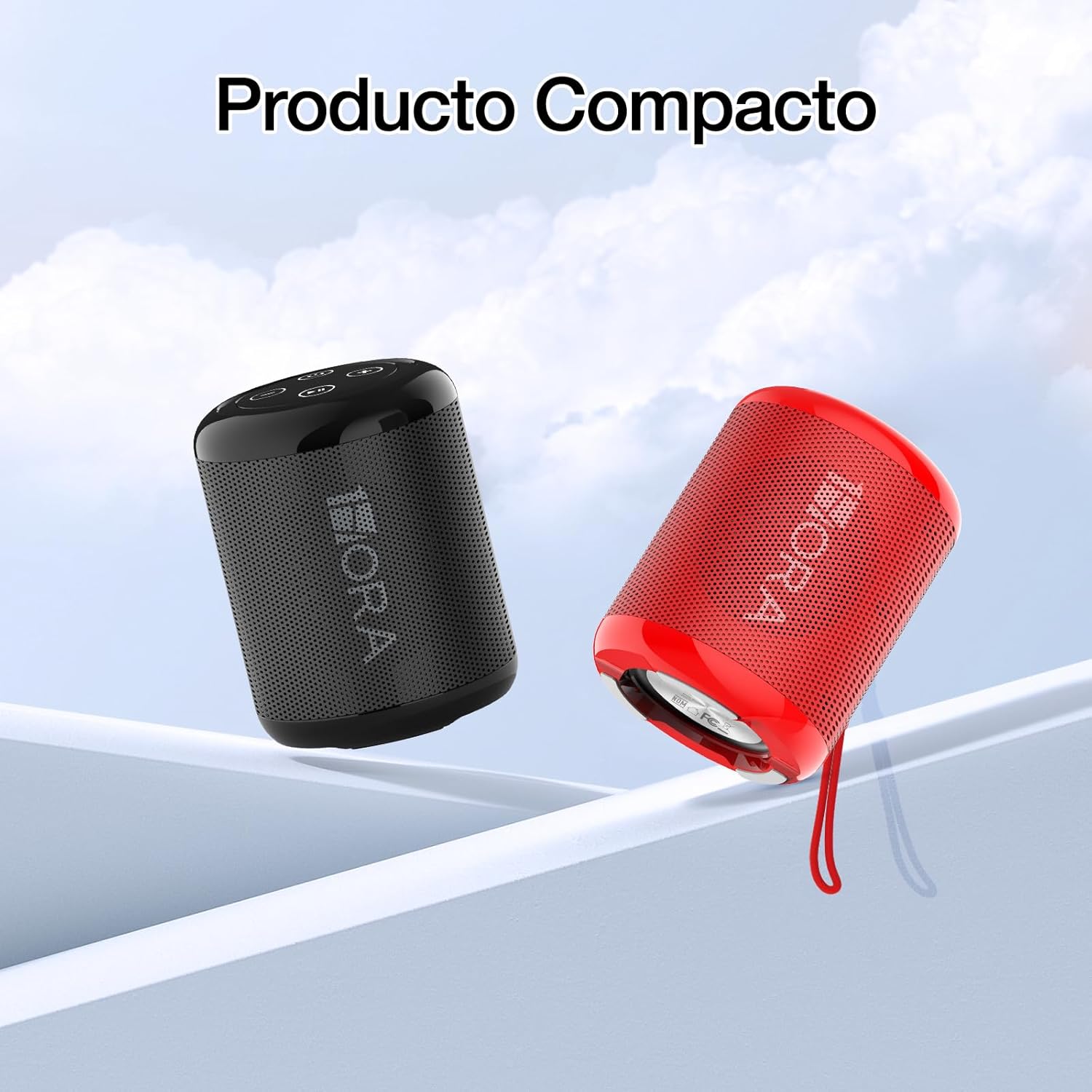
Image: Two 1 Hora Portable Bluetooth Speakers, one in black and one in red, floating against a light background, emphasizing their compact and portable design.

Image: The 1 Hora Portable Bluetooth Speaker in red placed on a wooden table, with graphic overlays indicating a 52mm speaker and 5W power output, illustrating its clear sound capabilities.
Ask a question about this manual
Ask about setup, troubleshooting, compatibility, parts, safety, or missing instructions. Manuals+ will review the question and use this page’s manual context to help answer it.