
1. Introduction
This manual provides essential instructions for the safe and effective operation, maintenance, and troubleshooting of your VARON Portable Pulse Oxygen Generator, Model NT-3. This device is designed to provide oxygen for health protection and to improve quality of life. It is not intended for medical treatment or life support.

Image 1.1: VARON Portable Pulse Oxygen Generator NT-3 with its external battery unit.
2. Safety Information
Please read all safety warnings and instructions carefully before using the device to prevent injury or damage. Keep this manual for future reference.
- This device is for health and quality of life improvement only. It is not a medical device for treatment or life support. Consult a healthcare professional for medical conditions.
- Do not use the device near open flames or flammable materials. Oxygen can accelerate combustion.
- Ensure proper ventilation around the device during operation.
- Keep the device away from water and moisture.
- Do not disassemble or attempt to repair the device yourself. Contact qualified service personnel for repairs.
- Keep out of reach of children and pets.
- Use only VARON-approved accessories and replacement parts.
3. Package Contents
Verify that all items are present in the package:
- VARON Portable Pulse Oxygen Generator (Main Unit)
- External Battery Pack (2500 mAh, 14.8V)
- AC Power Adapter
- Car Charger
- Oxygen Cannula (Nasal)
- Carrying Bag
- User Manual

Image 3.1: Overview of the VARON Portable Pulse Oxygen Generator and its included accessories.
4. Product Features
- PSA Oxygen Technology: Utilizes Pressure Swing Adsorption (PSA) method with a high-quality molecular sieve for efficient oxygen production.
- Eight-Layer Filtration System: Features an advanced eight-layer air input filtration system with a removable filter to ensure clean oxygen. Includes a cleaning reminder function.
- Oxygen Output: Provides a pulse oxygen flow of 3 L/min with an oxygen concentration of 32.5% ± 2.5% (v/v).
- Intelligent Timing: Offers four timing settings: 40 minutes, 60 minutes, 80 minutes, and 180 minutes.
- Portable Design: Lightweight at 1.4 kg (net weight), compact size (20.5 x 9.5 x 13 cm), and includes an external battery for portability.
- Versatile Power Options: Can be powered by the included AC adapter or car charger.
- Quiet Operation: Enhanced noise reduction structure for a quieter oxygen inhalation experience.
- User-Friendly: Simple one-button operation.

Image 4.1: Key features of the oxygen generator, including oxygen output and filtration system.
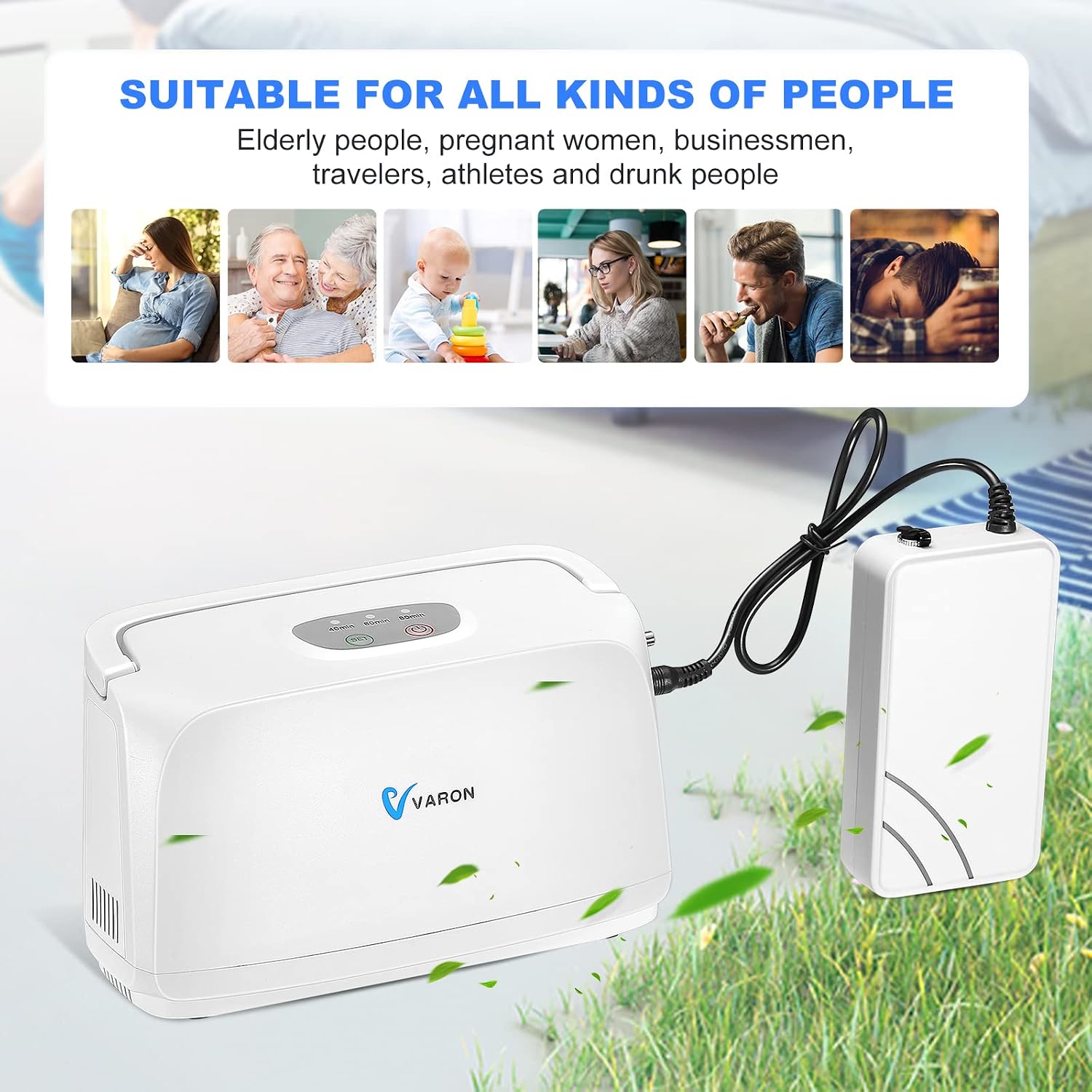
Image 4.2: The compact size of the device, emphasizing its portability.
5. Setup
5.1 Charging the Battery
- Connect the AC power adapter to the battery pack's charging port.
- Plug the AC adapter into a standard wall outlet.
- Allow the battery to charge fully before first use. A full charge provides approximately 2.5 hours of continuous use.
5.2 Connecting the Battery to the Main Unit
- Ensure both the main unit and battery are powered off.
- Locate the battery connection port on the side of the main oxygen generator unit.
- Connect the battery pack to the main unit using the provided cable. Ensure a secure connection.

Image 5.1: Detail of the battery connection to the main unit.
5.3 Connecting the Oxygen Cannula
- Attach one end of the oxygen cannula to the oxygen outlet port on the main unit.
- Place the nasal prongs of the cannula comfortably into your nostrils.
6. Operating Instructions
6.1 Powering On/Off
- To Power On: Press and hold the Power button (●) on the top panel until the indicator lights illuminate.
- To Power Off: Press and hold the Power button (●) again until the indicator lights turn off.
6.2 Setting the Timer
The device offers four preset timing options:
- 40 minutes
- 60 minutes
- 80 minutes
- 180 minutes
To select a timing setting, press the Timer button (⏱) repeatedly until the desired time is indicated on the display. The device will automatically shut off after the set time expires.

Image 6.1: Top panel with control buttons and intelligent timing display.
6.3 Using in a Car
The device can be used in a car by connecting the car charger to the main unit's power input and plugging it into the vehicle's 12V power outlet.

Image 6.2: The device being used with a car charger and carried with a shoulder bag.
7. Maintenance
Regular maintenance ensures optimal performance and longevity of your oxygen generator.
7.1 Cleaning the Air Filter
The device features a removable air filter. A cleaning reminder function will alert you when cleaning is required to prevent air inlet blockage and maintain oxygen production efficiency.
- Power off and unplug the device.
- Locate and remove the air filter cover.
- Carefully remove the filter element.
- Clean the filter with a soft brush or vacuum cleaner. If heavily soiled, gently wash with mild soap and water, then rinse thoroughly.
- Ensure the filter is completely dry before reinserting it.
- Replace the filter cover.
7.2 General Cleaning
- Wipe the exterior of the device with a soft, damp cloth. Do not use abrasive cleaners or solvents.
- Ensure no liquid enters the device openings.
8. Troubleshooting
If you encounter issues with your VARON Portable Pulse Oxygen Generator, refer to the following table:
| Problem | Possible Cause | Solution |
|---|---|---|
| Device does not power on. | Battery is depleted or not connected properly. Power adapter is not connected or faulty. | Charge the battery. Ensure battery and power adapter are securely connected. Try a different power outlet. |
| Low oxygen output or concentration. | Air filter is dirty or blocked. Oxygen cannula is kinked or blocked. | Clean or replace the air filter (refer to Section 7.1). Check the oxygen cannula for obstructions. |
| Device makes unusual noise. | Internal component issue. | Power off the device and contact customer support. Do not attempt to open or repair. |
| Battery life is shorter than expected. | Battery not fully charged. Battery degradation over time. | Ensure battery is fully charged. Consider replacing the battery if it's old and capacity has significantly reduced. |
If the problem persists after attempting these solutions, please contact VARON customer support.
9. Specifications
| Parameter | Value |
|---|---|
| Product Name | Oxygen Generator |
| Model Number | NT-3 |
| Oxygen Production Method | Pressure Swing Adsorption (PSA) |
| Operating Power | 30 W |
| Input Voltage | DC 12 V ~ 16.8 V |
| Timing Settings | 40 min, 60 min, 80 min, 180 min |
| Product Dimensions (L x W x H) | 20.5 x 9.5 x 13 cm |
| Net Product Weight | 1.4 kg |
| Max Oxygen Flow (Equivalent) | 3 L/min |
| Oxygen Concentration | 32.5% ± 2.5% (v/v) |
| Standard Battery Capacity | 2500 mAh, 14.8 V (Max 16.8 V) |
| Max Battery Usage Time | 2.5 hours |
10. Warranty and Support
For warranty information and customer support, please refer to the documentation included with your purchase or visit the official VARON website. Please have your model number (NT-3) and purchase date available when contacting support.
Manufacturer: VARON


