
1. Introduction
Thank you for choosing the MOVSSOU E7 Active Noise Cancelling Headphones. These headphones are designed to provide a superior audio experience with advanced noise cancellation, deep bass, and comfortable wear. This manual will guide you through the setup, operation, and maintenance of your new headphones.
2. What's in the Box
- 1 x MOVSSOU E7 Active Noise Cancelling Headphones
- 1 x Power Cable (USB charging cable)
- 1 x Audio Cable (3.5mm AUX cable)
- 1 x User Manual
3. Product Overview
Familiarize yourself with the various parts and controls of your MOVSSOU E7 headphones.

Image: MOVSSOU E7 Active Noise Cancelling Headphones in purple. This image displays the overall design of the headphones.

Image: Key features of the MOVSSOU E7 headphones, highlighting Active Noise Cancelling, 30 hours of battery life, and a built-in microphone.
Controls and Ports
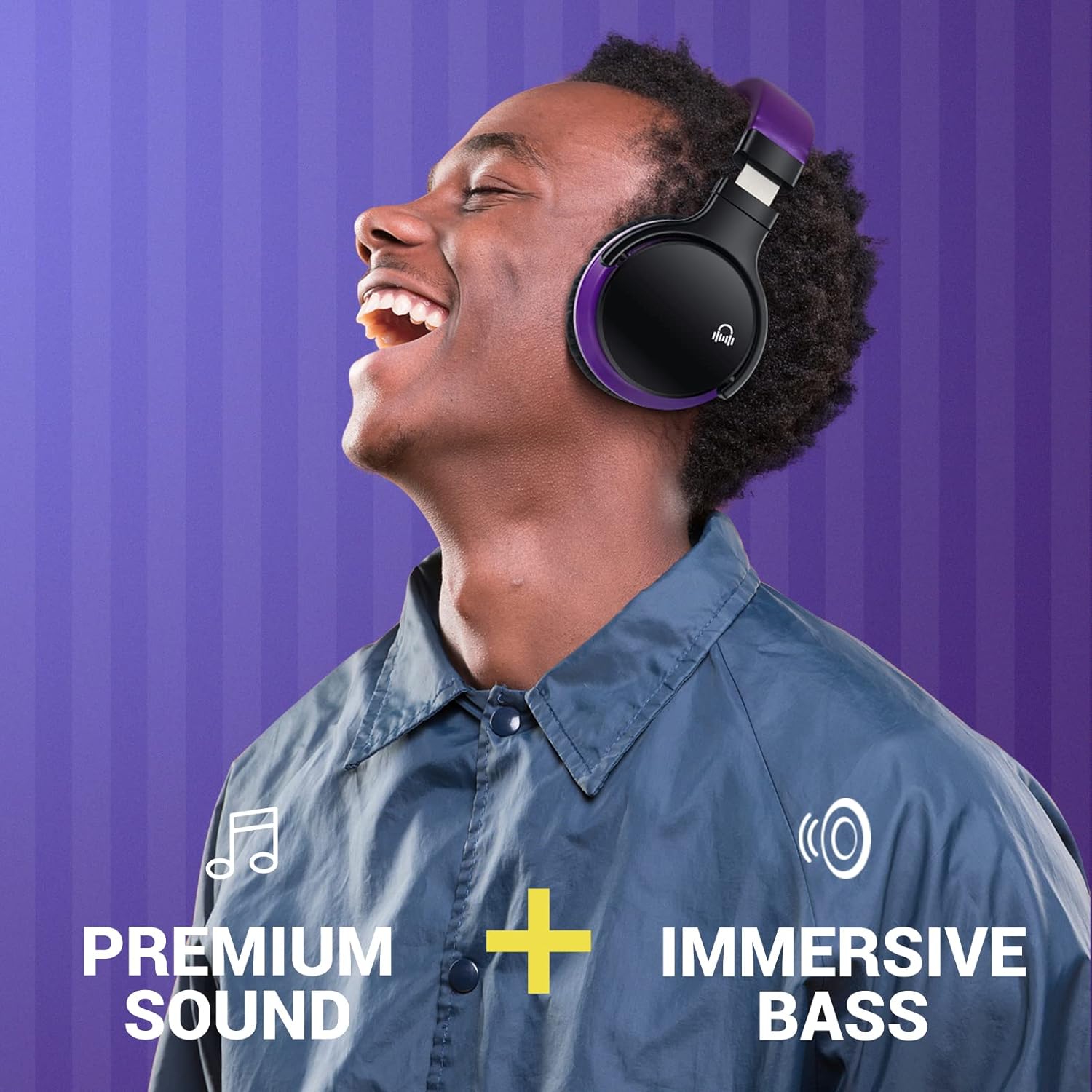
Image: A close-up of the right earcup, illustrating the control buttons for power, volume, and ANC, along with the charging port and 3.5mm audio jack.
- Power Button: Press and hold to power on/off.
- ANC Button: Activates or deactivates Active Noise Cancelling.
- Volume Up (+): Increases volume.
- Volume Down (-): Decreases volume.
- Multi-function Button (MFB): Play/pause music, answer/end calls.
- Microphone: For hands-free calls.
- USB Charging Port: For charging the headphones.
- 3.5mm Audio Jack: For wired connection.
4. Setup
4.1 Charging the Headphones
- Connect the provided USB charging cable to the charging port on the headphones.
- Connect the other end of the USB cable to a USB power adapter (not included) or a computer's USB port.
- The LED indicator will show red during charging and turn off when fully charged.
- A full charge typically takes approximately 2-3 hours.

Image: The MOVSSOU E7 headphones with an overlay indicating 30 hours of playtime, emphasizing battery endurance.
4.2 Bluetooth Pairing
- Ensure the headphones are fully charged.
- Press and hold the Power Button for 3-5 seconds until the LED indicator flashes blue and red alternately. This indicates pairing mode.
- On your device (smartphone, tablet, computer), enable Bluetooth.
- Search for available Bluetooth devices and select "MOVSSOU E7" from the list.
- Once connected, the LED indicator will flash blue slowly.
- If prompted for a password, enter "0000".

Image: An illustration showing the MOVSSOU E7 headphones connecting to various devices like phones, tablets, laptops, desktops, and TVs, highlighting Bluetooth 5.0 connectivity.
4.3 Wired Connection (AUX Mode)
You can use the headphones with the provided 3.5mm audio cable when the battery is low or with non-Bluetooth devices.
- Connect one end of the 3.5mm audio cable to the audio jack on the headphones.
- Connect the other end to the 3.5mm audio output of your device.
- In wired mode, Bluetooth and ANC functions may operate differently or be unavailable depending on the headphone's power status.
5. Operating Instructions
5.1 Power On/Off
- Power On: Press and hold the Power Button for 3 seconds. The LED indicator will flash blue.
- Power Off: Press and hold the Power Button for 3 seconds. The LED indicator will flash red and then turn off.
5.2 Active Noise Cancelling (ANC)
- Press the ANC Button to activate Active Noise Cancelling. The ANC indicator light will turn green.
- Press the ANC Button again to deactivate Active Noise Cancelling. The ANC indicator light will turn off.
Video: An official product video demonstrating the features of the MOVSSOU E7 Active Noise Cancelling Headphones, including sound quality and noise cancellation capabilities.
5.3 Music Playback
- Play/Pause: Press the MFB once.
- Next Track: Press and hold the Volume Up (+) button.
- Previous Track: Press and hold the Volume Down (-) button.
5.4 Call Management
- Answer/End Call: Press the MFB once.
- Reject Call: Press and hold the MFB for 2 seconds.
- Redial Last Number: Double-press the MFB.

Image: A person wearing the MOVSSOU E7 headphones, demonstrating the clear hands-free calling feature with the built-in microphone.
5.5 Volume Control
- Increase Volume: Press the Volume Up (+) button.
- Decrease Volume: Press the Volume Down (-) button.
6. Maintenance
To ensure the longevity and optimal performance of your MOVSSOU E7 headphones, follow these maintenance guidelines:
- Keep the headphones clean by wiping them with a soft, dry cloth.
- Avoid exposing the headphones to extreme temperatures, humidity, or direct sunlight.
- Do not immerse the headphones in water or any liquids. They are not water-resistant.
- Store the headphones in a cool, dry place when not in use.
- Avoid dropping or subjecting the headphones to strong impacts.
- Charge the headphones regularly, even if not used frequently, to maintain battery health.
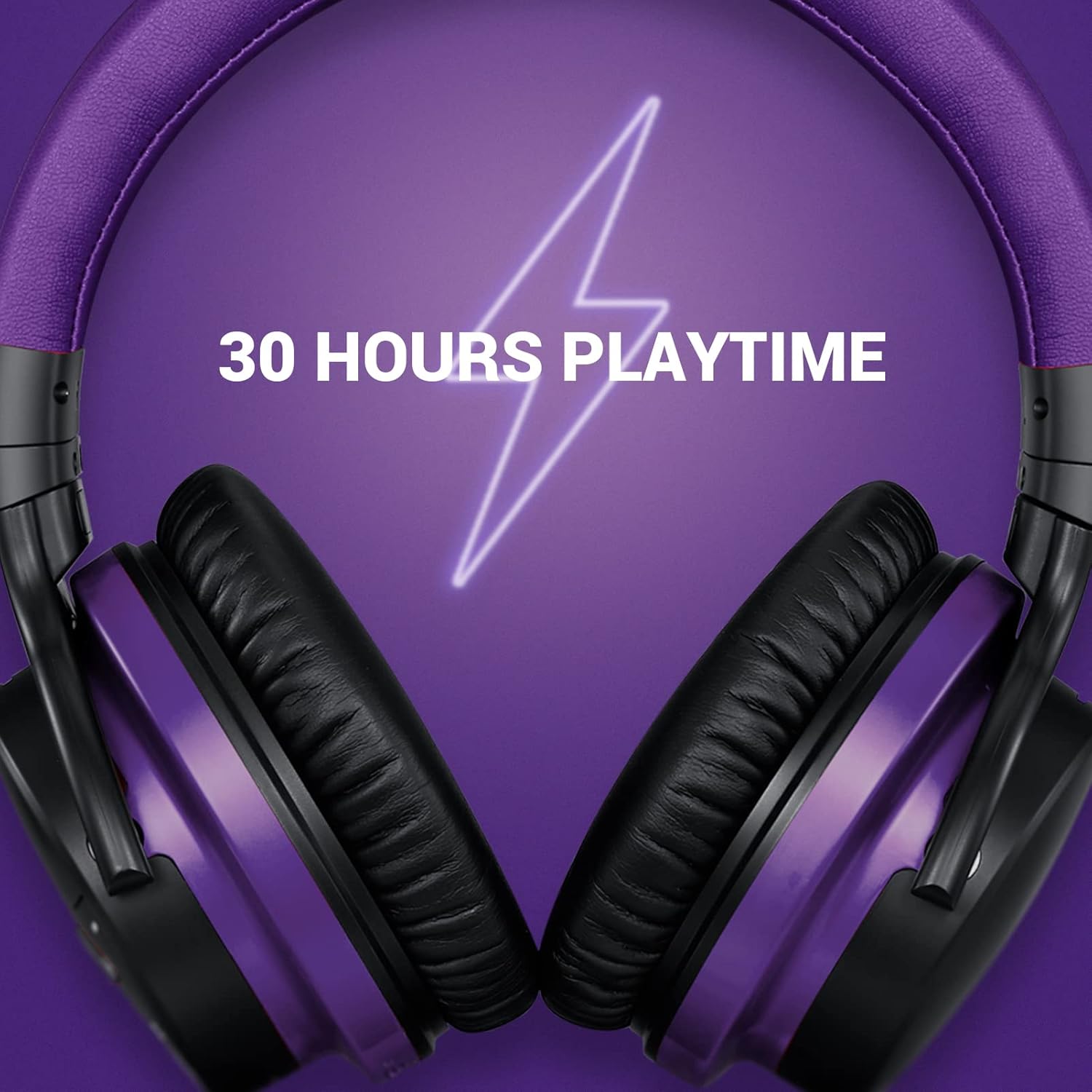
Image: A detailed view of the soft, pressure-relieving earpads of the MOVSSOU E7 headphones, designed for extended comfort.
7. Troubleshooting
If you encounter issues with your headphones, refer to the following common problems and solutions:
| Problem | Possible Cause | Solution |
|---|---|---|
| Headphones do not power on. | Low battery. | Charge the headphones fully. |
| Cannot pair with device. | Headphones not in pairing mode; Bluetooth off on device; device too far. | Ensure headphones are in pairing mode (flashing red/blue). Turn on Bluetooth on your device. Move device closer to headphones (within 10 meters). |
| No sound or low volume. | Volume too low; incorrect audio source; loose cable (wired mode). | Increase volume on headphones and device. Check if the correct audio output is selected on your device. Ensure 3.5mm cable is securely connected. |
| ANC not working effectively. | ANC not activated; type of noise. | Press the ANC button to activate (green light). ANC is most effective for low and mid-frequency constant noises. |
| Poor call quality. | Microphone obstruction; weak Bluetooth connection. | Ensure microphone is not covered. Move closer to your device for a stronger connection. |
8. Specifications
| Model Name | E7 Wireless Noise Cancelling Headphones |
| Brand | MOVSSOU |
| Connectivity Technology | Bluetooth 5.0, Wireless |
| Wireless Communication Technology | Bluetooth |
| Ear Placement | Over Ear |
| Noise Control | Active Noise Cancellation |
| Battery Life | Up to 30 Hours |
| Frequency Response | 20 Hz - 20 kHz |
| Control Type | Noise Control, Voice Control, Call Control, Volume Control |
| Compatible Devices | Windows, Mobile, Android, iOS |
| Item Weight | 1.05 pounds (approx. 476g) |
| Water Resistance Level | Not Water Resistant |
9. Safety Information
Please read and follow these safety guidelines to prevent injury or damage:
- Small parts. Not for children under 3 years.
- Do not use the headphones at high volume for extended periods to avoid hearing damage.
- Do not use the headphones in situations where inability to hear ambient sounds could be dangerous (e.g., driving, cycling, walking in traffic).
- Avoid disassembling, repairing, or modifying the product yourself. This may cause fire, electric shock, or complete damage to the product.
- Dispose of batteries according to local regulations. Do not dispose of them in household waste.
10. Warranty and Support
MOVSSOU products are designed and manufactured to the highest quality standards. For warranty information, technical support, or customer service inquiries, please refer to the contact information provided with your purchase or visit the official MOVSSOU website.
