
Introduction
Thank you for choosing ILC 4 Inch LED Recessed Downlights. These smart downlights offer vibrant RGB color changing capabilities, adjustable white light, and seamless control via the BRmesh app or Alexa voice commands (Alexa compatible hub required). This manual provides detailed instructions for installation, operation, and troubleshooting to ensure optimal performance and safety.
Safety Information
WARNING: Electrical installation should only be performed by a qualified electrician. Always switch off the electrical supply at the circuit breaker before beginning any work on the lighting system to prevent electric shock.
Ensure all local electrical codes are followed during installation. This product is not compatible with traditional dimmer switches; dimming is controlled via the app or Alexa.

Image: Safety warning to switch off electrical supply before working.
Package Contents
- 6 x ILC 4 Inch LED Recessed Downlights
- 6 x Junction Boxes
- User Manual
Product Features
- Alexa Voice Control: Control lights with voice commands (Alexa compatible hub required).
- BRmesh App Control: Seamless control without registration or third-party accounts.
- Vibrant Color & Adjustable White Light: 16 million colors, 2700K-6000K tunable white, 1%-100% dimmable.
- Advanced Bluetooth Mesh Technology: Secure, responsive connectivity for up to 255 downlights without Wi-Fi.
- Smart Grouping & Scene Customization: Organize lights into groups, create dynamic scenes, music sync, 25 preset patterns, 9 DIY scenarios.
- Compact Design: Fits into holes between Ø3.8 to Ø4.3 inches, with a recessed light height of 1.3 inches and minimum ceiling clearance of ≥1.6 inches.
- Flicker-Free: Eye-friendly illumination at all brightness levels.
- High CRI: CRI 85+ for accurate color reproduction.
- IP44 Rated: Suitable for use in bathrooms and other indoor areas.
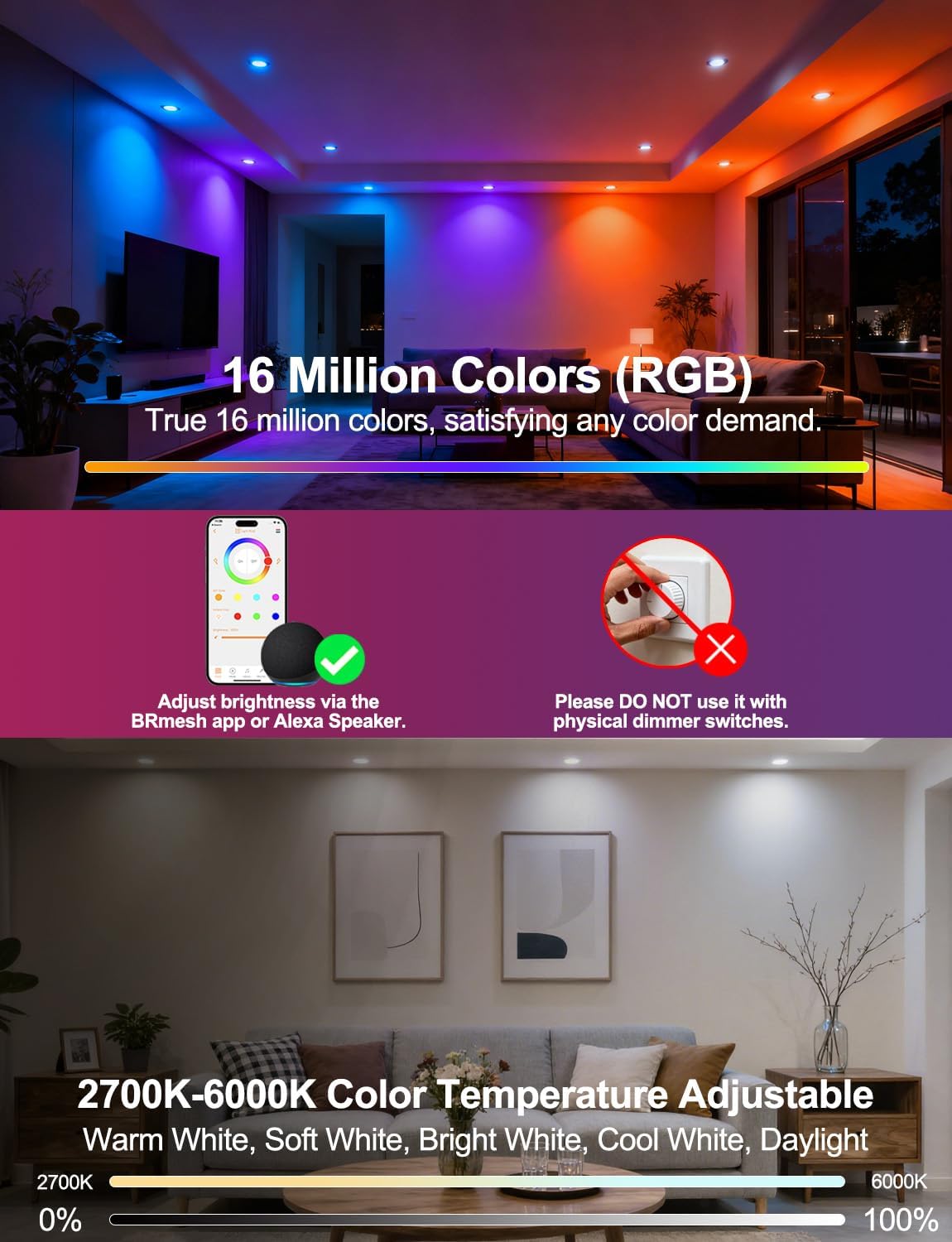
Image: Illustrates 16 million color options and adjustable white light from 2700K to 6000K.
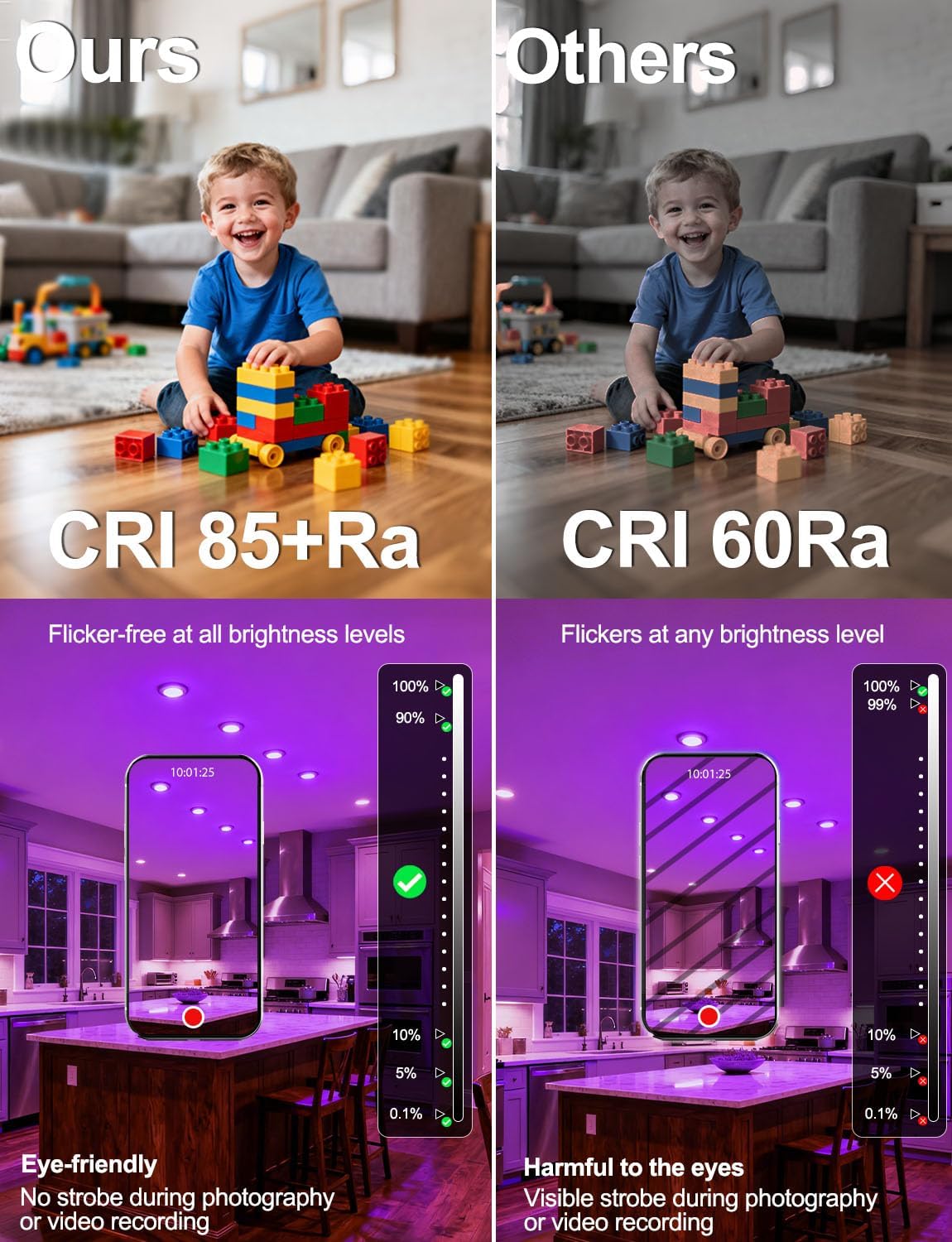
Image: Compares CRI 85+ with CRI 60, highlighting flicker-free performance.
Installation
These canless recessed lights are designed for easy installation without the need for traditional housing. Follow these steps:
- Prepare the Ceiling: Cut a 4-inch diameter hole in the ceiling at the desired location. Ensure minimum ceiling clearance of 1.6 inches.
- Connect Wiring: Open the included junction box. Connect the household wiring (live, neutral, ground) to the corresponding wires inside the junction box according to local electrical codes. Secure the connections.
- Connect Light Panel: Plug the connector from the recessed downlight into the connector from the junction box.
- Mount Light: Fold the spring clips on the sides of the downlight upwards and insert the light into the ceiling hole. The clips will spring back down to secure the light flush against the ceiling.

Image: Details product dimensions, recommended 4-inch cutout size, and minimum ceiling clearance.
Video: Demonstrates the installation process of the recessed downlights, including wiring and mounting.
Setup
BRmesh App Control
- Search for "BRmesh" in your phone's app store (Google Play or Apple App Store) and download the app.
- Turn on Bluetooth on your phone. Launch the BRmesh app and tap the "+" icon to add devices.
- Turn the light OFF, then turn it ON. The lights will be discovered by the app within seconds.
- Complete the connection within the app.

Image: Step-by-step guide for connecting the lights to the BRmesh app.
Alexa Voice Control (Hub Required)
An Alexa compatible hub is required for voice control.
- Once your lights are connected to the BRmesh app, click the "Activate Alexa" icon within the app.
- Select the lights to be paired.
- The lights will start blinking, entering a discoverable mode for two minutes.
- Tell your Alexa speaker, "Alexa/Echo, find device." The Alexa speaker will respond with "OK, X lights found."
Tips: If some lights are not responding, please restart the Alexa speaker. The Bluetooth connection of the Alexa speaker may become unstable if left enabled for an extended period.
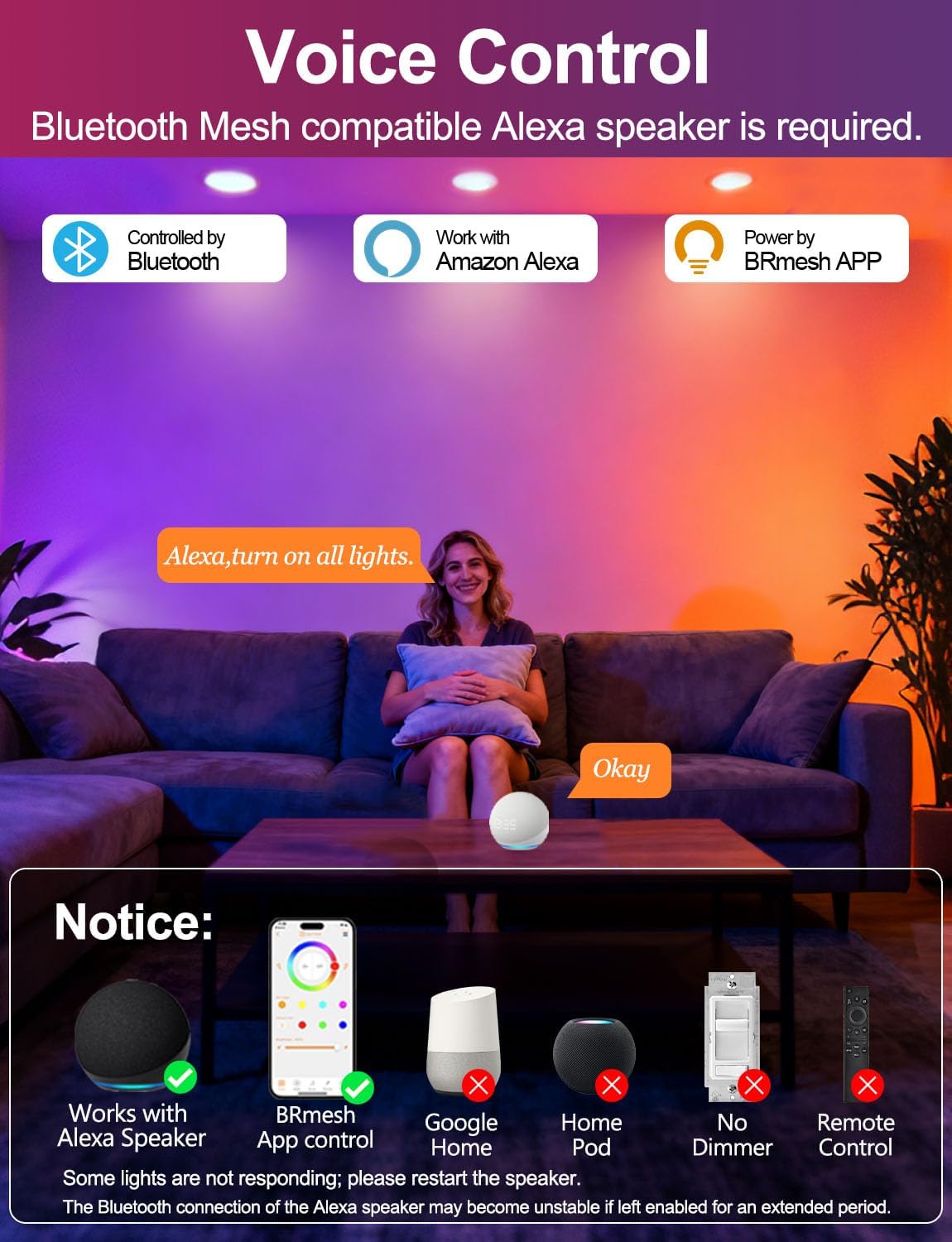
Image: Overview of voice control via Alexa and app control via BRmesh.

Image: Instructions for connecting the lights to an Alexa speaker.
Operating Instructions
Color Changing and Dimming
Use the BRmesh app or Alexa voice commands to adjust the light settings:
- Select from 16 million vibrant colors.
- Adjust white light color temperature from 2700K (warm white) to 6000K (cool white).
- Set brightness levels from 1% to 100%.

Image: Displays the wide range of 16 million colors and tunable white light available.
Smart Grouping and Scene Customization
- Group Control: Organize multiple lights into groups (e.g., "Living Room," "Kitchen") for synchronized control.
- Dynamic Modes: Choose from 25 preset dynamic patterns or create 9 DIY scenarios.
- Music Sync: Synchronize lighting effects with music played on your phone.
- Rhythm Sync: Dynamic lighting synchronizes with sounds received by your phone's microphone.

Image: Shows examples of romantic, game room, and party lighting modes with music sync.

Image: Illustrates how to group lights for simultaneous control across different rooms.
Automated Lighting
- Set schedules for lights to turn ON/OFF automatically at specific times.

Image: Shows an example of setting a timing schedule for lights to turn on at 6:00 PM and off at 11:30 PM.
Share with Family
- The BRmesh app allows you to share control of your lights with family members.

Image: Shows how to share light control with family members via a QR code in the app.
Maintenance
To maintain the performance and appearance of your ILC LED Recessed Downlights:
- Ensure the power is off before cleaning.
- Wipe the surface of the lights with a soft, dry cloth.
- Avoid using abrasive cleaners, solvents, or harsh chemicals, as these can damage the finish or electrical components.
Troubleshooting
- Lights not responding to app/voice commands: Restart your Alexa speaker. Ensure Bluetooth is enabled on your phone and the speaker.
- Difficulty pairing: If Method 1 (Alexa Quick Connection) fails, try Method 2 by power cycling the lights multiple times until they enter discoverable mode.
- Unstable Bluetooth connection: Restart your Alexa speaker, especially if Bluetooth has been left enabled for an extended period.
- No light: Check the electrical connections in the junction box and ensure the circuit breaker is ON.
Specifications
| Feature | Specification |
|---|---|
| Brand | ILC |
| Model Name | LED Recessed Downlights |
| Part Number | TD4C001 |
| Size | 4 inch |
| Wattage | 10 watts (100W equivalent) |
| Brightness | 1000 Lumens |
| Color Temperature | 2700K-6000K |
| Light Color | Warm White 2700K + RGB (16 Million Colors) |
| Control Method | App Control, Alexa Voice Control (Hub Required) |
| Connectivity Protocol | Bluetooth Mesh |
| Voltage | 265 Volts |
| CRI | 85 |
| Beam Angle | 120 Degrees |
| Indoor/Outdoor Usage | Indoor |
| Product Dimensions | 4.92"L x 4.92"W x 1.77"H |
| Item Weight | 1.88 Pounds |
| Fixture Type | Non Removable |
| Included Components | Junction Box |
Warranty and Support
For any product inquiries, technical support, or warranty claims, please contact ILC customer service:
- Email: service@ilctech.com
- Website: www.ilctech.com
Please refer to your purchase documentation for specific warranty details.
