
1. Introduction
Welcome to the world of personal electric transportation with your new Hover-1 Origin Electric Self Balancing Scooter. This manual provides essential information for the safe operation, maintenance, and optimal performance of your device. Please read it thoroughly before your first ride.
The Hover-1 Origin is designed for fun and efficient travel, featuring a self-balancing system, integrated Bluetooth speaker, and vibrant LED lights. It offers a top speed of 7 mph and a range of up to 6 miles on a single charge.

Figure 1.1: Hover-1 Origin Electric Self Balancing Scooter. This image shows the top view of the black Hover-1 Origin, highlighting its sleek design and illuminated green LED lights on the wheels and footpads.
2. Safety Information
Your safety is paramount. Operating the Hover-1 Origin requires attention and adherence to safety guidelines. Failure to follow these instructions may result in serious injury or property damage.
2.1 General Safety Precautions
- Always wear a helmet and appropriate safety gear (knee pads, elbow pads, wrist guards) when riding.
- Do not ride under the influence of drugs or alcohol.
- Ensure the battery is fully charged before each use.
- Do not exceed the maximum weight limit of the scooter.
- Avoid riding on uneven surfaces, steep inclines, or near traffic.
- Be aware of your surroundings and pedestrians.
- The scooter is designed for single-rider use only.
- Do not make sudden turns or stops at high speeds.
- The scooter sends alerts if you are speeding or riding on unsafe surfaces; heed these warnings.

Figure 2.1: Emphasizing Safety. This image shows a person riding a Hover-1 scooter while wearing a helmet, with various safety gear accessories like knee pads and elbow pads displayed at the bottom, reinforcing the importance of protective equipment.
3. What's in the Box
Upon opening your Hover-1 Origin package, please verify that all components are present and in good condition:
- Hover-1 Origin Electric Self Balancing Scooter
- Charging Adapter
- User Manual (this document)
4. Setup
4.1 Initial Charge
- Before first use, fully charge your Hover-1 Origin. Connect the charging adapter to the scooter's charging port and then to a power outlet.
- The charging indicator light on the charger will change (e.g., from red to green) when charging is complete. A full charge takes approximately 5 hours.
- Do not overcharge the battery. Disconnect the charger once charging is complete.
4.2 Power On/Off
- To power on, press and hold the power button located on the scooter. The indicator lights will illuminate.
- To power off, press and hold the power button again until the lights turn off.
5. Operating Instructions
5.1 Riding Your Hover-1 Origin
- Place the Hover-1 Origin on a flat, level surface.
- Step onto one side of the footpad with one foot. The self-balancing system will stabilize the scooter.
- Quickly step onto the other footpad with your second foot. Maintain a relaxed posture and look straight ahead.
- To move forward, gently lean your body forward. To slow down or move backward, gently lean backward.
- To turn, apply slight pressure with the foot on the side you wish to turn towards. For example, to turn left, press down slightly with your right foot.
- To dismount, step off one foot at a time, ensuring the scooter remains balanced.

Figure 5.1: Front Fender, Top & Wheel LED Lights. This image displays the Hover-1 Origin scooter from a front-top perspective, showcasing its illuminated front fender, top, and wheel LED lights, which enhance visibility and style.
5.2 Bluetooth Speaker Functionality
Your Hover-1 Origin is equipped with a built-in Bluetooth 4.0 speaker, allowing you to enjoy music while riding.
- Ensure the scooter is powered on.
- Enable Bluetooth on your mobile device (smartphone, tablet, etc.).
- Search for "Hover-1 Origin" in your device's Bluetooth settings and pair.
- Once paired, you can play music through the scooter's speaker.
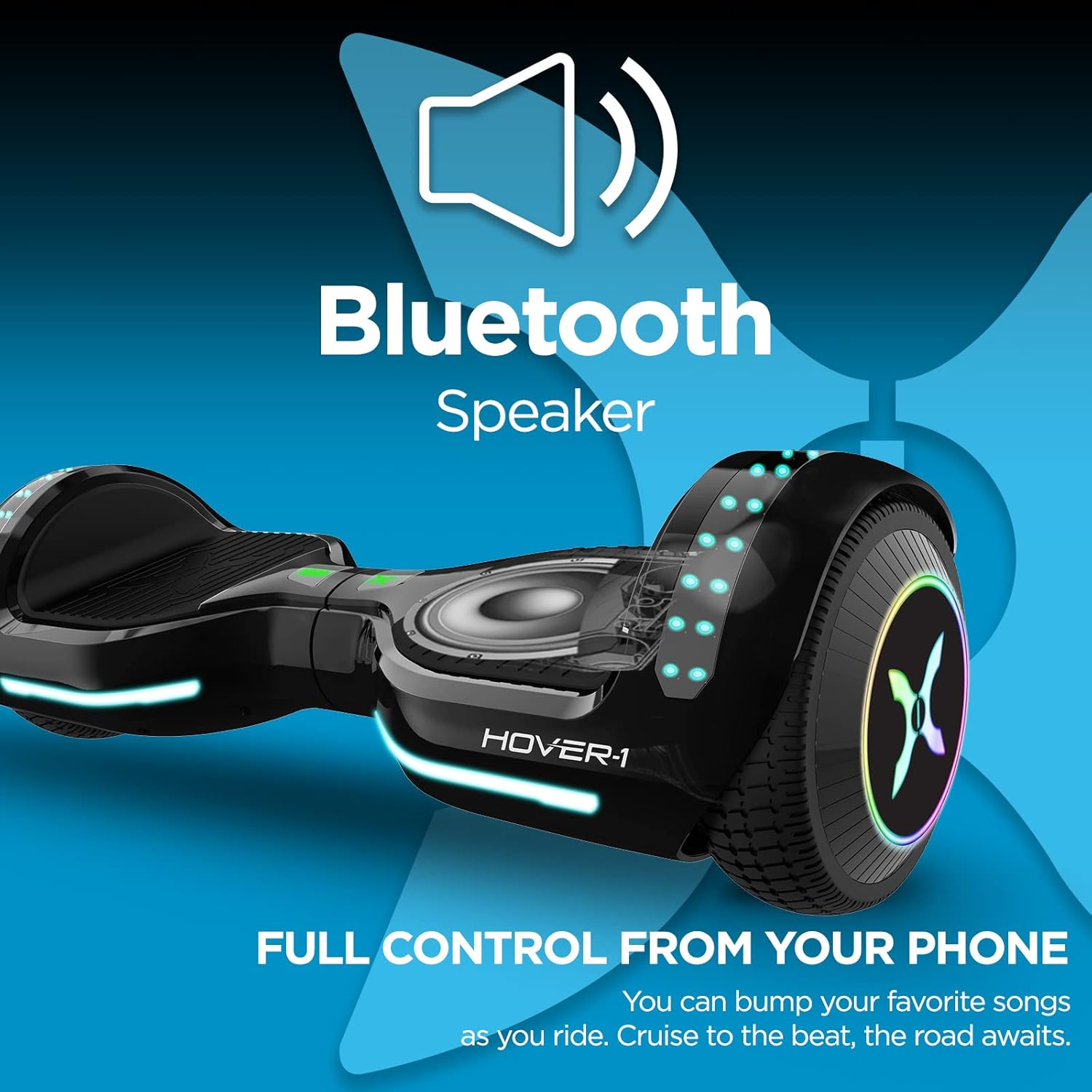
Figure 5.2: Bluetooth Speaker Integration. This image highlights the Hover-1 Origin's built-in Bluetooth speaker, with a speaker icon and text indicating "FULL CONTROL FROM YOUR PHONE," suggesting seamless audio playback and control via a mobile device.
5.3 Rider Modes and App Control
The Hover-1 Origin features different skill modes (Beginner to Expert) and can be controlled via a compatible Android/iOS Bluetooth App. The app allows you to switch modes, enable GPS tracking, play/pause music, and customize LED lights.
6. Maintenance
6.1 Cleaning
- Turn off the scooter before cleaning.
- Wipe the exterior with a damp cloth. Do not use abrasive cleaners or solvents.
- Avoid getting water into any openings. The scooter is IPX-4 water-resistant, meaning it can withstand splashes, but not submersion.
6.2 Battery Care
- Store the scooter in a cool, dry place when not in use.
- Charge the battery at least once every three months, even if not in use, to maintain battery health.
- Do not expose the battery to extreme temperatures.
7. Troubleshooting
| Problem | Possible Cause | Solution |
|---|---|---|
| Scooter does not power on. | Low battery; power button not pressed correctly. | Charge the battery fully. Press and hold the power button firmly. |
| Scooter not balancing. | Incorrect foot placement; sensor calibration issue. | Ensure feet are centered on footpads. Refer to the app for calibration options if available. |
| Bluetooth speaker not connecting. | Bluetooth not enabled on device; scooter not in pairing mode. | Ensure scooter is on. Check device's Bluetooth settings. Restart both devices. |
| Reduced speed or range. | Low battery; riding on inclines or rough surfaces; rider weight. | Fully charge the battery. Ride on flat, smooth surfaces. Ensure rider weight is within limits. |
8. Specifications
| Feature | Detail |
|---|---|
| Model Name | ORIGIN (H1-ORGN-BLK) |
| Top Speed | Up to 7 mph |
| Max Range | Up to 6 miles |
| Motor Power | 400W (200W x 2) |
| Max Incline | Up to 10° |
| Wheel Size | 6.5 inches |
| Battery Type | 25.2V/4.0Ah Lithium-ion |
| Full Charge Time | 5 hours |
| Water Resistance | IPX-4 |
| Bluetooth Version | 4.0 |
| Item Weight | 18.7 Pounds |
| Dimensions (LxWxH) | 26 x 9 x 10 inches |
| Material | Aluminum, Plastic |
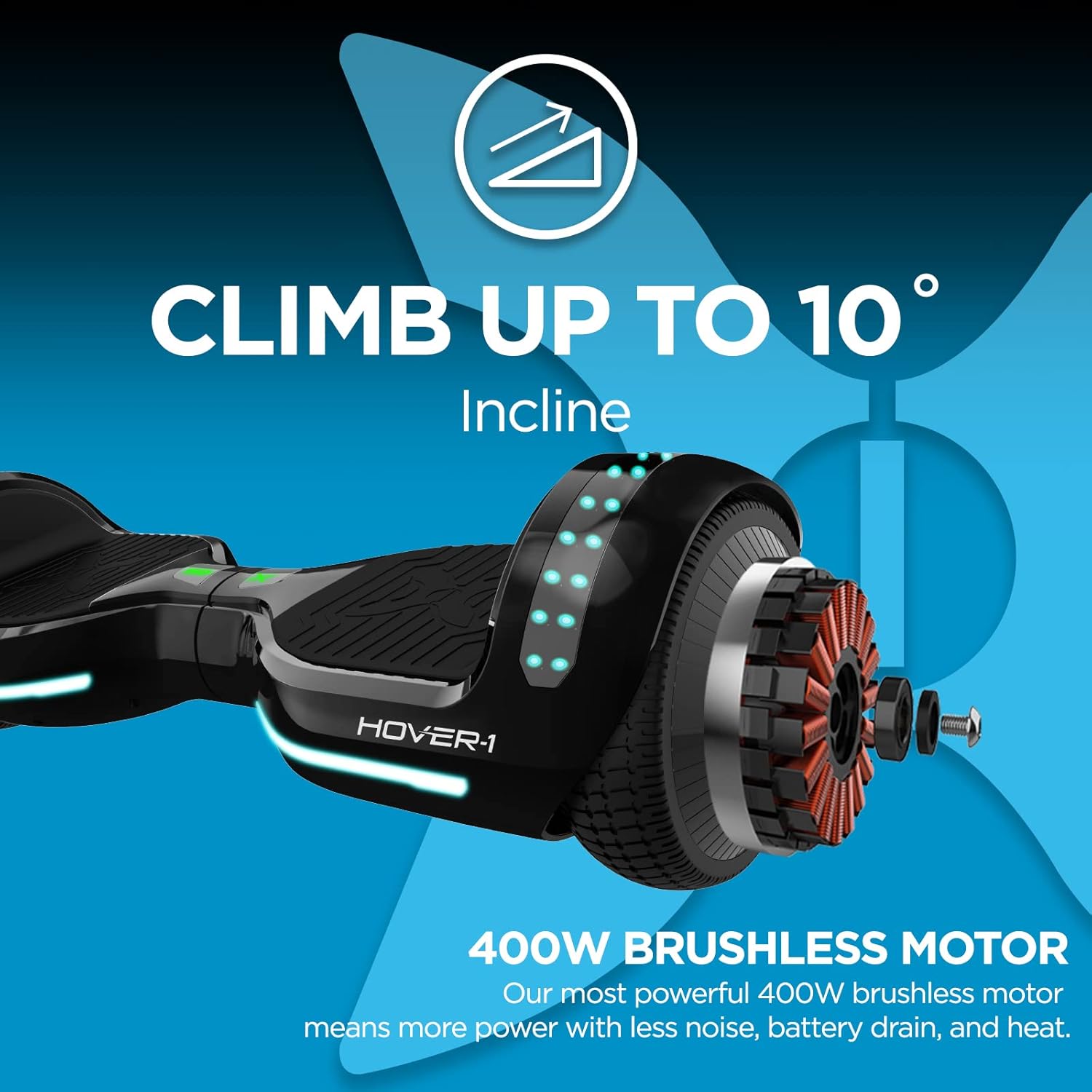
Figure 8.1: Performance Capabilities. This image illustrates the Hover-1 Origin's ability to climb inclines of up to 10 degrees and highlights its powerful 400W brushless motor, emphasizing its performance features.

Figure 8.2: Speed and Range. This image visually represents the Hover-1 Origin's maximum speed of 7 mph and its impressive range of up to 6 miles on a single charge, showcasing its efficiency for personal transport.
9. Warranty and Support
9.1 Warranty Information
The Hover-1 Origin Electric Self Balancing Scooter comes with a 90-day warranty from the date of purchase. This warranty covers manufacturing defects under normal use. Please retain your proof of purchase for warranty claims.
9.2 Customer Support
For technical assistance, troubleshooting beyond this manual, or warranty inquiries, please contact Hover-1 customer support. Refer to the official Hover-1 website or your purchase documentation for contact details.
An official User Manual PDF is also available for download: Download User Manual (PDF)
For more information and accessories, visit the official Hover-1 Store: Hover-1 Store on Amazon
