
1. Introduction
This manual provides detailed instructions for the safe and efficient use of your HEATIT ET-24 Freeze Thermostatically Controlled Outlet. Please read this manual thoroughly before operation and retain it for future reference.
2. Safety Information
Observe the following safety guidelines to ensure proper operation and prevent hazards:
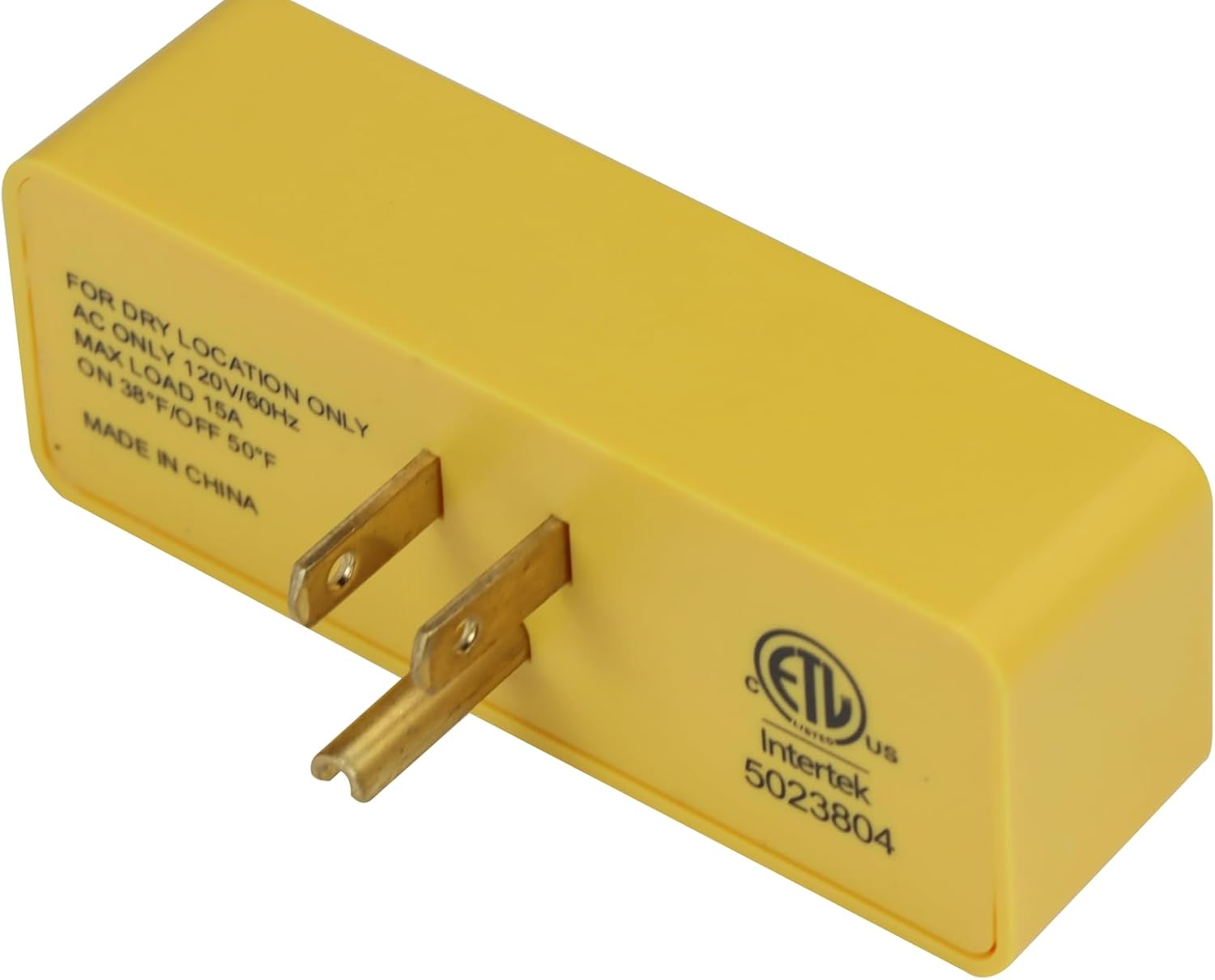
- This device is intended for use in dry locations only. Do not expose to water or excessive moisture.
- Maximum load capacity is 15 Amps. Do not exceed this rating.
- The product is ETL approved, ensuring compliance with safety standards.
- Always ensure the device is securely plugged into a functional electrical outlet.
- To prevent risks of overheating or fire, always select heating cables and related products that have appropriate safety certifications and product liability insurance.

3. Product Features
The HEATIT ET-24 is designed for automatic temperature control to protect against freezing:
- Thermostat Control: Automatically energizes connected devices when temperatures drop.
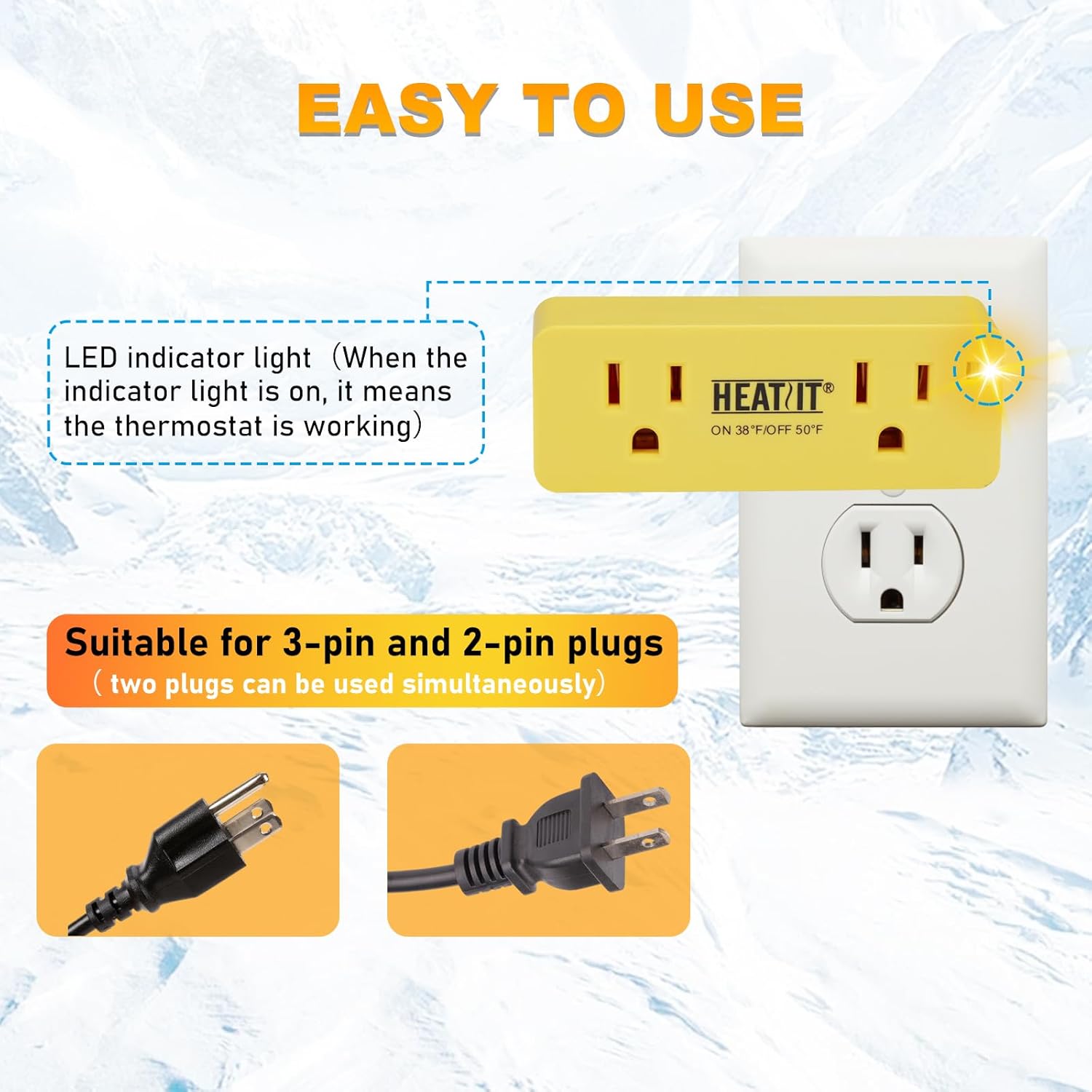
- Smart Indicator Light: A yellow light illuminates when the temperature is below 38°F (3°C) and the outlet is actively supplying power.
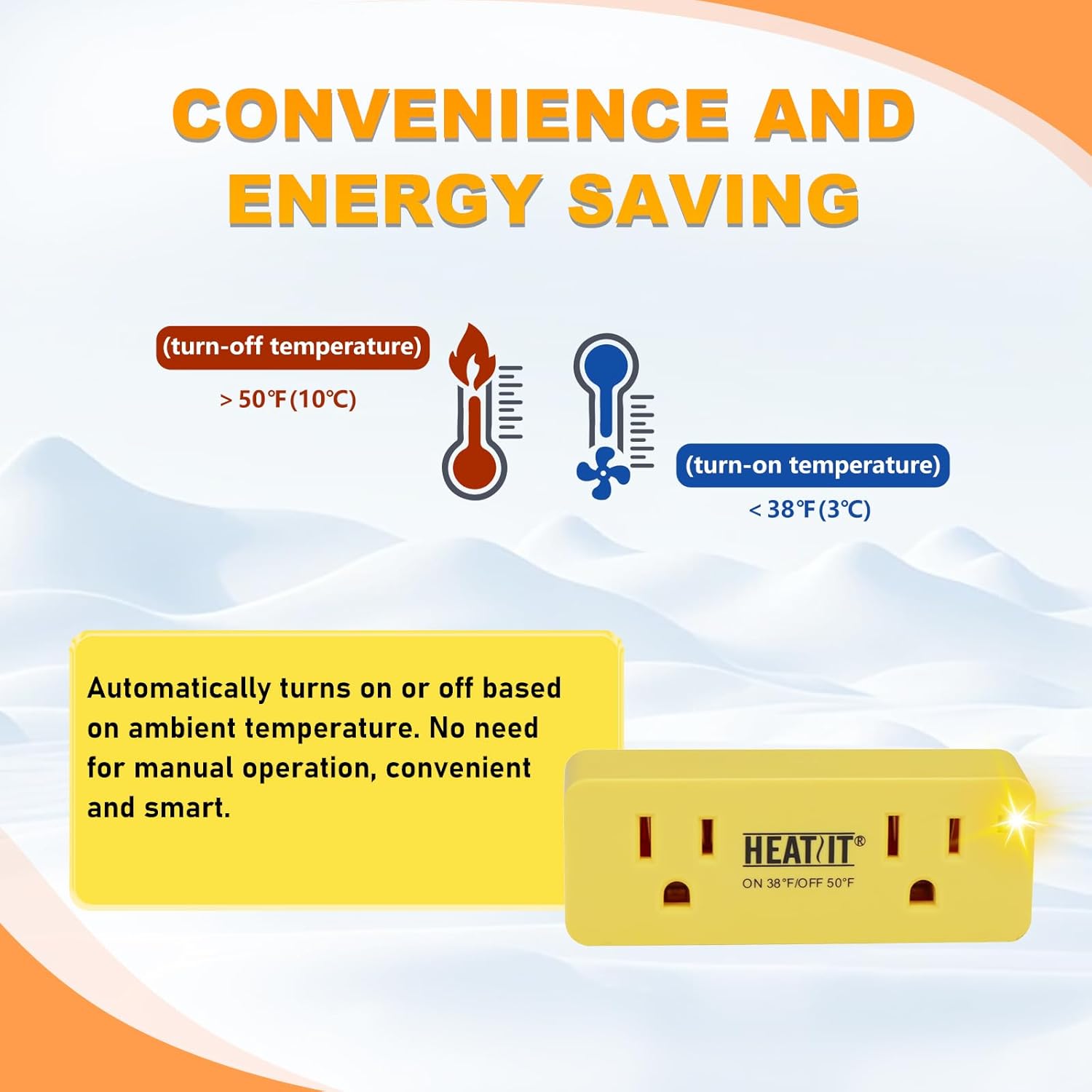
- Automatic Operation: Turns on below 38°F (3°C) and turns off at approximately 50°F (10°C).
- Energy Saving: Activates only when necessary, reducing energy consumption.
- Easy Installation: Simple plug-and-play design.
- Versatile Applications: Suitable for 120 VAC electric heaters, engine heaters, pipe heat tape, roof heating cables, and similar applications.

4. Setup and Installation
Follow these steps to set up your HEATIT ET-24 outlet:
- Ensure the installation location is dry and protected from moisture.
- Plug the HEATIT ET-24 directly into a standard 120 VAC electrical wall outlet.
- Connect your heating device (e.g., heat tape, electric heater) to one or both of the outlets on the HEATIT ET-24. The unit supports both 2-pin and 3-pin plugs simultaneously.
- Initial Test: To verify functionality upon receipt, place the unit in a freezer for approximately 45 minutes to reset its internal thermostat. After removing it from the freezer, plug it into a wall outlet. The yellow indicator light should illuminate, confirming the thermostat is active and the outlet is energized.
5. Operating Instructions
The HEATIT ET-24 operates automatically based on ambient temperature:
- Turn-on Temperature: The outlet will energize (turn on) when the ambient temperature drops below 38°F (3°C).
- Turn-off Temperature: The outlet will de-energize (turn off) when the ambient temperature rises to approximately 50°F (10°C).
- Indicator Light: A yellow indicator light will illuminate when the temperature is below 38°F (3°C) and the outlet is actively supplying power to the connected device. This light confirms the thermostat is working.

6. Maintenance
To ensure the longevity and optimal performance of your device:
- Keep the device clean and free from dust and debris. Use a dry cloth for cleaning.
- Do not attempt to open or repair the unit. Refer to qualified personnel for service.
- Store in a dry environment when not in use, especially during warmer seasons.
7. Troubleshooting
If you encounter issues with your HEATIT ET-24, consider the following:
- Device not turning on at low temperatures:
- Ensure the unit is securely plugged into a functional electrical outlet.
- Verify that the connected appliance is working correctly when plugged directly into a standard outlet.
- Perform a reset: Place the unit in a freezer for approximately 45 minutes. After removing, plug it into a wall outlet. The indicator light should turn on if the ambient temperature is below 38°F (3°C).
- Indicator light is on, but connected appliance is not heating:
- The indicator light confirms the outlet is energized. Check the connected appliance itself for proper function and ensure it is designed to operate at the current temperature.
- Device not turning off at higher temperatures:
- Ensure the ambient temperature has risen above 50°F (10°C). The device has a hysteresis to prevent rapid cycling.
- If the issue persists, perform a reset as described above.
8. Specifications
| Feature | Detail |
|---|---|
| Brand | HEATIT |
| Model Name | ET-24 |
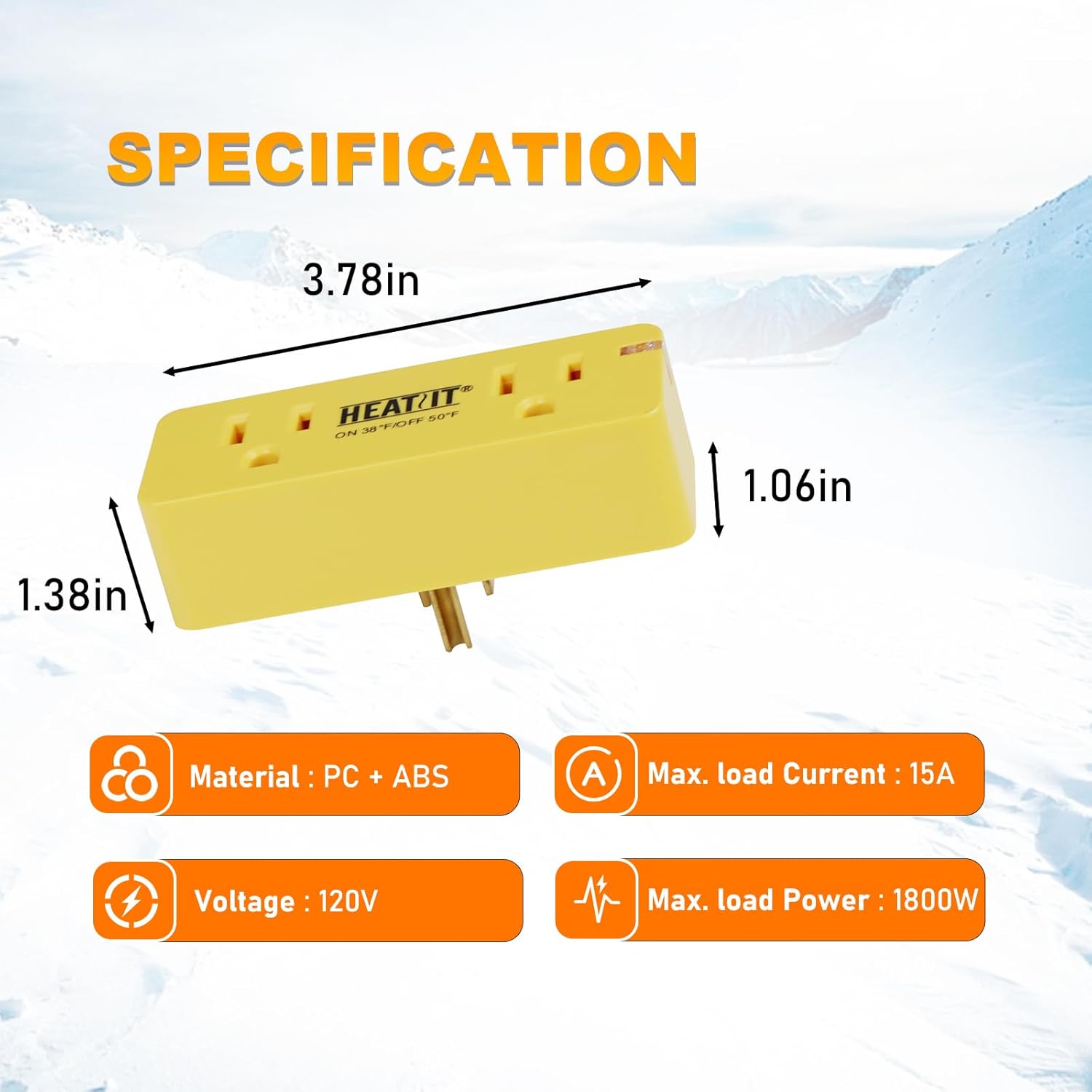
| Product Dimensions (D x W x H) | 1.38" x 3.78" x 1.06" |
| Controller Type | Automatic Thermostatic Control |
| Color | Yellow |
| Temperature Control Type | Automatic |
| Power Source | Corded Electric |
| Voltage | 120 Volts |
| Max. Load Current | 15 Amps |
| Max. Load Power | 1800 Watts |
| Turn-on Temperature | Below 38°F (3°C) |
| Turn-off Temperature | Approximately 50°F (10°C) |
| Material | PC + ABS |
| Item Weight | 2.99 ounces |
| Certifications | ETL Approved |
9. Warranty and Support
This product is designed for reliability and safety. While specific warranty details are not provided in this manual, HEATIT products are typically backed by quality assurance.
Return Policy: Standard return policies apply, typically allowing returns within 30 days for refund or replacement, as per the point of purchase.
Product Liability: To ensure safety, always use heating cables and related products that carry appropriate safety certifications and product liability insurance.
For support, please refer to the official HEATIT store or contact customer service through your point of purchase.