
ABASK Q40S
Abask Dash Cam Q40S User Manual
Model: Q40S | Brand: ABASK
Introduction
The Abask Q40S Dash Cam is a dual-camera system designed to record both the road ahead and behind your vehicle. It features Full HD 1080P recording, a 4-inch display, wide-angle lenses, night vision, G-sensor for emergency locking, loop recording, parking monitoring, and reversing assistance. This manual provides detailed instructions for setup, operation, and maintenance to ensure optimal performance of your device.
What's in the Box
- 1x Abask Dash Cam
- 1x Suction Cup Mount
- 1x Rear Camera with 6M Extension Cable
- 1x Car Charger with 3.5M USB Cable
- 1x 32GB SD card (pre-inserted in the camera)
- 1x Mini-B USB Cable (0.6m)
- 1x Adhesive Assembly
- 1x User Manual

Setup
1. Initial Preparation
Before installation, ensure the windshield is clean and free of dust or debris for optimal suction cup adhesion.

2. Install the Front Dash Cam
- Attach the suction cup mount to the main dash cam unit.
- Press the suction cup firmly onto the desired location on your windshield, typically behind the rearview mirror, ensuring it does not obstruct your view.
- Connect the car charger cable to the dash cam. Route the cable neatly along the windshield edge and down to the cigarette lighter socket. You can tuck the cable into the trim for a cleaner installation.
Video 1: Detailed installation guide for the Abask Dash Cam, including cable routing and initial setup steps.
3. Install the Rear Camera
Mount the rear camera on the inside of your rear windshield using the provided adhesive assembly. Connect the rear camera to the main dash cam unit using the 6-meter extension cable. Route this cable discreetly along the vehicle's interior trim to the front unit.
For reversing assistance with guidelines, connect the red wire of the rear camera's extension cable to the positive terminal of your car's reverse lights. If you do not require reversing guidelines, this connection is optional, and the rear camera will still record.

4. Power Connection and Initial Start-up
Plug the car charger into your vehicle's cigarette lighter socket. The dash cam will automatically power on and begin recording when your car engine starts, and power off when the engine is turned off.
Video 2: Demonstrates the automatic power on/off feature with car ignition.
5. Formatting the SD Card
It is recommended to format the included 32GB Micro SD card upon first use and periodically thereafter to ensure optimal performance and prevent recording issues. The memory card is pre-inserted in the dash cam.
- With the dash cam powered on, press the Menu button to access settings.
- Navigate to the Format option using the arrow buttons.
- Select OK to confirm formatting. This will erase all data on the card.
Video 3: Instructions on how to format the Micro SD card.
Operating Instructions
1. Recording Modes
The Abask Q40S supports dual-channel recording, capturing both front and rear views simultaneously in Full HD 1080P resolution.

Video 4: Demonstrates front and rear camera footage quality.
2. Loop Recording
The dash cam records video in continuous loops, overwriting the oldest unlocked files when the memory card is full. This ensures continuous recording without manual intervention.

3. G-Sensor (Emergency Accident Lock)
The built-in G-sensor automatically detects sudden shakes or collisions. When activated, it locks the current video footage to prevent it from being overwritten by loop recording, preserving critical evidence in case of an accident.

4. Parking Monitoring & Motion Detection
When the vehicle is parked, the dash cam can monitor for activity. Motion detection will automatically start recording if movement is detected in front of the car. The parking guard feature records crash detection if your car is hit while parked. This helps capture evidence of vandalism or hit-and-runs.
Note: This feature requires an ACC hardwire kit (not included) to connect the camera directly to the car battery for continuous power when the vehicle is off.

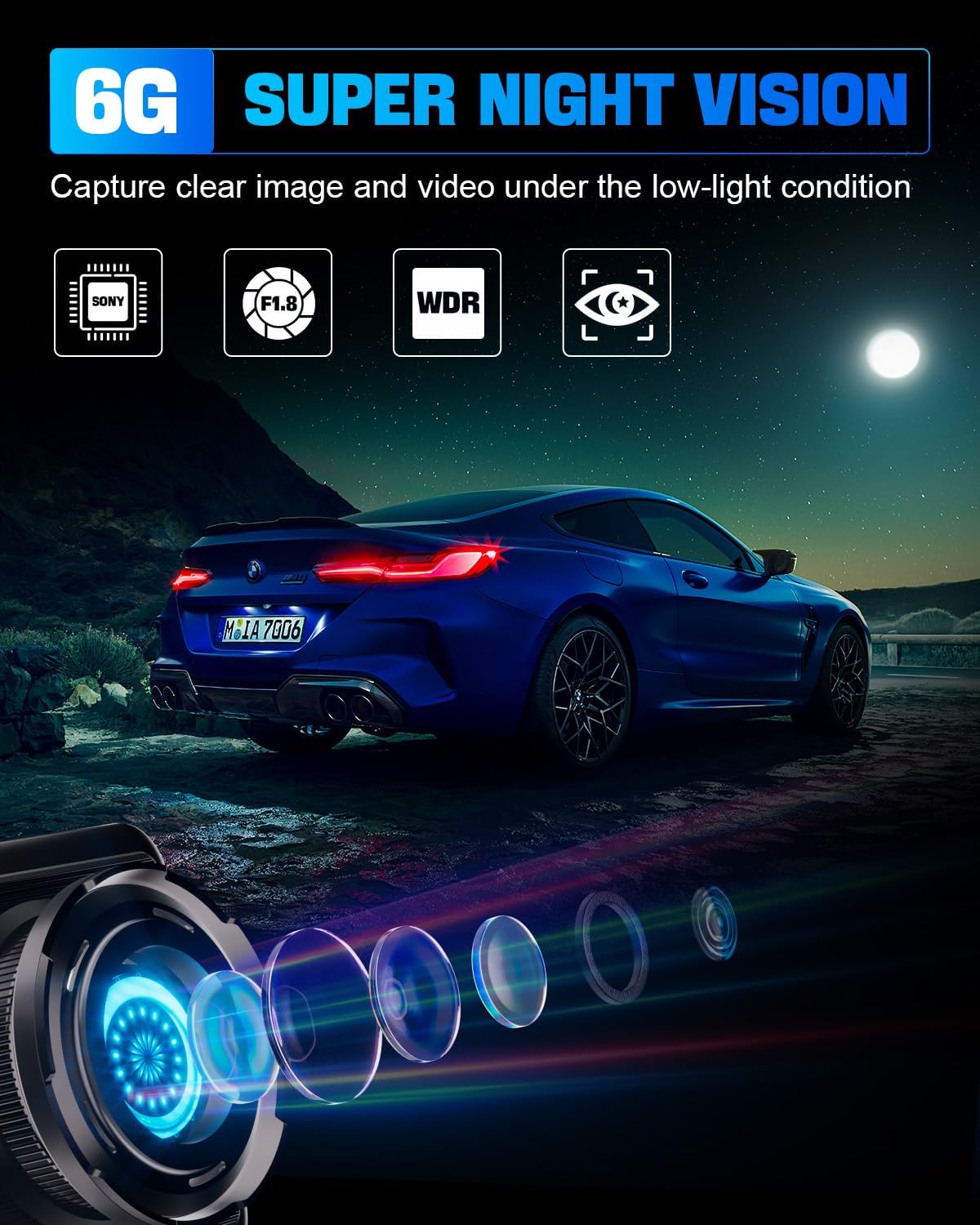
5. Night Vision (WDR)
Equipped with a 6-layer HD lens and WDR (Wide Dynamic Range) technology, the dash cam provides clear video and picture quality even in low-light conditions, ensuring visibility during night driving.
6. Playback Footage
To review recorded videos directly on the dash cam:
- Stop video recording by pressing the OK/M button.
- Switch to playback mode using the Mode button.
- Use the arrow buttons to navigate through recorded files.
- Press OK/M to play the selected video.
Video 5: Demonstrates how to playback recorded footage on the dash cam.
Maintenance
Battery Warning
The dash cam's internal battery is primarily for emergency power-off and saving the last file. It is designed to last only 3-5 minutes. For continuous operation, the dash cam must remain plugged into the car's power source.
SD Card Care
Regularly format the Micro SD card (e.g., once a month) to maintain optimal recording performance and prevent data corruption. Use a high-quality Class 10 or higher Micro SD card for reliable operation.
Troubleshooting
If you encounter issues with your Abask Dash Cam Q40S, please refer to the following common solutions:
- Camera not powering on: Ensure the car charger is securely plugged into both the dash cam and the car's cigarette lighter socket. Check the car's fuse for the cigarette lighter.
- Recording stops unexpectedly: Format the SD card. Ensure you are using a genuine Class 10 or higher Micro SD card. If the issue persists, try a different SD card.
- Poor video quality: Clean the camera lens. Ensure the protective film has been removed from the lens. Check that the recording resolution is set to 1080P FHD in the settings.
- G-Sensor too sensitive/not sensitive enough: Adjust the G-sensor sensitivity setting in the dash cam's menu.
- Rear camera not displaying: Check the connection cable between the front and rear cameras. Ensure the cable is not damaged.
For further assistance, please contact Abask customer support.
Specifications
| Feature | Detail |
|---|---|
| Product Dimensions | 7.91 x 2.91 x 4.45 inches |
| Item Weight | 1.13 ounces |
| Model Number | Q40S |
| Batteries | 1 Lithium Polymer battery required (included) |
| Connectivity Technology | USB |
| Special Features | Dash Cam Front and Rear, 170° Wide Angle, Night Vision, WDR, G-Sensor, Parking Monitor, Loop Recording, Motion Detector, 32GB Card, 4-inch screen |
| Color | Black |
| Manufacturer | ABASK |
| Orientation | Front and Rear |
| Video Capture Resolution | 1080p |
| Mounting Type | Suction Mount |
Warranty and Support
ABASK provides customer support for its products. For any warranty claims, technical assistance, or further inquiries, please refer to the official user manual PDF or contact ABASK customer service directly.
Official User Manual (PDF): Download Here
Related documentsQ40S


Ask a question about this manual
Ask about setup, troubleshooting, compatibility, parts, safety, or missing instructions. Manuals+ will review the question and use this page’s manual context to help answer it.