
1. Introduction
Thank you for purchasing the Edifier X3s True Wireless Stereo Earbuds. This manual provides detailed instructions on how to set up, operate, and maintain your earbuds to ensure optimal performance and longevity. Please read this manual thoroughly before use.

Image: The Edifier X3s earbuds, one removed from the open charging case, showcasing their compact design.
2. Package Contents
- Edifier X3s True Wireless Earbuds (Left and Right)
- Charging Case
- USB Charging Cable
- Ear Tips (various sizes)
- User Manual
3. Setup
3.1 Charging the Earbuds and Case
Before first use, fully charge the earbuds and the charging case.
- Place the earbuds into the charging case. Ensure they are correctly seated; the indicator lights on the earbuds will illuminate.
- Connect the charging case to a power source using the provided USB cable. The indicator light on the charging case will show charging status.
- A full charge for the charging case typically takes approximately 8 hours. The earbuds will charge automatically when placed in the case.
3.2 Bluetooth Pairing
Follow these steps to pair your Edifier X3s earbuds with your device:
- Ensure the earbuds are charged.
- Open the charging case. The earbuds will automatically enter pairing mode, indicated by a flashing light on the earbuds.
- On your device (smartphone, tablet, etc.), enable Bluetooth and search for new devices.
- Select "EDIFIER X3s" from the list of available devices.
- Once connected, a voice prompt will confirm successful pairing, and the earbud indicator lights will turn off.
The earbuds support TrueWireless Mirroring, allowing seamless switching between single and dual earbud use.
4. Operating Instructions
4.1 Touch Controls
The Edifier X3s earbuds feature intuitive touch controls on each earbud. Refer to the diagram below for specific functions:

Image: A diagram illustrating the touch control functions for the left and right Edifier X3s earbuds.
- Single Tap (L/R): Play/Pause music, Answer an Incoming Call
- Double Tap (L): Previous Song
- Double Tap (R): Next Song
- Triple Tap (L): Switch On Game Mode
- Triple Tap (R): Activate Voice Assistant
- Long Press for 2-3 Seconds (L/R): Hang Up/Reject a Call
- Long Press (L): Volume Down
- Long Press (R): Volume Up
4.2 Game Mode
To enhance your gaming experience, the Edifier X3s features a dedicated Game Mode. Triple-tap the left earbud to activate or deactivate Game Mode. This mode optimizes audio-visual synchronization for gaming.
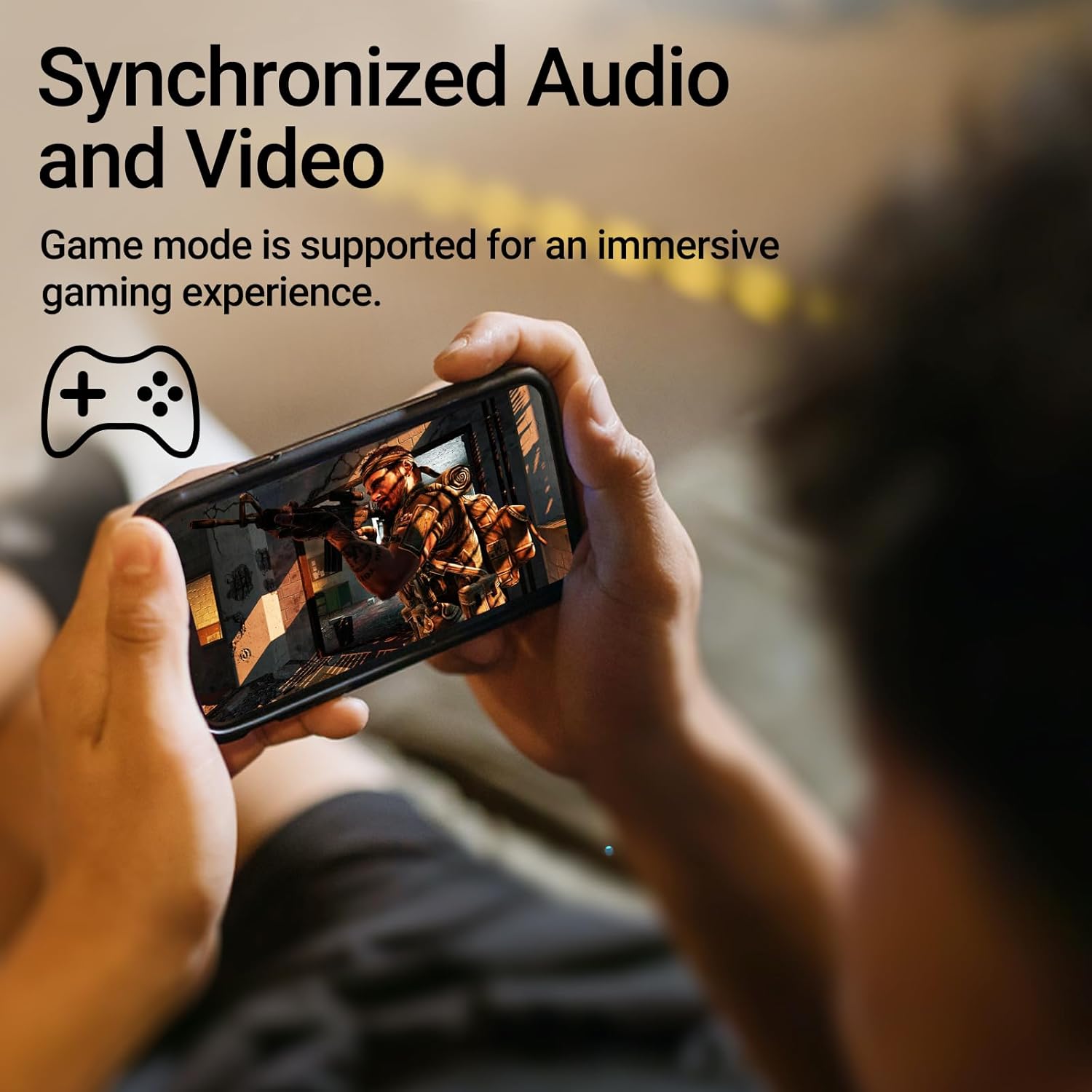
Image: A person holding a smartphone, playing a game, with the text "Synchronized Audio and Video. Game mode is supported for an immersive gaming experience."
5. Key Features
- True Wireless Experience: Bluetooth V5.2 with Qualcomm aptX audio decoding for high-fidelity sound and stable connections.
- Extended Playtime: Up to 28 hours of total playtime, with 8 hours from the earbuds and an additional 20 hours from the charging case.
- Superior Call Clarity: Equipped with Qualcomm cVc 8.0 noise cancellation technology for crystal clear calls.
- IP55 Rated Protection: Dust and water resistance make these earbuds suitable for outdoor activities and various weather conditions.
- Comfortable & Lightweight Design: Weighing only 62g, these earbuds provide a secure and comfortable fit for extended wear.

Image: A close-up of the Qualcomm aptX QCC3040 chip, highlighting Bluetooth V5.2 with aptX audio decoding for lossless audio transmission.

Image: Hands holding the Edifier X3s charging case, with an overlay indicating "Up to 28 hours of playback in total: 8 hours (earbuds), 20 hours (charging case)".

Image: A graphic illustrating cVc 8.0 noise reduction, showing how ambient noise is reduced while voice remains clear during calls.

Image: A woman exercising, with an overlay indicating "Dust and water resistant. Feel free to use them at the gym or on a rainy day. IP55-Rated."
6. Maintenance
6.1 Cleaning
- Regularly clean the earbuds and charging case with a soft, dry, lint-free cloth.
- Remove ear tips and clean them with mild soap and water if necessary. Ensure they are completely dry before reattaching.
- Use a cotton swab to gently clean the charging contacts on both the earbuds and the case.
6.2 Storage
- When not in use, store the earbuds in their charging case to protect them and keep them charged.
- Store in a cool, dry place away from extreme temperatures and direct sunlight.
6.3 Water and Dust Resistance
The earbuds are IP55 rated, meaning they are protected against dust ingress and low-pressure water jets from any direction. While they can withstand sweat and light rain, they are not designed for submersion in water. Do not use them while swimming or showering.
7. Troubleshooting
- Earbuds not pairing: Ensure both earbuds are in the charging case, then open the lid to initiate pairing mode. Check your device's Bluetooth settings and try reconnecting.
- Only one earbud working: Place both earbuds back into the charging case, close the lid, wait a few seconds, then open it again. This often re-syncs them.
- No sound: Check the volume level on both your device and the earbuds. Ensure the earbuds are properly paired and connected.
- Charging issues: Verify that the charging cable is securely connected and the power source is active. Clean the charging contacts on the earbuds and case.
- Poor call quality: Ensure the earbuds are clean and positioned correctly in your ears. Check for any obstructions to the microphone.
8. Specifications
- Model: EDIFIER X3S
- Connectivity: Wireless (Bluetooth V5.2)
- Audio Decoding: Qualcomm aptX
- Noise Cancellation: Qualcomm cVc 8.0 (for calls)
- Playtime: Earbuds: 8 hours, Total with Charging Case: 28 hours
- Charging Time (Case): Approximately 8 hours
- Water/Dust Resistance: IP55 Rated
- Control Method: Touch
- Weight: 62 Grams (total)
- Material: Polycarbonate (PC), Thermoplastic Elastomer (TPE)
- Compatible Devices: Smartphones, Gaming Devices, Tablets
9. Warranty and Support
For warranty information and customer support, please refer to the warranty card included with your product or visit the official Edifier website. Keep your proof of purchase for any warranty claims.