
1. Product Overview
The Philips Sonicare ProtectiveClean 4300 electric toothbrush utilizes advanced sonic technology to provide a gentle yet effective cleaning experience. It is designed to remove up to 7 times more plaque compared to a manual toothbrush, promoting improved gum health and whiter teeth.
Key features include a built-in pressure sensor to prevent excessive brushing force, dual-intensity settings for personalized comfort, a 2-minute Smartimer, and a QuadPacer to ensure thorough cleaning of all mouth quadrants. The BrushSync feature tracks brush head usage for optimal replacement reminders.

Image: Philips Sonicare ProtectiveClean 4300 Electric Toothbrush with charging base and brush head.
2. Package Contents
Verify that your package contains the following items:
- Philips Sonicare ProtectiveClean 4300 Handle
- 1 x Brush Head
- Charger Base
3. Getting Started (Setup)
3.1 Attaching the Brush Head
- Align the brush head with the front of the toothbrush handle.
- Press the brush head down onto the metal shaft until it stops.
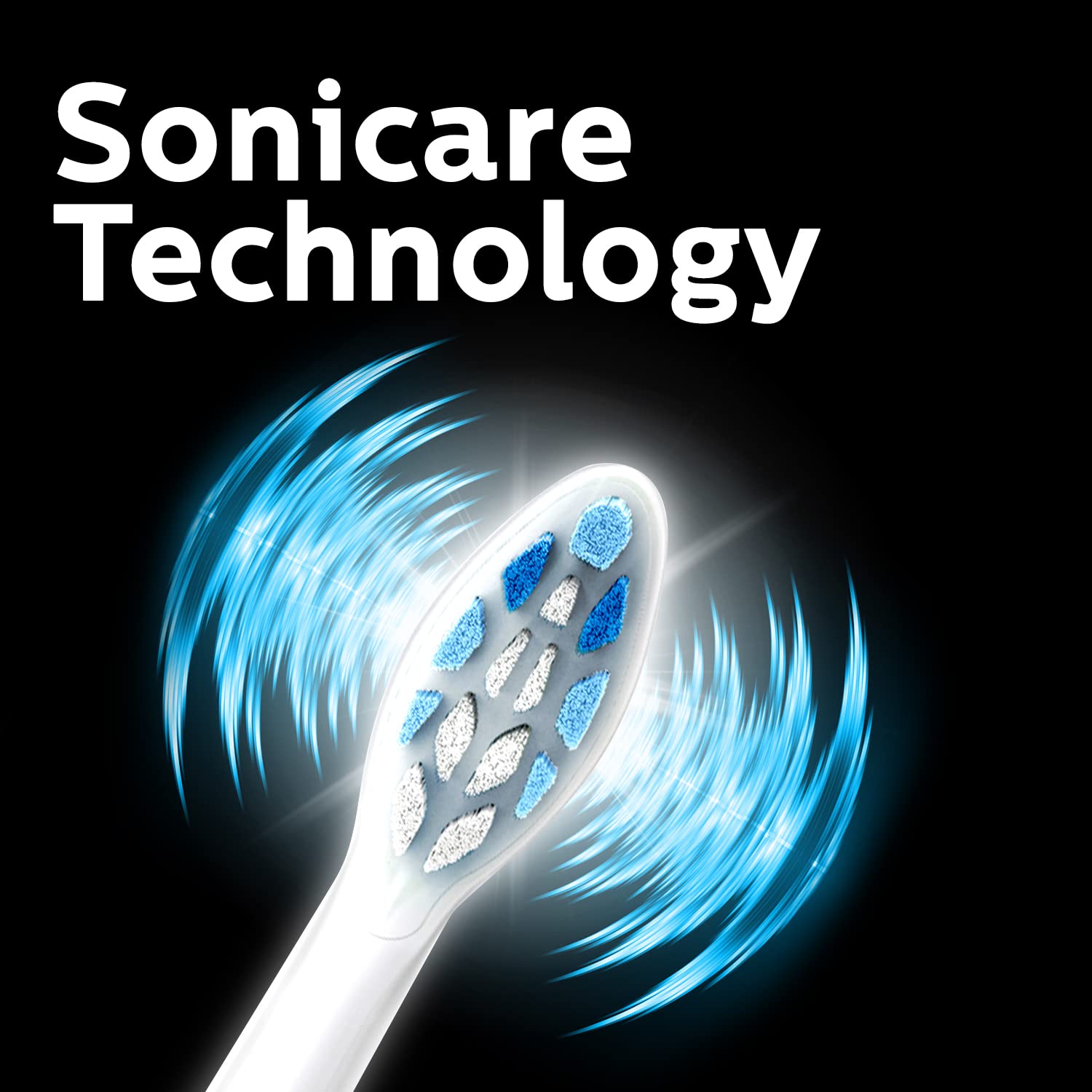
Image: Close-up of the Philips Sonicare brush head, illustrating its design.
3.2 Charging the Toothbrush
Before first use, charge the toothbrush for at least 24 hours. A full charge provides up to 2 weeks of regular use.
- Plug the charger base into an electrical outlet.
- Place the toothbrush handle onto the charger base.
- The battery indicator light will flash to show charging is in progress. When fully charged, the light will remain solid green.
4. Operating Instructions
4.1 Brushing Your Teeth
- Wet the brush head and apply a small amount of toothpaste.
- Place the brush head against your teeth at a slight angle towards the gumline.
- Press the power button to start brushing.
- Gently move the brush head slowly across your teeth in small back-and-forth motions, allowing the sonic vibrations to do the work.
- The QuadPacer will signal every 30 seconds to move to the next quadrant of your mouth.
- The Smartimer will automatically turn off the toothbrush after 2 minutes of brushing.
- Rinse your mouth and the brush head after use.

Image: Sonicare Technology gently pulses liquid between teeth for effective cleaning.
4.2 Dual Intensity Settings
Your toothbrush offers dual intensity settings to suit your preference. Press the mode button to switch between the two intensity levels (Gentle and Regular) during brushing.
5. Features Explained
5.1 Pressure Sensor
The built-in pressure sensor alerts you if you are brushing too hard. When excessive pressure is applied, the handle will emit a gentle pulsing sound to remind you to ease off. This helps protect your teeth and gums from damage.

Image: Visual representation of the Pressure Sensor, QuadPacer, 2-minute timer, and battery life features.
5.2 Smartimer and QuadPacer
- Smartimer: Ensures you brush for the dentist-recommended 2 minutes by automatically turning off the toothbrush.
- QuadPacer: A 30-second interval timer that indicates when to move to the next quadrant of your mouth, ensuring even cleaning.
5.3 BrushSync Technology
The BrushSync feature tracks how long you have been using your brush head and how hard you have been brushing. When it's time to replace the brush head (approximately every 3 months), a light on your handle and a short beep will notify you, ensuring optimal cleaning performance.

Image: The Philips Sonicare ProtectiveClean 4300 removes up to 7 times more plaque than a manual toothbrush.
6. Maintenance
6.1 Cleaning the Toothbrush
- After each use, rinse the brush head and bristles thoroughly under running water.
- Wipe the handle with a damp cloth. Do not immerse the handle in water.
- Clean the charger base periodically with a damp cloth.
6.2 Replacing the Brush Head
For optimal performance and hygiene, replace your Philips Sonicare brush head every 3 months, or sooner if the bristles become splayed or worn. The BrushSync feature will remind you when it's time.
7. Troubleshooting
- Toothbrush not turning on: Ensure the battery is charged. If the issue persists, contact customer support.
- Toothbrush not charging: Check if the charger is properly plugged in and the handle is correctly placed on the charger. Ensure the outlet is functional.
- Pressure sensor not activating: Ensure you are applying sufficient pressure to trigger the sensor. If it still doesn't work, contact customer support.
- Reduced brushing power: This may indicate a low battery. Recharge the toothbrush. If the issue persists after charging, the brush head might be worn and needs replacement.
8. Specifications
| Brand | Philips |
| Model Number | HX6807/24 |
| Technology | Sonic |
| Plaque Removal | Up to 7x more than manual toothbrush |
| Pressure Sensor | Built-in |
| Intensity Settings | Dual Intensity |
| Timer | 2-minute Smartimer, QuadPacer |
| Brush Head Replacement Reminder | BrushSync Feature |
| Battery Life | Up to 2 weeks |
| Power Source | Battery Powered |
| Item Weight | 306 g |
| Product Dimensions | 3.11 x 2.81 x 18.71 cm |
9. Warranty and Support
For warranty information, service, or support, please contact Philips customer care:
- Customer Care No.: 18001022929
- Email: Customercare.india@philips.com
- Manufacturer: Philips India Limited, 3rd Floor, Tower A, DLF IT Park, 8 Block AF, Major Arterial road, Kolkata - 700156
Please retain your proof of purchase for warranty claims.


