
YOTON YD075
YOTON 9.5" Portable DVD Player
User Manual
Model: YD075
Product Overview
The YOTON 9.5" Portable DVD Player (Model YD075) is designed for versatile entertainment, featuring a 7.5-inch swivel HD screen and upgraded dual speakers. It offers a 6-hour working time, supports screen synchronization to a TV, and is compatible with SD cards, USB drives, and multiple disc formats. This manual provides essential information for setting up, operating, maintaining, and troubleshooting your device.

Image: YOTON 9.5 inch Portable DVD Player with its remote control, showcasing the device's compact design and included accessories.
What's in the Box
Upon unboxing, please ensure all components are present:
- 1 x Portable DVD Player YD075
- 1 x Remote Control (battery not included)
- 1 x AC Charger
- 1 x 3-in-1 AV cable (male)
- 1 x Car Charger

Image: All accessories included with the YOTON Portable DVD Player, laid out neatly: the player, remote control, user manual, AC charger, 3-in-1 AV cable, and car charger.
Setup
Initial Charging
Before first use, fully charge the portable DVD player using the included AC power adapter. Connect the AC adapter to the player's DC IN port and plug it into a standard wall outlet. The charging indicator will illuminate. A full charge provides approximately 6 hours of playback.
Powering On/Off
To power on the device, press and hold the POWER button. To power off, press and hold the POWER button again.
Screen Adjustment
The 7.5-inch screen can swivel 270 degrees horizontally and flip 180 degrees vertically for optimal viewing angles in various settings, such as home, car, or travel. Adjust the screen carefully to your desired position.
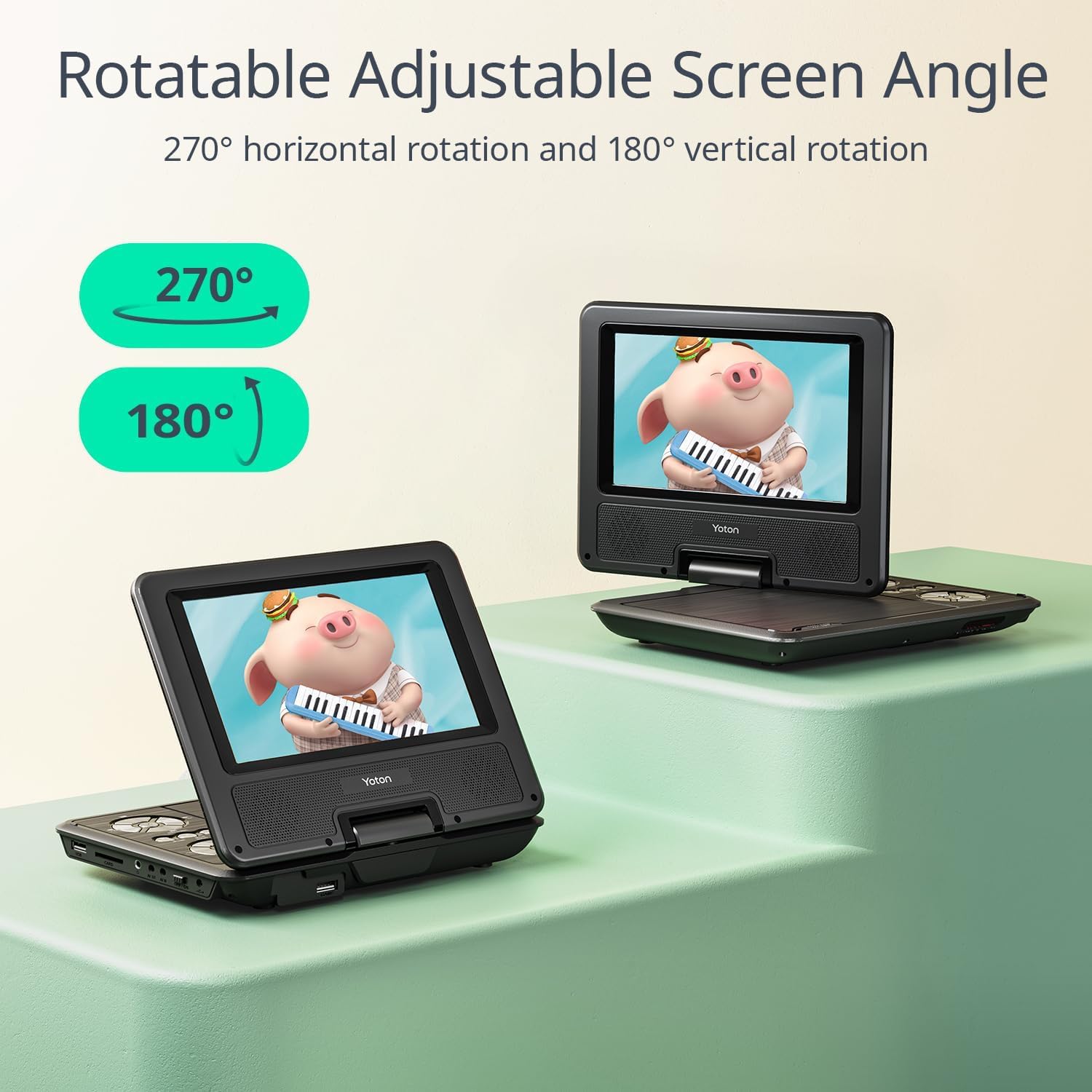
Image: Diagram illustrating the 270-degree horizontal rotation and 180-degree vertical flip capabilities of the YOTON Portable DVD Player's screen.
Operating Instructions
Disc Playback
- Open the disc cover gently.
- Place a compatible disc (CD, DVD, CD-R/RW, DVD±R/±RW, VCD/SVCD) onto the spindle, label side up.
- Close the disc cover. The player will automatically begin playback or display the disc menu.
- Use the control buttons on the player or remote control to navigate menus, play, pause, stop, fast forward, or rewind.
Note: This device is region-free but does not support Blu-ray discs or pirated discs. It supports video files with a resolution of 720*480 and image files with a resolution of 2650*1440. It is not compatible with 1080P or 4K content.

Image: The YOTON Portable DVD Player with various disc types, illustrating its region-free playback and compatibility with multiple formats like SVCD, VCR, DVD-RW, CD, and HDCD.
USB and SD Card Playback
Insert a USB drive (up to 32GB) into the USB port or an SD card (up to 32GB) into the SD card slot. The player will detect the media and allow you to browse and play supported file formats (VOB, AVI, MPEG, MP3, WMA, JPEG).
Break-Point Memory Function
The player features a break-point memory function that automatically resumes playback from where you last stopped. This is useful for continuing movies or shows without losing your place.
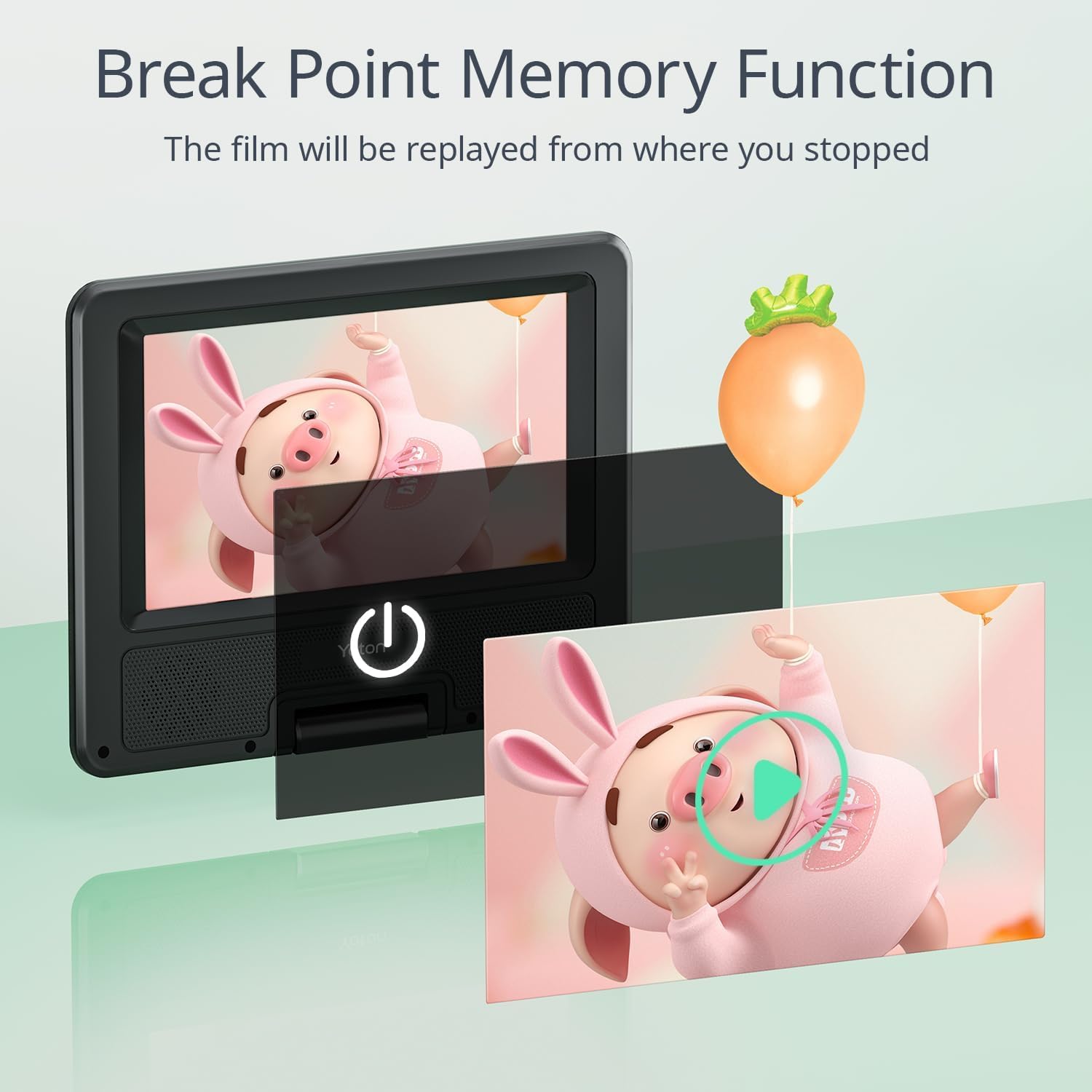
Image: A visual representation of the break-point memory function, showing the player resuming a video from the exact moment it was paused.
Connecting to External Displays (TV/Projector)
Use the included 3-in-1 AV cable to connect the portable DVD player to a television or projector. Connect the yellow, white, and red plugs from the AV cable to the corresponding input ports on your external display. Select the correct input source on your TV/projector to view the player's output.
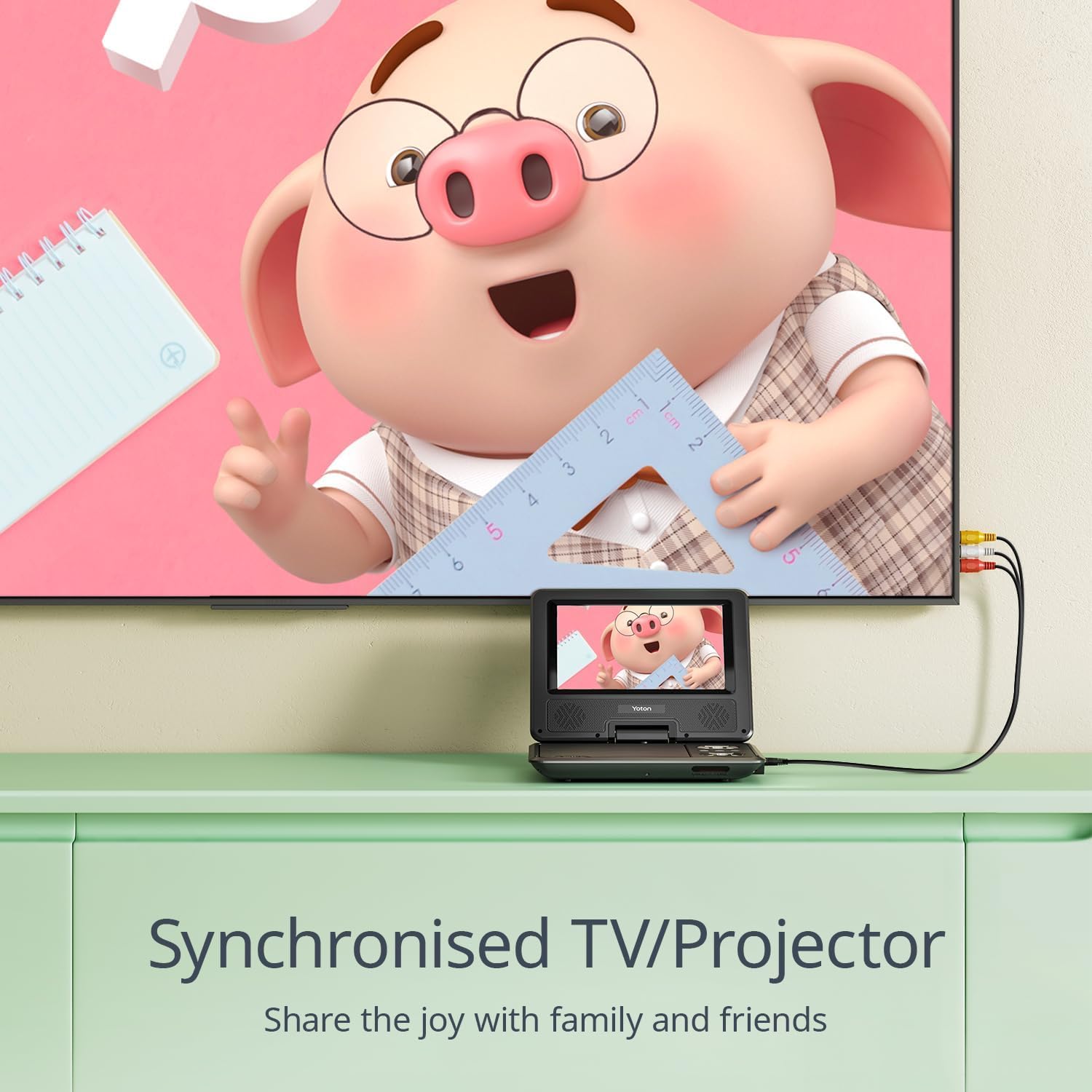
Image: The YOTON Portable DVD Player connected via AV cables to a larger television screen, demonstrating its ability to synchronize content for shared viewing.
Maintenance
Cleaning the Device
Use a soft, dry cloth to clean the exterior of the DVD player. For the screen, use a screen-specific cleaning solution and a microfiber cloth. Avoid using abrasive cleaners or solvents.
Battery Care
To prolong battery life, avoid fully discharging the battery frequently. Recharge the device when the battery is low. If storing the player for an extended period, charge it to about 50% every few months.
Storage
Store the DVD player in a cool, dry place away from direct sunlight and extreme temperatures. Keep it free from dust and moisture.
Troubleshooting
- No Power: Ensure the AC adapter or car charger is securely connected and providing power. Check if the battery is charged.
- Disc Not Playing: Verify the disc is clean and free of scratches. Ensure the disc format is supported (not Blu-ray or pirated). Try a different disc.
- No Sound: Check the volume level on the player and any connected external speakers/TV. Ensure headphones are properly plugged in if used.
- Poor Picture Quality: Ensure the disc is clean. If connected to a TV, check the AV cable connections and the TV's input source. Note that the device supports resolutions up to 720*480 for video.
- USB/SD Card Not Recognized: Ensure the USB drive or SD card is formatted correctly (FAT32 recommended) and its capacity does not exceed 32GB. Check that the files are in supported formats.
For further assistance, please refer to the User Guide (PDF) or contact YOTON customer support.
Specifications
| Model Number | YD075 |
| Screen Size | 7.5 Inches (diagonal) |
| Display Type | LCD |
| Product Dimensions | 8.15 x 6.3 x 1.65 inches |
| Item Weight | 1.5 pounds |
| Battery | 1 Lithium Ion battery (included) |
| Battery Life | Approx. 6 hours playback |
| Supported Disc Formats | CD, DVD, CD-R/RW, DVD±R/±RW, VCD/SVCD (Excluding Blu-ray and pirated discs) |
| Supported Media (USB/SD) | VOB, AVI, MPEG, MP3, WMA, JPEG (USB/SD Card up to 32GB) |
| Video Resolution Support | Up to 720*480 |
| Image Resolution Support | Up to 2650*1440 |
| Manufacturer | YOTON |
Warranty and Support
YOTON products are backed by comprehensive customer support and warranty services:
- Warranty: All products purchased from YOTON are covered by a 1-year warranty.
- After-sales Service: Enjoy 24-MONTH after-sales service and 24-HOUR friendly customer support.
- Parts Replacement: YOTON customers can contact the after-sales team directly for free replacement parts for any broken or missing components.
- Contact Support: Do not hesitate to reach out to YOTON customer support with any questions or concerns.
For detailed operation instructions, you can download the official User Guide (PDF).
Related documentsYD075


Ask a question about this manual
Ask about setup, troubleshooting, compatibility, parts, safety, or missing instructions. Manuals+ will review the question and use this page’s manual context to help answer it.