
1. Introduction
The CUBOT King Kong 7 is a rugged smartphone designed for durability and performance in challenging environments. It features IP68/IP69K water, dust, and shock resistance, an Android 11 operating system, a powerful Octa-Core processor, and a high-resolution camera system. This manual provides essential information for setting up, operating, maintaining, and troubleshooting your device.

Image: Overview of CUBOT King Kong 7 key features including ruggedness, processor, operating system, camera, memory, battery, and connectivity options.
2. Package Contents
Please check the package contents upon unboxing your CUBOT King Kong 7 smartphone. If any items are missing or damaged, contact your retailer.
- CUBOT King Kong 7 Smartphone
- Power Adapter
- USB Cable (Type-C)
- SIM Ejector Tool
- Screen Protector (pre-applied or in box)
- Quick Start Guide
- Warranty Card
3. Device Layout
Familiarize yourself with the physical components of your CUBOT King Kong 7.
- Front: 6.36-inch FHD+ Display, 32MP Front Camera, Earpiece, Sensors.
- Rear: 64MP Main Camera, 16MP Wide-Angle Camera, 5MP Macro Camera, LED Flash, Fingerprint Sensor.
- Sides: Power Button, Volume Up/Down Buttons, SIM/SD Card Tray, USB Type-C Port.
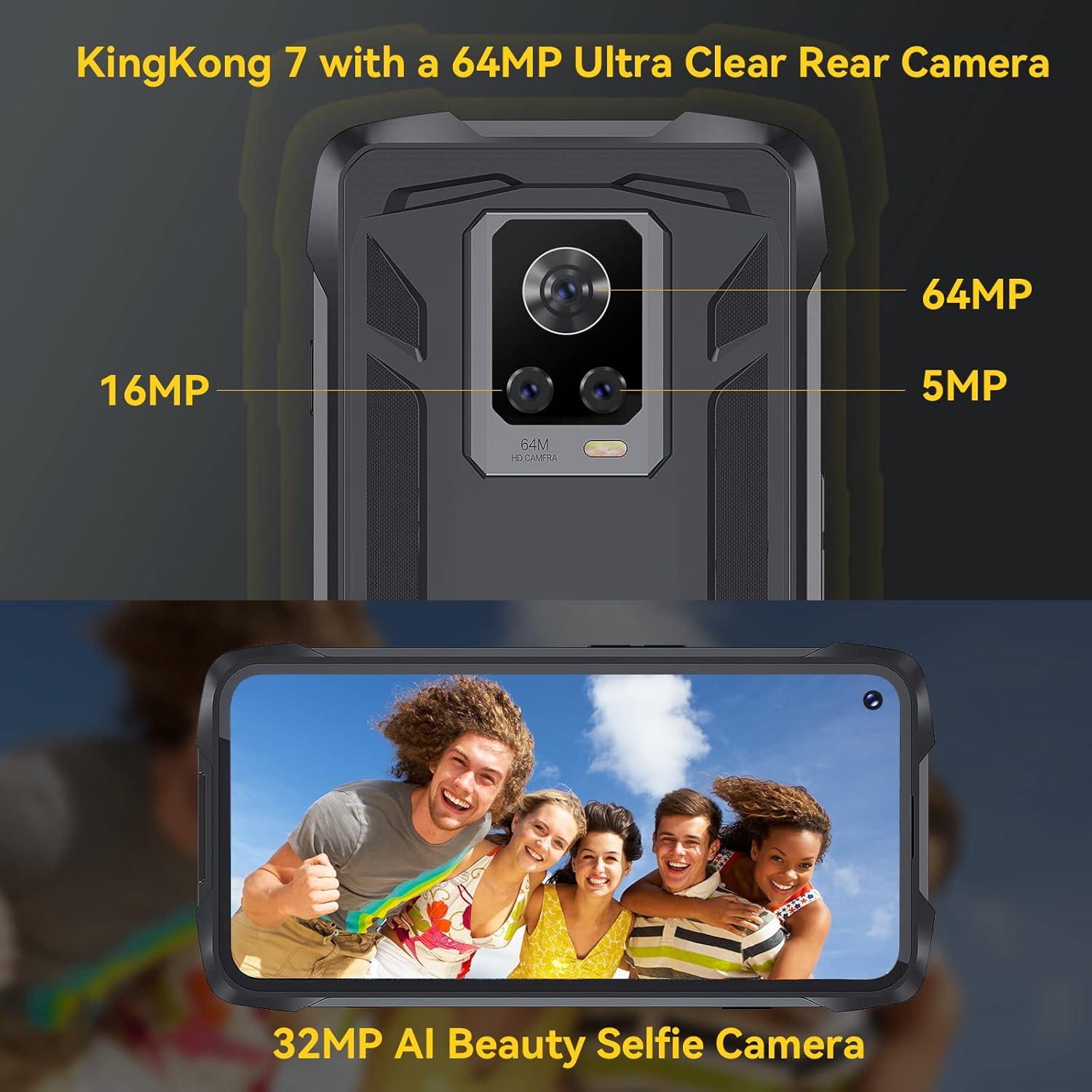
Image: Rear view of the CUBOT King Kong 7, highlighting the camera array and fingerprint sensor placement.
4. Setup
4.1 Installing SIM and SD Cards
- Locate the SIM/SD card tray on the side of the device.
- Insert the SIM ejector tool into the small hole next to the tray and press gently until the tray pops out.
- Place your Nano-SIM card(s) and/or microSD card (up to 256GB) into the designated slots on the tray, ensuring correct orientation.
- Carefully push the tray back into the phone until it clicks into place.
4.2 Powering On/Off
- To Power On: Press and hold the Power button until the CUBOT logo appears.
- To Power Off: Press and hold the Power button until the power options appear on the screen, then select "Power off."
4.3 Initial Setup
Upon first power-on, follow the on-screen prompts to:
- Select your language.
- Connect to a Wi-Fi network.
- Set up your Google account.
- Configure screen lock (PIN, pattern, password, fingerprint, Face ID).
5. Operating Your Device
5.1 Android 11 Basics
Your CUBOT King Kong 7 runs on Android 11, offering an intuitive user experience. Navigate using gestures or on-screen buttons. Swipe down from the top for notifications and quick settings.
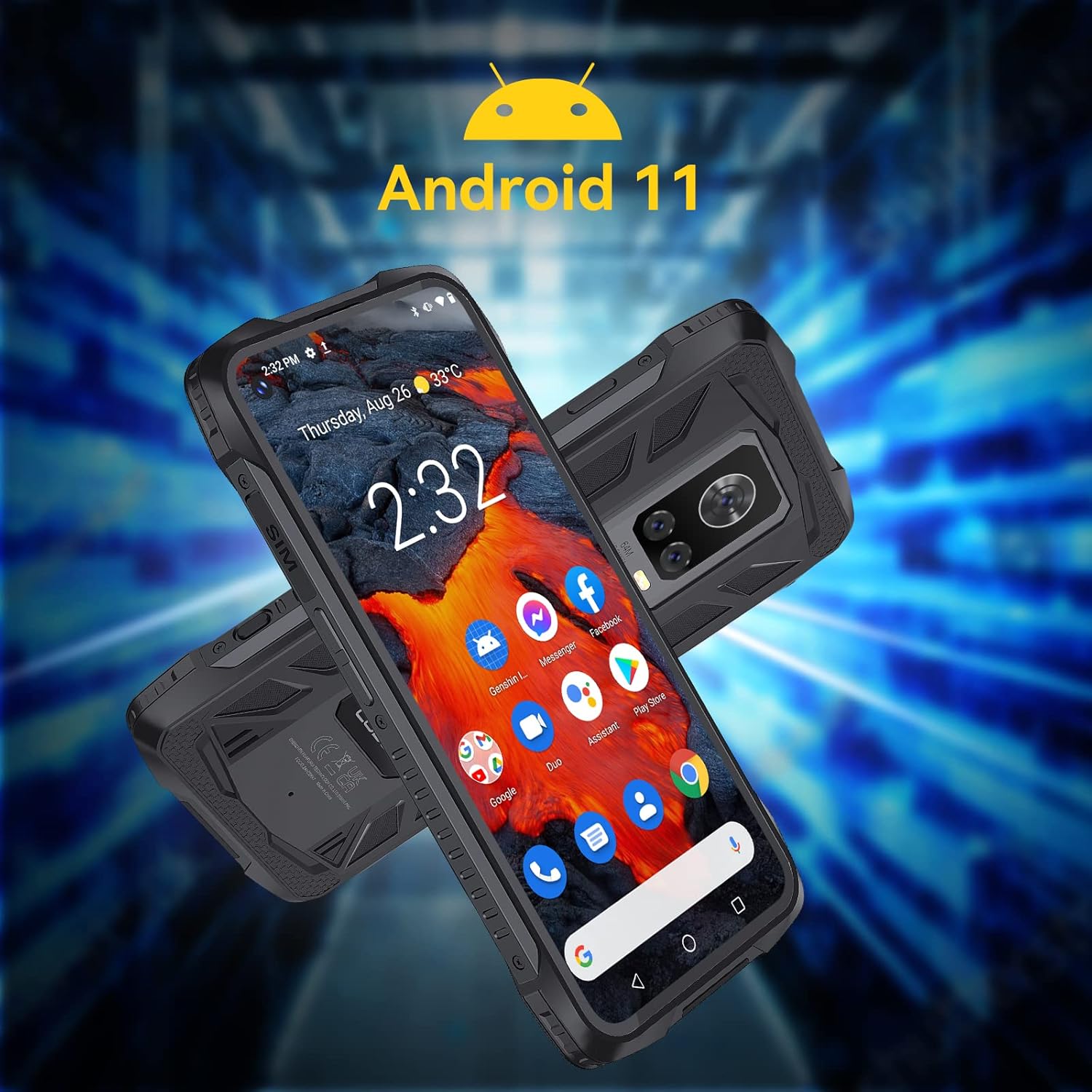
Image: The CUBOT King Kong 7 running Android 11, showing the user interface and pre-installed applications.
5.2 Calls and Messaging
- Making Calls: Open the Phone app, enter the number, and tap the call icon.
- Sending Messages: Open the Messages app, tap to start a new conversation, enter the recipient and your message.
5.3 Camera Usage
The King Kong 7 features a versatile camera system:
- 64MP Main Camera: For high-resolution photos.
- 16MP Wide-Angle Lens: Capture broader scenes.
- 5MP Macro Lens: For detailed close-up shots.
- 32MP Front Camera: For selfies and video calls.
- Super Night Mode: Enhance photos in low-light conditions.

Image: Detailed view of the King Kong 7's AI Triple Camera system, illustrating the different lens capabilities.
5.4 Connectivity
- Wi-Fi: Connect to wireless networks for internet access.
- 4G LTE: Utilize cellular data for internet on the go (Dual SIM support).
- Bluetooth 4.2: Connect to wireless headphones, speakers, and other devices.
- NFC: For contactless payments and quick pairing with compatible devices.
5.5 Security Features
- Face ID: Unlock your phone using facial recognition.
- Fingerprint Sensor: Unlock your phone quickly and securely using the side-mounted fingerprint sensor.

Image: Visual representation of NFC, Face ID, and Dual Nano SIM capabilities.
5.6 Navigation
The device supports multiple global navigation satellite systems for accurate positioning:
- GPS
- GLONASS
- BEIDOU
6. Maintenance
6.1 Cleaning Your Device
To maintain the rugged features and appearance of your phone:
- Wipe the screen and body with a soft, damp cloth.
- Avoid using harsh chemicals or abrasive materials.
- Ensure all port covers are securely closed before exposing the phone to water or dust.
6.2 Battery Care
The CUBOT King Kong 7 is equipped with a 5000mAh battery. To prolong battery life:
- Avoid extreme temperatures.
- Use the original charger and cable.
- Do not fully discharge the battery frequently.
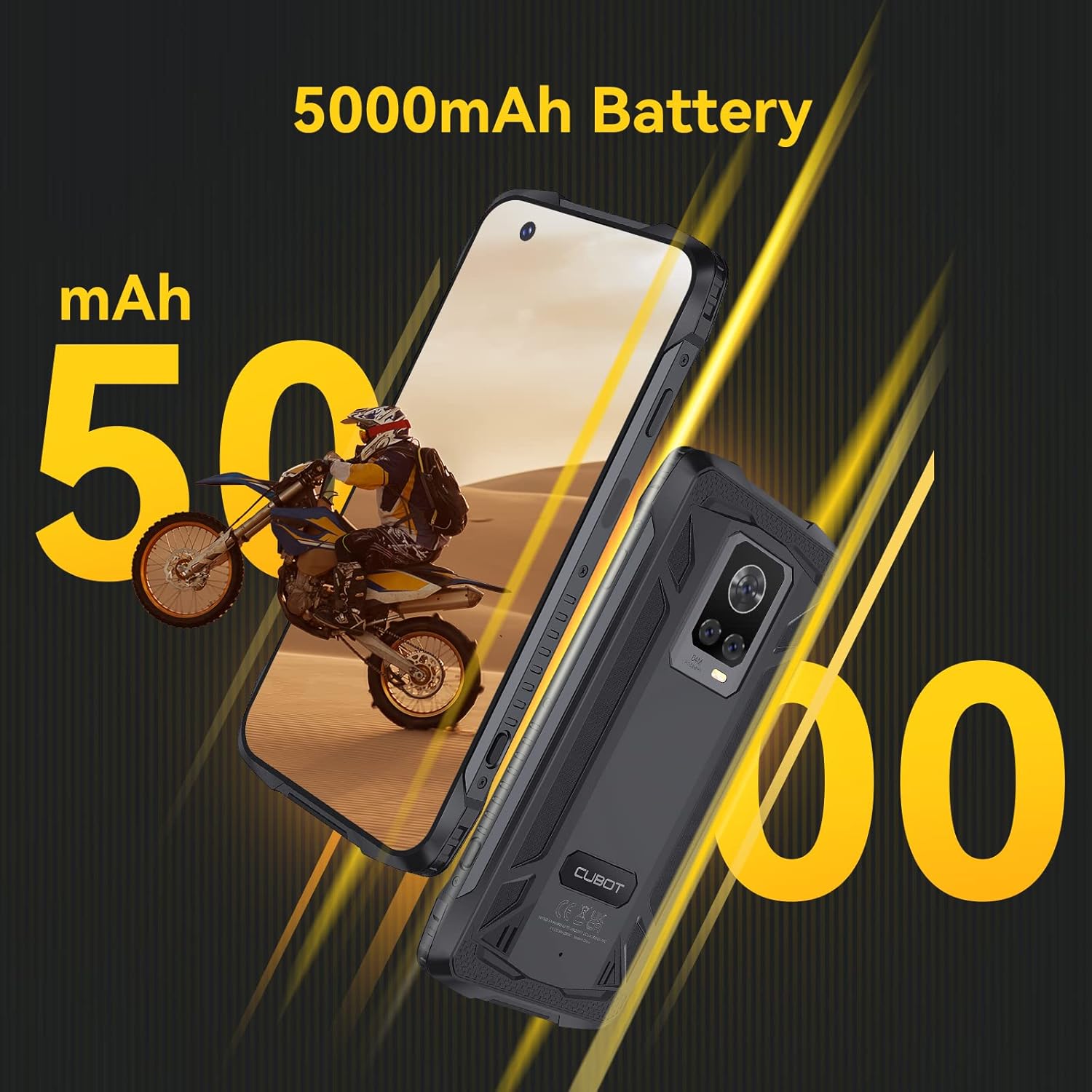
Image: The CUBOT King Kong 7 highlighting its 5000mAh battery capacity.
6.3 Software Updates
Regularly check for and install software updates to ensure optimal performance, security, and access to new features. Go to Settings > System > System update.
7. Troubleshooting
This section addresses common issues you might encounter.
| Problem | Solution |
|---|---|
| Device does not power on | Ensure the battery is charged. Connect to the charger for at least 10 minutes, then try powering on again. |
| Poor network signal | Check SIM card insertion. Move to an area with better network coverage. Restart the device. |
| Apps crashing or freezing | Clear the app's cache (Settings > Apps > [App Name] > Storage > Clear cache). Restart the device. Update the app. |
| Fingerprint sensor not working | Ensure your finger and the sensor are clean and dry. Re-register your fingerprints in Settings > Security. |
| Water/Dust ingress | Ensure all port covers are properly sealed. If water has entered, power off immediately and seek professional service. |
8. Specifications
Key technical specifications for the CUBOT King Kong 7.
| Feature | Detail |
|---|---|
| Model Name | King Kong 7 |
| Operating System | Android 11.0 |
| Processor | P60 Octa-Core Processor |
| RAM | 8 GB |
| Internal Storage | 256 GB (expandable up to 256GB via TF card) |
| Display | 6.36 Inches FHD+ (1080 x 2300) |
| Rear Camera | 64MP Main + 16MP Wide-Angle + 5MP Macro |
| Front Camera | 32MP |
| Battery Capacity | 5000 mAh |
| Connectivity | 4G Dual SIM, Wi-Fi, Bluetooth 4.2, NFC |
| Navigation | GPS, GLONASS, BEIDOU |
| Security | Face ID, Side Fingerprint Sensor |
| Ruggedness | IP68 & IP69K Waterproof, Dustproof, Shockproof |
| Dimensions | 6.56 x 3.29 x 0.55 inches |
| Weight | 6 ounces |
| Audio Jack | No headphone jack |

Image: Visual representation of the King Kong 7's powerful Helio P60 Octa-core Processor and memory configuration (8GB RAM + 256GB ROM).
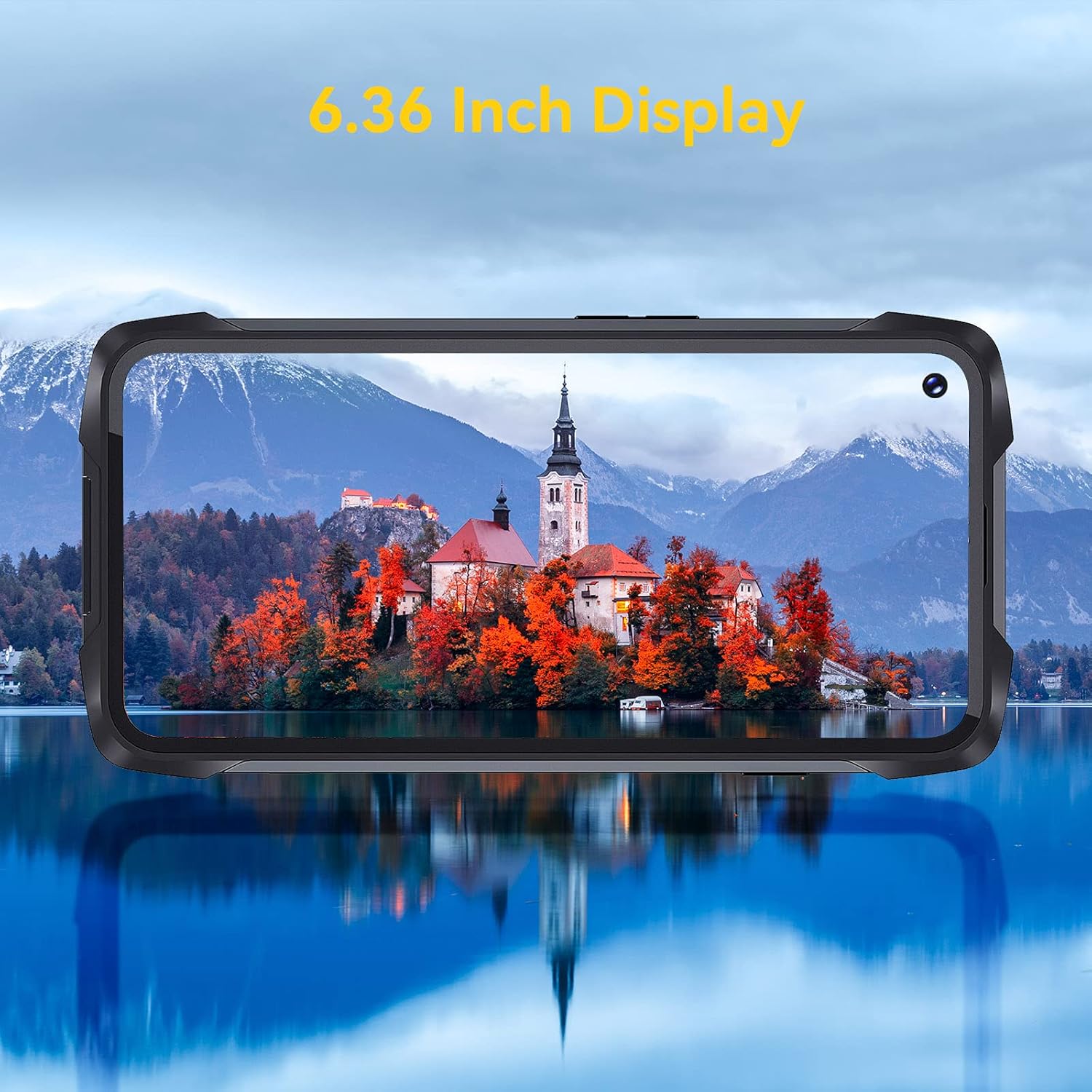
Image: The 6.36-inch display of the CUBOT King Kong 7 showcasing its visual clarity.
9. Safety Information
Please read the following safety guidelines carefully to ensure safe and proper use of your device:
- Do not attempt to disassemble or modify the device.
- Use only approved chargers and accessories.
- Avoid exposing the device to extreme temperatures or direct sunlight for prolonged periods.
- Keep the device away from medical devices and pacemakers.
- Dispose of the device and its battery responsibly according to local regulations.
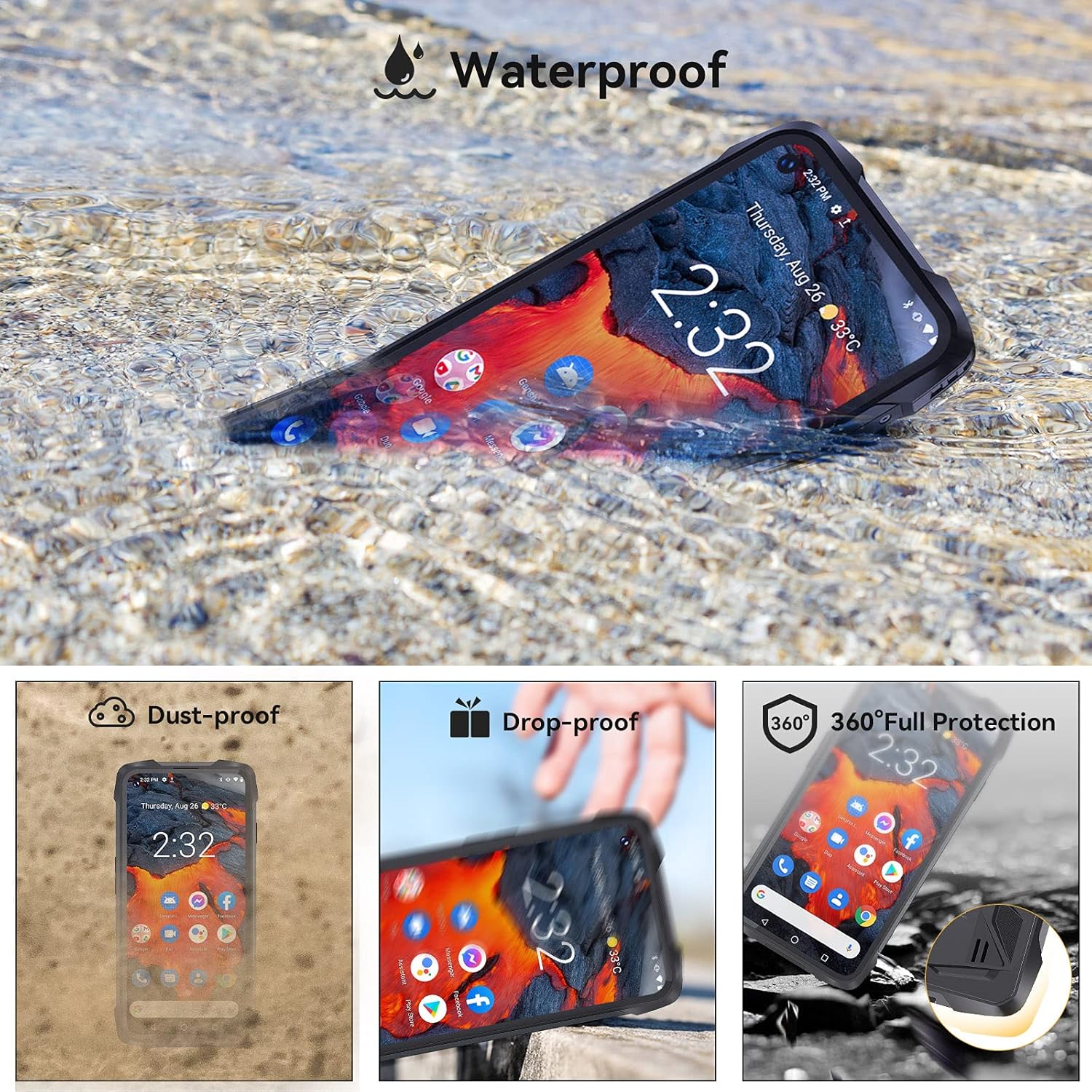
Image: The CUBOT King Kong 7 demonstrating its waterproof capability, alongside icons indicating its dust-proof, drop-proof, and overall rugged protection.
10. Warranty and Support
Your CUBOT King Kong 7 is covered by a limited warranty. Please refer to the warranty card included in your package for specific terms and conditions. For technical support, software updates, or further assistance, please visit the official CUBOT website or contact your local retailer.


