
Introduction
Thank you for choosing the BONAI Smart Universal Battery Charger and AAA Rechargeable Batteries. This manual provides essential information for the safe and efficient use of your new product. Please read it thoroughly before use and retain it for future reference.

Image: The BONAI Smart Universal Battery Charger with 8 AAA rechargeable batteries inserted, ready for use.
Package Contents
- 1 × Universal Charger
- 8 × AAA 1100mAh NiMH Rechargeable Batteries
- 1 × Micro USB Cable
- 1 × User Manual
Note: A wall-type plug-in adapter is not included.
Product Features
- Independent Charging Slots: The universal LED battery charger features independent charging channels, allowing you to charge any number and capacity of batteries simultaneously. It can charge up to 8 batteries at once. For batteries below 600 mAh, it is recommended to charge more than four at a time.
- Intelligent Control: Equipped with the latest battery detection technology, the charger automatically switches to trickle charge mode when batteries are nearly fully charged, preventing overcharging.
- Fast & Convenient Charging: Supports a maximum input current of 5.0V / 2A. Features both Micro USB and Type C ports for versatile and convenient charging options.
- Low Self-Discharge Batteries: The included AAA rechargeable batteries maintain 80% of their initial capacity even after 3 years of non-use. Batteries are pre-charged and ready for immediate use.
- Multiple Protection Technology: The charger incorporates safeguards against over-charge, over-current, over-voltage, over-heat, and short-circuiting to ensure safe charging.
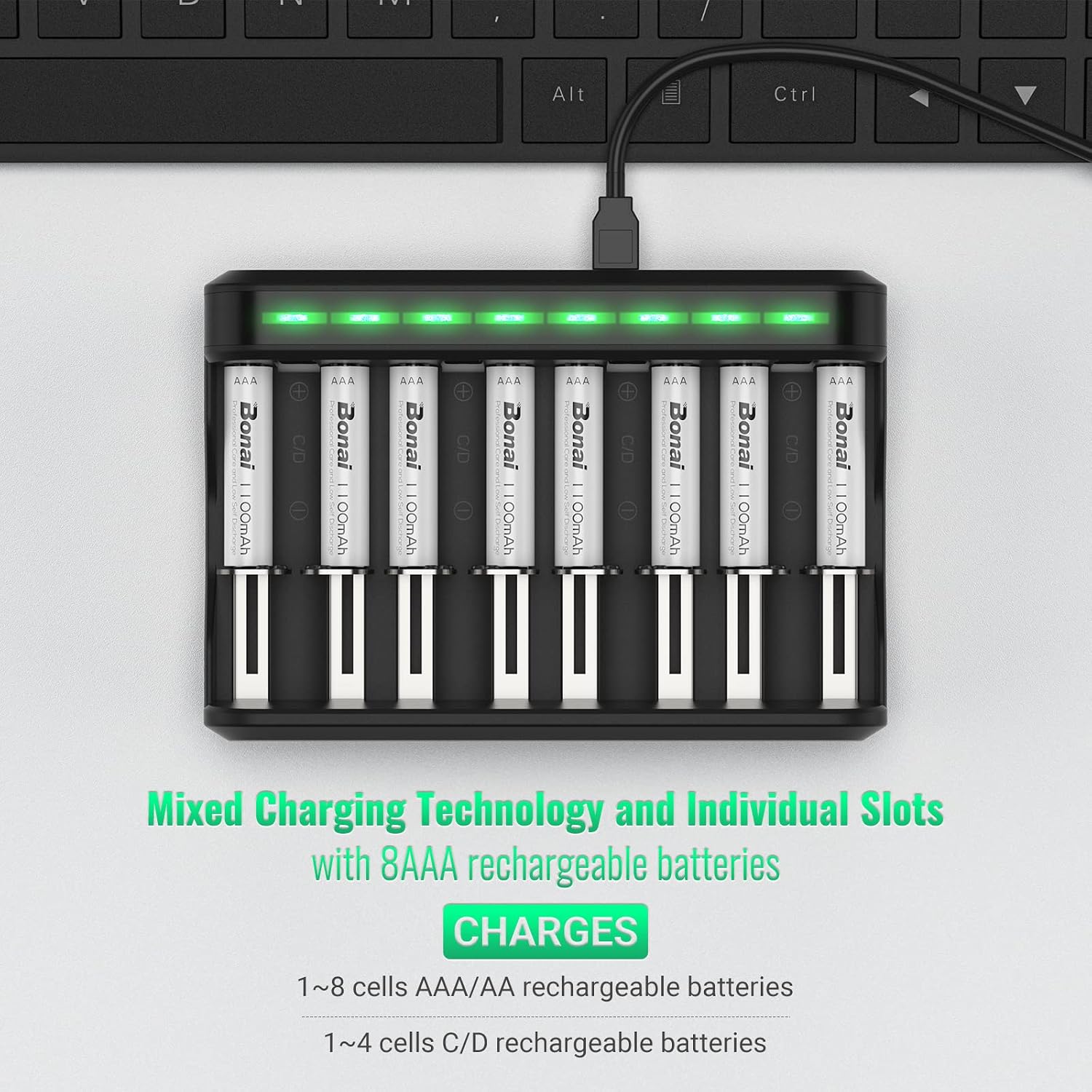
Image: The BONAI charger demonstrating its ability to charge various battery types (AA, AAA, C, D) simultaneously in its individual slots.

Image: The BONAI charger connected to a laptop via its Micro USB port, highlighting the presence of both Micro USB and Type C input ports for flexible power sourcing.

Image: A visual representation illustrating the low self-discharge rate of BONAI batteries, showing 80% capacity retention after 3 years of storage.
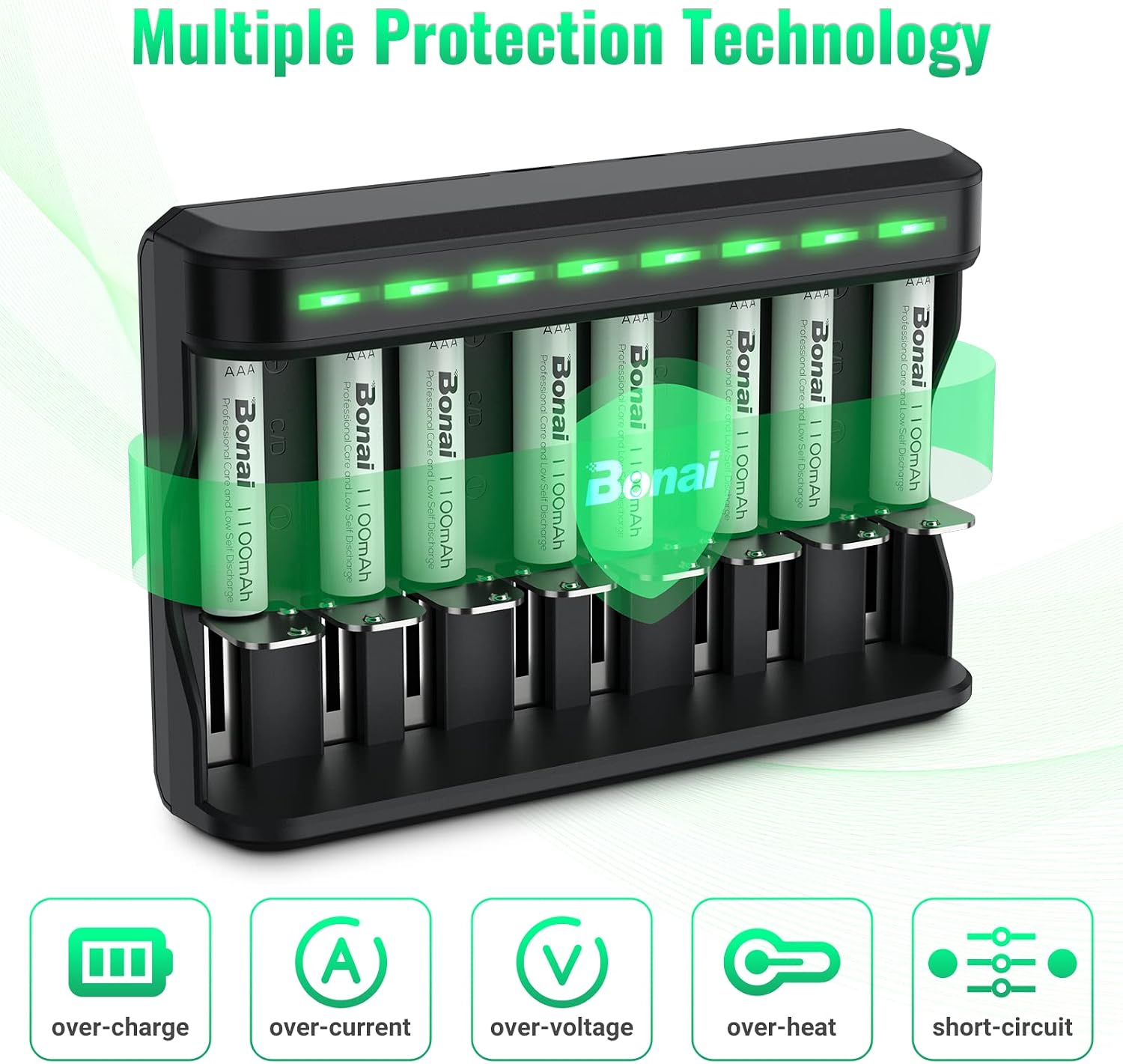
Image: A graphic displaying various safety features of the BONAI charger, including protection against over-charging, over-current, over-voltage, over-heating, and short-circuits.
Setup
- Connect the Micro USB cable to the charger's input port and the other end to a compatible USB power source (e.g., computer, wall adapter, power bank).
- Insert the rechargeable batteries into the charging slots, ensuring correct polarity (+ and - ends match the markings in the charger). The flexible contacts will adjust to fit AAA, AA, C, or D size batteries.
Operating Instructions
The charger features LED indicators for each slot to show the charging status:
- Red Light: Indicates that the battery is currently charging.
- Green Light: Indicates that the battery is fully charged.
- Blinking Red Light: Indicates a faulty battery, short circuit, or excessive input voltage. Remove the battery and check for issues.
- Light Off: No battery is inserted, or the battery is in the wrong position.

Image: The LED display on the BONAI charger, illustrating the different light indicators: solid red for charging, solid green for fully charged, and blinking red for a problematic battery.
Video Demonstration: BONAI AA AAA C D Battery Charger 8-Bay
Video: A demonstration of the BONAI 8-bay charger, showcasing its design and how to insert various battery types for charging.
Video Demonstration: BONAI AA AAA C D SC Battery Charger
Video: An overview of the BONAI multi-size battery charger, highlighting its compatibility with AA, AAA, C, D, and SC batteries and its charging process.
Maintenance
- It is recommended to fully charge the batteries every 3 months, even if not in use, to ensure longer battery life.
- Keep the charger clean and free from dust and debris.
- Store the charger and batteries in a cool, dry place away from direct sunlight and high temperatures.
Troubleshooting
- LED is Off: Ensure the charger is properly connected to a power source and that batteries are correctly inserted with matching polarity.
- LED is Blinking Red: This indicates a faulty battery, a short circuit, or an issue with the input voltage. Remove the battery and inspect it. If the issue persists with multiple batteries, check your power source.
- Batteries Not Charging: Verify that the batteries are rechargeable Ni-MH or Ni-Cd types. The charger is not designed for disposable batteries. Ensure proper contact between the battery terminals and the charger's contacts.
Specifications
| Specification | Value |
|---|---|
| Brand | BONAI |
| Model Number | MY-C005 |
| Input Voltage | DC 5 Volts |
| Output Voltage | 5 Volts |
| Current Rating | 2 Amps |
| Number of Ports | 8 |
| Compatible Devices | Children's toys, TV controllers, Xbox controllers, mouse |
| Battery Type | NiMH / Ni-Cd Rechargeable Batteries (AAA, AA, C, D) |
Safety Information
- Do not dismantle or disassemble the battery charger.
- Keep away from children.
- Do not expose to open fire.
- For indoor use ONLY. Do not expose it to rain or snow.
- Only apply to charge AAA/AA/SC/C/D Ni-MH or Ni-Cd rechargeable batteries. Charging other types of batteries may cause them to explode, burst, or leak, leading to personal injury or property damage.
- Do not put the battery charger under heavy objects or drop it deliberately.
- Charging shall be done under the supervision of an adult.
- Operating temperature range is 0°C - 35°C.
- Do not use or store it under direct sun, near hot devices, or other high-temperature places.
- It is strictly forbidden to charge disposable batteries.
- Do not cover anything on top of the battery charger while charging and place it in a well-ventilated place.
- If not in use, please unplug the battery charger from the power source.
Warranty and Support
For warranty information or technical support, please refer to the product packaging or contact BONAI customer service through the retailer where you purchased the product. Keep your purchase receipt for proof of purchase.
