
Introduction
Thank you for choosing the SJOYBRING JOY-D008 Car Stereo. This manual provides essential information for the proper installation, operation, and maintenance of your new car stereo system. Please read this manual thoroughly before use to ensure optimal performance and safety.
Product Features
- Apple CarPlay: Connect your smartphone via USB for navigation, phone calls, notifications, and music playback with voice control.
- Bluetooth 5.0 & HD Microphone: Enjoy wireless audio streaming, hands-free calling with a built-in microphone, and an external microphone jack for enhanced call clarity.
- HD Touch Screen & Mirror Link: Features a 7-inch HD capacitive touchscreen for sensitive and accurate control. Supports smartphone mirroring for both iOS and Android devices, allowing 1080P video playback.
- EQ Settings: Customize your audio experience with a built-in preset EQ and user-customized 16-band EQ options for various music styles and sound effects.
- Additional Functions: Includes ID3 Tag display, pre-amp and subwoofer outputs, steering wheel control compatibility, A/V input, and 7-colored LED buttons.
Package Contents
Verify that all items are present in the package before proceeding with installation:
- SJOYBRING JOY-D008 Double Din Car Stereo
- Frame
- Power & Audio Cable (Harness)
- Remote Control
- Mounting Brackets
- Screws
- User Manual
- Rear View Camera (if included in your specific package)
- Backup Camera Cable (if included)

Figure 1: Package Contents
Installation
Professional installation is recommended. Ensure the vehicle's power is disconnected before beginning installation.
Vehicle Compatibility and Sizing
The SJOYBRING JOY-D008 car stereo is designed to be compatible with most 12V vehicles. Before installation, measure your dashboard opening to ensure it matches one of the following standard double din sizes:
- U.S. and Europe Standard: 173 × 98mm (6.81 × 3.85 inches)
- Asian Standard: 178 × 100mm (7 × 4 inches)
- Other Common Sizes: 190 × 116mm (7.48 × 4.56 inches)
If your dash opening does not match, you may need to purchase a suitable dash kit (most use 173 × 98mm opening) or modify your dashboard. Additional items such as vehicle-specific kits, a wiring adapter, or an antenna adapter may be required and are not included in the package.

Figure 2: Stereo Dimensions
Wiring Connections
Connect the power and audio harness to your vehicle's wiring according to the provided wiring diagram (refer to the user manual included in the package for detailed diagrams). Ensure all connections are secure to prevent electrical issues.
Operating Instructions
1. Apple CarPlay
Connect your iPhone to the car stereo via a USB cable. CarPlay will automatically launch, allowing you to access navigation, make phone calls, send messages, and play music directly from your iPhone on the stereo's display. Voice control is available to manage functions hands-free.

Figure 3: Apple CarPlay Interface

Figure 4: Apple CarPlay App Icons
Video 1: Demonstrates Bluetooth connectivity and Apple CarPlay functionality on a similar car audio system.
2. Bluetooth 5.0 & Hands-Free Calling
Pair your smartphone with the car stereo via Bluetooth for wireless audio streaming and hands-free communication. Access your phone's contacts and call history directly from the stereo's screen. The built-in microphone and external mic jack ensure clear audio during calls.

Figure 5: Bluetooth Call Interface
3. Mirror Link
The Mirror Link function allows you to display your smartphone's screen directly onto the car stereo's 7-inch HD display. This feature supports most iOS and Android phones, enabling you to view apps, videos, and other content. Connect your phone via USB to activate this feature.

Figure 6: Mirror Link Displaying Navigation

Figure 7: Mirror Link for iOS and Android
4. FM/AM Radio
Access your favorite radio stations using the built-in FM/AM tuner. The interface allows for easy station scanning and saving presets.

Figure 8: FM/AM Radio Interface
5. EQ Settings
Fine-tune your audio output with the 16-band equalizer. Adjust frequency bands to match your personal preferences or select from various preset EQ modes.

Figure 9: 16-Band EQ Settings
6. Rear View Camera
When connected, the rear view camera automatically displays the parking image on the stereo screen when the vehicle is shifted into reverse, providing visual assistance for safer parking and maneuvering.
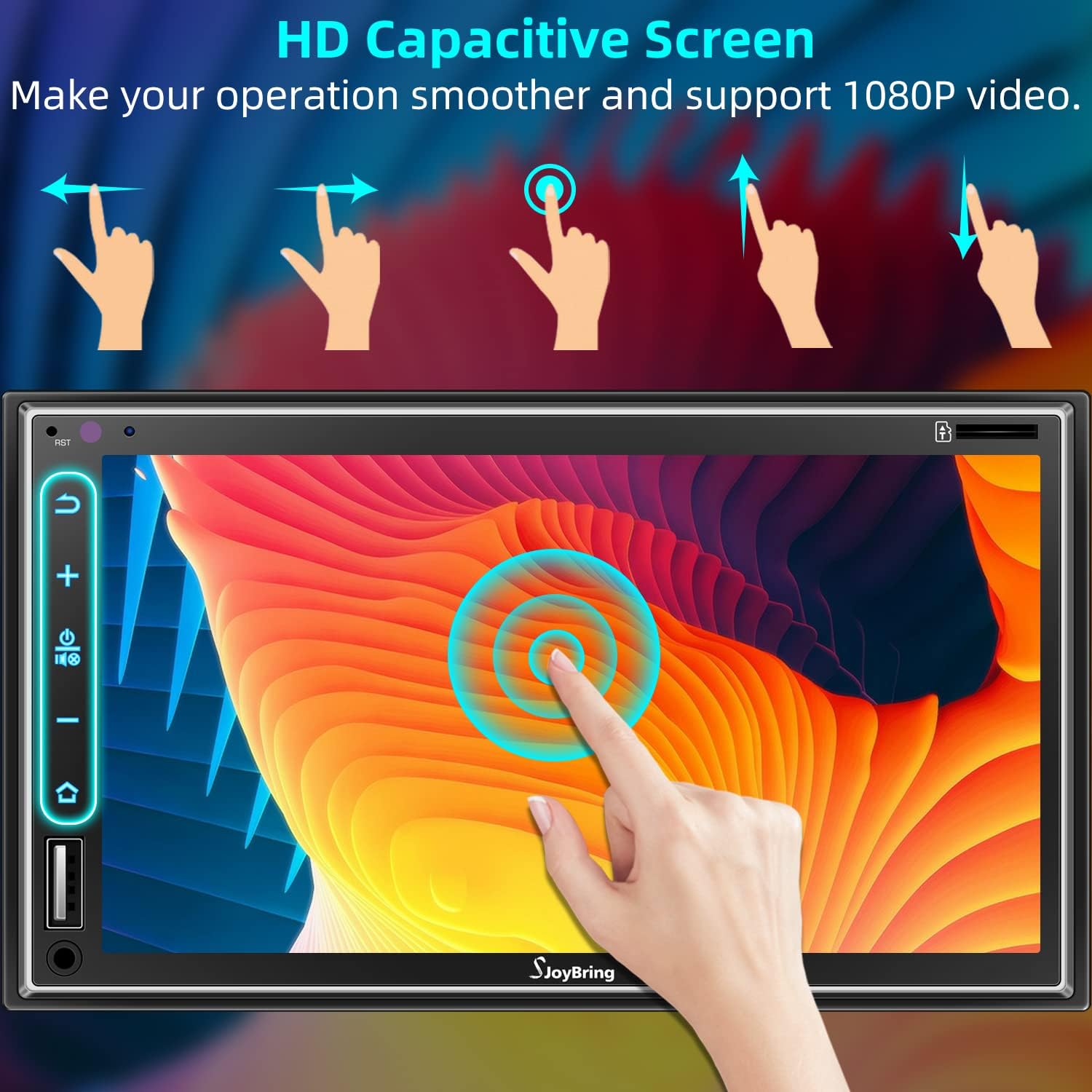
Figure 10: Rear View Camera Display

Figure 11: Backup Camera Connection
7. Steering Wheel Control (SWC)
The unit supports steering wheel controls, allowing you to manage audio functions (volume, track, mode) directly from your steering wheel for convenience and safety. Refer to the wiring diagram for proper connection and programming instructions.

Figure 12: Steering Wheel Control Setup
8. HD Capacitive Touch Screen
The 7-inch HD capacitive touch screen offers smooth and responsive interaction. It supports 1080P video playback, providing a clear visual experience.

Figure 13: HD Capacitive Touch Screen Interaction
Maintenance
To ensure the longevity and optimal performance of your SJOYBRING car stereo, follow these maintenance guidelines:
- Cleaning: Use a soft, dry cloth to clean the screen and unit. Avoid abrasive cleaners or solvents that may damage the surface.
- Temperature: Avoid exposing the unit to extreme temperatures, direct sunlight for prolonged periods, or high humidity.
- Connections: Periodically check all wiring connections to ensure they are secure and free from corrosion.
- Software Updates: Check the manufacturer's website for any available firmware updates to improve performance and add new features.
Troubleshooting
If you encounter issues with your car stereo, refer to the following common troubleshooting steps:
| Problem | Possible Cause | Solution |
|---|---|---|
| Unit does not power on | Loose power connection, blown fuse, vehicle battery issue. | Check power wiring, inspect vehicle fuses, ensure battery is charged. |
| No sound output | Incorrect speaker wiring, volume too low, mute function active. | Verify speaker connections, increase volume, check mute status. |
| Apple CarPlay/Mirror Link not connecting | Faulty USB cable, phone not recognized, software glitch. | Use a certified USB cable, restart phone and stereo, check phone settings for CarPlay/Mirror Link permissions. |
| Touchscreen unresponsive or delayed | Temporary software issue, screen calibration needed. | Restart the unit. If issue persists, consult the full user manual for screen calibration steps. |
| Rear view camera not displaying | Incorrect camera wiring, camera malfunction. | Check camera power and video input connections. Ensure the camera is properly installed and functioning. |
For more detailed troubleshooting or persistent issues, please refer to the comprehensive user manual or contact SJOYBRING customer support.
Specifications
| Feature | Detail |
|---|---|
| Brand | SJOYBRING |
| Model Number | JOY-D008 |
| Screen Size | 7 inches |
| Screen Type | HD Capacitive Touchscreen |
| Connectivity Technology | Auxiliary, USB, Wi-Fi, Bluetooth |
| Bluetooth Version | 5.0 |
| Controller Type | iOS (for CarPlay) |
| Special Features | Equalizer, Touchscreen, Apple CarPlay, Phone Mirror Link, Steering Wheel Control |
| Compatible Devices | Smartphone |
| Audio Output Mode | Stereo |
| Surround Sound Channel Configuration | 4.0 |
| Number of Channels | 4 |
| Supported Internet Services | Maps |
| Control Method | Touch |
| Audio Output Type | Bluetooth, FM/AM |
| UPC | 734172141994 |
Warranty and Support
This SJOYBRING car stereo comes with a 1-Year Warranty from the date of purchase. This warranty covers manufacturing defects and malfunctions under normal use.
For technical assistance, warranty claims, or further inquiries, please contact SJOYBRING customer support through the retailer where the product was purchased or visit the official SJOYBRING website for contact information.


