Introduction
The One For All Slate R18200 Universal Remote Control is specifically designed for hospitality and medical applications. It provides simple yet effective control of entertainment systems in guest rooms, ensuring reliable performance and integrity. The Slate remote is fully cleanable, allowing it to be disinfected with common cleaning agents or wipes for the hospitality sector before each new guest stay, promoting hygiene and safety.
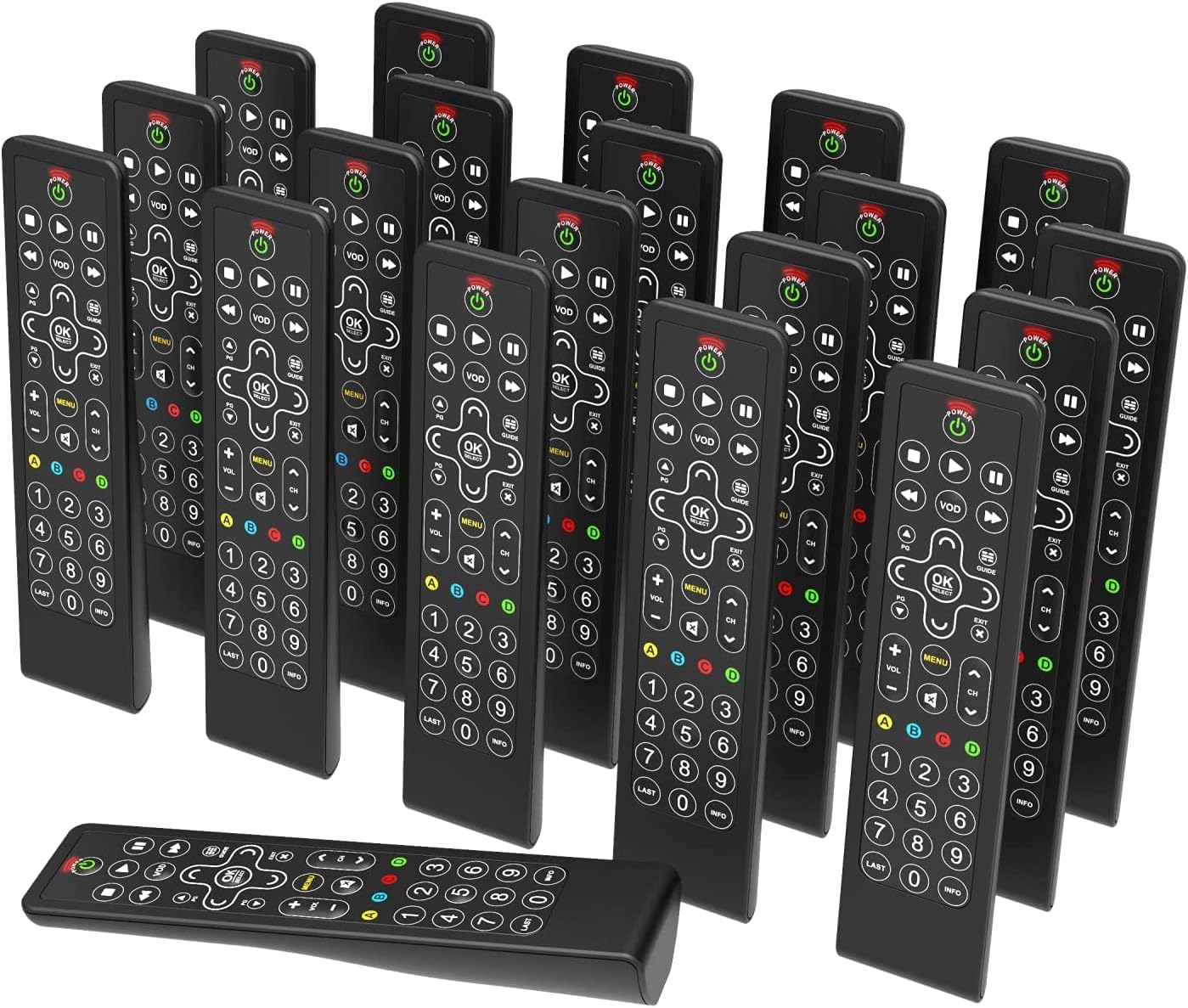
Image: A collection of One For All Slate R18200 universal remote controls, highlighting their availability in bulk for commercial use.
Key Features
- Fully Cleanable Design: Engineered to be entirely cleanable, suitable for hospitality and medical environments.
- Disinfectant Resistant: Withstands daily cleaning with common disinfectants and wipes.
- Anti-Theft Battery Compartment: Features a secure battery compartment that does not require tools for access, deterring theft.
- Fully Backlit Keys: All keys are backlit for easy visibility and operation in low-light conditions.
- Commercial Use Only: Designed and packaged specifically for commercial applications, available in convenient multi-packs (e.g., 20 remotes).

Image: A detailed view of the remote control's buttons, illuminated by backlighting, demonstrating the fully backlit key feature.
Setup
1. Battery Installation
- Locate the battery compartment on the back of the remote control.
- Open the anti-theft battery cover. This compartment is designed to be secure but accessible without tools.
- Insert two AAA alkaline batteries, ensuring correct polarity (+/-).
- Close the battery cover securely until it clicks into place.

Image: The rear side of the remote control, illustrating the design of the anti-theft battery compartment.
2. Initial Programming (if required)
The Slate R18200 remote is pre-programmed for common hospitality TV systems. If your specific TV or entertainment system requires programming, refer to the detailed programming instructions provided with your bulk purchase or consult the One For All support website for specific codes and setup procedures. Typically, this involves a simple code entry or auto-search function.
Operating Instructions
The Slate R18200 remote control features a simplified layout for intuitive use in hospitality settings.
- Power Button (POWER): Press to turn the TV or connected device on or off.
- Volume Control (VOL +/-): Adjusts the audio volume up or down.
- Channel Control (CH +/-): Changes the TV channel up or down.
- Navigation Pad (ARROWS & OK/SELECT): Use the arrow keys to navigate menus and the OK/SELECT button to confirm selections.
- Menu (MENU): Accesses the TV's main menu.
- VOD (VOD): Direct access to Video On Demand services (if supported by the TV system).
- Guide (GUIDE): Displays the electronic program guide.
- Playback Controls (PLAY, PAUSE, STOP, REW, FF): Controls media playback.
- Numeric Keypad (0-9): Directly enter channel numbers.
- Backlit Keys: The entire keypad illuminates when a button is pressed, making it easy to use in dimly lit rooms.

Image: A clear front view of the remote control, detailing the layout and function of each button.
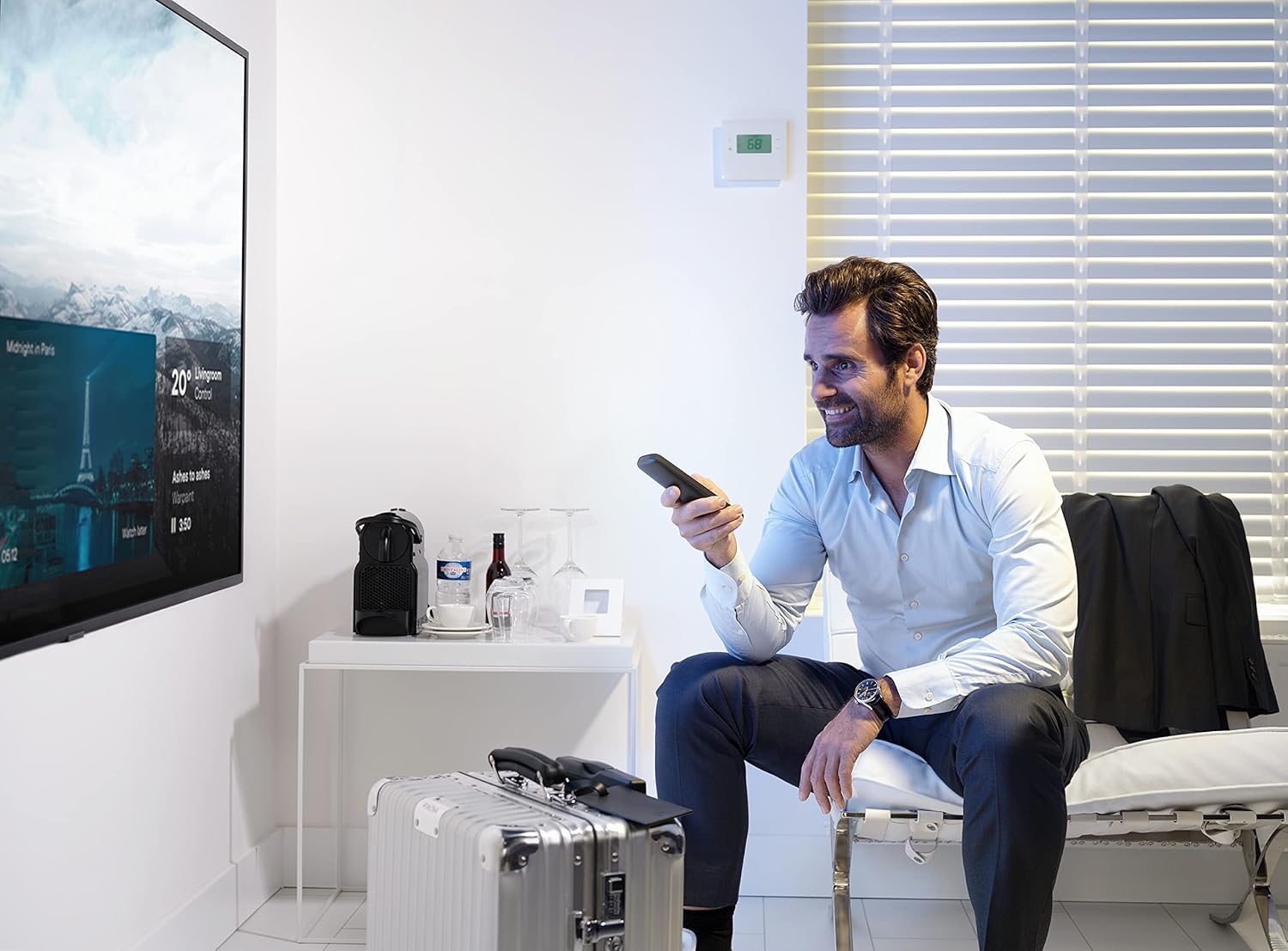
Image: An individual operating the remote control in a hotel room, demonstrating typical usage.
Maintenance
Cleaning the Remote Control
The Slate R18200 is designed for easy and thorough cleaning, crucial for hospitality environments.
- Ensure the remote control is powered off (if applicable) or remove batteries before cleaning for safety.
- Use a soft cloth dampened with common disinfectants or pre-moistened disinfectant wipes.
- Wipe down all surfaces of the remote control, paying attention to the buttons and crevices.
- Allow the remote to air dry completely before reinserting batteries or using.
- Do not submerge the remote control in liquid. Avoid harsh abrasive cleaners.

Image: The remote control positioned in a hotel room setting, emphasizing its cleanable nature and readiness for guest use.
Battery Replacement
Replace batteries when the remote's performance degrades or the backlit keys no longer illuminate brightly. Follow the battery installation steps outlined in the "Setup" section.
Troubleshooting
| Problem | Possible Cause | Solution |
|---|---|---|
| Remote not responding. | Dead or incorrectly inserted batteries. | Check battery polarity. Replace batteries if necessary. |
| Remote not controlling the TV. | Remote not programmed correctly for the TV. | Refer to programming instructions or One For All support for correct setup. Ensure line of sight to the TV's IR receiver. |
| Buttons are sticky or unresponsive. | Dirt or residue under buttons. | Clean the remote thoroughly as per maintenance instructions. |
| Backlight not working. | Low battery power. | Replace batteries. |
Specifications
- Brand: One For All
- Model Number: R18200
- Color: Black
- Connectivity Technology: Infrared (IR)
- Special Features: Backlit Keys, Universal, Cleanable Design
- Compatible Devices: Televisions (designed for hospitality TV systems)
- Battery Composition: Alkaline
- Power Source: Battery Powered (2x AAA, not included)
- Maximum Range: Approximately 10 Meters (33 feet)
- Item Weight: Approximately 3.43 Kilograms (for a pack of 20 remotes)
- Manufacturer: Universal Electronics
- Country of Origin: China
Warranty and Support
Warranty information for the One For All Slate R18200 remote controls is typically provided at the point of purchase or with the bulk packaging. For detailed warranty terms, technical support, or programming assistance, please visit the official One For All website or contact your commercial distributor.
Please note that information regarding spare parts availability and guaranteed software updates is not publicly available for this product.
For further assistance, please visit: www.oneforall.com


