1. Introduction
This manual provides detailed instructions for the installation, operation, and maintenance of your SANNCE 1080P TVI Full Color Night Vision Security Camera system. These wired CCTV cameras are designed for both indoor and outdoor surveillance, featuring 1080P HD video resolution and built-in 3500K smart warm spotlight LEDs for full-color night vision. Please read this manual thoroughly before installation and use to ensure proper functionality and safety.
2. Package Contents
Verify that all items listed below are included in your package. If any items are missing or damaged, please contact SANNCE customer support.
- 4x SANNCE 1080P TVI Full Color Night Vision Cameras
- 4x BNC Cables
- 1x 1-to-4 Power Splitter Cable
- 1x Power Adapter
- 4x Mounting Screws Bags
- 1x Window Warning Sticker
- 1x User Manual (this document)
Note: A DVR (Digital Video Recorder) is required and not included in this package. These analog security cameras cannot be used independently.

3. Product Features
- 1080P HD Video & Full Color Night Vision: Captures smooth 1080P videos and clear images. Equipped with 2 built-in ultra-bright array LEDs, providing true-to-life color video day and night.
- Adjustable Spotlight Warm Light: Features 3500K warm lights with low power consumption that automatically adjust light intensity based on the environment, offering full colorful night vision up to 100ft (30 meters).
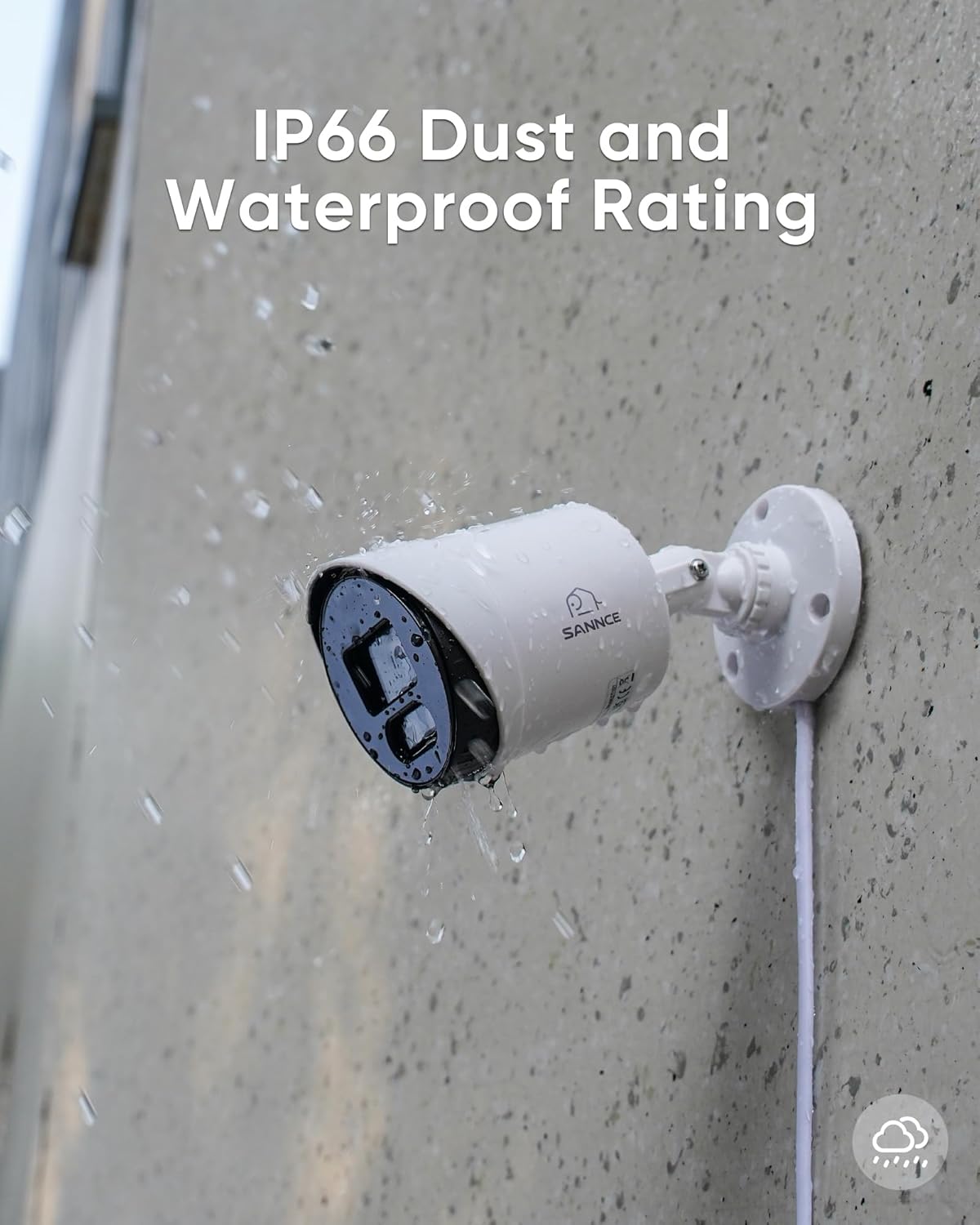
- Wide Angle & Durable Design: An 82.2-degree field of view ensures a broad surveillance area. The camera features an adjustable 3-axis stand for flexible positioning and an IP66 weatherproof housing, suitable for extreme temperatures from -4°F to 140°F (-20°C to 60°C).
- Broad Compatibility: Compatible with most 1080N/1080P TVI DVRs on the market, making it ideal for various home and business surveillance setups.


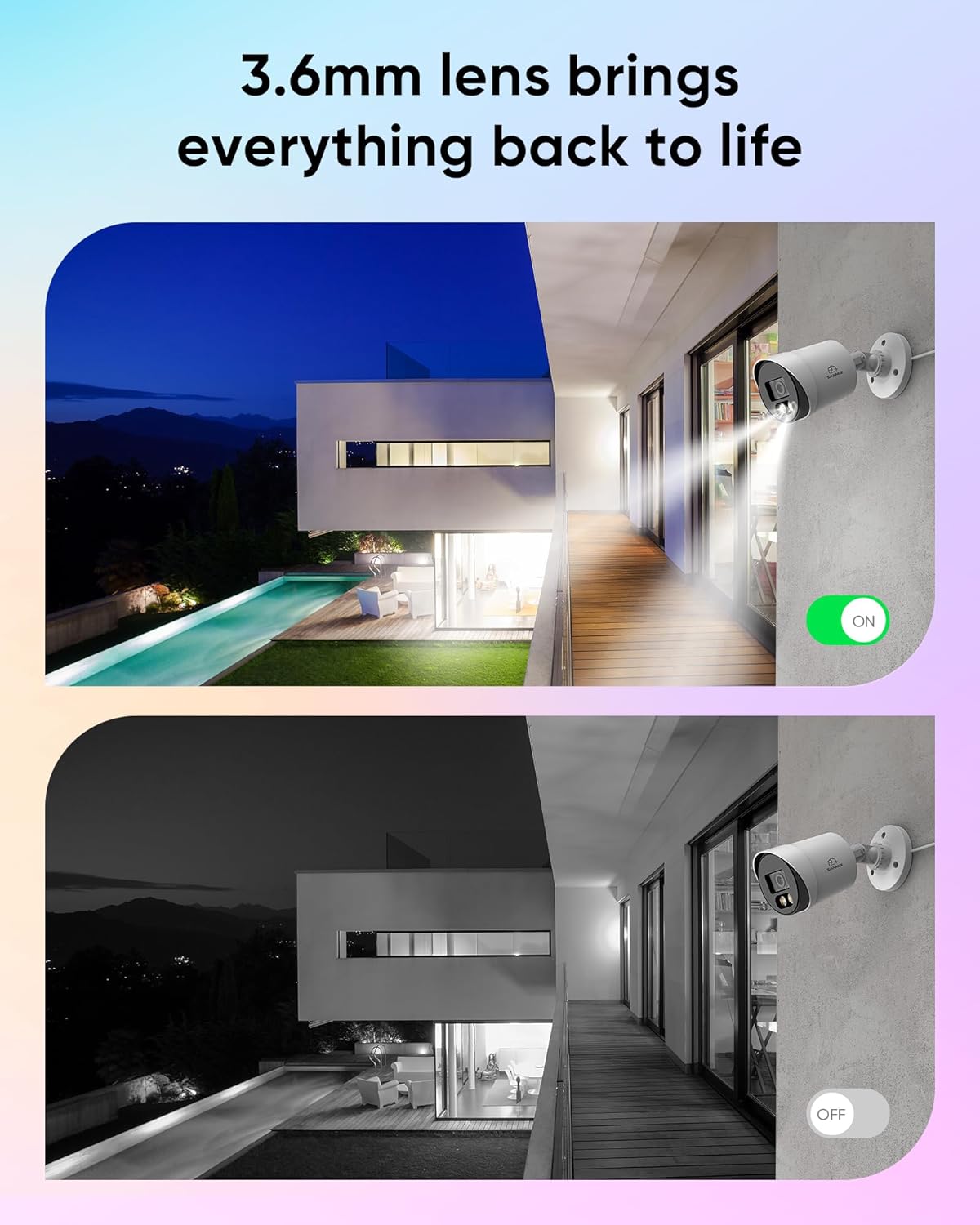


Video: This video demonstrates the SANNCE Full Color Night Vision Camera System, highlighting its ability to capture true color video even at night and the functionality of its LED spotlight.
4. Setup Instructions
Follow these steps to set up your SANNCE security camera system. This is a plug-and-play system designed for easy installation.
- Connect Cameras to DVR: Use the provided BNC cables to connect each camera to the corresponding video input ports on your DVR.
- Connect DVR to Router (Optional for Remote Access): If you require remote access via your smartphone, tablet, or PC, connect the DVR to your network router using an Ethernet cable.
- Power On Cameras and DVR: Connect the 1-to-4 power splitter cable to the cameras and then to the power adapter. Plug the power adapter into an electrical outlet. Similarly, connect the DVR to its power adapter and plug it in.
- View Live Feed & Record: Connect your DVR to a monitor (VGA or HDMI) and use a USB mouse to navigate the DVR interface. You can now view live footage and configure 24/7 recording.

5. Operating Instructions
Once your cameras are set up and connected to a DVR, you can begin monitoring your property.
- Live View: Access the DVR interface via a connected monitor or through the SANNCE mobile application (if configured for remote access) to view real-time footage from all connected cameras.
- Recording: Configure recording schedules and motion detection settings through your DVR's menu. The cameras will record continuously or when motion is detected, depending on your settings.
- Night Vision: The cameras automatically switch to full-color night vision mode in low-light conditions, activating the built-in warm spotlights to illuminate the area and capture clear, colorful images.
- Playback: Use the DVR's playback function to review recorded footage. You can search by date, time, or event (e.g., motion detection).
- Remote Access (if configured): If your DVR is connected to the internet and the SANNCE app is set up, you can view live feeds and playback recordings from anywhere using your smartphone or tablet.
6. Maintenance
Regular maintenance ensures optimal performance and longevity of your security cameras.
- Cleaning: Periodically clean the camera lens with a soft, damp cloth to remove dust, dirt, or water spots that may obstruct the view. Avoid abrasive cleaners.
- Cable Inspection: Regularly check all BNC and power cables for any signs of wear, damage, or loose connections. Secure any loose cables to prevent accidental disconnections.
- Firmware Updates: Check the SANNCE official website for any available firmware updates for your DVR or cameras. Keeping firmware updated can improve performance and add new features.
- Environmental Checks: Ensure that the camera's mounting remains secure and that no new obstructions (e.g., growing foliage) are blocking its field of view.
7. Troubleshooting
If you encounter issues with your SANNCE security camera system, refer to the following common problems and solutions.
| Problem | Possible Cause | Solution |
|---|---|---|
| No video display | Loose cable connection; No power to camera/DVR; Incorrect video input selected on monitor. | Check all BNC and power connections. Ensure power adapters are plugged in. Select the correct input source on your monitor. |
| Poor image quality / blurry video | Dirty lens; Insufficient lighting; Cable interference. | Clean the camera lens. Ensure adequate lighting for full-color night vision. Check BNC cables for damage or excessive length. |
| Night vision not working | LED spotlights are off; Sensor malfunction. | Ensure the camera is receiving power. Check DVR settings for night vision mode. Contact support if the issue persists. |
| No remote access | DVR not connected to network; Incorrect network settings; App not configured. | Verify DVR is connected to the router. Check DVR network settings. Ensure the SANNCE app is correctly set up and connected to your DVR. |
If these solutions do not resolve your issue, please contact SANNCE customer support for further assistance.
8. Specifications
| Feature | Specification |
|---|---|
| Video Capture Resolution | 1080p |
| Connectivity Technology | Wired (TVI) |
| Night Vision Type | Full Color with Smart Warm Spotlight LED (3500K) |
| Night Vision Range | Up to 100 Feet (30 meters) |
| Field of View | 82.2 degrees |
| Weatherproof Rating | IP66 |
| Operating Temperature | -4°F to 140°F (-20°C to 60°C) |
| Mounting Type | Wall Mount (3-axis adjustable) |
| Power Source | Corded Electric (12V) |
| Color | White |
| Dimensions (approx.) | 154mm (6.06") length, 71mm (2.80") diameter |
| Certifications | CE, FCC |
9. Warranty and Support
SANNCE is committed to providing reliable products and excellent customer service. While specific warranty details are not provided in this document, SANNCE products are typically covered by a manufacturer's warranty against defects in materials and workmanship.
For any questions, technical support, or warranty claims, please contact SANNCE customer support through their official website or the contact information provided with your purchase. SANNCE aims to ensure customer satisfaction and will assist you with any concerns.


