
1. Introduction
Thank you for choosing the Ecoprsio 2-Tier Console Table. This manual provides detailed instructions for the assembly, operation, maintenance, and troubleshooting of your new furniture. Please read this manual carefully before assembly and retain it for future reference.

Image 1.1: The Ecoprsio 2-Tier Console Table, showcasing its design with a wooden top and a lower mesh shelf, adorned with decorative items and storage baskets.
2. Safety Instructions
- Always assemble the product on a soft, clean surface to prevent scratches.
- Ensure all parts are present before beginning assembly.
- Do not fully tighten bolts until all components are loosely assembled and aligned.
- Keep small parts away from children during assembly.
- Do not allow children to play on or climb the table.
- Place the table on a level surface to ensure stability.
- Do not exceed the maximum weight capacity of 110 lbs (50 kg).
3. Package Contents
Please verify that all components listed below are included in your package. If any parts are missing or damaged, please contact customer support.
- Top Panel (1x)
- Side Frames (2x)
- Mesh Shelf (1x)
- Assembly Hardware Kit (screws, Allen wrench, adjustable feet)
- Instruction Manual (1x)
4. Setup and Assembly Instructions
Follow these steps to assemble your Ecoprsio Console Table. Assembly typically takes about 10 minutes.
- Unpack Components: Carefully remove all parts from the packaging and lay them out on a soft, clean surface to prevent damage.
- Attach Side Frames to Top Panel: Align the holes on the side frames with the pre-drilled holes on the underside of the top panel. Insert the screws and tighten them partially. Do not fully tighten yet.
- Install Mesh Shelf: Slide the mesh shelf into the designated slots on the lower part of the side frames. Ensure it is securely seated.
- Tighten All Screws: Once all components are in place and aligned, fully tighten all screws using the provided Allen wrench.
- Attach Adjustable Feet: Screw the adjustable feet into the bottom of the side frames. Adjust them as needed to ensure the table is stable and level on uneven floors.

Image 4.1: Dimensional diagram of the console table, illustrating its height, width, and depth for reference during assembly and placement.
5. Operating and Usage
The Ecoprsio 2-Tier Console Table is a versatile piece of furniture designed for various uses throughout your home:
- Entryway Table: Place it in your entryway to hold keys, mail, and decorative items.
- Sofa Table: Position it behind or beside your sofa for lamps, books, or beverages.
- Hallway Console: Utilize it in narrow hallways for added storage and display space.
- Storage Shelf: The mesh shelf provides additional storage for baskets, books, or other household items.
- Small Desk/Workstation: Can be used as a compact desk in a study or bedroom.
- Bar Table: Its height and design make it suitable as a low bar table.
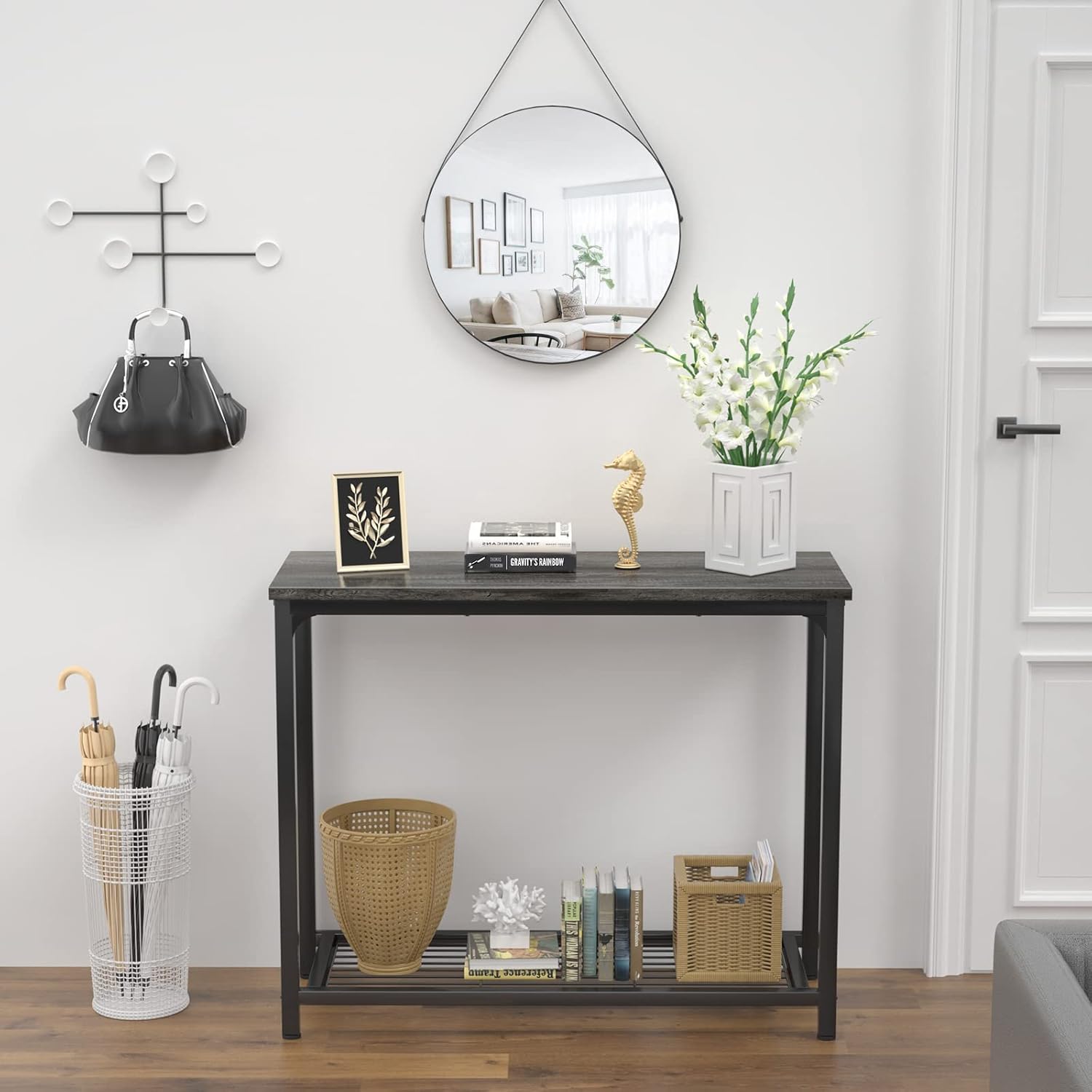
Image 5.1: Table serving as an entryway console, holding decorative items and providing a lower shelf for storage.
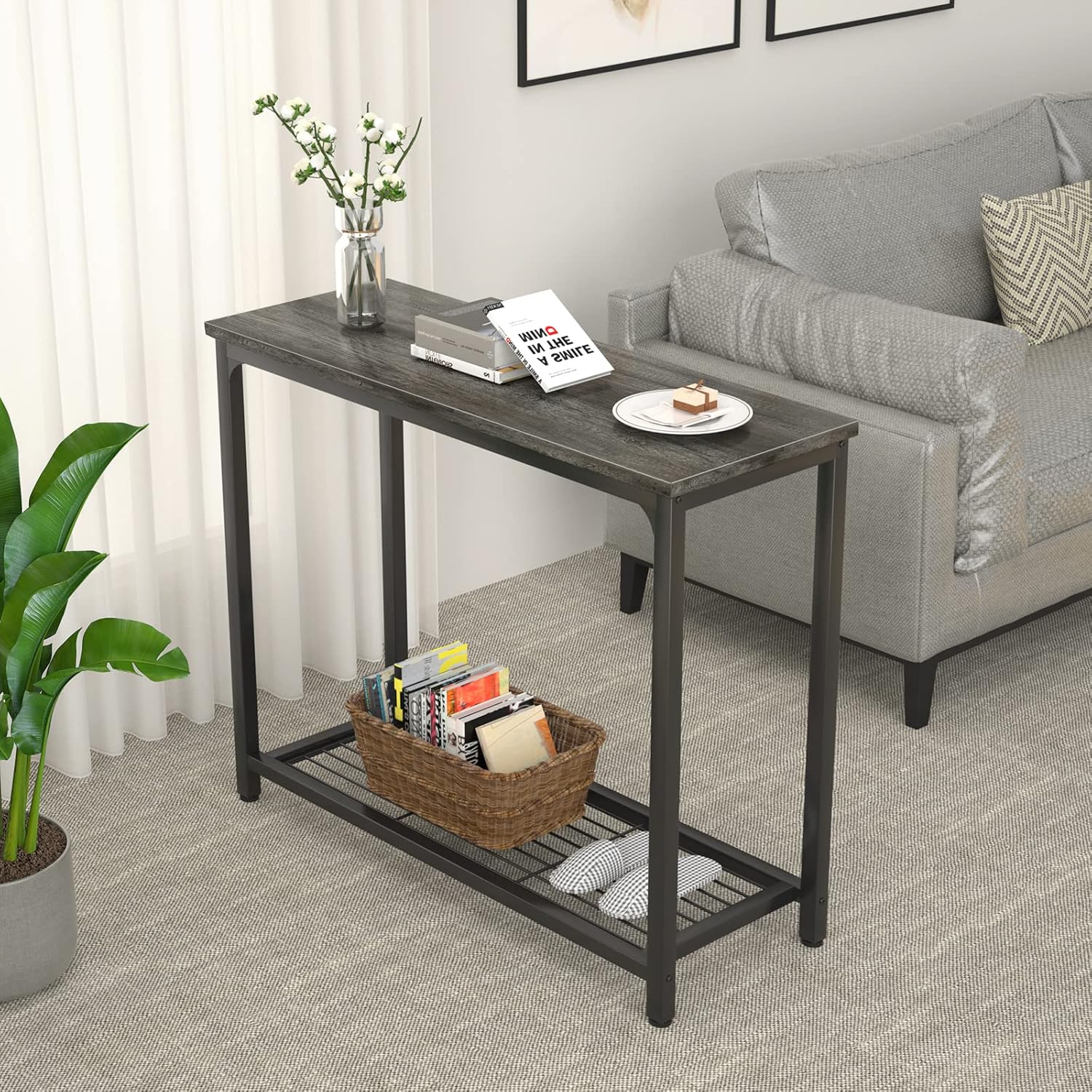
Image 5.2: Table positioned behind a sofa, demonstrating its use as a sofa table for decor and small items.
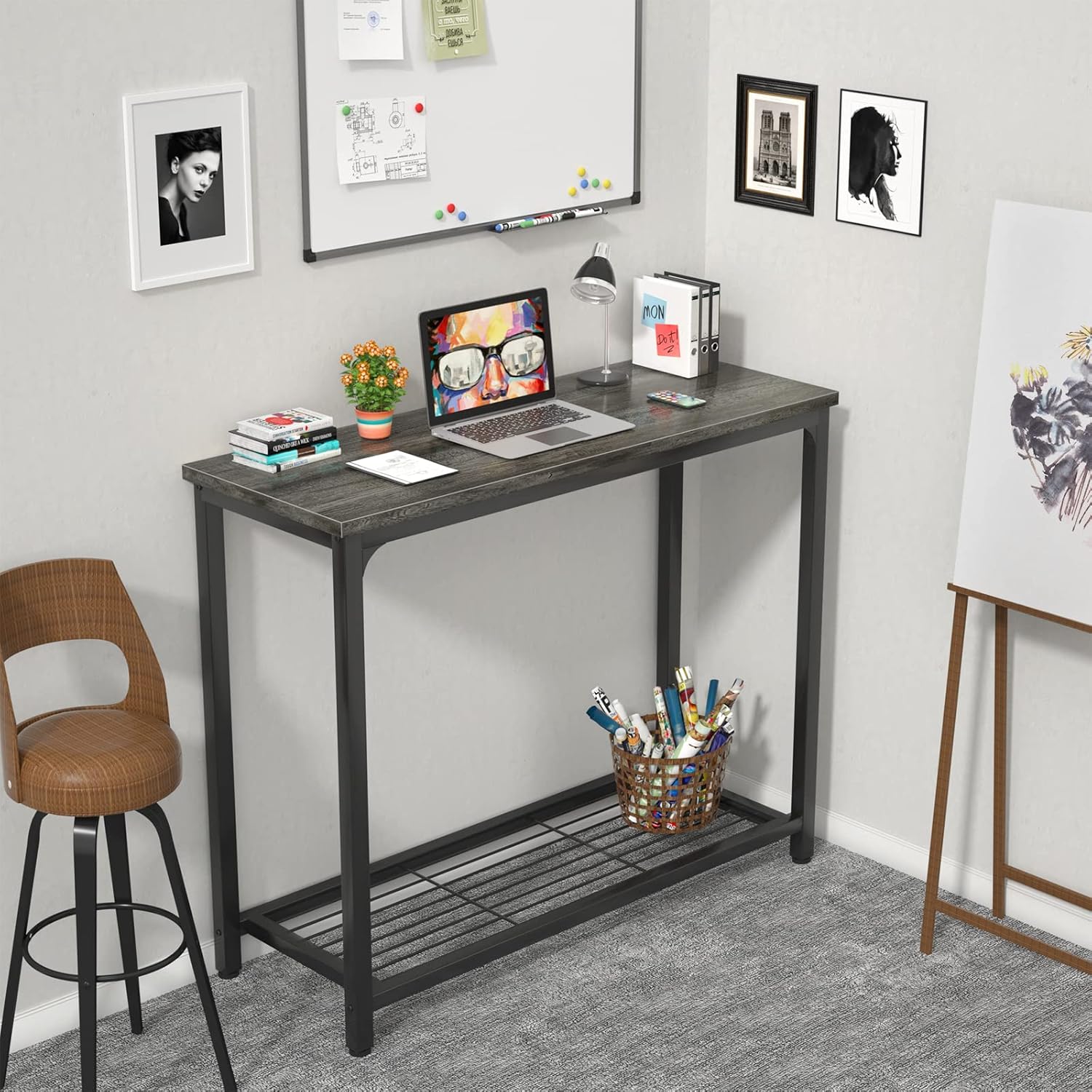
Image 5.3: Table functioning as a compact desk in a home office setting, suitable for a laptop and office supplies.

Image 5.4: Two console tables arranged together to create a larger surface, suitable for dining or as a bar area.
6. Maintenance
To ensure the longevity and appearance of your Ecoprsio Console Table, follow these maintenance guidelines:
- Cleaning: Wipe the surface with a soft, damp cloth. Avoid abrasive cleaners or harsh chemicals that could damage the finish.
- Spills: The table features a waterproof finish. Wipe up spills immediately to prevent any potential damage.
- Scratches: The finish is anti-scratch, but it is recommended to use coasters or placemats for hot items or items with sharp edges to further protect the surface.
- Stability Check: Periodically check all screws and connections to ensure they remain tight. Retighten if necessary.

Image 6.1: A detailed view of the table's top panel, emphasizing its durable, waterproof, and anti-scratch finish.
7. Troubleshooting
| Problem | Possible Cause | Solution |
|---|---|---|
| Parts do not align during assembly. | Screws were tightened too early. | Loosen all screws, adjust the parts to align, then gradually tighten all screws. |
| Table is wobbly after assembly. | Screws are not fully tightened or floor is uneven. | Ensure all screws are fully tightened. Adjust the leveling feet at the bottom of the table to compensate for uneven floors. |
| Missing parts or damaged components. | Manufacturing or shipping error. | Contact Ecoprsio customer service immediately for assistance. |
8. Specifications
| Feature | Detail |
|---|---|
| Brand | Ecoprsio |
| Model | B09MYH9M76 |
| Color | Grey |
| Material | Particle Board, Metal Frame |
| Product Dimensions (L x W x H) | 81.28 x 35.05 x 80.01 cm (32 x 13.8 x 31.5 inches) |
| Item Weight | 6.8 kg (15 lbs) |
| Maximum Weight Recommendation | 50 kg (110 lbs) |
| Style | 2-Tier |
| Features | Waterproof, Anti-scratch, Lightweight, Adjustable Feet |
9. Warranty and Support
Ecoprsio offers a 2-year after-sales service for this product. If you encounter any quality issues, assembly problems, or missing parts, please do not hesitate to contact our customer service team.
Our customer service provides 7x24 hours online support to assist you with any inquiries or concerns.
For support, please visit the Ecoprsio official website or contact us through the platform where you purchased the product.