
Philips 929003184501
Philips Bliss DC LED Ceiling Fan with Lamp Instruction Manual
Model: 929003184501
Introduction
Thank you for purchasing the Philips Bliss DC LED Ceiling Fan with Lamp. This manual provides essential information for the safe installation, operation, and maintenance of your new appliance. Please read these instructions carefully before use and retain them for future reference.

Image: The Philips Bliss DC LED Ceiling Fan with its included remote control. The fan features a sleek black and white design with retractable transparent blades.
Important Safety Instructions
Always follow basic safety precautions when using electrical appliances to reduce the risk of fire, electric shock, and personal injury.
- Read all instructions before installing or using this appliance.
- Installation must be performed by a qualified electrician in accordance with local wiring regulations.
- Ensure the main power supply is disconnected before installation, maintenance, or cleaning.
- The mounting structure must be capable of supporting the weight of the fan (7.2 kg).
- Do not insert objects into the fan blades while the fan is operating.
- This product is designed for indoor use only. Do not expose to water or high humidity.
- Use only the remote control provided with the unit.
- Keep children away from the fan during operation.
Package Contents
Verify that all components are present before beginning installation:
- Philips Bliss DC LED Ceiling Fan Unit
- Remote Control
- Mounting Hardware (screws, anchors) - Note: User reviews suggest replacing supplied anchors with higher quality ones for secure installation.
- Instruction Manual (this document)
Setup and Installation
Installation should be performed by a qualified professional. Ensure power is OFF at the circuit breaker before starting.
- Prepare the Mounting Location: Ensure the ceiling junction box is securely mounted and can support the fan's weight (7.2 kg).
- Install the Mounting Bracket: Attach the mounting bracket to the ceiling junction box using the provided screws. Ensure it is firmly secured.
- Wiring: Connect the fan's electrical wires to the household wiring according to local electrical codes. Typically, this involves connecting live, neutral, and ground wires. Use push-fit connectors if available.
- Attach the Fan Unit: Carefully lift the fan unit and attach it to the mounting bracket. Secure it with the appropriate screws. Ensure the control receiver is properly housed within the canopy.
- Final Checks: Double-check all connections and ensure the fan is securely mounted. Restore power at the circuit breaker.

Image: Illustration of hands installing a ceiling fan mounting bracket, demonstrating the initial steps of installation.
Operating Instructions
Your Philips Bliss DC LED Ceiling Fan is controlled via the included remote control.
Remote Control Functions:
- Power On/Off: Press the power button to turn the light and fan on or off.
- Light Control:
- Color Temperature Adjustment: Cycle through different light color temperatures (e.g., warm white, neutral white, cool white) by pressing the light button. The fan offers 3 distinct light modes.
- Dimmer Function: The integrated LED lamp features phase dimming. Use the dedicated dimmer buttons on the remote to adjust brightness.
- Fan Speed: Select from 6 fan speed settings to adjust airflow intensity.
- Fan Direction (Hot/Cold Air): Use the directional button to switch between forward (cooling) and reverse (circulating warm air) modes.
- Natural Breeze Function: Activate this function for dynamic fan speed adjustments, simulating a natural breeze.
- Timer Function: Set the fan and/or light to turn off automatically after a specified period (e.g., 1 hour, 2 hours, 4 hours, 8 hours).

Image: A living room setting demonstrating the Philips Bliss DC fan's ability to provide both warm and cool light color temperatures.

Image: A bedroom setting illustrating the Philips Bliss DC fan's versatile lighting options, from warm to cool light.
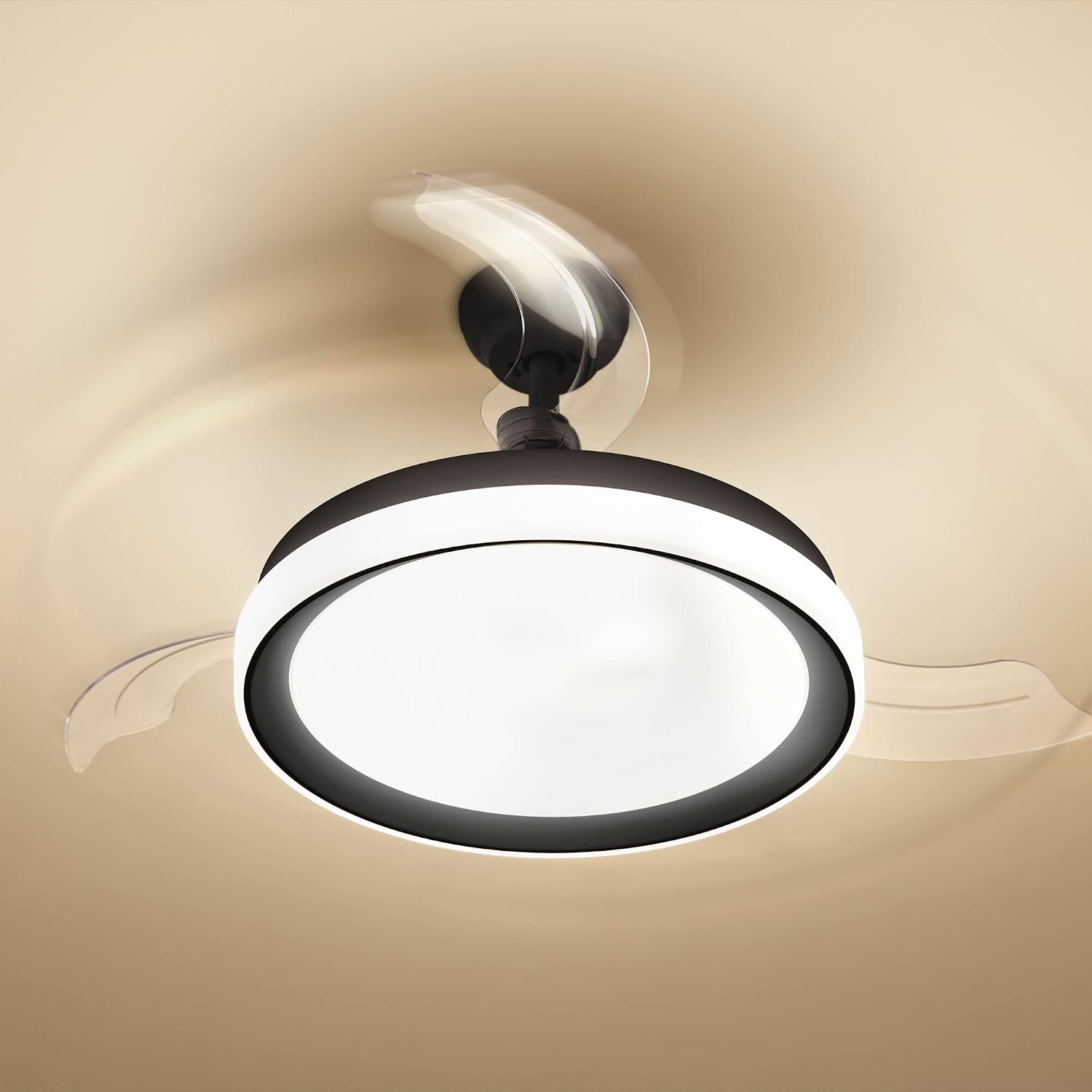
Image: The Philips Bliss DC LED Ceiling Fan with its transparent blades in motion, indicating active air circulation.
Maintenance
Regular maintenance ensures optimal performance and longevity of your ceiling fan.
- Cleaning: Before cleaning, ensure the power is disconnected. Wipe the fan and light fixture with a soft, damp cloth. Do not use abrasive cleaners or solvents.
- Blade Care: The transparent blades can be folded when not in use. Clean them gently to avoid scratches.
- Periodic Checks: Periodically check all connections and mounting screws to ensure they remain tight and secure.
- LEDs: The integrated LEDs are designed for long life and are not user-replaceable.
Troubleshooting
| Problem | Possible Cause | Solution |
|---|---|---|
| Fan does not operate / Light does not turn on. | No power supply. Remote control batteries are dead. Incorrect wiring. | Check circuit breaker. Replace remote control batteries (AAA, not included). Consult a qualified electrician to check wiring. |
| Fan wobbles. | Loose mounting screws. Unbalanced blades. | Ensure all mounting screws are tightened. Check if blades are properly seated and balanced. |
| Remote control not responding. | Batteries are dead. Obstruction between remote and receiver. Remote not paired (if applicable). | Replace batteries. Ensure clear line of sight. Refer to specific pairing instructions if provided in the full manual. |
| Light is too bright/dim. | Brightness not adjusted. | Use the dimmer buttons on the remote control to adjust brightness. |
If problems persist, contact Philips customer support.
Specifications
| Brand: | Philips |
| Model Number: | 929003184501 |
| Color: | Black (with orange accents on shade) |
| Material: | Metal, Plastic |
| Style: | Cold/Hot Air |
| Light Source Type: | Integrated LED |
| Power (Light): | 28 Watts |
| Power (Fan): | 35 Watts |
| Voltage: | 240 Volts |
| Luminous Flux: | 1100 Lumens (Maximum) |
| Light Color: | Warm White (adjustable color temperature) |
| Control Method: | Remote Control (Infrared) |
| Dimensions (LxWxH): | 44.8L x 34.3W x 25H cm |
| Product Weight: | 7.2 Kilograms |
| Energy Efficiency Class: | E |
| Recommended Use: | Living room, bedroom, general indoor use |
Warranty Information
The Philips Bliss DC LED Ceiling Fan with Lamp comes with a manufacturer's limited warranty of 2 years. This warranty covers defects in materials and workmanship under normal use. Please retain your proof of purchase for warranty claims. For full terms and conditions, refer to the warranty documentation included with your product or visit the official Philips website.
Customer Support
For technical assistance, troubleshooting beyond this manual, or warranty inquiries, please contact Philips customer support through their official website or the contact information provided in your product packaging.
Online Support: Visit the official Philips Lighting website for FAQs and support resources.
Service: If service is required, do not attempt to repair the unit yourself. Contact authorized service personnel.
Related documents929003184501


Ask a question about this manual
Ask about setup, troubleshooting, compatibility, parts, safety, or missing instructions. Manuals+ will review the question and use this page’s manual context to help answer it.