
Product Overview
The RunCam Link Vista Air Unit Lite Module is a compact and lightweight digital FPV video transmission system designed for FPV drones. It offers stable and clear HD video transmission, adjustable output power, and compatibility with various FPV cameras. This module is engineered to minimize weight and size, featuring 20x20mm mounting holes for easy integration into drone frames.
Key features include 720P/60fps footage with excellent low-light performance, low-latency and long-range transmission up to 4 km, and an embedded remote controller receiver for seamless connection with DJI FPV Remote Controllers. It supports up to eight drones flying simultaneously, each with an exclusive channel to reduce interference.

Figure 1: Front view of the RunCam Link Vista Air Unit Lite Module.
Included Components
The RunCam Link Vista Air Unit Lite Module package typically includes the following items:
- 1 x RunCam Link VTX
- 1 x Cable

Figure 2: Product packaging and included components.
Setup and Installation
Follow these steps to set up and install your RunCam Link Vista Air Unit Lite Module:
- Module Orientation: Ensure proper orientation of the module within your drone frame. The module features 20x20mm mounting holes for direct installation.
- Cable Connection: Connect the provided cable to the module. This cable facilitates connection to your flight controller and camera.
- Power Connection: The module requires an input power of 7.4-26.4V. Connect the power wires to your drone's power distribution board or flight controller.
- Antenna Connection: Connect the U.FL IPEX3 antenna to the module. Ensure a secure connection for optimal signal transmission.
- Activation (if required): For initial setup or firmware updates, connect the module to a computer via its USB-C port. Follow the instructions provided by RunCam software for activation and configuration.
- Heat Sink: The heat sink is included by default. Removal of the heat sink eliminates weight, but may cause overheating of the unit. It is recommended not to remove the heat sink. If necessary, please be cautious when flying and once your battery is connected, fly immediately. The airflow will keep the unit cool.
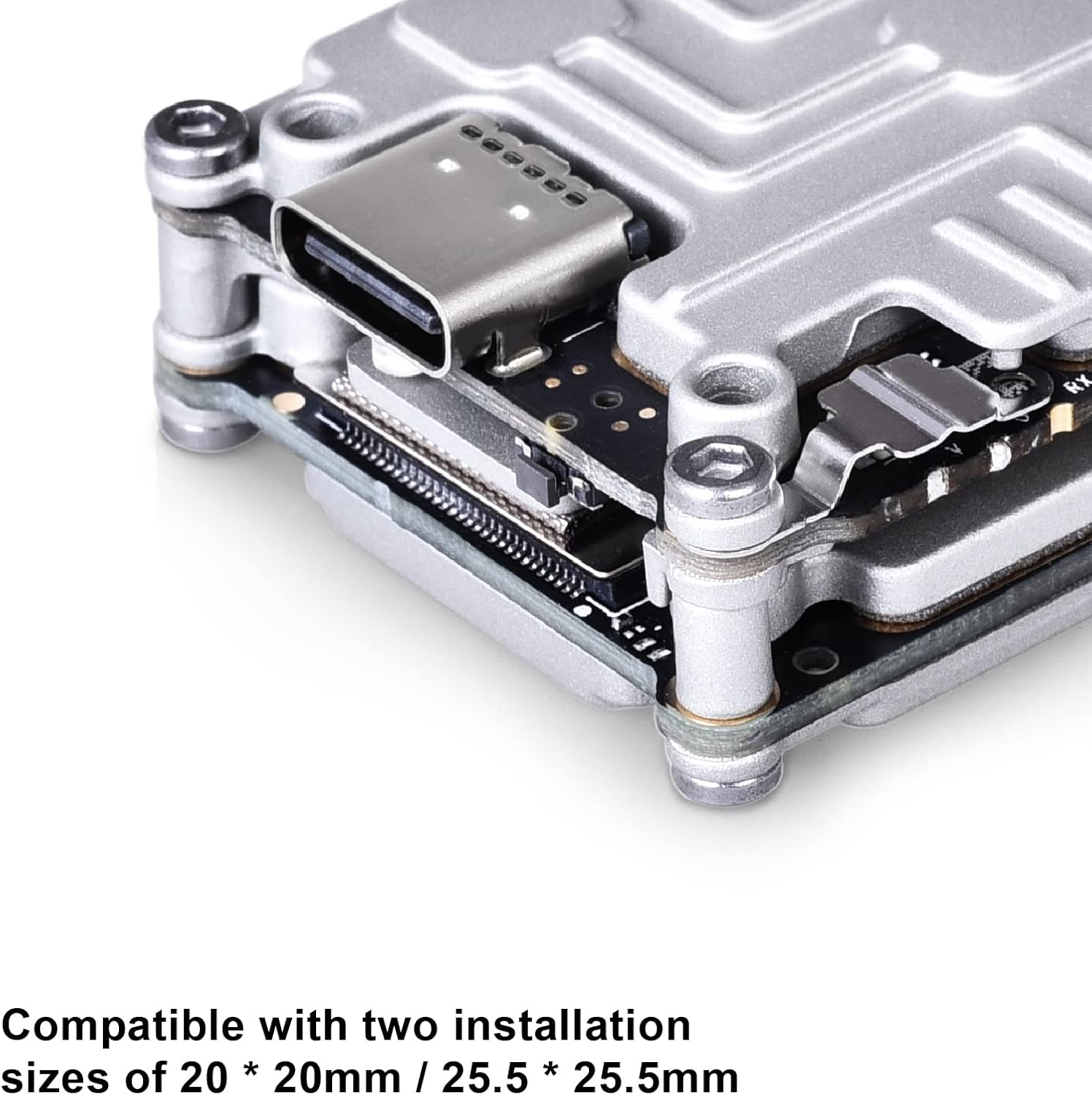
Figure 3: The module is compatible with 20x20mm and 25.5x25.5mm installation sizes.

Figure 4: Diagram showing cable connection between the module and camera.

Figure 5: Close-up view of the USB-C port on the module.
Operation
Once installed and powered, the RunCam Link module provides a digital FPV video feed. It supports various transmission power levels (25mW/200mW/500mW/700mW) and offers low-latency video for responsive control. The embedded DJI remote controller receiver allows for direct connection without additional receivers, simplifying flight preparation.
The system operates on 5.725-5.850GHz frequency and can achieve transmission distances of up to 4 km (FCC/SRRC) or 0.7 km (CE). It supports both Low Latency Mode (720p 120fps) with 21-28ms latency and High Quality Mode (720p 60fps) with 30-40ms latency.
Specifications
| Brand | RunCam |
| Model Name | phoenix |
| Weight | 19g (unit only) |
| Dimensions | 30x29x13mm |
| Antenna Connector | U.FL |
| Operating Frequency | 5.725-5.850GHz |
| Transmitter Power (EIRP) | FCC/SRRC/MIC: <30dBm / CE: <14dBm |
| Max. Transmission Distance | FCC/SRRC: 4km / CE: 0.7km |
| Min. Latency (end-to-end) | Low Latency Mode (720p 120fps): 21-28ms High Quality Mode (720p 60fps): 30-40ms |
| I/O Interface | USB-C, Ipex3, 3-in-1 port |
| Supported Flight Controller System | F3 / F4 / F7 |
| Input Power | 7.4-26.4V |
| Power Output | 25mW / 200mW / 500mW / 700mW |
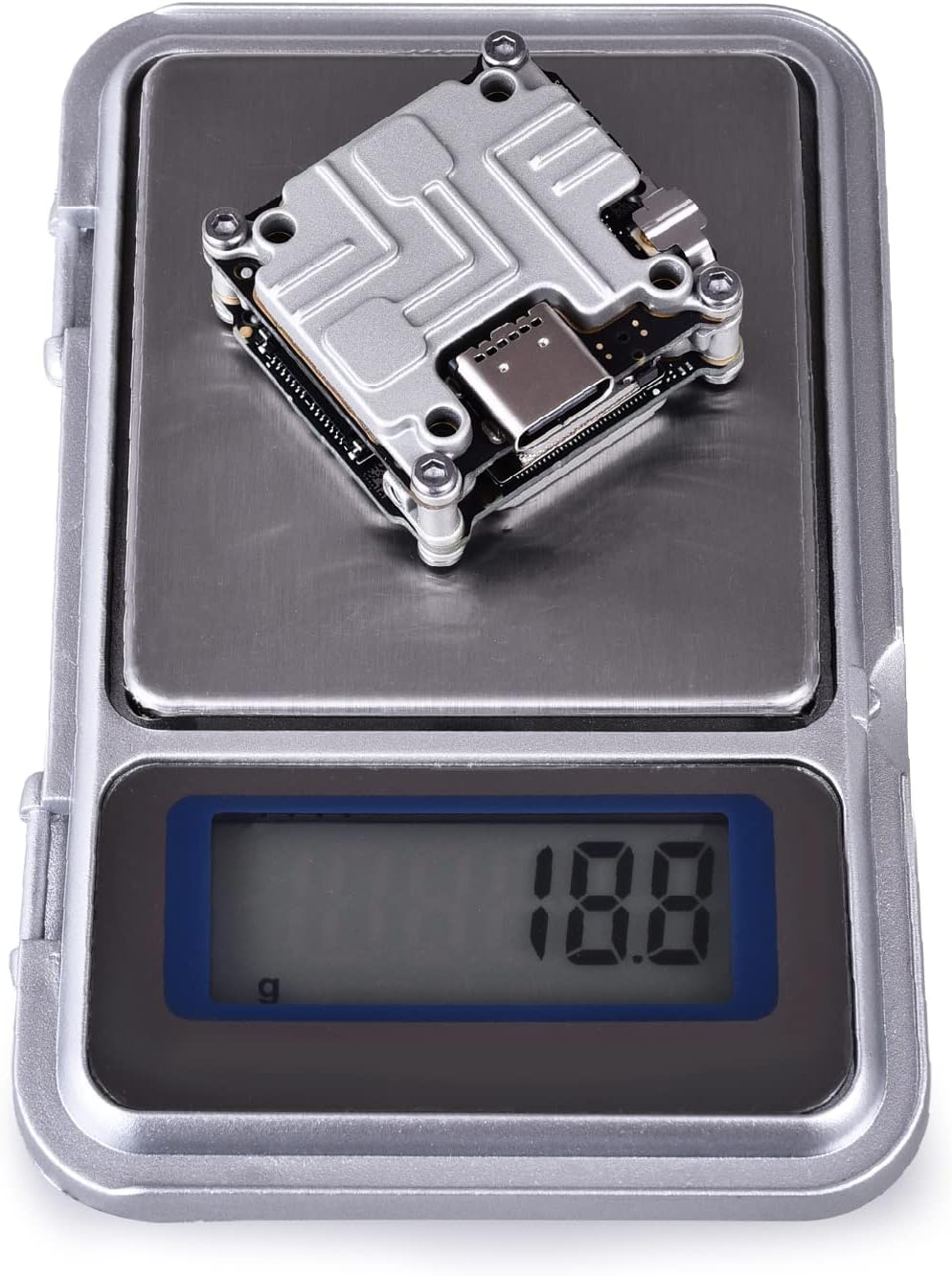
Figure 6: The module weighs approximately 18.8 grams.
Maintenance
To ensure the longevity and optimal performance of your RunCam Link Vista Air Unit Lite Module, consider the following maintenance tips:
- Keep the module clean and free from dust and debris. Use a soft, dry cloth for cleaning.
- Avoid exposing the module to extreme temperatures or moisture.
- Regularly check all cable connections for looseness or damage.
- Ensure adequate airflow around the module during operation to prevent overheating, especially if the heat sink is removed.
Troubleshooting
If you encounter issues with your RunCam Link Vista Air Unit Lite Module, try the following troubleshooting steps:
- No Video Feed: Check all power and signal connections. Ensure the camera is properly connected and powered. Verify that the module is activated.
- Poor Video Quality: Check antenna connection and ensure it is not obstructed. Verify transmission power settings. Ensure there is no significant interference in your flying environment.
- Overheating: Ensure the heat sink is properly installed and that there is sufficient airflow around the module. Avoid prolonged operation on the ground without active cooling.
- Connection Issues with Remote Controller: Ensure the DJI FPV Remote Controller is properly linked with the Air Unit. Refer to the DJI FPV system manual for linking procedures.
Warranty and Support
For warranty information, technical support, or service inquiries, please refer to the official RunCam website or contact their customer support directly. Keep your proof of purchase for warranty claims.
Note: The solder traces on the GND and BAT solder joints are caused by factory inspection and do not indicate a used product.


