
1. Product Overview
The Monport 80W CO2 Laser Engraver & Cutter, Model YXF80, is a versatile machine designed for precise engraving and cutting of various materials. It features advanced functionalities such as autofocus, autolift, and digital controls, making it suitable for both professional and personal use.
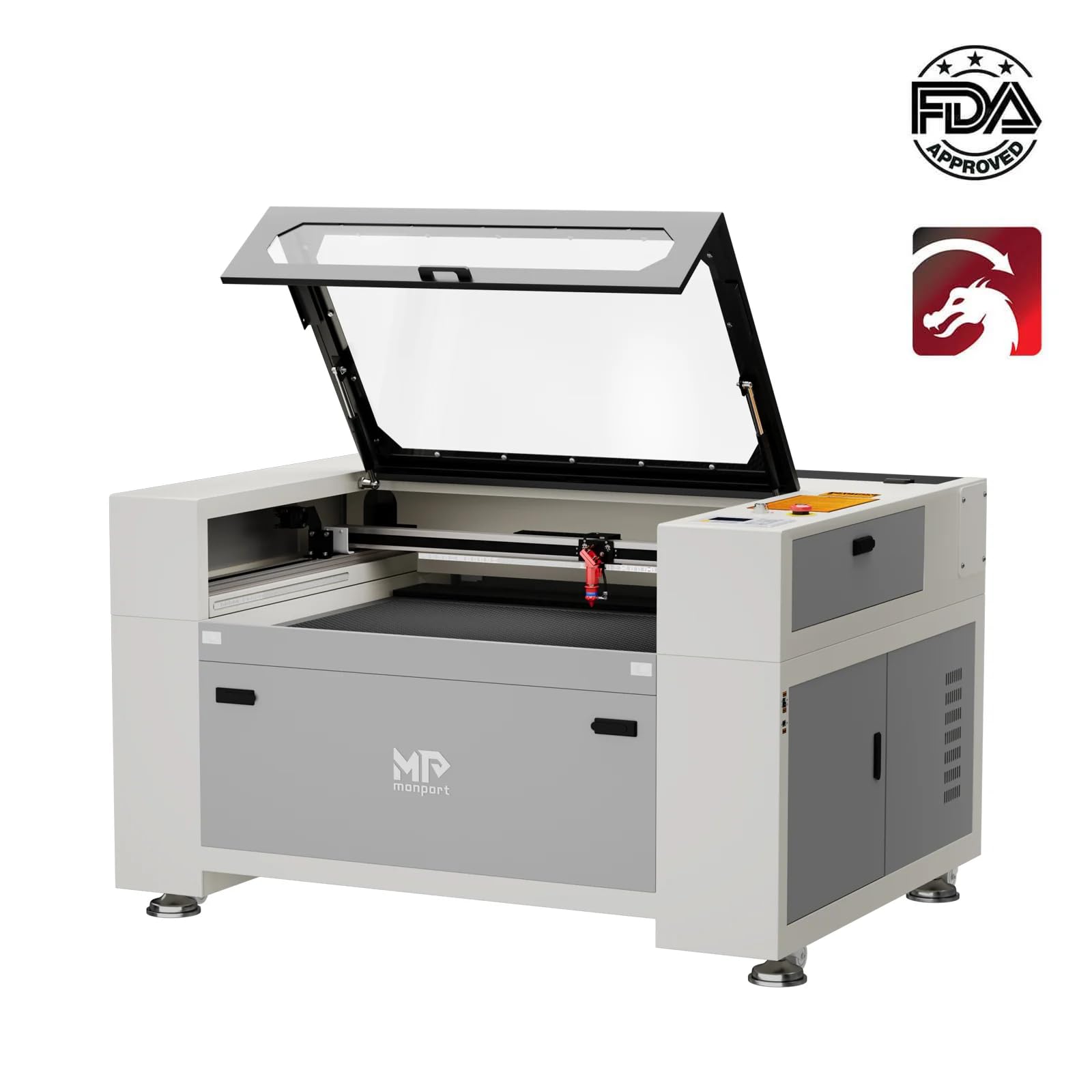
Image: Monport 80W CO2 Laser Engraver and Cutter, showcasing its compact and robust design.
Key Features:
- High Performance: Engraving speed up to 600 mm/s and resolution up to 4500 dpi.
- Autofocus & Autolift: Automatic focus correction and adjustable work area for various material thicknesses.
- Red Dot Pointer: Visual guidance for laser head position and project framing.
- Safety Features: Safety shutdown sensor and fireproof viewing window for enhanced user protection.
- Integrated Water Chiller: Built-in 3L water chiller with constant and intelligent temperature modes, including warning mechanisms for temperature anomalies.
- Durable Construction: Enclosed aeronautical aluminum rail system to protect against smoke and debris, extending service life.
- Ruida Digital Controller: Compatible with LightBurn, RDworks, AutoCAD, and CorelDRAW for versatile control over laser operations.
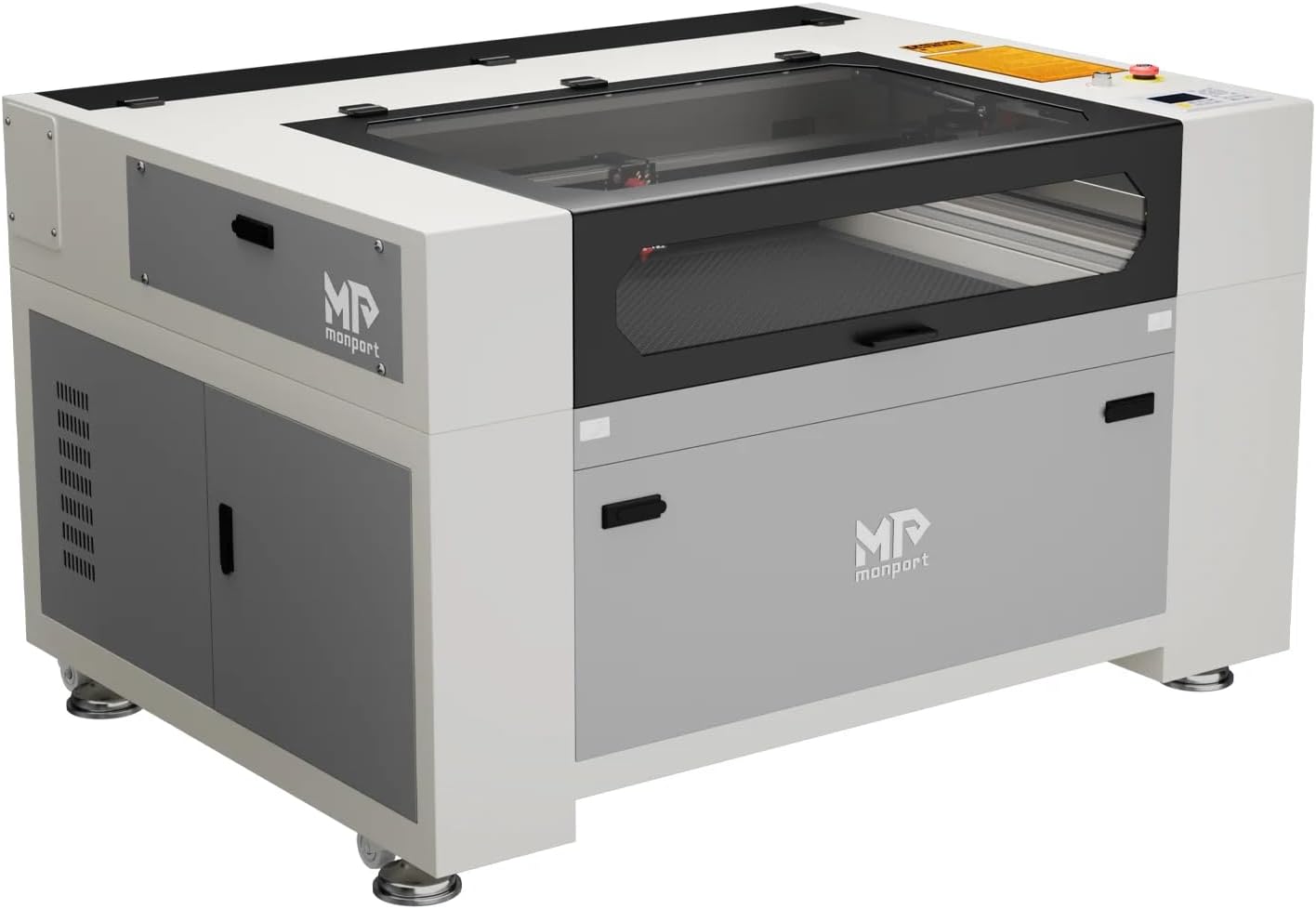
Image: Detailed view of the Monport 80W CO2 Laser Engraver with key components labeled, including the fireproof PE viewing window, laser switch, emergency stop, automatic safety sensor, enclosed Y-axis, enclosed X-axis, movable wheels, screw leveler feet, work bed, laser head, and debris storage container.
2. Setup
This section guides you through the initial setup of your Monport 80W CO2 Laser Engraver. Ensure all components are present and correctly installed before operation.
2.1. Unboxing and Package Contents
Upon receiving your machine, carefully unbox it and verify all accessories are included. The package typically contains:

Image: A visual representation of the package contents, including Ethernet cable, USB Type-A to Type-A cable, power cord, glasses, silicone sealant, venting exhaust duct, hex wrenches, USB drive with software, keys, double-sided tape, hose clamp, accessory bag, and instruction manual.

Image: Another view of package contents, showing a water pump, storage tank, and water hoses, in addition to other items.
Refer to the included instruction manual for a complete list and visual guide.
2.2. Initial Machine Setup and Connections
For a detailed visual guide on the initial setup, including connecting power cords, water pump, and venting pipe, please watch the official installation video below.
Video: Monport Laser Engraving Machine Installation Video. This video demonstrates the unboxing, connecting power cables, water pump, and venting pipe, and introducing the autofocus function.
2.2.1. Power and Grounding
Connect the two power cords to the designated ports on the machine's rear panel. One cord powers the laser tube, and the other powers the machine's internal components. If required, connect the grounding cable to the designated screw for safety.

Image: Rear panel of the Monport 80W CO2 Laser Engraver, showing the power supply sockets, water pump power socket, ground line, water inlet, water outlet, exhaust port, and control panel.
2.2.2. Water Pump Installation
The machine includes a built-in 3L water chiller. Connect the water hoses to the water inlet and outlet ports on the machine. Place the water pump into a bucket of distilled water, ensuring it is fully submerged. Connect the water pump's power cord to the machine's water pump power socket.

Image: Diagram illustrating the internal structure of the built-in smart water chiller, highlighting its two cooling modes (constant and intelligent temperature) and warning protection mechanisms.
2.2.3. Venting Pipe Installation
Attach the provided venting exhaust duct to the exhaust port on the machine. Secure it with the hose clamp. Ensure the other end of the venting pipe is directed to an open area to safely expel smoke and debris.
2.2.4. Laser Ignition Key and Emergency Stop
Insert the laser ignition key into its slot on the control panel and turn it to the 'ON' position. Familiarize yourself with the emergency stop button for immediate shutdown in case of any issues.


Image: Left: The machine's control panel with buttons for navigation, reset, pulse, speed, power settings, and file management. Right: The 80W CO2 glass laser tube, which has a working life of up to 8000 hours.
3. Operating Instructions
This section covers the basic operation of your Monport 80W CO2 Laser Engraver & Cutter.
3.1. Software and Connectivity
The Monport YXF80 is equipped with a Ruida Digital Controller, compatible with various software platforms such as LightBurn, RDworks, AutoCAD, and CorelDRAW. Connect your machine to a PC via USB or Ethernet, or use a flash drive for file transfer.

Image: The 80W CO2 Laser Engraver Cutter highlighting its compatibility with Windows, Linux, and MacOS operating systems.
3.2. Autofocus and Red Dot Guidance
The machine features an autofocus function to automatically adjust the laser head for optimal focus. Use the control panel to initiate autofocus. The red dot pointer assists in precisely positioning your project materials and framing the working area.


Image: Left: The industrial-grade laser head with air-assist and auto-focus capabilities. Right: The honeycomb board platform, suitable for various materials.
3.3. Material Compatibility and Working Area
The 24x36 inch working area, combined with grid and aluminum knife table platforms, accommodates a variety of object sizes and materials. The machine is suitable for engraving and cutting materials such as wood, acrylic, glass, leather, marble, paper, and bamboo.

Image: Examples of materials that can be processed by the Monport 80W CO2 Laser Engraver, including plastic, leather, wood, stone, paper, and glass.

Image: Visual examples of materials compatible with the 80W CO2 Laser Engraver, such as wood, bamboo, ceramic, leather, marble, and paper.
3.4. Engraving and Cutting Examples
Observe the machine's capabilities in various engraving and cutting tasks:
Video: Monport 80W CO2 Engraving Cutting Machine in action, demonstrating its precision and speed on various materials.
Video: Laser Engraving & Cutting Cardboard, showcasing the machine's ability to create intricate designs on cardboard.
Video: Mobile Phone Holder creation, demonstrating the machine's capability to cut and engrave components for assembly.
4. Maintenance
Regular maintenance ensures the longevity and optimal performance of your laser engraver. Always power off and unplug the machine before performing any maintenance.
- Lens and Mirror Cleaning: Regularly inspect and clean the laser lens and mirrors using appropriate lens cleaning solution and wipes to maintain beam quality.
- Water Chiller Maintenance: Periodically check the water level in the chiller and replace distilled water as needed. Ensure the chiller operates within recommended temperature ranges (15-30°C).
- Rail and Belt Lubrication: Keep the X and Y axis rails clean and lubricated to ensure smooth movement of the laser head. Inspect belts for wear and tension.
- Exhaust System Cleaning: Clean the exhaust fan and venting pipe to prevent buildup of debris and ensure efficient fume extraction.
- Work Bed Cleaning: Remove debris from the honeycomb or knife table work bed after each use to prevent fire hazards and ensure a flat working surface.
5. Troubleshooting
This section provides solutions to common issues you might encounter with your Monport 80W CO2 Laser Engraver.
Common Issues and Solutions:
- No Laser Output:
- Check if the laser ignition key is turned on.
- Ensure the emergency stop button is not engaged.
- Verify the water chiller is running and water is flowing through the laser tube.
- Confirm laser power settings in the software.
- Poor Engraving/Cutting Quality:
- Check laser focus; perform autofocus if necessary.
- Clean the laser lens and mirrors.
- Adjust laser power and speed settings for the specific material.
- Ensure the material is flat and properly secured on the work bed.
- Machine Not Responding:
- Verify all power connections are secure.
- Restart the machine and the controlling computer/software.
- Check USB/Ethernet cable connections.
- Water Chiller Alarms:
- Check ambient temperature.
- Verify water temperature is within the recommended range (15-30°C).
- Ensure sufficient distilled water in the reservoir.
For further assistance, please contact Monport customer support.
6. Specifications
| Feature | Detail |
|---|---|
| Model Number | YXF80 |
| Laser Type | CO2 Glass Laser Tube (80W) |
| Working Area | 24 x 36 inches (609.6 x 914.4 mm) |
| Engraving Speed | Up to 600 mm/s |
| Resolution | Up to 4500 dpi |
| Item Dimensions (L x W x H) | 57 x 43 x 34.99 inches |
| Item Weight | 569 pounds |
| Material Compatibility | Acrylic, Glass, Wood, Leather, Marble, Paper, Bamboo, etc. |
| Controller | Ruida Digital Controller |
| Cooling System | Built-in 3L Smart Water Chiller |
| Safety Features | Safety shutdown sensor, Fireproof viewing window, Emergency Stop |

Image: Diagram showing the dimensions of the Monport 80W CO2 Laser Engraver: 57 inches (width), 43 inches (depth), and 34.99 inches (height).
7. Warranty and Support
Monport provides a one-year limited warranty on all Monport laser tubes. For specific warranty details, technical support, or any inquiries, please refer to the official Monport website or contact their customer service directly.
Contact Information:
- Website: Monport Official Store
- Email: Refer to your product documentation for specific support email.
- Phone: Refer to your product documentation for specific support phone number.


