
1. Introduction
This manual provides detailed instructions for the safe installation, operation, and maintenance of your Sofucor 52-inch flush mount ceiling fan with integrated LED light. Please read this manual thoroughly before attempting installation or operation to ensure proper function and safety. Keep this manual for future reference.

Image 1.1: Sofucor 52-inch Flush Mount Ceiling Fan with Light.
2. Safety Information
WARNING: To reduce the risk of fire, electric shock, or personal injury, always follow these instructions:
- Ensure the main power supply is disconnected at the circuit breaker before installation or servicing.
- All wiring must be in accordance with national and local electrical codes. Consult a qualified electrician if you are unsure about wiring procedures.
- The ceiling fan must be mounted to a structure capable of supporting a minimum of 35 lbs (15.9 kg).
- Do not operate the fan with damaged blades or housing.
- Avoid placing objects in the path of the fan blades.
- This fan is designed for flush mounting only and is not suitable for sloped or vaulted ceilings.
- While rated for wet locations, ensure the fan is installed in a covered outdoor area and not directly exposed to water.
3. Package Contents
Verify that all components listed below are included in your package. If any parts are missing or damaged, contact Sofucor customer support.
- DC Motor Assembly
- 3 x Fan Blades (Solid Wood)
- LED Light Kit and Lampshade
- Remote Control
- Mounting Hardware Kit
- User Manual (This document)

Image 3.1: Included Components.
4. Product Overview
The Sofucor 52-inch flush mount ceiling fan features a quiet DC motor, three solid wood blades, and an integrated dimmable LED light. It is designed for low-profile ceilings and offers multiple speed settings and a reversible function for year-round comfort.
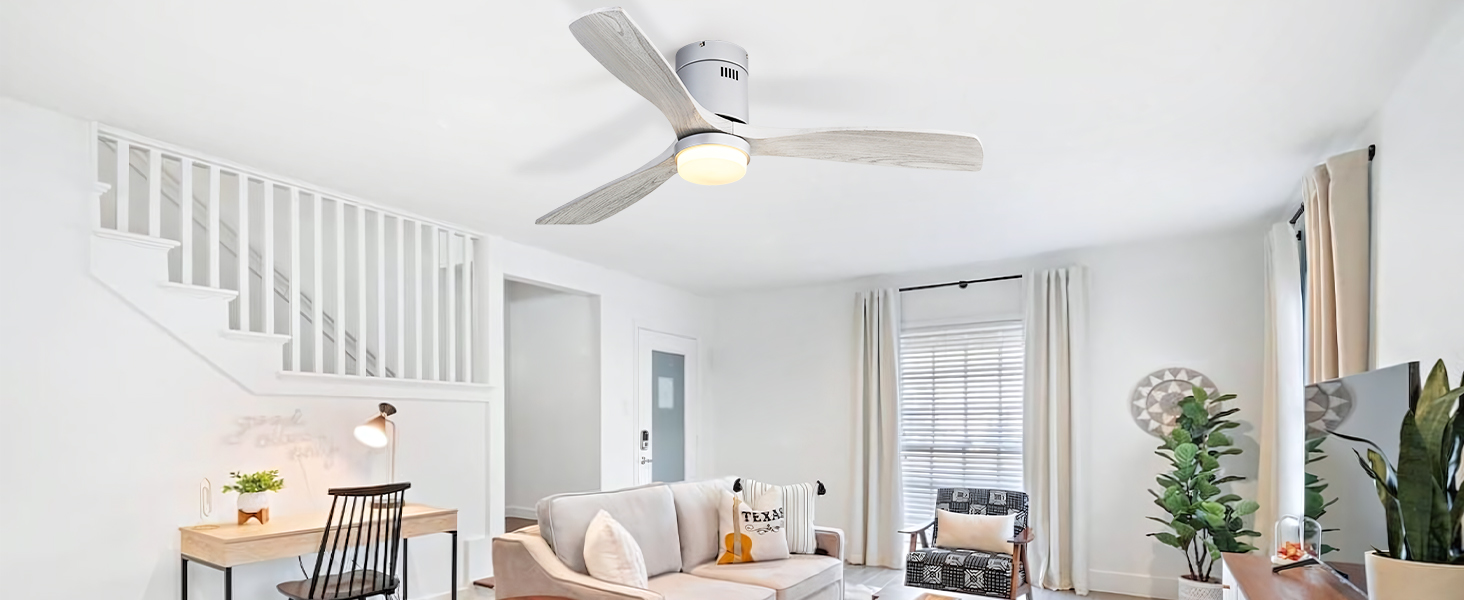
Image 4.1: Detailed view of fan components.
5. Installation Instructions
Professional installation is recommended. Ensure power is OFF at the circuit breaker before beginning installation.
- Prepare the Mounting Location: Ensure the electrical box is securely mounted to the building structure and can support the fan's weight.
- Install the Mounting Bracket: Attach the mounting bracket to the electrical box using the provided screws and washers.
- Assemble Fan Blades: Securely attach the three solid wood fan blades to the motor housing using the designated screws.
- Wire the Fan: Connect the fan's electrical wires to the household wiring according to the wiring diagram in the full instruction manual. Ensure all connections are secure.
- Attach the Fan to the Mounting Bracket: Carefully lift the fan assembly and secure it to the mounting bracket.
- Install the LED Light Kit: Connect the LED light kit to the fan's wiring and secure the lampshade.
- Restore Power: Once installation is complete and all connections are checked, restore power at the circuit breaker.
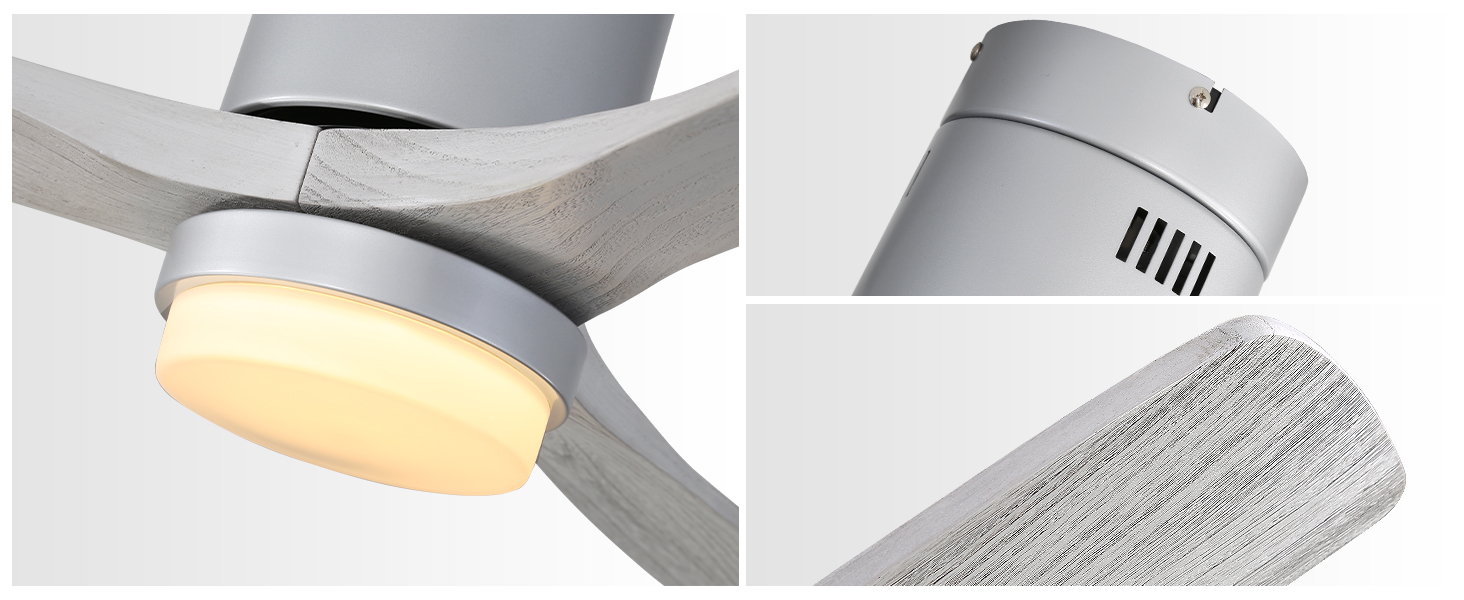
Image 5.1: Fan Installation Process.
6. Operating Instructions
Your Sofucor ceiling fan is operated using the included remote control. Ensure the remote has fresh batteries installed.
6.1 Remote Control Functions
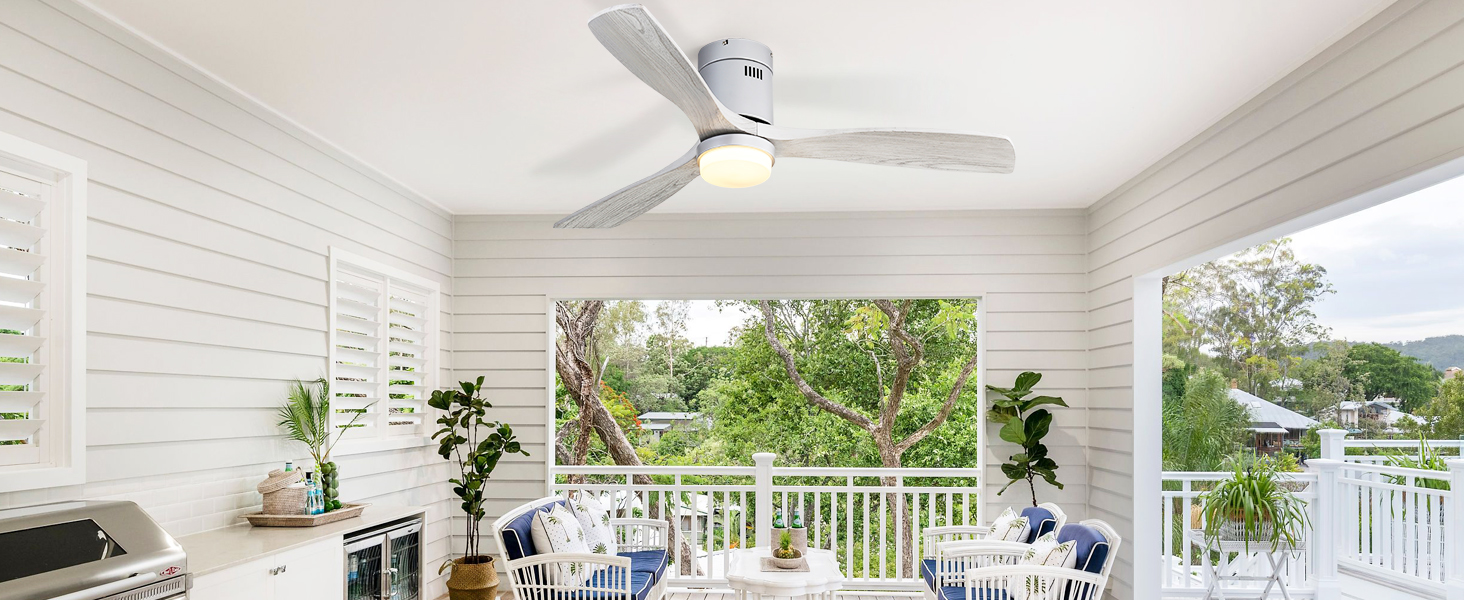
Image 6.1: Remote Control Layout.
- Fan ON/OFF: Press the fan icon button to turn the fan on or off.
- Fan Speed: Buttons labeled 1-6 control the fan speed, from lowest (1) to highest (6).
- Light ON/OFF: Press the light bulb icon button to turn the light on or off.
- Light Color Temperature: The 'C/T' button cycles through 3000K (Warm Yellow), 4500K (Bright Daylight), and 6000K (Cool White) light options.
- Light Dimming: Use the dimming buttons (up/down arrows) to adjust light brightness from 0% to 100%. The fan features a light memory function, retaining the last setting when turned on again.
- Timer Function: Buttons labeled '1H', '4H', '8H' set the fan to automatically turn off after 1, 4, or 8 hours.
- Reversible Motor: The 'F/R' button changes the direction of the fan blades. In summer, blades rotate counter-clockwise for downward airflow. In winter, blades rotate clockwise for upward airflow to circulate warm air.
- Natural Wind Mode: The 'Wave' icon button simulates a natural breeze by varying fan speeds.
6.2 Reversible Motor Function
The reversible DC motor allows for year-round use. In summer, the fan creates a downward airflow for a cooling effect. In winter, reversing the blade direction circulates warm air trapped near the ceiling, helping to reduce heating costs.

Image 6.2: Reversible Motor Operation.
6.3 Quiet Operation and Timer
The DC motor operates quietly, making it suitable for bedrooms and other quiet environments. The timer function allows you to set the fan to turn off automatically after a set period, promoting energy efficiency and undisturbed rest.

Image 6.3: Mute Motor and Timer Function.
7. Maintenance and Care
Regular maintenance ensures optimal performance and longevity of your ceiling fan.
- Cleaning: Periodically clean the fan blades and motor housing with a soft, damp cloth. Do not use abrasive cleaners or solvents. Ensure power is off before cleaning.
- Blade Inspection: Check fan blades for any cracks or damage. Replace damaged blades immediately.
- Tighten Screws: Periodically check and tighten all screws on the fan assembly to prevent loosening due to vibration.
- LED Light Replacement: The integrated LED light kit is replaceable. If replacement is needed, contact Sofucor support for compatible parts.
Image 7.1: Replaceable LED Light Kit.
8. Troubleshooting
If you experience issues with your fan, refer to the following common problems and solutions:
| Problem | Possible Cause | Solution |
|---|---|---|
| Fan does not start | No power supply; Loose wiring; Remote control issue | Check circuit breaker; Verify wiring connections; Replace remote batteries or re-pair remote. |
| Light does not work | Loose wiring; Faulty LED kit; Remote control issue | Check light wiring; Contact support for LED kit replacement; Check remote batteries. |
| Fan wobbles | Loose blades; Uneven blade weight; Loose mounting | Ensure blades are securely attached; Use balancing kit (if provided); Tighten mounting screws. |
| Remote not responding | Dead batteries; Not paired; Interference | Replace batteries; Follow pairing instructions in full manual; Reduce interference sources. |
For further assistance, please contact Sofucor customer support.
9. Specifications
| Feature | Detail |
|---|---|
| Brand | Sofucor |
| Model Number | 52144-DC-MG |
| Product Dimensions | 52"D x 52"W x 11.14"H |
| Color | Silver+gray |
| Electric Fan Design | Ceiling Fan |
| Power Source | DC |
| Style | With Light |
| Room Type | Bedroom, Dining Room, Farmhouse, Living Room, Patio |
| Noise Level | 30 Decibels |
| Wattage | 35 watts |
| Number of Blades | 3 |
| Air Flow Capacity | 5030 Cubic Feet Per Minute |
| Voltage | 120 Volts |
| Switch Type | Remote |
| Item Weight | 12.6 Pounds |
| Indoor/Outdoor Usage | Indoor (Wet-rated for covered outdoor areas) |
| Control Method | Remote |
| Number of Power Levels | 6 |
| Installation Type | Flush Mounted |
| Special Features | 3 light colors, dimmable, A+++ energy efficiency, quiet DC motor, modern blades, reversible function |
10. Warranty and Support
Sofucor provides a lifetime free replacement for the DC motor. For other components, please refer to the specific warranty terms provided with your purchase.
- Motor: Lifetime free replacement.
- LED Light Board & Remote Control: If damaged or lost, please contact Sofucor customer service for a free replacement.
For any questions, technical support, or warranty claims, please contact Sofucor customer service through the retailer where the product was purchased or visit the official Sofucor website.
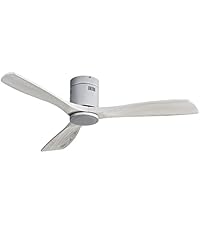
Image 10.1: Motor Lifetime Free Replacement.
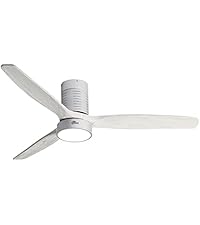
Image 10.2: LED Light Board and Remote Replacement.


