
1. Important Safety Instructions
Please read and understand all safety instructions before operating this instrument. Keep this manual for future reference.
- Do not expose the instrument to rain, moisture, direct sunlight, or extreme temperatures.
- Avoid placing the instrument near heat sources such as radiators, heat registers, stoves, or other apparatus that produce heat.
- Use only the power adapter supplied with the instrument.
- Do not open the instrument casing. Refer all servicing to qualified service personnel.
- Keep small objects and liquids away from the instrument to prevent damage or electric shock.
- Ensure proper ventilation around the instrument.
2. Product Overview
The MUSTAR E Piano 88 Keys is a professional digital piano designed to provide an authentic playing experience. It features a weighted hammer mechanism keyboard, a 3-pedal system, and a comprehensive sound engine.
Key Features:
- 88 Weighted Hammer Mechanism Keys: Provides a realistic acoustic piano feel with adjustable touch dynamics.
- Superior Sound Source: Features 80 demo songs, 680 tones, 600 rhythms, and 64 max polyphony.
- 3-Pedal System: Includes Sustain, Sostenuto, and Soft pedals for expressive playing.
- LCD Screen: For easy navigation and setting adjustments.
- Recording & Playback Function: Allows users to record and review their performances.
- Dual Headphone Jacks: For private practice or duet playing.
- USB/MIDI Connectivity: For connecting to computers, educational apps, and other MIDI devices.
- Keyboard Separation Function: Splits the keyboard into two independent areas.
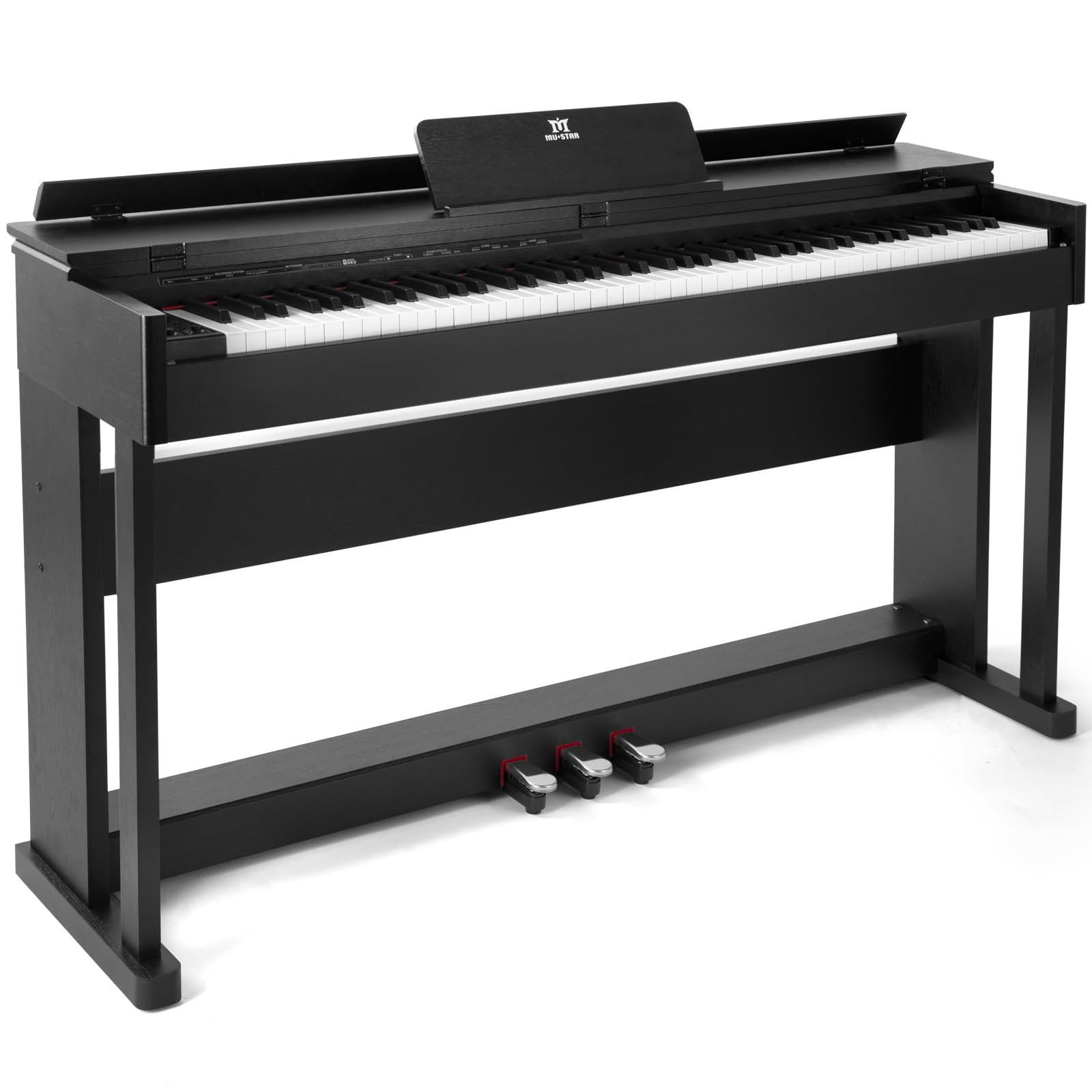
Image: The MUSTAR E Piano 88 Keys, illustrating its overall dimensions of 141.5 cm (length) x 35.5 cm (width) x 77 cm (height).
3. Package Contents
Verify that all items are present in the package:
- 1 x MUSTAR Digital Piano
- 1 x 3-Pedal Unit
- 1 x Power Supply Adapter
- 1 x User Manual (this document)
4. Setup
4.1 Assembly
The MUSTAR E Piano requires minimal assembly. Follow these steps:
- Carefully unpack all components from the box.
- Attach the main piano body to the furniture stand using the provided screws and tools. Ensure all connections are secure.
- Connect the 3-pedal unit cable to the designated port on the underside or rear of the piano.
- Place the music rest into its slot on the piano.
4.2 Power Connection
Connect the power supply adapter to the DC IN jack on the piano and then plug it into a standard electrical outlet.
- Use only the original power adapter to prevent damage.
- Ensure the power cable is not pinched or placed under heavy objects.
5. Operating Instructions
5.1 Power On/Off
Press the POWER button located on the control panel to turn the piano on or off.
5.2 Weighted Hammer Mechanism Keyboard
The 88-key keyboard features a weighted hammer mechanism, providing a touch response similar to an acoustic piano. The touch dynamics are adjustable to match your playing style and finger strength.

Image: Diagram illustrating the weighted hammer action keyboard, highlighting 88 keys, 6 levels of touch sensitivity, bass and treble zones, and the hammer mechanism.
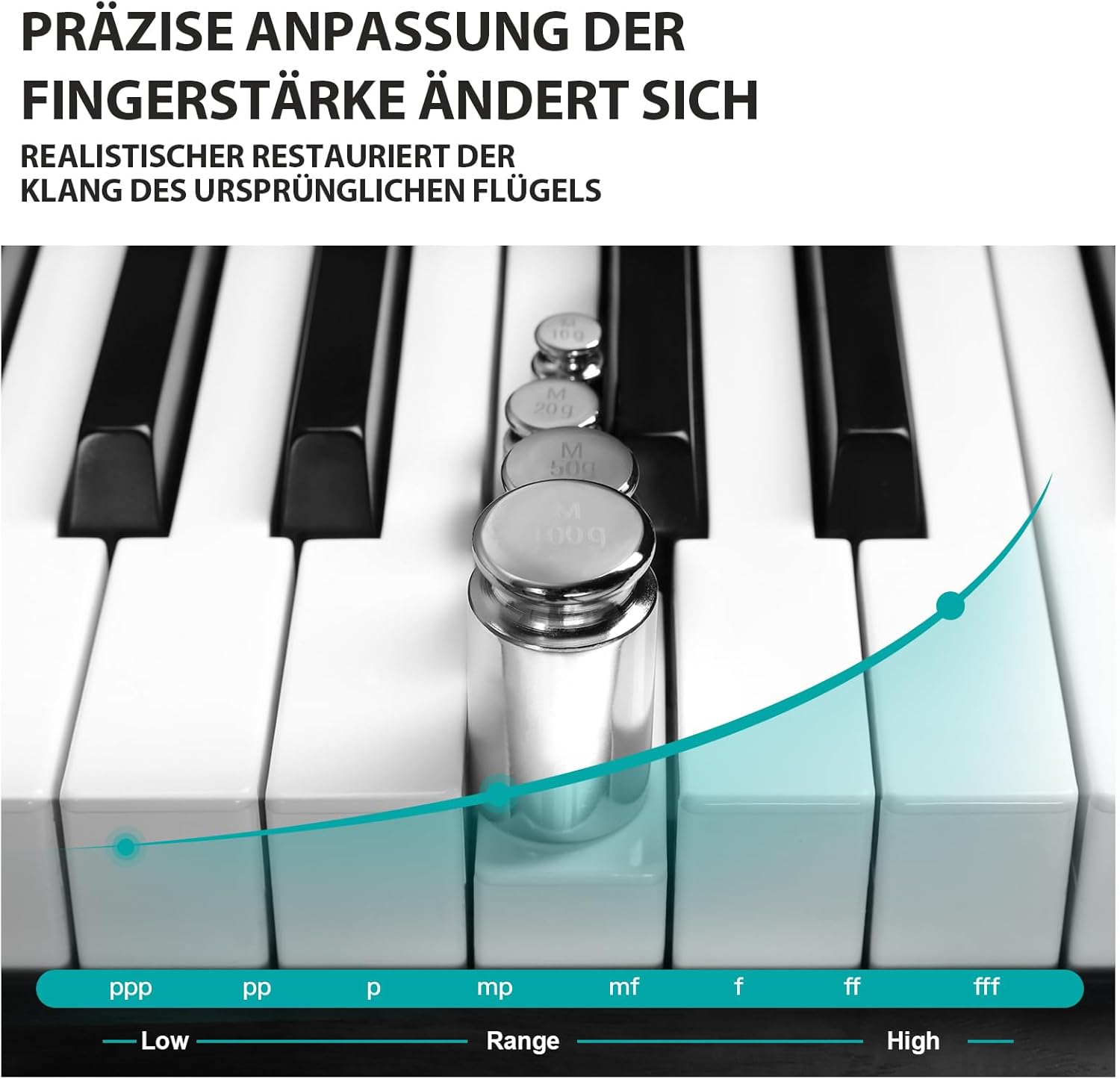
Image: Piano keys with weights demonstrating precise adjustment of finger strength and realistic restoration of original grand piano sound.
5.3 Sound Selection and Effects
Use the control panel and LCD screen to select from 680 tones, 600 rhythms, and 80 demo songs. The piano also supports 64-note polyphony.

Image: Close-up of piano keys and control panel, showing icons for 680 tones, 600 rhythms, Dream Source, 88 weighted keys, LCD monitor, Dual Voice, and 80 demo songs.
5.4 Pedal Functions
The three pedals provide expressive control over your playing:
- Left Pedal (Soft): Reduces the volume and softens the tone.
- Middle Pedal (Sostenuto): Sustains only the notes held down at the moment the pedal is pressed.
- Right Pedal (Sustain): Sustains all notes played while the pedal is held down.

Image: The three galvanized metal pedals, labeled for Sustain (Nachhaltig), Sostenuto (Aufrechterhalten), and Soft (Sanft) functions.
5.5 Recording and Playback
To record your performance, press the RECORD button. Play your desired piece. Press PLAY to listen to your recorded performance.
5.6 Headphone Use
The piano is equipped with two headphone jacks, allowing for private practice or simultaneous listening by two individuals. Connect standard 3.5mm headphones to either jack.

Image: Two children wearing headphones, listening to the digital piano, demonstrating the dual headphone jack feature for shared or private listening.
5.7 Keyboard Separation (Dual Mode)
The keyboard separation function allows you to divide the 88 keys into two independent sections, each with its own range. This is useful for teaching or playing duets.
5.8 USB/MIDI Connectivity
Use the USB/MIDI port to connect the piano to a computer or other MIDI-compatible devices. This enables interaction with music software, educational apps, and MIDI sequencers.

Image: Hands playing the digital piano, surrounded by icons representing key features: dual headphone jack, 3 pedals, French Dream Source with 64 polyphony, 680 tones, Twin-Piano function, MIDI IN/OUT, MP3 compatibility, and 600 rhythms.
6. Maintenance
6.1 Cleaning
To clean the piano, use a soft, dry cloth. For stubborn dirt, slightly dampen the cloth with water and a mild detergent, then wipe dry immediately. Avoid abrasive cleaners, solvents, or waxes.
- Do not spray cleaning agents directly onto the instrument.
- Keep the keys clean to maintain optimal playability.
6.2 Storage
When not in use for extended periods, store the piano in a cool, dry place away from direct sunlight and extreme temperature fluctuations. Consider using a dust cover to protect the keys and surface.
7. Troubleshooting
If you encounter issues with your MUSTAR E Piano, refer to the following common problems and solutions:
| Problem | Possible Cause | Solution |
|---|---|---|
| No sound | Volume too low; headphones connected; power issue. | Increase master volume; disconnect headphones; check power connection. |
| Keys not responding | Instrument not powered on; specific mode selected. | Ensure piano is on; check current mode settings. |
| Pedals not working | Pedal unit not connected properly. | Verify the pedal unit cable is securely plugged into the piano. |
| Distorted sound | Volume too high; faulty connection. | Reduce volume; check all cable connections. |
If the problem persists after trying these solutions, please contact MUSTAR customer support.
8. Specifications
| Feature | Specification |
|---|---|
| Brand | MUSTAR |
| Model Number | E-Piano 88 (LMT003) |
| Color | Black |
| Number of Keys | 88 |
| Key Type | Weighted Hammer Mechanism |
| Tones | 680 |
| Rhythms | 600 |
| Demo Songs | 80 |
| Max. Polyphony | 64 |
| Pedal System | 3-Pedal Unit (Sustain, Sostenuto, Soft) |
| Display | LCD Screen |
| Connectivity | USB, MIDI, Dual 3.5mm Headphone Jacks |
| Power Source | Corded Electric |
| Product Dimensions (L x W x H) | 141.5 x 35.5 x 77 cm (55.71 x 13.98 x 30.31 inches) |
| Item Weight | 39.75 Kilograms |
9. Customer Support
MUSTAR is committed to providing a 100% satisfaction experience. If you have any questions, require assistance, or encounter issues not covered in this manual, please contact the seller or MUSTAR customer support directly. Please have your model number (E-Piano 88) and purchase information ready when contacting support.

