Introduction
The FEELWORLD LUT5 is a 5.5-inch on-camera field monitor designed for DSLR and mirrorless cameras. It features a 1920x1080 IPS panel with 3000nit brightness, ensuring clear visibility even in bright sunlight. This monitor supports 4K HDMI input and output, touch screen operation, and various professional monitoring tools to enhance your video production workflow.

Image: The FEELWORLD LUT5 monitor, highlighting its 5.5-inch display, 3000nit brightness, and HDMI connectivity for on-set monitoring.
Key Features
- 5.5-inch 1920x1080 Full HD IPS Screen
- Ultra-bright 3000nit display for daylight visibility
- 4K HDMI Input and Output
- Intuitive Touch Screen Menu Operation
- Supports 3D LUT Log to REC.709 and user 3D LUT upload
- Light Sensor for Automatic Dimming
- F970 External Install and Power Kit Design
- HDR Monitoring Support
- DC 8V Power Output for Camera
- Stereo Earphone Output
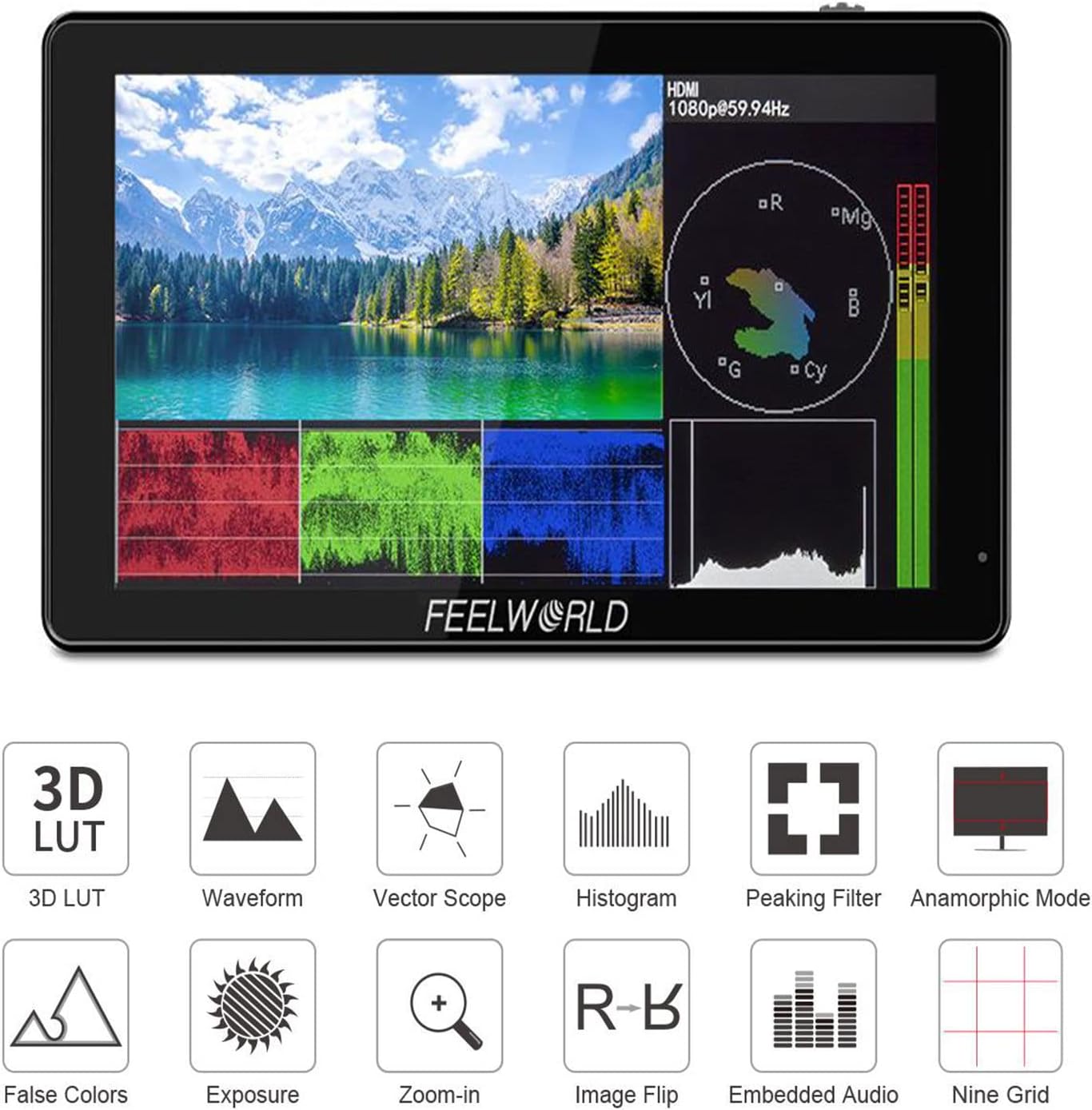
Image: Icons representing key monitoring features of the LUT5, including 3D LUT, Waveform, Vector Scope, Histogram, Peaking Filter, Anamorphic Mode, False Colors, Exposure, Zoom-in, Image Flip, Embedded Audio, and Nine Grid.
Setup
1. Powering the Monitor
The LUT5 monitor can be powered via a DC 12V input or an NP-F series battery (F970 compatible, sold separately). Ensure the battery is correctly installed into the battery plate on the rear of the monitor.

Image: Rear view of the LUT5 monitor, illustrating the F970 battery plate and the DC IN 12V, DC OUT 8V, and SD Card slots.
2. Connecting to a Camera
Connect your DSLR or mirrorless camera to the monitor using an HDMI cable. The LUT5 supports 4K HDMI input and output. Use the HDMI IN port for receiving video signals from your camera.

Image: Side view of the LUT5 monitor, detailing the HDMI IN, HDMI OUT, DC IN 12V, DC OUT 8V, and earphone ports. Supported 4K HDMI resolutions are listed.
The monitor also features a DC 8V power output, allowing you to power your camera directly from the monitor using an optional dummy battery adapter power cable.

Image: The LUT5 monitor mounted on a camera, demonstrating the DC Output Interface (1) and the optional Dummy Battery Adapter Power Cable (2) for powering the camera.
3. Mounting the Monitor
The LUT5 can be mounted to your camera rig using its standard mounting points. Ensure the monitor is securely attached to prevent accidental drops.

Image: The LUT5 monitor mounted on a camera setup, illustrating its integration with a wireless video transmitter for professional use.
Operating Instructions
1. Touch Screen Operation
The LUT5 features a full touch screen for intuitive menu navigation and function control. Tap icons to select options and swipe to navigate menus.
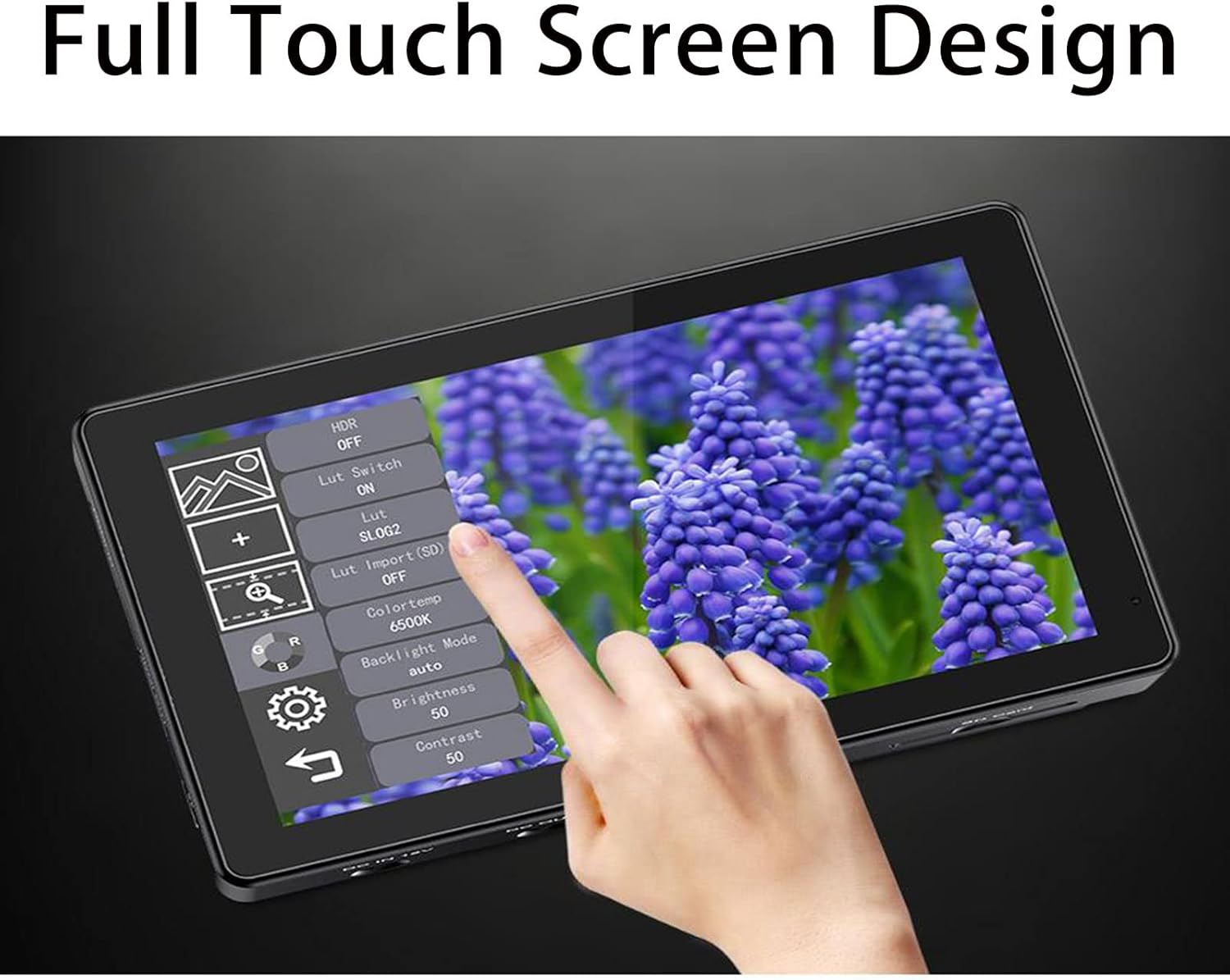
Image: A hand interacting with the touch screen interface of the LUT5 monitor, demonstrating menu navigation and settings adjustment.
2. Monitoring Tools
The monitor includes a suite of professional monitoring tools:
- 3D LUT: Upload custom 3D LUTs via SD card to preview footage with desired color grades.
- Waveform, Vector Scope, Histogram: Analyze video signals for exposure and color accuracy.
- Peaking Filter: Assists with precise focus adjustment.
- False Colors & Exposure: Helps in setting correct exposure levels.
- Anamorphic Mode: De-squeeze anamorphic footage.
- Zoom-in: Magnify parts of the image for detailed inspection.
- Image Flip: Adjust image orientation as needed.
- Nine Grid: Composition aid.

Image: The LUT5 monitor displaying a scene with active waveform and vector scope overlays, demonstrating its advanced monitoring capabilities.
3. HDR Monitoring
The LUT5 supports HDR monitoring, allowing you to view your footage with extended dynamic range, ensuring "what you see is what you get" accuracy.
4. Light Sensor Auto Dimming
The integrated light sensor automatically adjusts the screen brightness based on ambient light conditions, optimizing visibility and reducing eye strain.
Maintenance
Cleaning
To clean the monitor screen, use a soft, lint-free cloth. For stubborn smudges, lightly dampen the cloth with a screen cleaning solution. Avoid using harsh chemicals or abrasive materials.
Storage
When not in use, store the monitor in a dry, dust-free environment. It is recommended to use a protective case to prevent scratches and damage.
Troubleshooting
Fan Noise
The monitor is equipped with a cooling fan that may activate under certain conditions, such as high ambient temperatures or when the screen brightness is set to a high level. If fan noise is a concern, consider reducing screen brightness or operating in a cooler environment. In some scenarios, setting the fan speed to '0' in the menu might be possible for indoor use with low brightness, but this should be done with caution to prevent overheating.
No Signal
- Ensure the HDMI cable is securely connected to both the camera and the monitor.
- Verify that the camera's HDMI output settings are correctly configured.
- Check if the monitor's input source is set to HDMI.
Power Issues
- Confirm that the battery is charged and correctly installed, or that the DC power adapter is properly connected.
- If using the DC 8V output to power a camera, ensure the camera is compatible and the dummy battery cable is functioning.
Specifications
| Model | LUT5V2-FW |
| Display Size | 5.5 inches |
| Resolution | 1920x1080 |
| Panel Type | IPS |
| Brightness | 3000nit |
| Contrast Ratio | 1000:1 |
| Viewing Angle | 160° (H/V) |
| Video Input | 1x HDMI (4K UHD up to 30p) |
| Video Output | 1x HDMI (4K UHD up to 30p) |
| Audio Output | 3.5mm Stereo Headphone Jack |
| Power Input | DC 12V, NP-F Battery Plate |
| Power Output | DC 8V (for powering cameras) |
| Dimensions | 7.36 x 4.92 x 3.31 inches (Package) |
| Weight | 1.49 pounds (Item) |
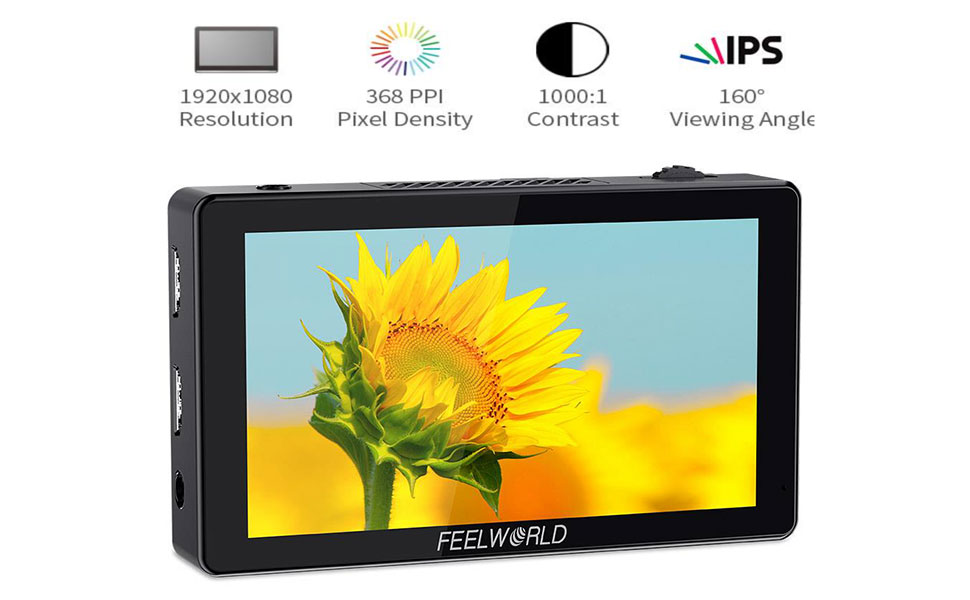
Image: The LUT5 monitor showcasing its display quality, accompanied by key specifications such as 1920x1080 resolution, 368 PPI, 1000:1 contrast, and 160° viewing angle.
Warranty and Support
FEELWORLD products typically come with a limited warranty. Please refer to the warranty card included with your product or visit the official FEELWORLD website for detailed warranty terms and conditions.
For technical support, troubleshooting assistance, or service inquiries, please contact FEELWORLD customer service through their official website or the retailer where the product was purchased.


