
Introduction
This manual provides essential information for the safe and efficient use of your Sandberg Powerbank 10000 PD20W + Wireless. Please read this manual thoroughly before using the product and retain it for future reference.
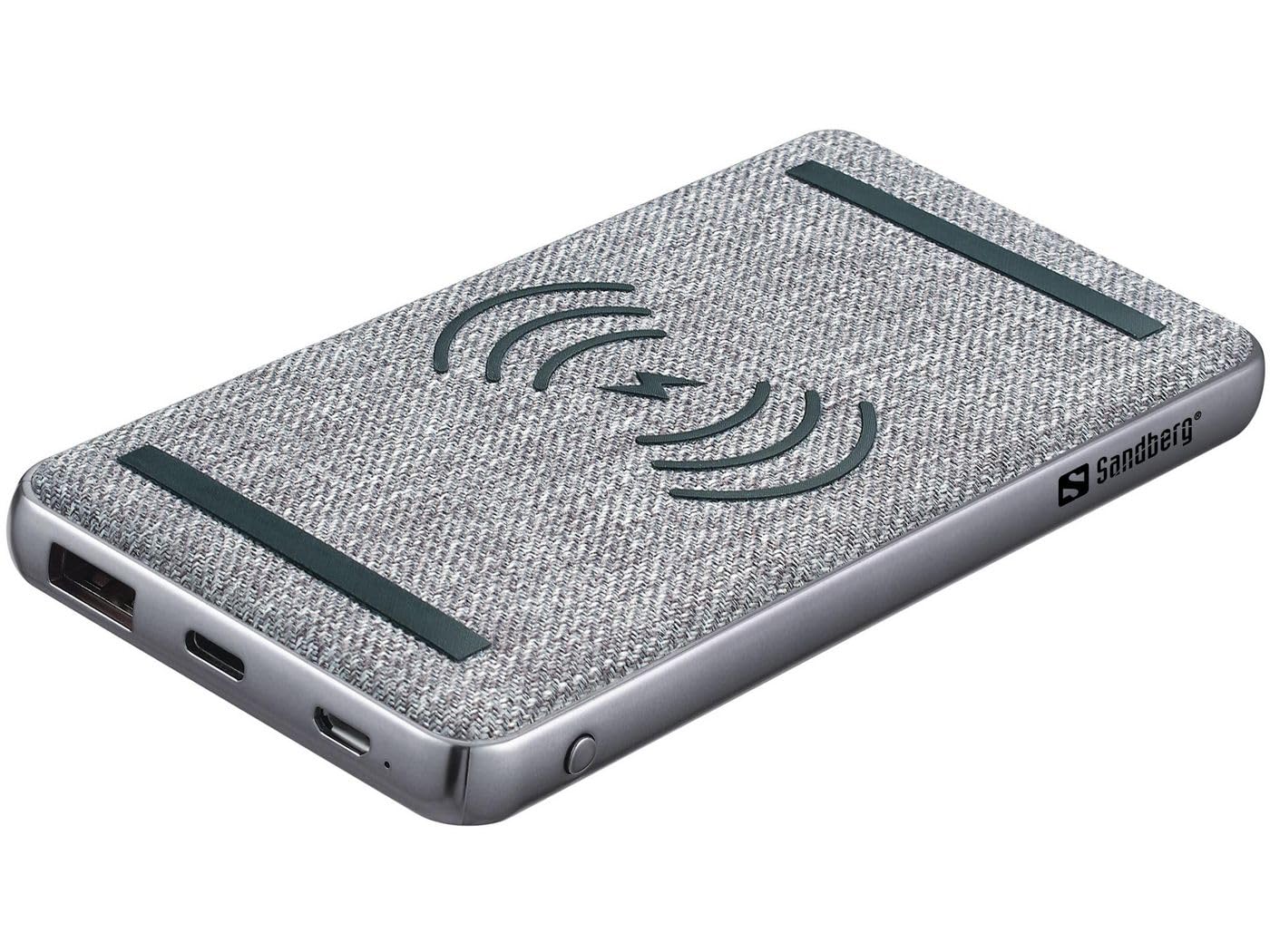
Image: The Sandberg Powerbank 10000 PD20W + Wireless, featuring a grey fabric top with wireless charging symbol and a silver-colored base. It has USB ports on one side.
Package Contents
Ensure all items are present in the package:
- Sandberg Powerbank 10000 PD20W + Wireless
- Charging Cable (USB)
- User Manual
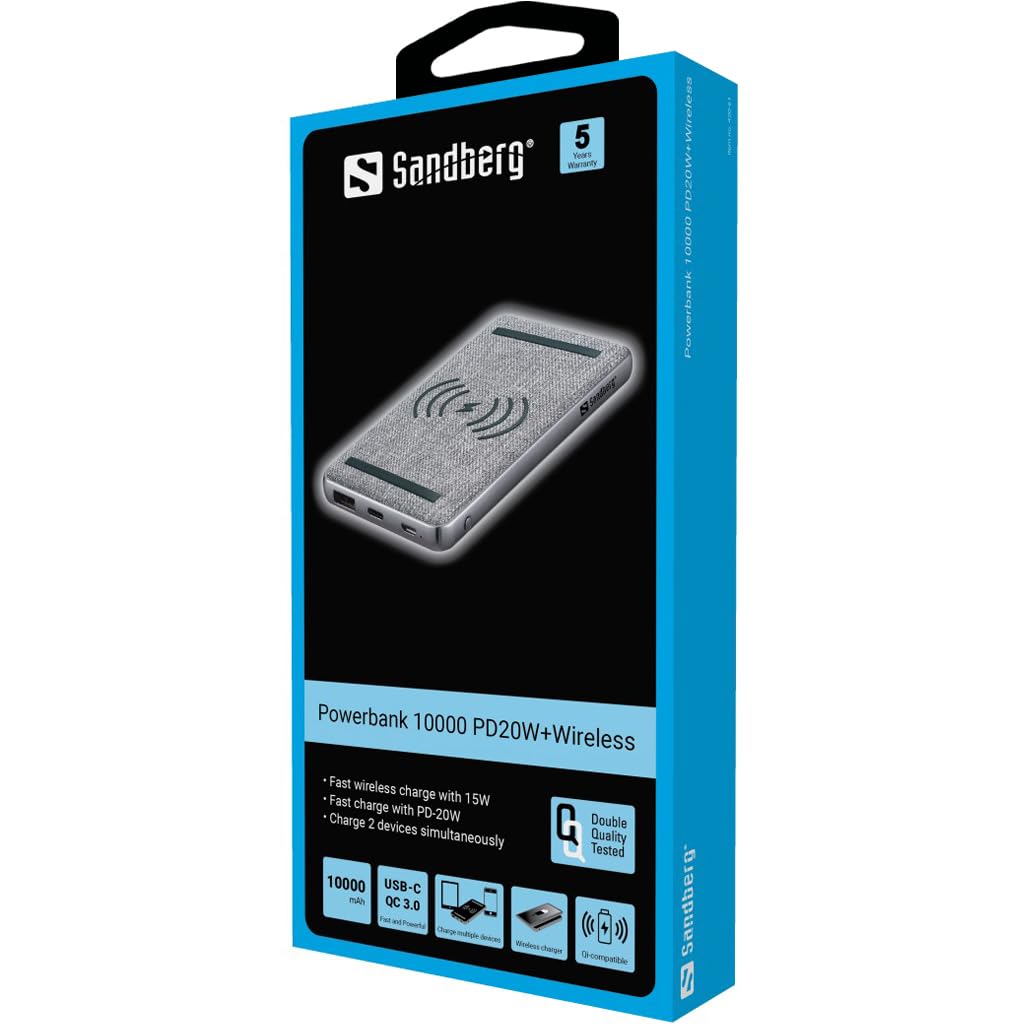
Image: The retail packaging for the Sandberg Powerbank, showing the device, key features like 10000 mAh capacity, USB-C QC 3.0, wireless charging, and Qi compatibility.
Setup
Initial Charging of the Power Bank
- Connect the provided USB charging cable to the input port of the power bank.
- Connect the other end of the USB cable to a compatible USB power adapter (not included) or a computer's USB port.
- The indicator lights on the power bank will illuminate to show the charging progress. Allow the power bank to fully charge before first use.
Operating Instructions
Charging Devices via Cable
- Connect your device's charging cable to one of the output USB ports on the power bank.
- Connect the other end of the cable to your device.
- The power bank will automatically begin charging your device. If not, press the power button on the power bank.
Wireless Charging
- Ensure your device supports Qi wireless charging.
- Place your Qi-compatible device directly onto the wireless charging pad area on top of the power bank.
- Ensure the device is centered on the charging pad for optimal charging. The power bank's indicator light may change to confirm wireless charging is active.
Checking Battery Level
Press the power button briefly to check the remaining battery level indicated by the LED lights.
Maintenance
- Keep the power bank dry and away from moisture.
- Do not expose to extreme temperatures (hot or cold).
- Clean the surface with a soft, dry cloth. Do not use harsh chemicals or abrasive materials.
- Store in a cool, dry place when not in use for extended periods.
Troubleshooting
| Problem | Possible Cause | Solution |
|---|---|---|
| Power bank not charging | Cable not connected properly; faulty cable/adapter; power bank fully charged. | Check cable connections; try a different cable/adapter; check indicator lights. |
| Device not charging from power bank | Power bank low on charge; cable not connected properly; device not compatible; power button not pressed. | Recharge power bank; check cable connections; ensure device compatibility; press power button. |
| Wireless charging not working | Device not Qi-compatible; device not positioned correctly; foreign objects on pad. | Verify Qi compatibility; reposition device; remove any objects from the pad. |
Specifications
| Model Number | 420-61 |
| Battery Capacity | 10000 mAh |
| Battery Type | Lithium-polymer (LiPo) |
| Input Voltage | 5 Volt (USB) |
| Special Features | Wireless Charging, Portable |
| Dimensions | 14.2 x 1.6 x 7.1 cm |
| Weight | 235 g |
| Color | Black |
Warranty and Support
Sandberg products are built to high quality standards. For information regarding warranty terms and conditions, please refer to the warranty card included with your product or visit the official Sandberg website. For technical support, please contact Sandberg customer service through their official channels.
Official Sandberg Website: www.sandberg.it


