
daylight U35231
daylight Electra U35231 Floor Lamp User Manual
Model: U35231 | Brand: daylight
Product Overview
The daylight Electra U35231 Floor Lamp is a modern lighting solution designed for various tasks and ambient settings. It features adjustable color temperature and brightness, a flexible arm, and an anti-glare shade to provide optimal illumination for activities such as reading, crafting, and painting. Its high Color Rendering Index (CRI) ensures accurate color perception.
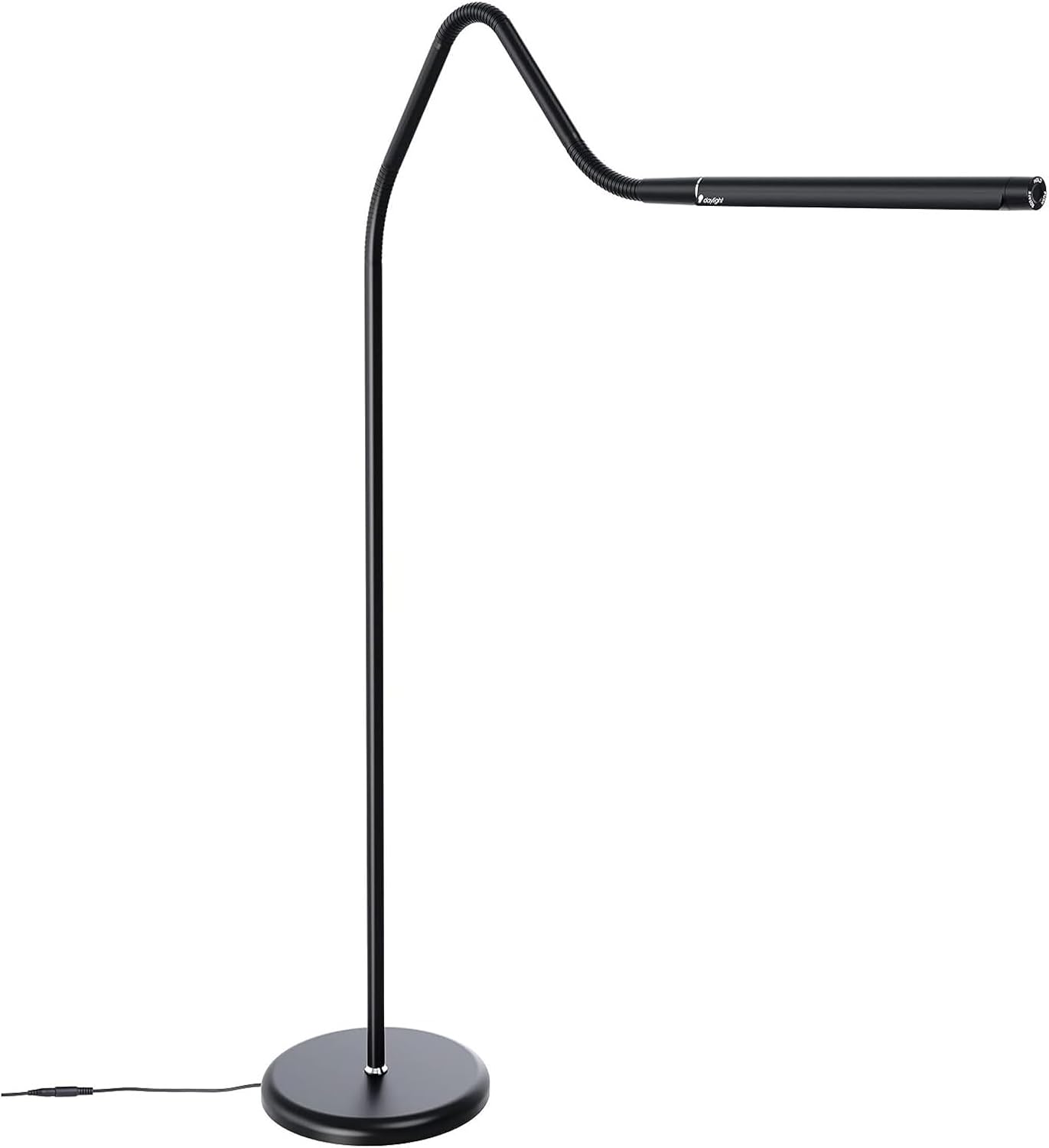
Figure 1: Main view of the daylight Electra Floor Lamp.
Key Features
- Adjustable Color Temperature: Easily switch between Daylight (6,000K), Cool Light (4,000K), and Warm Light (2,700K) to suit different activities and moods.
- Sleek and Modern Design: Features a slim and unobtrusive satin black finish that complements various interior styles.
- Flexible Arm and Rotating Shade: Allows for precise positioning of light, directing it exactly where needed for tasks.
- Anti-Glare Shade: Designed to minimize glare and reduce eye strain, providing comfortable illumination for extended periods.
- High CRI (Color Rendering Index) 95+: Ensures exceptional color accuracy, making it ideal for detailed work like art and crafts.
Setup Instructions
- Unpack Components: Carefully remove all parts from the packaging. Verify that all components listed in the packing list are present.
- Assemble Base: Attach the lamp pole to the stable base. Ensure it is securely tightened to prevent wobbling.
- Connect Flexible Arm: Securely connect the flexible arm to the top of the lamp pole.
- Position Lamp: Place the assembled floor lamp in your desired location, ensuring it is on a flat, stable surface.
- Plug In: Insert the power cord into a suitable electrical outlet.
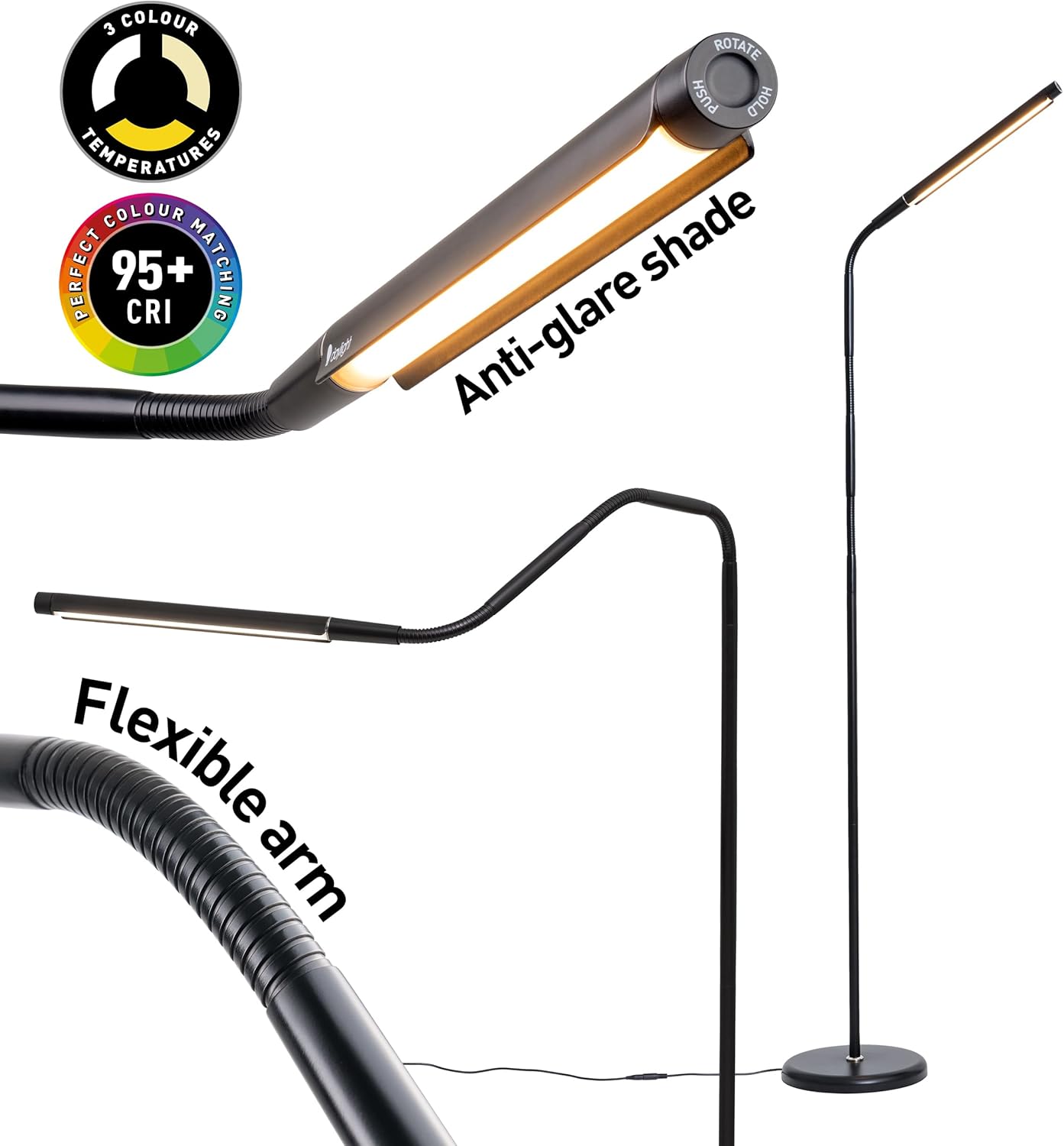
Figure 2: Components and features of the Electra Floor Lamp, highlighting the flexible arm and anti-glare shade.
Operating Instructions
The Electra Floor Lamp is designed for intuitive operation using its tactile dimmer switch.
- Power On/Off: Press the tactile dimmer switch once to turn the lamp on or off.
- Adjust Brightness: While the lamp is on, press and hold the tactile dimmer switch to smoothly adjust the brightness level. Release when the desired brightness is achieved.
- Change Color Temperature: Briefly press the tactile dimmer switch (do not hold) to cycle through the three color temperature settings:
- Daylight (6,000K) - For maximum clarity and focus.
- Cool Light (4,000K) - For a balanced and comfortable atmosphere.
- Warm Light (2,700K) - For a relaxing and cozy ambiance.
- Positioning the Light: Utilize the flexible arm to bend and position the lamp head to direct light precisely onto your work area. The rotating shade allows for further fine-tuning of light direction.

Figure 3: The three adjustable color temperatures: 6000K Daylight, 4000K Cool Light, and 2700K Warm Light.

Figure 4: The Electra Floor Lamp providing optimal lighting for different tasks and environments.
Video 1: Official product video demonstrating the features and use of the Daylight Company Black Electra Floor Lamp, including brightness and color temperature adjustments, and its flexible design for various tasks like painting.
Maintenance and Care
- Cleaning: Ensure the lamp is unplugged before cleaning. Wipe the lamp with a soft, dry cloth. Do not use abrasive cleaners or solvents, as they may damage the finish.
- Bulb Replacement: The Electra Floor Lamp uses integrated LED lighting, which is designed for long-term use and does not require bulb replacement.
- Storage: If storing the lamp, ensure it is unplugged and placed in a dry, safe location to prevent damage.
Troubleshooting
| Problem | Possible Cause | Solution |
|---|---|---|
| Lamp does not turn on. | Not plugged in; power outlet issue; switch malfunction. | Ensure the lamp is securely plugged into a working outlet. Test the outlet with another device. Contact customer support if the issue persists. |
| Light flickers or is dim. | Loose connection; power supply issue. | Check all connections. Ensure the power source is stable. If flickering continues, contact customer support. |
| Cannot change color temperature or brightness. | Switch malfunction. | Ensure you are using the tactile dimmer switch correctly (press for on/off, press and hold for brightness, brief press for color temperature). If unresponsive, contact customer support. |
Product Specifications
| Specification | Detail |
|---|---|
| Model Number | U35231 |
| Brand | daylight |
| Product Dimensions | 2.83"D x 12.91"W x 17.2"H |
| Item Weight | 4 Pounds |
| Light Source Type | LED |
| Wattage | 13 watts |
| Color Temperature | 6,000K / 4,000K / 2,700K |
| Color Rendering Index (CRI) | Over 95 |
| Finish Type | Satin Black |
| Material | Metal |
| Switch Type | Touch |
| Cable Length | 2.2m (from product description) |
Warranty and Support
This daylight Electra Floor Lamp (Model U35231) comes with a 2-year manufacturer's warranty.
For technical support, warranty claims, or any inquiries regarding your product, please visit the official daylight website or contact their customer service department. Refer to the packaging or the brand's official website for the most up-to-date contact information.
You can also visit the daylight Store on Amazon for more information and products.
Related documentsU35231


Ask a question about this manual
Ask about setup, troubleshooting, compatibility, parts, safety, or missing instructions. Manuals+ will review the question and use this page’s manual context to help answer it.