
Walfront -1310
Digital Thermocouple Temperature Thermometer User Manual
Model: -1310 | Brand: Walfront
1. Product Overview
This Walfront -1310 Digital Thermocouple Temperature Thermometer is a portable device designed for industrial temperature measurement. It features a large LCD display for clear readings and supports both Celsius and Fahrenheit units. Its compact design makes it easy to carry and use in various environments.
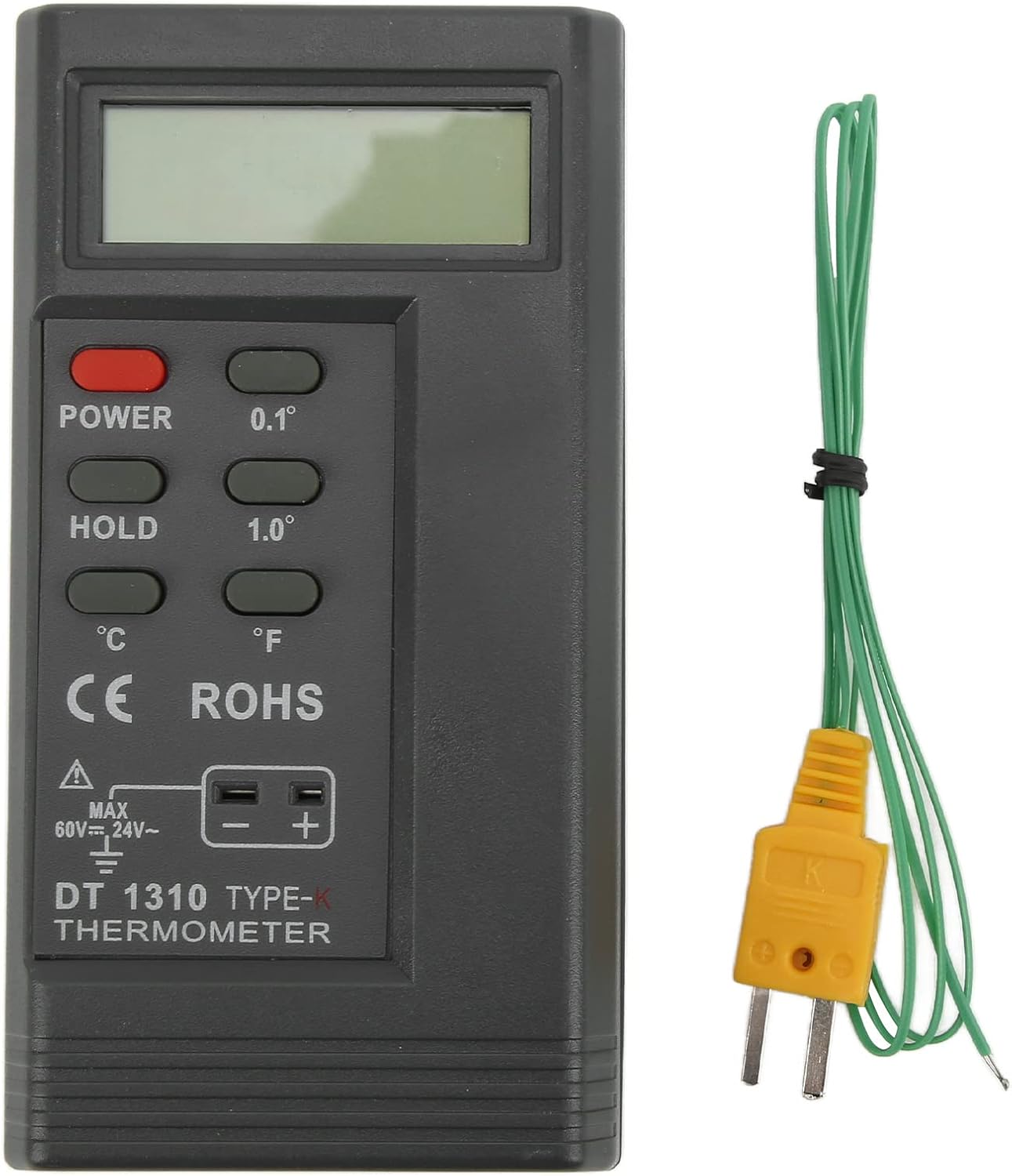
Image 1.1: The Walfront -1310 Digital Thermometer with its included K-type temperature probe.
Key features include a 0.5-inch high and large liquid crystal display (LCD) with a maximum reading value of 9999, automatic polarity indication, and low battery detection. The device offers a wide measuring range from -200℃ to 1370℃ (-328°F to 2498°F), making it suitable for diverse industrial applications.
2. Specifications
| Item | Detail |
|---|---|
| Model | -1310 |
| Material | ABS |
| Battery | 1 x 9V 6F22 (not included) |
| Display Method | 0.5 inches, high and large LCD, max reading 9999 |
| Polarity Indication | Automatic "-" |
| Low Battery Indication | "battery" display when voltage is low |
| Sampling Rate | 2.5 times/sec |
| Storage Temperature | -10℃~60℃ (10℉~140℉) |
| Max Input Voltage (Thermocouple) | DC60V, AC24V |
| Relative Humidity | 0%~90% (0℃~35℃) |
| Operating Temperature | 0℃~50℃ (32℉~122℉) |
| Item Weight | 5.8 ounces |
| Package Dimensions | 6.61 x 4.33 x 1.89 inches |

Image 2.1: Detailed measurement range, resolution, and accuracy specifications for the thermometer.
| Measuring Range | Resolution | Accuracy |
|---|---|---|
| -200℃~1370℃ | 0.1℃ | -200℃~999.9℃: ±(0.3%+1℃) |
| 1℃ | -200℃~1370℃: ±(0.3%+1℃) | |
| -328℉~2480℉ | 0.1℉ | -328℉~999.9℉: ±(0.3%+2℉) |
| 1℉ | -328℉~2480℉: ±(0.3%+2℉) |
3. Setup and Battery Installation
Before using the thermometer, ensure a 9V 6F22 battery is installed. The battery compartment is located on the back of the device.
- Locate the battery compartment cover on the rear of the thermometer.
- Slide or unclip the cover to open the compartment.
- Insert one 9V 6F22 battery, ensuring correct polarity (+/-).
- Close the battery compartment cover securely.
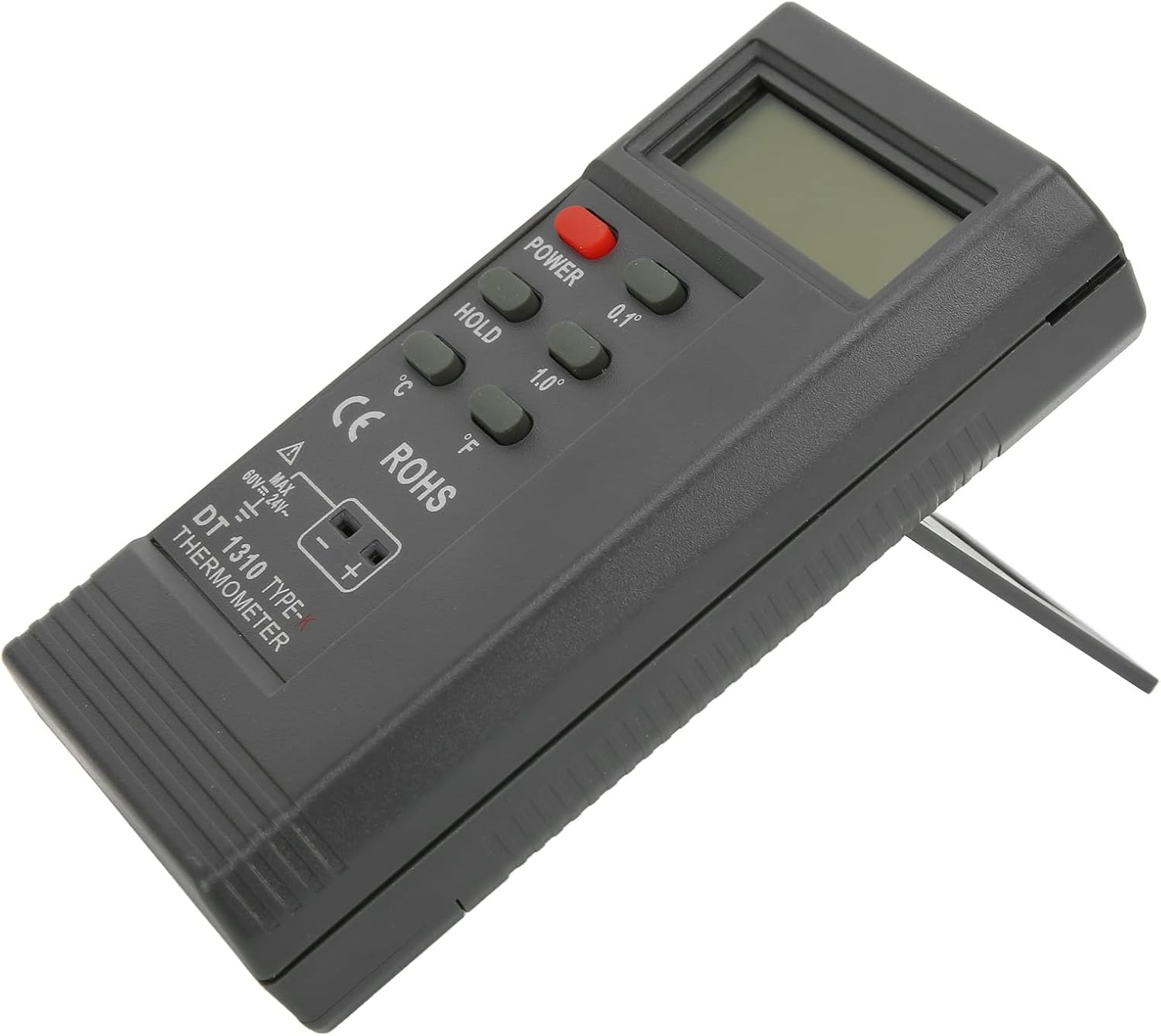
Image 3.1: Front and back views of the thermometer, highlighting the battery compartment on the rear.
The thermometer also features a built-in kickstand for convenient desktop use. Simply pull out the kickstand from the back of the device to prop it up.

Image 3.2: The thermometer with its integrated kickstand extended for stable placement.
4. Operating Instructions
Follow these steps to accurately measure temperature using your Walfront -1310 Digital Thermometer:
- Power On: Press the POWER button to turn on the device.
- Select Unit: Use the ℃ or ℉ buttons to select your desired temperature unit (Celsius or Fahrenheit).
- Connect Probe: Insert the connecting end of the K-type temperature probe into the temperature measuring socket on the bottom of the thermometer. Ensure a secure connection.
- Measure Temperature: Apply the measuring end of the temperature probe to the object or environment whose temperature you wish to measure. The temperature reading will be displayed on the LCD screen.
- Hold Function: Press the HOLD button to freeze the current reading on the display. Press it again to release the hold function.
- Resolution Adjustment: Use the 0.1° or 1.0° buttons to switch between 0.1-degree and 1.0-degree resolution for your measurements.
- Power Off: Press the POWER button again to turn off the device when not in use.
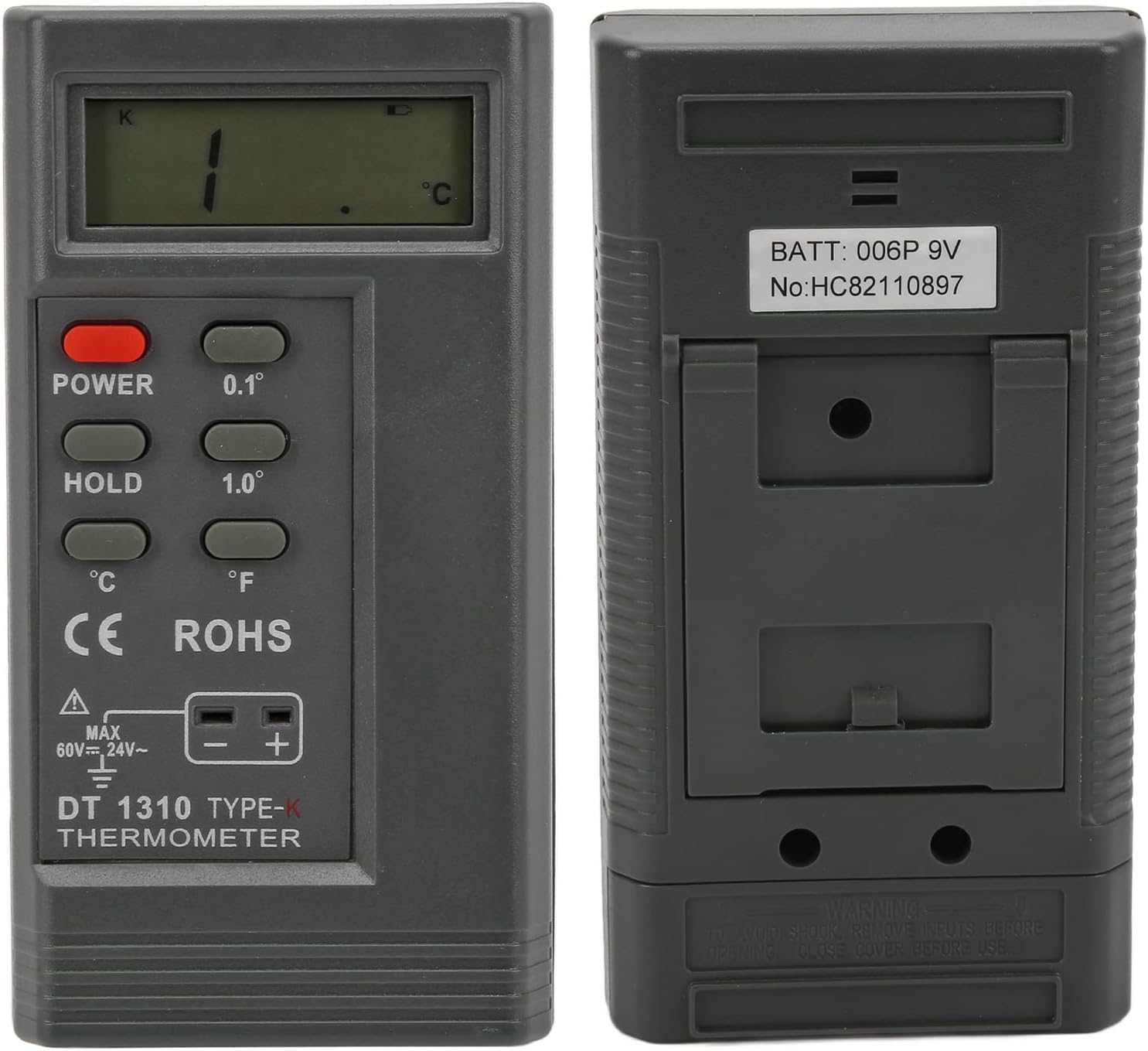
Image 4.1: The thermometer being used in an industrial environment, demonstrating its application.
5. Maintenance and Care
- Cleaning: To clean the thermometer, wipe it with a clean, damp cloth. Do not use abrasive cleaners or immerse the device in water.
- Storage: Store the thermometer in a cool, dry place away from direct sunlight and extreme temperatures. If storing for extended periods, remove the battery to prevent leakage.
- Battery Replacement: When the "battery" indicator appears on the display, replace the 9V battery promptly to ensure accurate readings and proper operation.
- Probe Care: Handle the temperature probe with care. Avoid bending or damaging the probe tip. Clean the probe after each use, especially if it comes into contact with corrosive substances.
- Shock Prevention: To avoid electric shock, do not input voltages exceeding DC60V or AC24V to the thermocouple input.
6. Troubleshooting
| Problem | Possible Cause & Solution |
|---|---|
| Device does not power on. |
|
| "battery" indicator displayed. |
|
| Inaccurate or fluctuating readings. |
|
| Display shows "OL" or "---". |
|
7. Warranty and Support
This Walfront product is designed for reliability and performance. For any technical assistance, troubleshooting, or warranty inquiries, please contact Walfront customer support through the retailer where the product was purchased or visit the official Walfront brand store online.
For more information and product updates, please visit the Walfront Store on Amazon.
Related documents-1310


Ask a question about this manual
Ask about setup, troubleshooting, compatibility, parts, safety, or missing instructions. Manuals+ will review the question and use this page’s manual context to help answer it.