
TMEZON CG3A
TMEZON 1080p Indoor/Outdoor Security Wireless Camera User Manual
Model: CG3A
1. Product Overview
The TMEZON 1080p Indoor/Outdoor Security Wireless Camera is a versatile surveillance solution designed for home and outdoor use. It features a rechargeable battery and can be powered by solar energy (solar panel sold separately), offering wire-free installation flexibility. Equipped with advanced features like PIR motion detection, two-way audio, and stunning night vision, this camera provides reliable monitoring and alerts.

Image: TMEZON 1080p Indoor/Outdoor Security Wireless Camera.
2. Package Contents
Please verify that all items listed below are included in your package. If any items are missing or damaged, please contact customer support.
- TMEZON Battery Camera
- Camera Bracket
- User Manual
- USB Charging Cable
- Screw Pack (for installation)

Image: Contents of the TMEZON security camera package, including the camera, bracket, manual, USB cable, and screws.
3. Product Features
- Full HD 1080p/3MP Video Quality: Captures clear and detailed video footage.
- PIR Motion Detection: Equipped with a human body sensor to accurately detect motion and send alerts.
- Stunning Night Vision: Features 4 infrared LEDs and 22 infrared LED lights for clear visibility up to 65 feet in total darkness, including color night vision capability.
- Two-Way Audio: Built-in microphone and high-quality speaker allow for convenient two-way communication. Noise filter technology enhances call quality.
- Rechargeable Battery & Long Standby: Integrated 5200mAh battery provides up to 3-6 months of use on a full charge, enabling wire-free installation.
- IP65 Weatherproof: Designed to withstand various outdoor weather conditions, ensuring reliable operation.
- Smart AI Recognition: Advanced AI technology for person, pet, vehicle, and package detection, reducing false alarms.
- User Sharing Function: Allows multiple users to view and access the camera feed and recordings via the mobile app.
- Flexible Storage Options: Supports both local SD card recording and cloud storage for video playback and backup.

Image: Illustration of the camera's smart AI recognition capabilities, including person, pet, vehicle, and package detection.

Image: Comparison showing the camera's 1080P Full HD color night vision capability versus standard night vision.
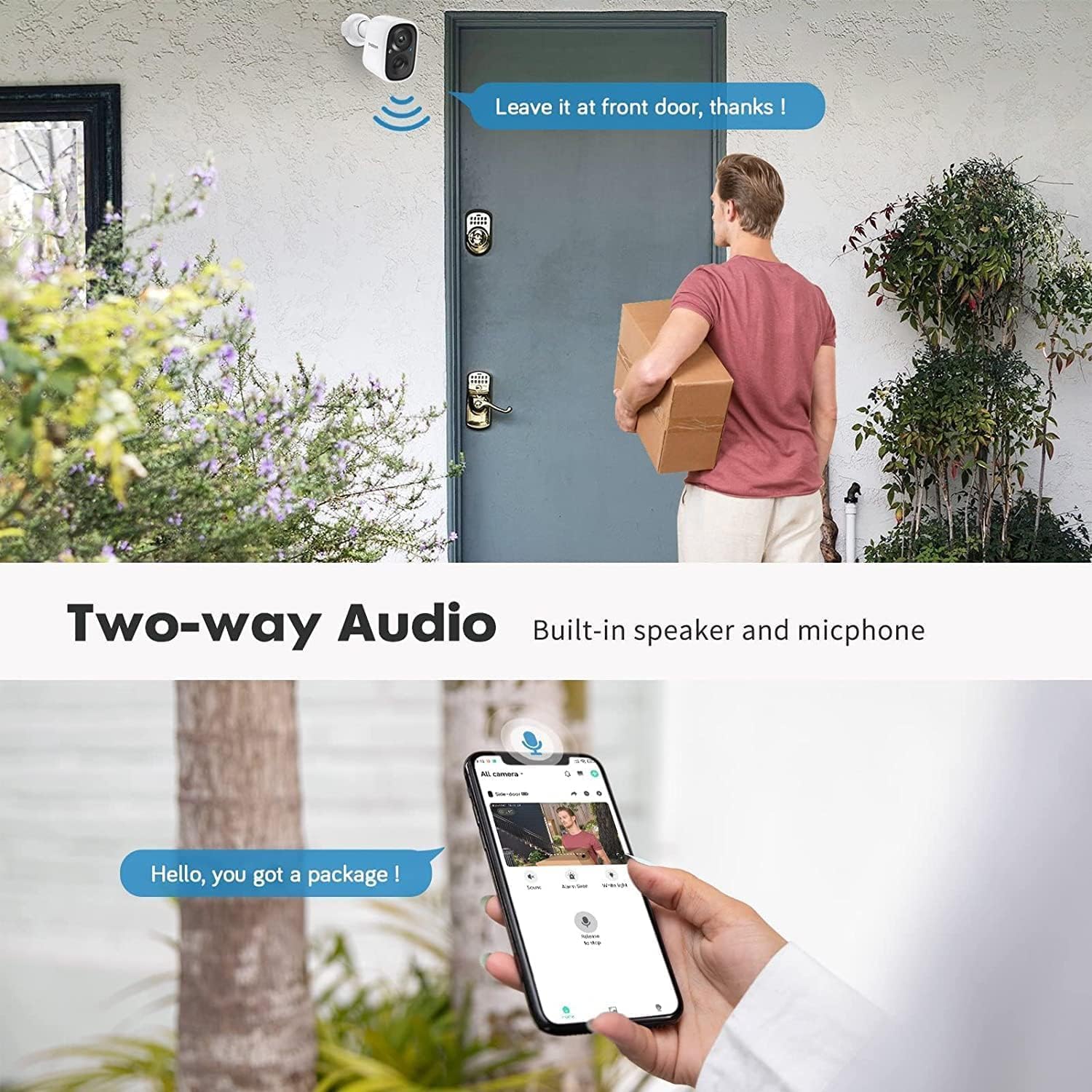
Image: Depiction of the two-way audio feature, allowing communication through the camera.
4. Setup Guide
Follow these steps to set up your TMEZON security camera:
- Charge the Camera: Before installation, fully charge the camera using the provided USB charging cable. This ensures optimal battery performance from the start.
- Download the App: Scan the QR code below or visit vicohome.io/download to download the Vicohome mobile application. The app is available on both the App Store and Google Play.
- Register/Login Account: Open the Vicohome app and register a new account or log in if you already have one.
- Connect to Wi-Fi: Ensure your mobile device is connected to a 2.4GHz Wi-Fi network. The camera only supports 2.4GHz Wi-Fi. Follow the in-app instructions to connect the camera to your Wi-Fi network by scanning the camera's QR code.
- Install the Camera: Choose a suitable location for installation, either indoors or outdoors. Use the camera bracket and screw pack to securely mount the camera. Ensure the camera has a clear view of the area you wish to monitor.

Image: Visual guide for setting up the camera, including app download, account registration, Wi-Fi connection, and installation.
5. Operating Instructions
Once your camera is set up, you can begin monitoring and utilizing its features through the Vicohome app.
Live View and Playback
- Open the Vicohome app to access the live feed from your camera.
- Review recorded footage from the SD card or cloud storage via the app's playback function.
Motion Detection and Alerts
- The camera's PIR sensor detects human movement and sends instant notifications to your smartphone.
- Configure motion detection sensitivity and alert settings within the app to suit your needs.
- The camera can trigger a spotlight and smart siren upon detection for enhanced security.

Image: The camera's PIR motion detection activating a spotlight and smart siren, with notifications appearing on a smartphone.
Two-Way Communication
- Use the two-way audio feature to speak with visitors or deter intruders directly through the camera via the app.
User Sharing
- The primary user can share camera access with other family members or trusted individuals through the Vicohome app.
- Shared users can view live feeds and playback, but only the superuser has setting authority.

Image: Diagram illustrating how multiple users can access and control the camera.
6. Maintenance
Proper maintenance ensures the longevity and optimal performance of your security camera.
Battery Charging
- The camera's 5200mAh battery can last 3-6 months on a full charge, depending on usage and motion detection frequency.
- When the battery level is low, recharge the camera using the provided USB cable.
- For continuous power, consider purchasing a compatible solar panel (sold separately) to keep the battery charged.

Image: Depiction of the camera being charged via a solar panel and a USB cable.
Cleaning
- Periodically clean the camera lens and body with a soft, damp cloth to remove dust and dirt.
- Avoid using harsh chemicals or abrasive cleaners, as they may damage the camera's surface or lens.
7. Troubleshooting
If you encounter issues with your TMEZON security camera, refer to the following common problems and solutions:
- Camera Offline:
- Ensure the camera is fully charged or connected to a power source.
- Check your Wi-Fi connection and ensure the camera is within range of your 2.4GHz router.
- Restart the camera and your Wi-Fi router.
- No Motion Detection Alerts:
- Verify that motion detection is enabled in the Vicohome app settings.
- Adjust the motion detection sensitivity.
- Ensure the camera's view is not obstructed.
- Poor Video Quality:
- Check your Wi-Fi signal strength in the camera's location. A weak signal can affect video quality.
- Clean the camera lens to remove any smudges or dirt.
- Battery Drains Quickly:
- Frequent motion detection events and live view access can consume more battery. Adjust settings to optimize battery life.
- Ensure the camera is receiving adequate sunlight if using a solar panel.
For further assistance, please contact TMEZON customer support.
8. Specifications
| Model Name | CG3A |
| Video Capture Resolution | 1080p (3MP) |
| Indoor/Outdoor Usage | Outdoor |
| Power Source | Battery Powered, Solar Powered |
| Connectivity Protocol | Wi-Fi (2.4GHz only) |
| Night Vision Range | Up to 65 Feet |
| Special Features | 2-Way Audio, Motion Sensor, Night Vision, AI Detection |
| Material | Plastic |
| Item Weight | 1.3 kg |
9. Warranty and Support
Warranty Information
The TMEZON 1080p Indoor/Outdoor Security Wireless Camera comes with a 1-Year Warranty from the date of purchase. This warranty covers manufacturing defects and malfunctions under normal use. Please retain your proof of purchase for warranty claims.
Customer Support
If you have any questions, require technical assistance, or need to make a warranty claim, please contact TMEZON customer support through the following channels:
- Email: support@tmezon.com
- WhatsApp: +86 18898394643
- WeChat: h614681772
Related documentsCG3A


Ask a question about this manual
Ask about setup, troubleshooting, compatibility, parts, safety, or missing instructions. Manuals+ will review the question and use this page’s manual context to help answer it.