
1. Product Overview
This manual provides essential instructions for the safe and effective installation and use of your E-YIIVIIL DBS-1350A replacement battery. This battery is specifically designed for compatibility with the Doro 7050 Consumer Cellular Flip phone.
Important Safety Information
- Do not disassemble, crush, puncture, or short-circuit the battery.
- Do not expose the battery to high temperatures (above 60°C / 140°F) or direct sunlight.
- Do not dispose of the battery in fire or water.
- Keep the battery away from children.
- If the battery appears damaged, swollen, or leaking, discontinue use immediately.
2. Package Contents
Please verify that all items are present in your package:
- 1 x E-YIIVIIL DBS-1350A Replacement Battery
- 1 x Set of Installation Tools
3. Battery Installation Guide
Note: Battery replacement requires careful handling. If you are not comfortable performing the installation, it is recommended to seek professional assistance. We are not responsible for any damage caused by improper operation.
Before You Begin
- Ensure your Doro 7050 phone is powered off completely.
- Gather the provided installation tools.
- Work in a clean, well-lit area.
Installation Steps
- Carefully open the back cover of your Doro 7050 Consumer Cellular Flip phone. Refer to your phone's original user manual for specific instructions on opening the device.
- Gently disconnect the old battery's cable from the mainboard. Use the provided tools if necessary to pry it loose without damaging the connector.
- Remove the old battery from its compartment.
- Insert the new E-YIIVIIL DBS-1350A replacement battery into the battery compartment, ensuring it fits correctly.
- Carefully and gently connect the new battery's cable to the mainboard. Ensure the connector is properly seated and secured.
- Replace the back cover of your phone, ensuring it snaps securely into place.
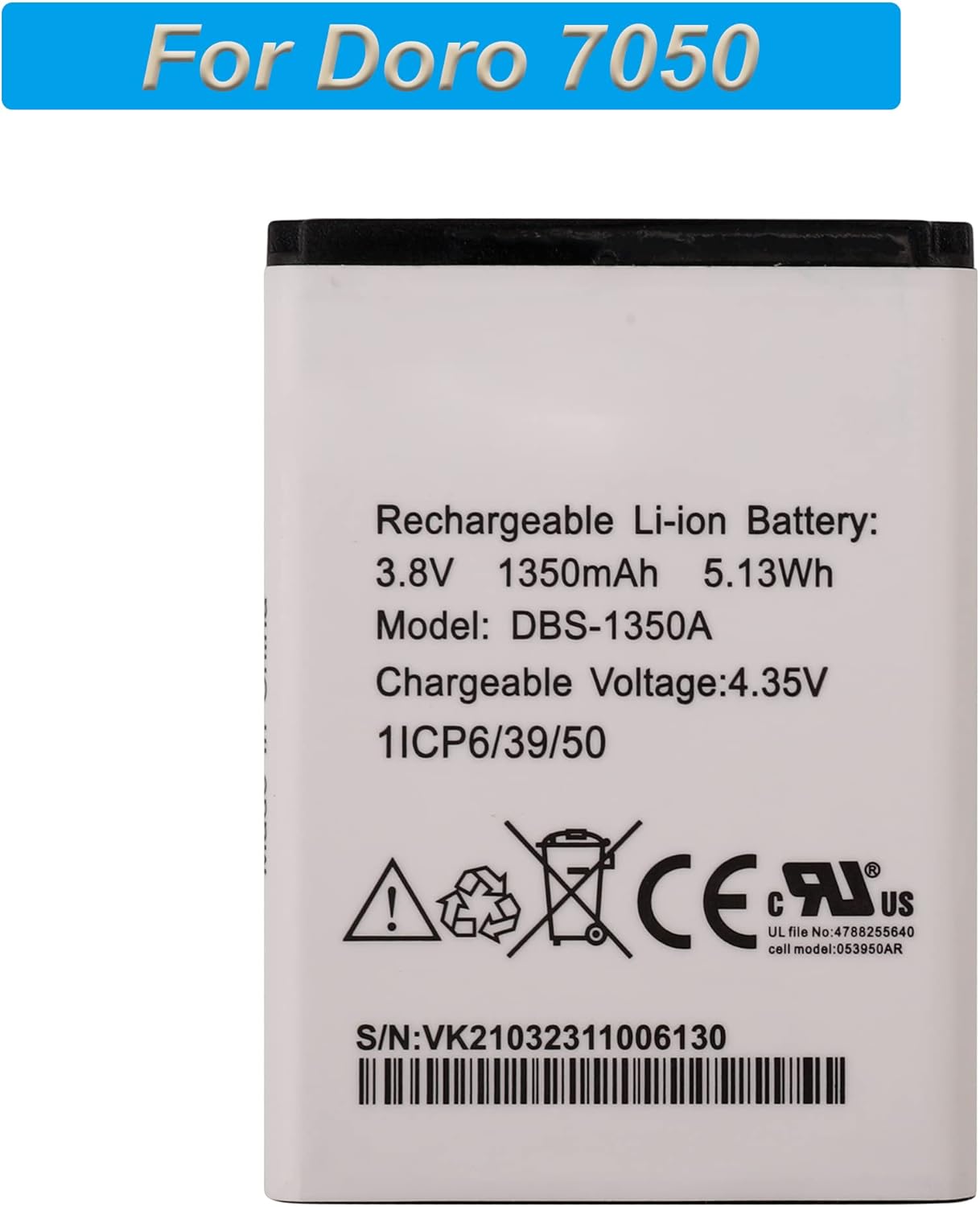
Figure 3.1: Front view of the DBS-1350A battery with specifications.
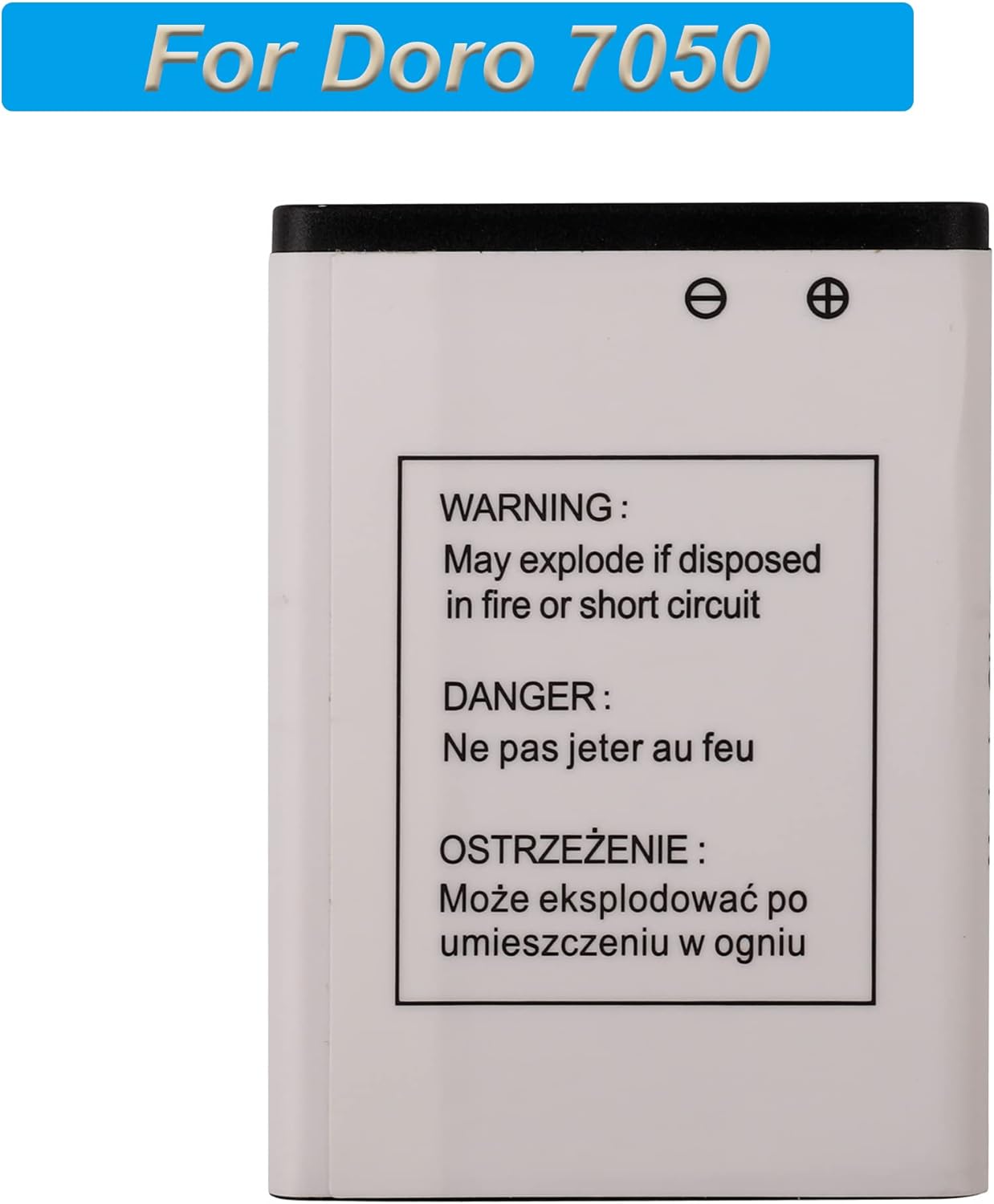
Figure 3.2: Back view of the DBS-1350A battery with safety warnings.

Figure 3.3: DBS-1350A battery shown with the compatible Doro 7050 phone.
4. Operating Instructions
First Use and Charging
After installing the new battery, power on your Doro 7050 phone. A new Li-ion battery will achieve its best performance after 2 or 3 complete charge and discharge cycles. This means fully charging the battery, then using the phone until the battery is nearly depleted, and repeating this process a few times.
Charging Guidelines
Always use the original charger or a high-quality, certified charger compatible with your Doro 7050 phone. Using low-quality or uncertified third-party chargers can shorten the battery's lifespan and may pose safety risks.
5. Maintenance
To ensure the longevity and optimal performance of your DBS-1350A battery, follow these maintenance guidelines:
- Avoid Extreme Temperatures: Do not expose the battery to very hot or very cold environments, as this can degrade performance and lifespan.
- Regular Charging: Avoid letting the battery completely drain for extended periods. Charge it regularly.
- Proper Storage: If storing the phone or battery for a long time, ensure the battery is charged to about 50% and stored in a cool, dry place.
- Clean Contacts: Periodically check and gently clean the battery contacts on both the battery and the phone with a dry, soft cloth to ensure good connection.
6. Troubleshooting
Phone Does Not Power On After Installation
If your phone does not power on after installing the new battery, please try the following:
- Power off the phone (if it partially powered on).
- Remove the back cover and carefully check if the battery cable is properly connected to the mainboard. Ensure it is fully seated.
- Re-install the battery, ensuring all connections are secure.
- Attempt to power on the phone again.
- If the issue persists, connect the phone to its charger and attempt to power it on.
Contact Support
If you encounter any issues or have questions regarding the E-YIIVIIL DBS-1350A replacement battery that are not addressed in this manual, please do not hesitate to contact E-YIIVIIL customer support. We aim to respond within 24 hours.
7. Product Specifications
| Feature | Specification |
|---|---|
| Model Number | DBS-1350A |
| Capacity | 1350mAh / 5.13Wh |
| Voltage | 3.8V |
| Chargeable Voltage | 4.35V |
| Type | Lithium Polymer |
| Product Dimensions | 7.87 x 1.97 x 1 inches |
| Item Weight | 2.39 ounces |
| Compatible Device | Doro 7050 Consumer Cellular Flip |
8. Support Information
For any questions, concerns, or assistance with your E-YIIVIIL DBS-1350A replacement battery, please contact our customer support team. We are committed to providing timely and helpful responses to ensure your satisfaction.
Please refer to the retailer's website or your purchase documentation for specific contact methods.