
Introduction
The Monster Blaster 3.0 is a high-performance portable Bluetooth speaker designed to deliver powerful, clear audio in various environments. Featuring 120W of bi-directional stereo sound, IPX5 water resistance, and a built-in rechargeable battery, it is suitable for both indoor and outdoor use. This manual provides essential information for setting up, operating, maintaining, and troubleshooting your Blaster 3.0 speaker.

Figure 1: Front view of the Monster Blaster 3.0 Portable Speaker in red, showcasing its robust design and integrated handle.
Setup
1. Initial Charging
Before first use, fully charge the Blaster 3.0 speaker. Connect the provided power adapter to the speaker's charging port and plug it into a power outlet. The battery indicator lights will show charging progress. A full charge takes approximately 12 hours.
2. Powering On/Off
- To power on: Press and hold the Power button until the indicator lights illuminate.
- To power off: Press and hold the Power button until the indicator lights turn off.
3. Bluetooth Pairing
The Blaster 3.0 uses Bluetooth 5.1 for wireless connectivity.
- Ensure the speaker is powered on and in Bluetooth pairing mode (indicated by a flashing Bluetooth light). If not, press the Bluetooth button to enter pairing mode.
- On your device (smartphone, tablet, etc.), enable Bluetooth and search for available devices.
- Select "Monster Blaster 3.0" from the list.
- Once connected, the Bluetooth indicator light on the speaker will become solid.
4. NFC Pairing (Near Field Communication)
For NFC-enabled devices, pairing can be done by simply tapping your device to the NFC area on the speaker (refer to the speaker's physical layout for the exact location).
5. Aux Input Connection
For non-Bluetooth devices, connect an audio cable (not included) from your device's headphone jack to the AUX input port on the Blaster 3.0.

Figure 2: Illustration showing the Monster Blaster 3.0's 12-hour playback time and easy Bluetooth 5.1 connectivity.
Operating Instructions
1. Basic Controls
- Volume Up/Down: Use the '+' and '-' buttons on the speaker.
- Play/Pause: Press the Play/Pause button.
- Next Track: Double-press the Play/Pause button.
- Previous Track: Triple-press the Play/Pause button.
2. Environment EQ™ Modes
The Blaster 3.0 features Environment EQ™ to optimize sound for different settings.
- Indoor Mode: Provides balanced audio for enclosed spaces.
- Outdoor Mode: Boosts sound projection and bass for open-air environments.
Press the "MODE" button on the speaker to switch between Indoor and Outdoor EQ modes.
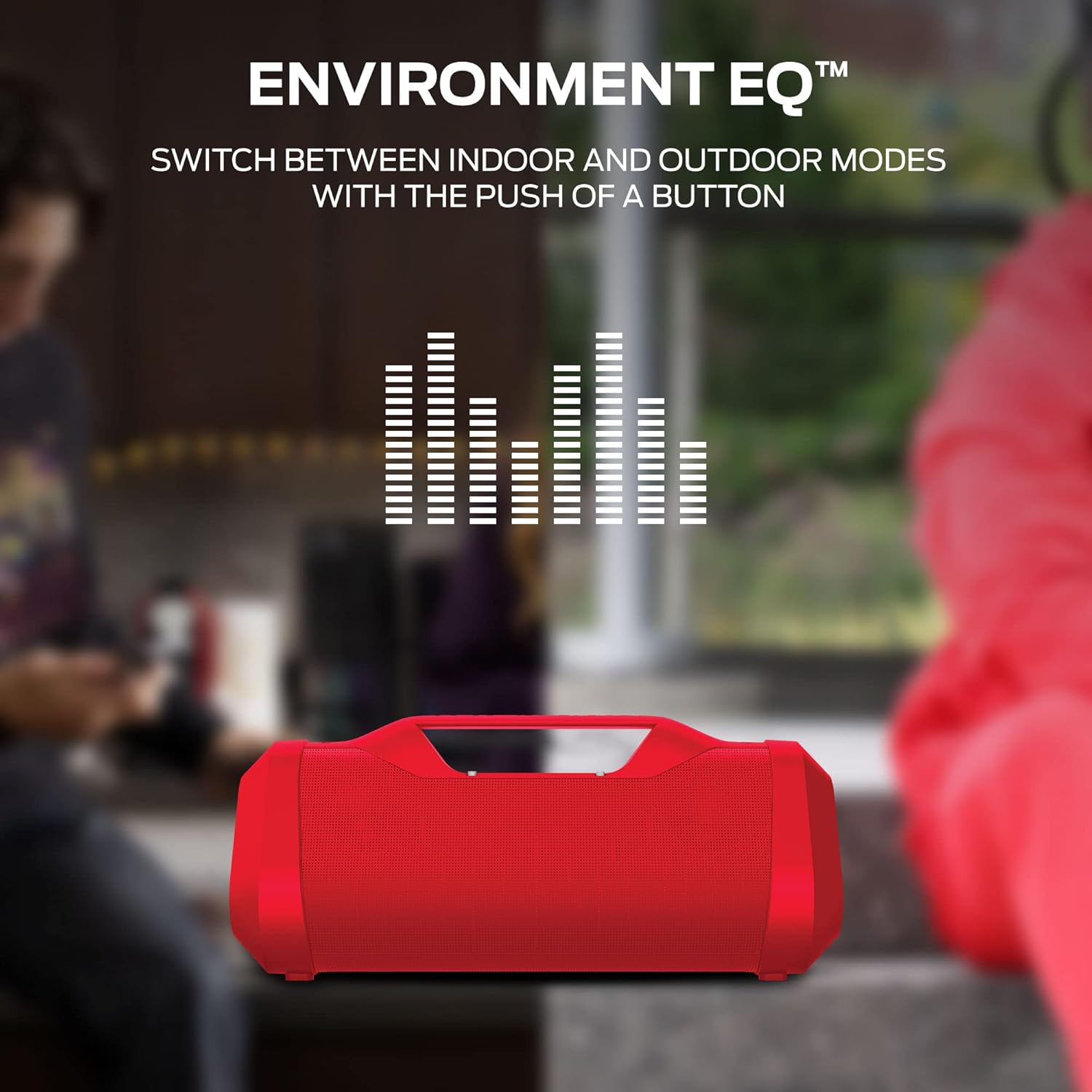
Figure 3: Visual representation of the Environment EQ™ feature, allowing users to switch between indoor and outdoor sound modes.
3. USB Charge Out Function
The Blaster 3.0 includes a built-in USB-A port that functions as a power bank. You can use this port to charge your smartphone or other USB-powered devices while enjoying music.
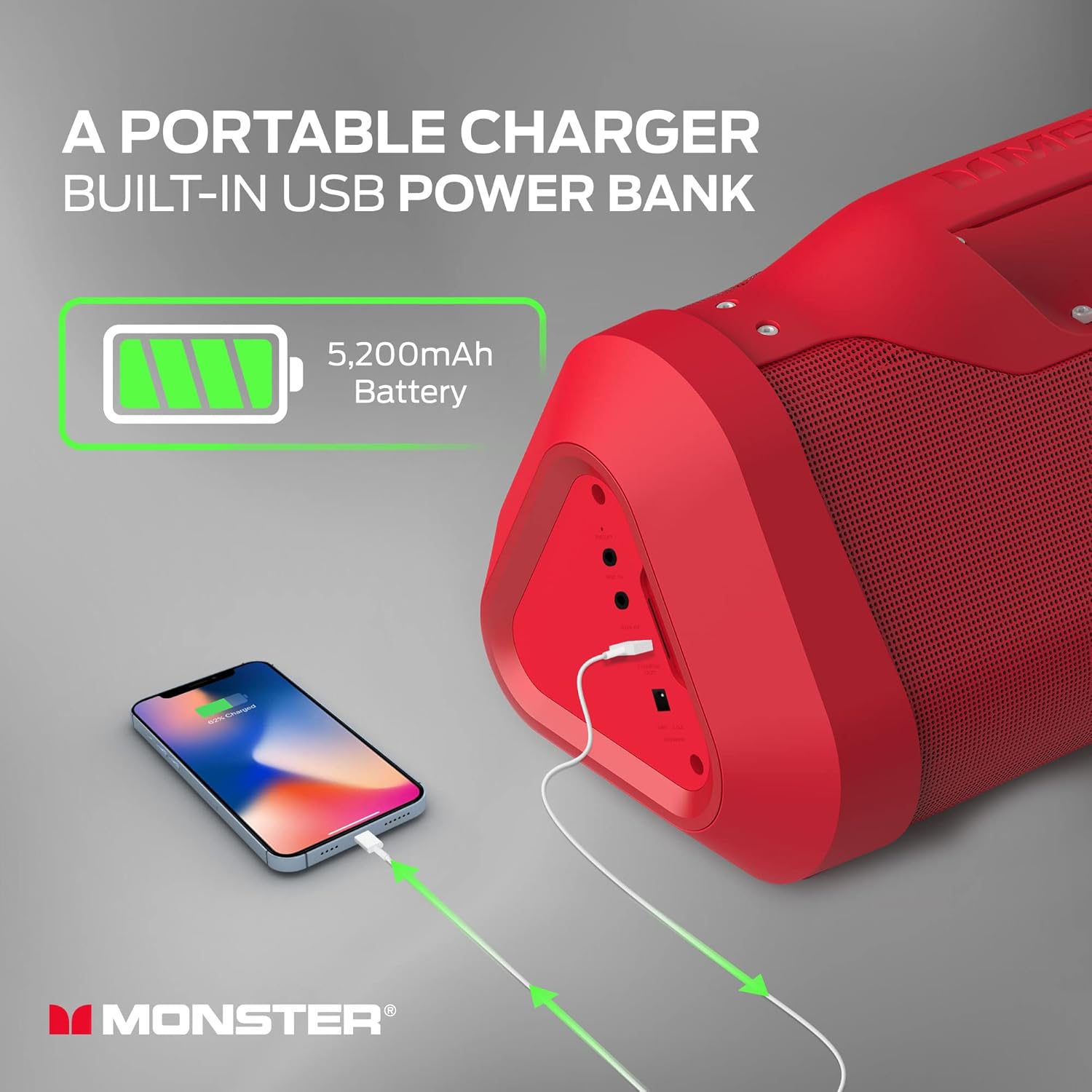
Figure 4: The Monster Blaster 3.0 acting as a portable charger, demonstrating its built-in USB power bank feature for charging external devices.
4. Multiple Audio Input
In addition to Bluetooth 5.1, the Blaster 3.0 supports AUX In and Microphone In, offering versatile connectivity options for various audio sources.

Figure 5: The Monster Blaster 3.0 demonstrating its multiple audio input capabilities, including Bluetooth 5.1, AUX In, and Microphone In, connected to a sound mixer.
Maintenance
1. Cleaning
Wipe the speaker's exterior with a soft, damp cloth. Do not use abrasive cleaners or solvents, as they may damage the finish. Ensure all ports are dry before charging or connecting other devices.
2. Water Resistance (IPX5)
The Blaster 3.0 is IPX5 water resistant, meaning it can withstand splashes and light rain. It is not designed to be submerged in water. Ensure the port covers are securely closed when exposed to water to prevent damage.

Figure 6: The Monster Blaster 3.0 in three colors (black, red, white) demonstrating its IPX5 water resistance with water splashing on the units.
3. Battery Care
- To prolong battery life, avoid fully discharging the battery frequently.
- If storing the speaker for an extended period, charge it to approximately 50% every few months.
- Avoid exposing the speaker to extreme temperatures, which can degrade battery performance.
Troubleshooting
| Problem | Possible Cause | Solution |
|---|---|---|
| No power | Battery is depleted; Power button not pressed correctly. | Charge the speaker fully. Press and hold the Power button firmly for a few seconds. |
| No sound | Volume too low; Device not connected; Incorrect input mode. | Increase volume on both speaker and connected device. Re-pair Bluetooth or check AUX connection. Ensure correct input mode is selected. |
| Bluetooth connection unstable or fails | Device too far; Interference; Speaker not in pairing mode. | Move device closer to speaker. Avoid obstacles. Ensure speaker is in pairing mode. Forget device on your phone and re-pair. |
| USB charge out not working | Speaker battery too low; Cable issue; Device not compatible. | Ensure speaker has sufficient charge. Try a different USB cable. Verify device compatibility. |
Specifications
| Feature | Detail |
|---|---|
| Model Name | Blaster 3.0 |
| Speaker Type | Portable, Outdoor |
| Speaker Maximum Output Power | 120 Watts |
| Water Resistance Rating | IPX5 |
| Battery Life | Up to 12 Hours |
| Charging Time | Approximately 12 Hours |
| Wireless Communication Technology | Bluetooth 5.1, NFC |
| Connectivity Technology | Auxiliary, Bluetooth |
| Audio Output Mode | Stereo |
| Product Dimensions (D x W x H) | 19.9" x 9.8" x 11.5" |
| Item Weight | 15.97 pounds (7.26 Kilograms) |
| Included Components | Speaker |
| UPC | 812350234673 |
| Item Model Number | 2MNSK0928R0L2 |

Figure 7: Diagram illustrating the dimensions of the Monster Blaster 3.0 speaker: 19.9 inches deep, 9.8 inches wide, and 11.5 inches high.

Figure 8: An exploded diagram of the Monster Blaster 3.0, highlighting its internal components including the 60-watt woofer, four 15-watt full-range drivers, and two passive radiators, contributing to its 120-watt bi-directional stereo sound.
Warranty and Support
The Monster Blaster 3.0 Portable Speaker comes with a Limited Warranty. For detailed information regarding warranty coverage, terms, and conditions, please refer to the warranty card included with your product or visit the official Monster website.
For technical support, troubleshooting assistance beyond this manual, or warranty claims, please contact Monster customer service. Contact information can typically be found on the manufacturer's website or in the product packaging.
Manufacturer: APEC Water


