
Introduction
This manual provides comprehensive instructions for the operation and maintenance of your HAYLOU GT6 Wireless Earbuds. Please read this manual thoroughly before use to ensure proper functionality and to maximize your listening experience. The HAYLOU GT6 earbuds feature advanced Bluetooth 5.2 technology, ultra-low latency game mode, and smart touch controls, designed for convenience and high-quality audio.
What's in the Box
Verify that all items are present in the package:
- 1x Pair of HAYLOU GT6 Wireless Earbuds
- 1x Charging Case
- 1x USB-C Charging Cable
- 1x User Manual

Product Overview
The HAYLOU GT6 earbuds are designed for comfort and performance. Each earbud is lightweight, weighing approximately 3.9 grams, and features a semi-in-ear design for extended wear. The charging case provides additional battery life and protects the earbuds when not in use.
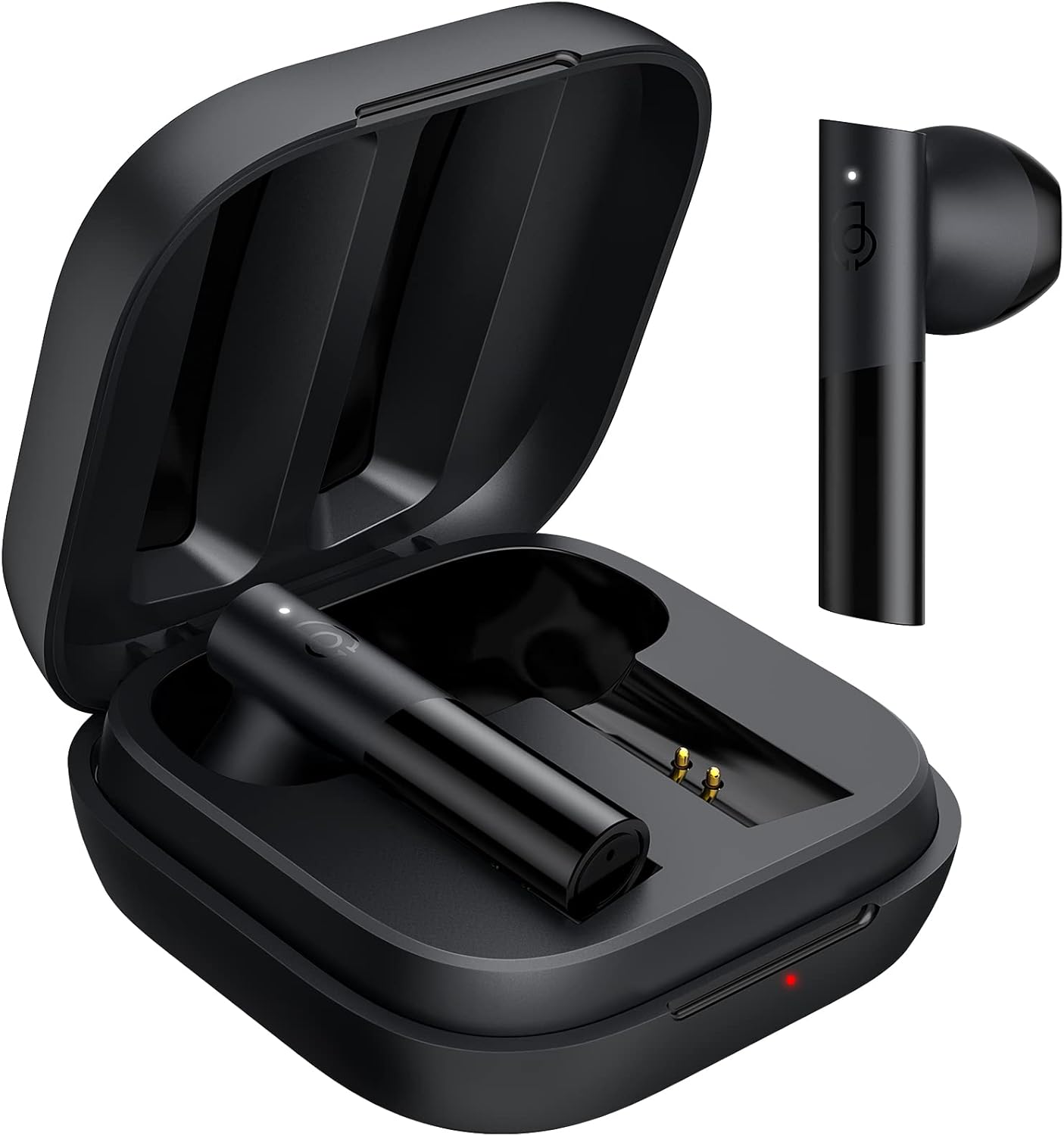
Key Features:
- Bluetooth 5.2: Ensures stable and fast connection.
- 12mm Dynamic Driver: Delivers balanced audio with clear bass, midrange, and treble.
- Ultra-Low Latency Game Mode: Reduces audio delay for gaming.
- Smart Touch Control: Manage music, calls, and modes with simple taps.
- IPX4 Water Resistance: Protects against splashes and sweat.
Setup
1. Initial Charging
Before first use, fully charge the earbuds and the charging case. Connect the provided USB-C cable to the charging port on the case and to a power source. The indicator light on the case will show charging status.
2. Pairing with Your Device
The HAYLOU GT6 earbuds support Bluetooth 5.2 for a stable connection.
- Ensure your device's Bluetooth is turned on.
- Open the charging case and take out both earbuds. They will automatically enter pairing mode, indicated by a blinking white light on the earbuds.
- On your device, search for Bluetooth devices and select "Haylou GT6" from the list.
- Once connected, a sound will confirm successful pairing.

Re-connection: After initial pairing, the earbuds will automatically reconnect to the last paired device when taken out of the case, provided the device's Bluetooth is active.
Operating Instructions
The HAYLOU GT6 earbuds feature intuitive touch controls on each earbud.
Touch Controls Overview:

- Power On: Take out from case.
- Power Off: Put back into case.
- Play/Pause: Single tap (either earbud).
- Answer/Hang Up Call: Single tap (either earbud).
- Skip Track Forward: Double tap right earbud.
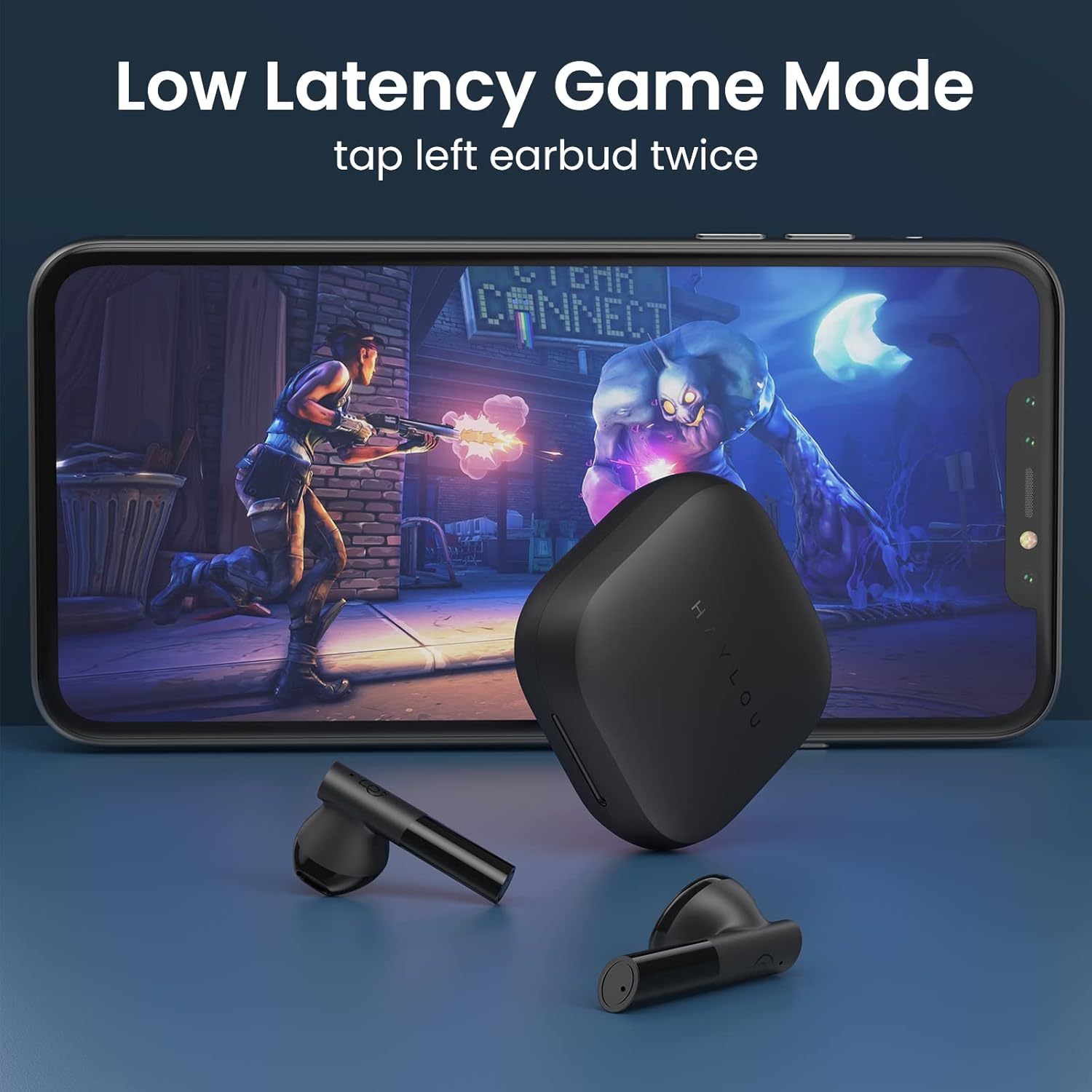
- Low Latency Game Mode On/Off: Double tap left earbud.
- Activate Voice Assistant: Triple tap (either earbud).
Low Latency Game Mode
For an optimized gaming experience, activate the ultra-low latency mode. This reduces audio delay to approximately 65ms, ensuring synchronized sound with on-screen action.
- To activate/deactivate: Double tap the left earbud.
Mono and Stereo Mode Switching
The earbuds support seamless switching between mono and stereo modes. When both earbuds are connected, they operate in stereo mode. To switch to mono mode, simply place one earbud back into the charging case. The remaining earbud will continue to function independently. To return to stereo mode, take the second earbud out of the case.
Official Operation Video Guide
For a visual demonstration of pairing, re-connection, mono/stereo switching, call handling, music control, low latency mode, voice assistant, and factory reset, please refer to the official operation video below:
Maintenance
- Cleaning: Regularly clean the earbuds and charging case with a soft, dry cloth. Avoid using harsh chemicals or abrasive materials.
- Storage: Store the earbuds in their charging case when not in use to protect them from dust and damage. Keep them in a cool, dry place away from extreme temperatures.
- Water Resistance: The earbuds are IPX4 water-resistant, meaning they can withstand splashes and sweat. Do not submerge them in water or expose them to heavy rain.
Troubleshooting
| Problem | Solution |
|---|---|
| Earbuds not pairing | Ensure both earbuds are out of the case and have sufficient charge. Turn off and on your device's Bluetooth. If issues persist, perform a factory reset. |
| Only one earbud working | Place both earbuds back into the charging case, then take them out again simultaneously. Ensure both are charged. |
| Low volume | Adjust the volume on both your connected device and the earbuds. Ensure earbuds are properly seated in your ears. |
| Earbuds not charging | Check the USB-C cable and power source. Ensure the charging contacts on the earbuds and inside the case are clean and free of debris. |
| Factory Reset: |
|
Specifications
| Feature | Detail |
|---|---|
| Model Name | GT6 |
| Connectivity Technology | Wireless (Bluetooth) |
| Bluetooth Version | 5.2 |
| Bluetooth Range | 10 Meters |
| Audio Driver Type | Dynamic Driver |
| Audio Driver Size | 12 Millimeters |
| Audio Latency | 65 Milliseconds (Game Mode) |
| Battery Life (Earbuds) | 5.5 Hours |
| Total Playtime (with case) | Up to 20 Hours |
| Control Method | Touch |
| Water Resistance Level | IPX4 (Waterproof) |
| Item Weight (each earbud) | 3.9 Grams (approx. 0.141 ounces) |
| Material | Metal, Plastic |
| Color | Black |
| Compatible Devices | iPhone, Android, Tablets, Laptops |
Warranty and Support
For warranty information and technical support, please refer to the warranty card included in your product packaging or visit the official HAYLOU website. Keep your purchase receipt as proof of purchase for warranty claims.
For further assistance, you may contact HAYLOU customer service through their official channels.


