
1. Introduction
This manual provides essential information for the proper use and care of your MEDION Replacement Mop for the Robot Vacuum Cleaner S20 SW (MD 20011). Please read these instructions carefully before installation and use to ensure optimal cleaning performance and extend the lifespan of your product.
2. Product Overview
The MEDION Replacement Mop is designed specifically for the MEDION Robot Vacuum Cleaner S20 SW (MD 20011) to enable its mopping function. It is a crucial component for wet cleaning hard floor surfaces.
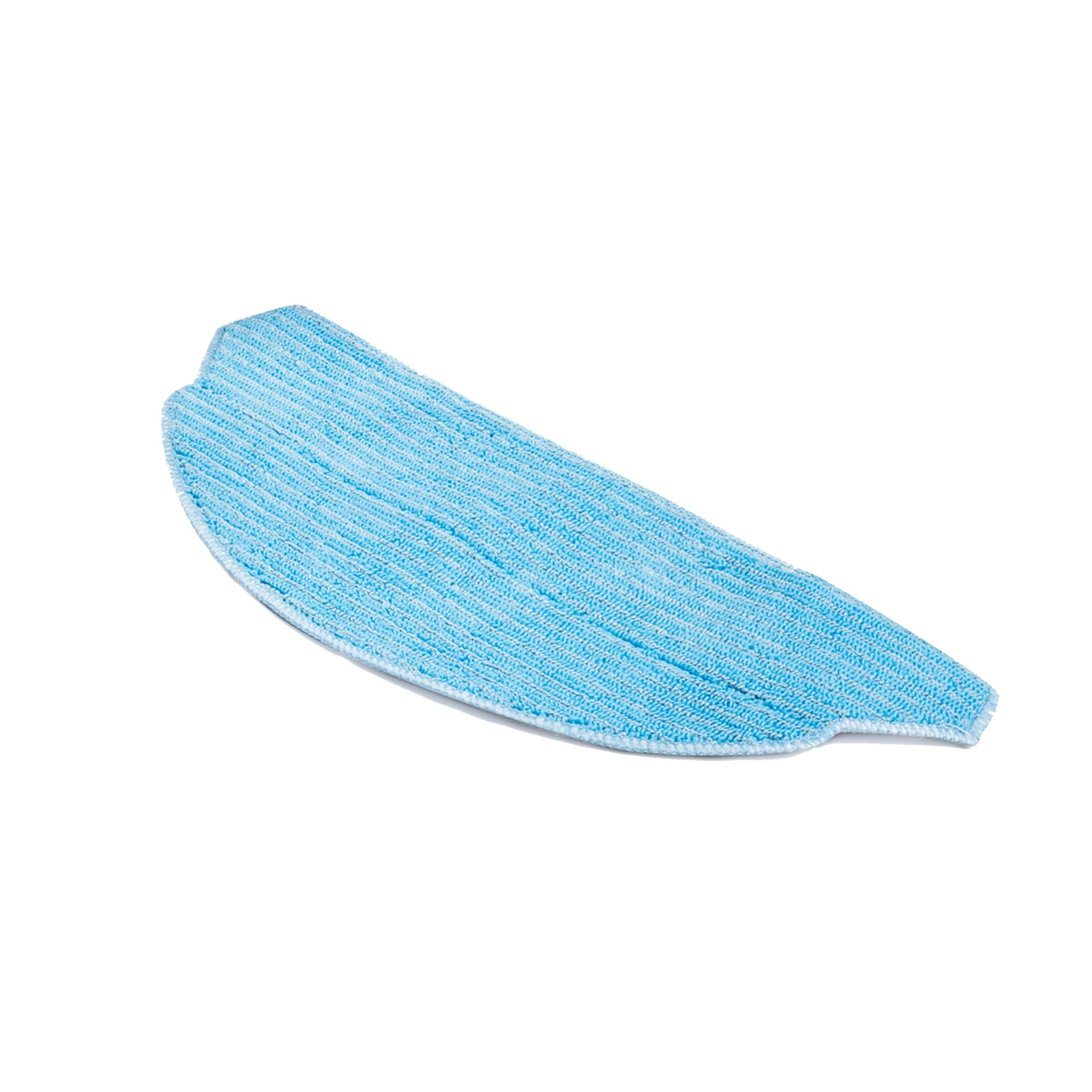
Image 1: The MEDION Robot Vacuum Cleaner S20 SW, compatible with this replacement mop.

Image 2: The robot vacuum cleaner demonstrating its cleaning path, which includes mopping functionality with the attached mop.
3. Installation and Replacement
Follow these steps to install or replace the mop on your MEDION Robot Vacuum Cleaner S20 SW:
- Power Off: Ensure the robot vacuum cleaner is turned off and disconnected from its charging base before handling any components.
- Locate Mop Attachment Area: Turn the robot vacuum cleaner upside down or locate the designated mop attachment area, typically at the rear underside of the device.
- Remove Old Mop (if applicable): If replacing an existing mop, gently detach it from the hook-and-loop fasteners or clips.
- Attach New Mop: Align the new replacement mop with the attachment area. Press firmly to secure it using the hook-and-loop fasteners or clips. Ensure the mop is evenly attached and lies flat.
- Verify Secure Attachment: Lightly tug on the mop to confirm it is securely fastened and will not detach during operation.
Refer to your robot vacuum cleaner's main instruction manual for detailed diagrams or specific attachment mechanisms if needed.
4. Usage Instructions
To use the replacement mop effectively with your robot vacuum cleaner:
- Moisten the Mop: Before each mopping cycle, lightly dampen the mop pad with clean water. Wring out any excess water to prevent oversaturation of your floors.
- Fill Water Tank: Ensure the robot vacuum cleaner's water tank is filled with clean water according to its own manual. Do not add cleaning solutions unless explicitly approved by MEDION for your specific model.
- Start Cleaning Cycle: Place the robot vacuum cleaner on the floor and initiate a cleaning cycle that includes the mopping function.
- Monitor Performance: Periodically check the mop during longer cleaning sessions to ensure it remains adequately moist and is not excessively dirty.
5. Maintenance and Care
Proper maintenance of your replacement mop ensures hygienic cleaning and extends its lifespan:
- After Each Use: Remove the mop pad from the robot vacuum cleaner immediately after each mopping cycle.
- Hand Wash: Hand wash the mop pad with mild detergent and warm water. Gently rub to remove dirt and debris.
- Machine Wash (Optional): The mop pad can typically be machine washed on a gentle cycle with similar colors. Do not use bleach or harsh fabric softeners, as these can damage the fibers.
- Air Dry: Allow the mop pad to air dry completely before reattaching it to the robot vacuum cleaner or storing it. Do not tumble dry.
- Regular Replacement: For optimal cleaning performance, it is recommended to replace the mop pad every 3-6 months, depending on usage frequency and floor types.
6. Troubleshooting
If you encounter issues with your replacement mop, consider the following:
- Mop Not Cleaning Effectively:
- Ensure the mop is adequately moistened before use.
- Check if the robot vacuum's water tank is filled and dispensing water correctly.
- The mop may be excessively dirty; clean or replace it.
- Mop Detaches During Operation:
- Verify that the mop is securely attached to all hook-and-loop fasteners or clips.
- The attachment mechanism on the robot vacuum or the mop itself might be worn; consider replacing the mop.
- Streaks on Floor:
- The mop might be too wet; wring out excess water.
- The mop might be dirty; clean it thoroughly.
- Ensure no unauthorized cleaning solutions are used in the water tank.
For issues related to the robot vacuum cleaner itself, please consult its dedicated user manual.
7. Product Specifications
| Brand | MEDION |
| Model Number (Compatible) | MD 20011 (S20 SW Robot Vacuum Cleaner) |
| Product Type | Replacement Mop Pad |
| Package Dimensions (Approx.) | 14 x 13 x 1 cm |
| Package Weight (Approx.) | 10 g |
8. Warranty and Support
For warranty information, technical support, or to purchase additional replacement parts, please visit the official MEDION website or contact MEDION customer service. Keep your purchase receipt as proof of purchase.
MEDION Official Website: www.medion.com


