
Introduction
Thank you for choosing the Artist hand Vintage Barber Chair. This manual provides essential information for the safe and efficient use, maintenance, and care of your barber chair. Please read these instructions thoroughly before operating the chair and retain them for future reference.
Safety Information
- Ensure the chair is placed on a stable, level surface.
- Do not exceed the maximum weight capacity of 700 pounds.
- Keep hands and feet clear of moving parts during adjustment.
- Always secure the client in the chair before performing any services.
- Exercise caution when reclining the chair to prevent injury.
Package Contents
The Artist hand Vintage Barber Chair typically ships in two separate packages, which may arrive on different days. Please ensure all packages have been received before beginning assembly or use.
Setup
This barber chair is designed for minimal assembly. Most major components are pre-assembled. Refer to the included quick-start guide for any minor attachment steps.

Operating Instructions
Height Adjustment
The chair features a heavy-duty hydraulic pump for quick and easy height adjustment. To raise the chair, repeatedly press the foot pedal located at the base. To lower the chair, press and hold the foot pedal while applying slight downward pressure to the seat.

Recline Function
The backrest reclines up to 135 degrees. To recline, pull the lever located on the side of the chair (typically the right side when seated) and gently push the backrest backward. Release the lever to lock the backrest in the desired position. To return to an upright position, pull the lever and allow the backrest to move forward, then release the lever.

Footrest Adjustment
The chair features a classic flip-style footrest. This can be adjusted to provide support for the client's feet. The footrest also includes a padded leg rest for extended comfort during reclining services.
Headrest Adjustment and Removal
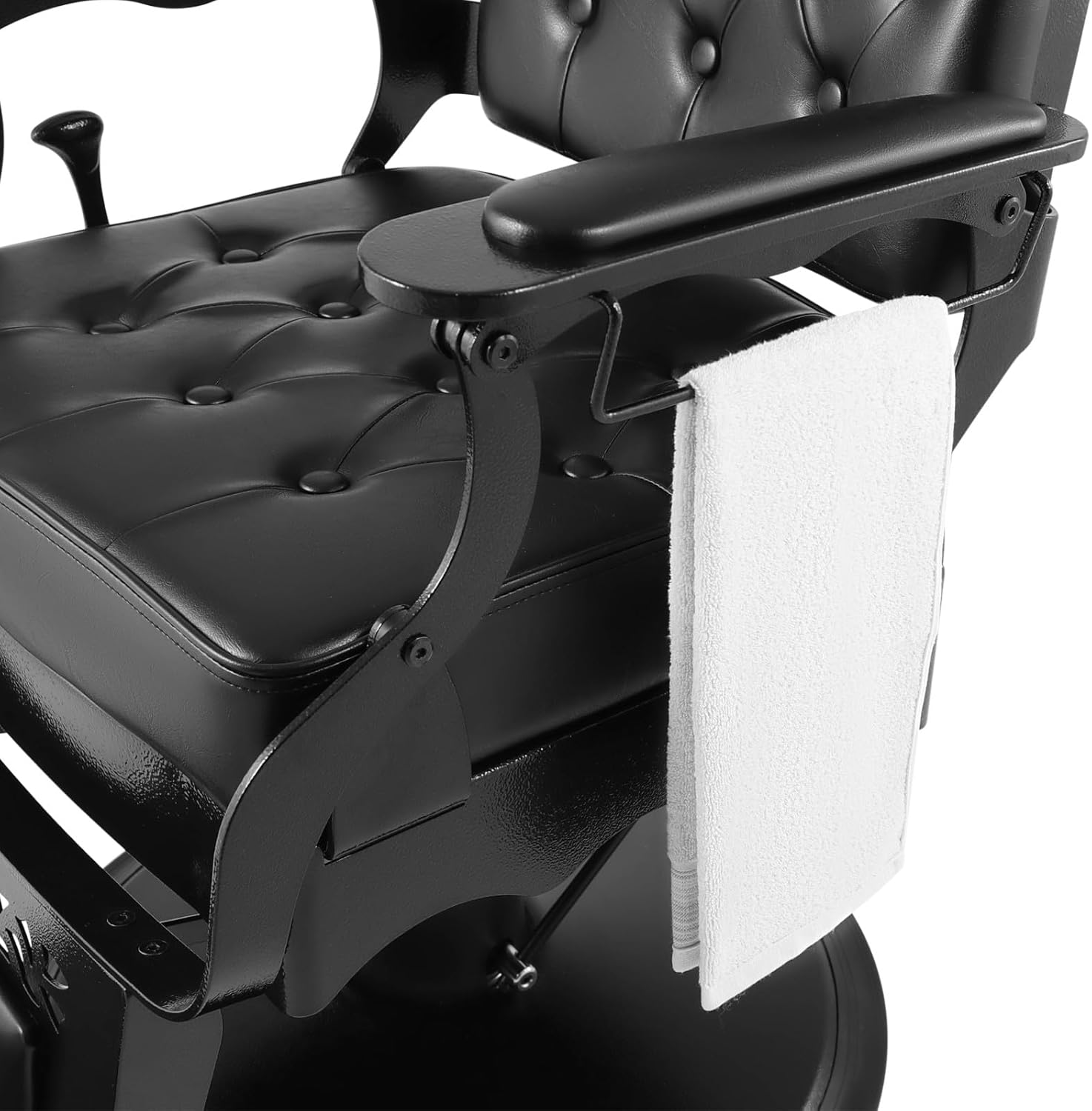
The headrest is adjustable and can be removed. To adjust the height, pull it up or push it down. To remove, pull it completely out of its slot. This feature is useful for accommodating clients of various heights or for specific services that require headrest removal.
360-Degree Swivel
The chair base allows for a full 360-degree swivel, providing flexibility during services. The swivel can be locked in place by engaging the locking mechanism (refer to the quick-start guide for specific location).

High-Density Sponge Padding
The chair is filled with high-density sponge padding to ensure maximum comfort for clients during long sessions.

Operational Overview Video
Video 1: This video demonstrates the various operational features of the Artist hand Vintage Barber Chair, including height adjustment, recline, footrest, and headrest removal.
Video 2: A comprehensive view of the Vintage Barber Chair, showcasing its design and functionality in a salon setting.
Maintenance and Care
To ensure the longevity and appearance of your Artist hand Vintage Barber Chair, follow these care instructions:
- Faux Leather Upholstery: The faux leather upholstery should be dry cleaned. For daily cleaning, wipe with a soft, damp cloth and mild soap. Avoid harsh chemicals or abrasive cleaners.
- Metal Frame: Clean the chrome and metal parts with a soft cloth and a non-abrasive metal cleaner.
- Hydraulic Pump: Periodically check the hydraulic pump for smooth operation. If it becomes stiff, consult a professional for lubrication or service.
- General: Regularly inspect all bolts and screws to ensure they are tight.
Troubleshooting
If you encounter any issues with your barber chair, please refer to the following common solutions:
- Chair not adjusting height: Ensure the hydraulic pump pedal is fully engaged. If the issue persists, the hydraulic fluid may need to be checked or refilled by a qualified technician.
- Chair not reclining smoothly: Check for any obstructions around the recline mechanism. Lubricate moving parts with a silicone-based spray if necessary.
- Stiff swivel movement: The swivel base may require lubrication. Ensure the locking mechanism is disengaged.
- Loose components: Periodically check and tighten all screws and bolts to maintain stability.
For persistent issues, please contact customer support.
Specifications
| Feature | Detail |
|---|---|
| Brand | Artist hand |
| Model Numbers | #5123 / #5041 |
| Color | Black |
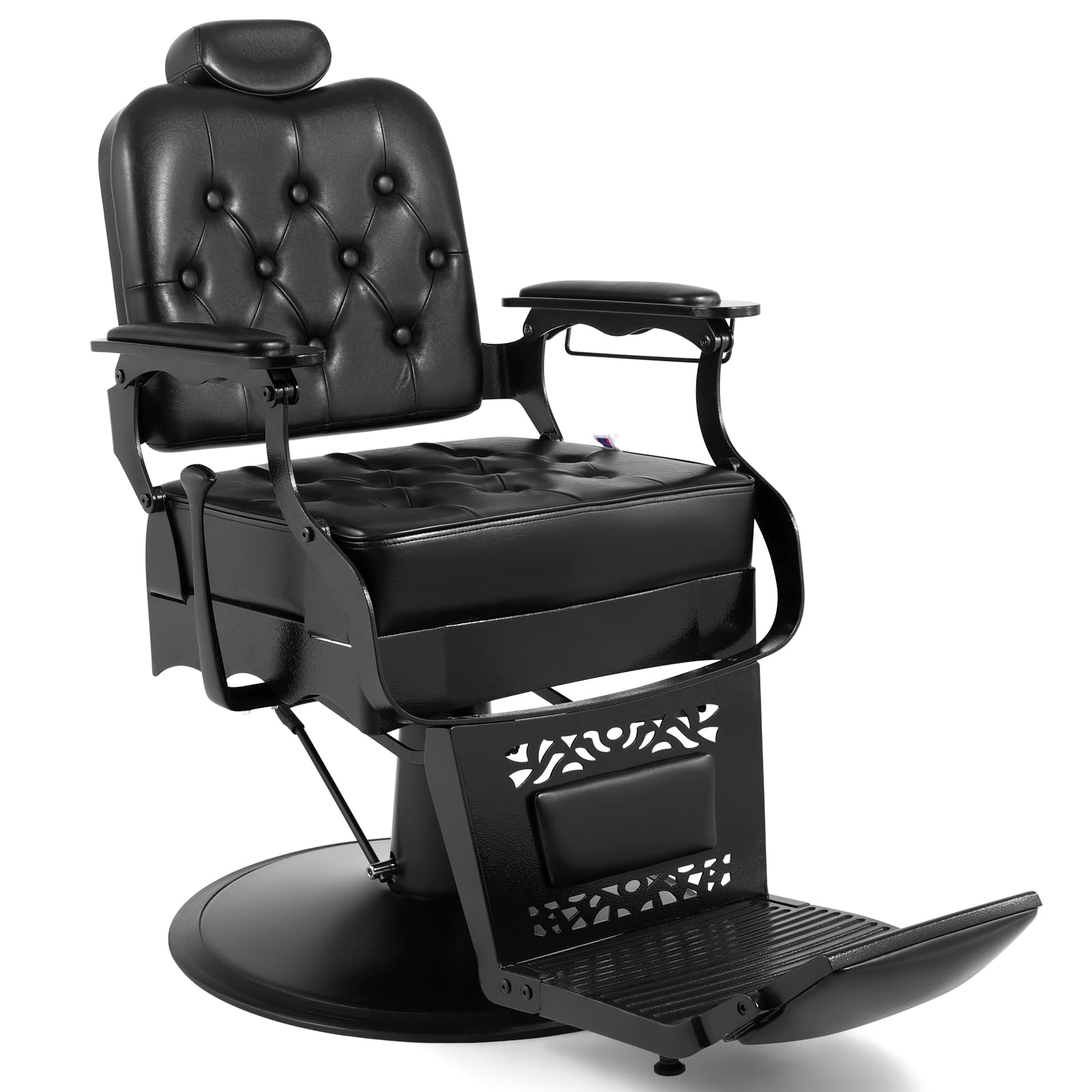
| Material | Faux Leather (Upholstery), Metal (Frame), Foam (Fill) |
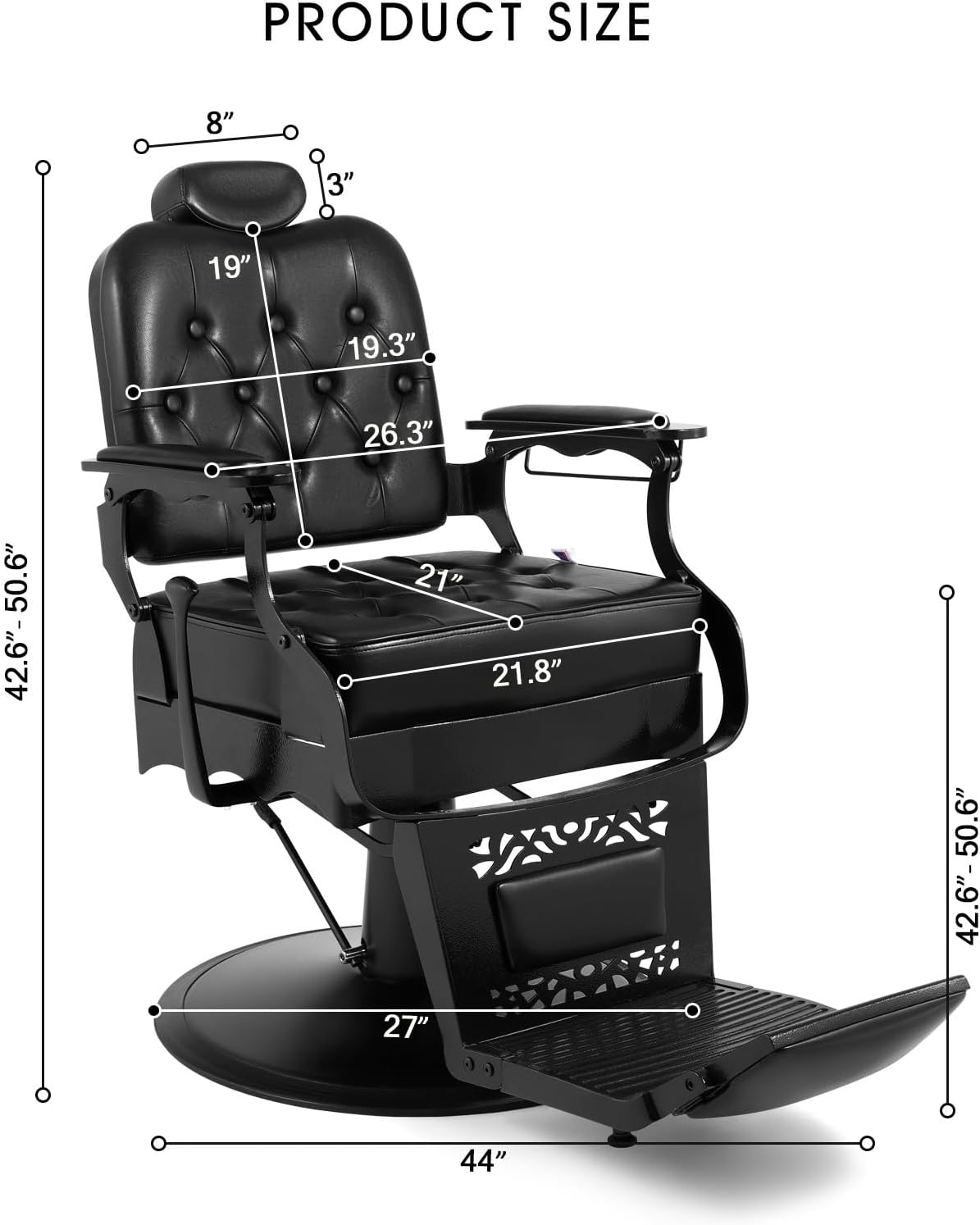
| Product Dimensions (D x W x H) | 27"D x 27"W x 50"H |
| Item Weight | 174 Pounds |
| Maximum Weight Recommendation | 700 Pounds |
| Additional Features | Adjustable Height, Recliner, Swivel Base, Padded Back, Pillow-Top Arm Style |
| Reclining Position Count | 1 (up to 135 degrees) |
| Assembly Required | No (already assembled) |
| FSC-Certified | Cushions and backs made of FSC-Certified wood |
Warranty Information
For specific warranty details regarding your Artist hand Vintage Barber Chair, please refer to the documentation included with your purchase or contact Artist hand customer support directly. Standard protection plans may also be available for purchase.
Customer Support
If you have any questions about the product, require assistance with setup, or need to report missing/damaged parts, please contact us through the "Get Order Help" option on the platform where you made your purchase. Our support team is available to assist you.