
1. Introduction
This manual provides instructions for the SUPVAN LP5120M Label Tape. This label tape is designed for use with compatible SUPVAN label makers. It features a continuous format, measuring 12 mm in width and 4 meters in length. The tape utilizes thermal transfer technology, eliminating the need for ink or toner, and produces clear, durable prints. Its laminated, multi-layer design offers resistance to scratches, tears, water, oil, heat, and UV rays, ensuring longevity for over 5 years. The tape is also BPA-free, making it safe for use with food, cosmetics, and baby products.
2. Setup and Installation
Follow these steps to properly install the SUPVAN LP5120M Label Tape into your compatible SUPVAN label maker.
2.1 Unpacking the Label Tape
Carefully remove the label tape cassette from its packaging. Ensure there is no visible damage to the cassette or the tape itself.
2.2 Installing the Tape Cassette
- Open the tape compartment cover on your SUPVAN label maker. Refer to your label maker's specific manual for instructions on opening the compartment.
- Insert the LP5120M label tape cassette into the compartment, ensuring it clicks securely into place. The tape should feed smoothly into the label maker's print head mechanism.
- Close the tape compartment cover firmly.

Image: The SUPVAN LP5120M label tape cassette correctly inserted into a compatible label maker, ready for use.

Image: A detailed view of the label tape cassette within the label maker, illustrating the proper alignment.
3. Operating Instructions
Once the label tape is installed, you can begin creating labels. The LP5120M tape is 12mm (0.47 inches) wide.
3.1 Printing Labels
Refer to your SUPVAN label maker's user manual for specific instructions on how to design and print labels. The thermal transfer technology ensures clear and crisp prints without the need for ink.
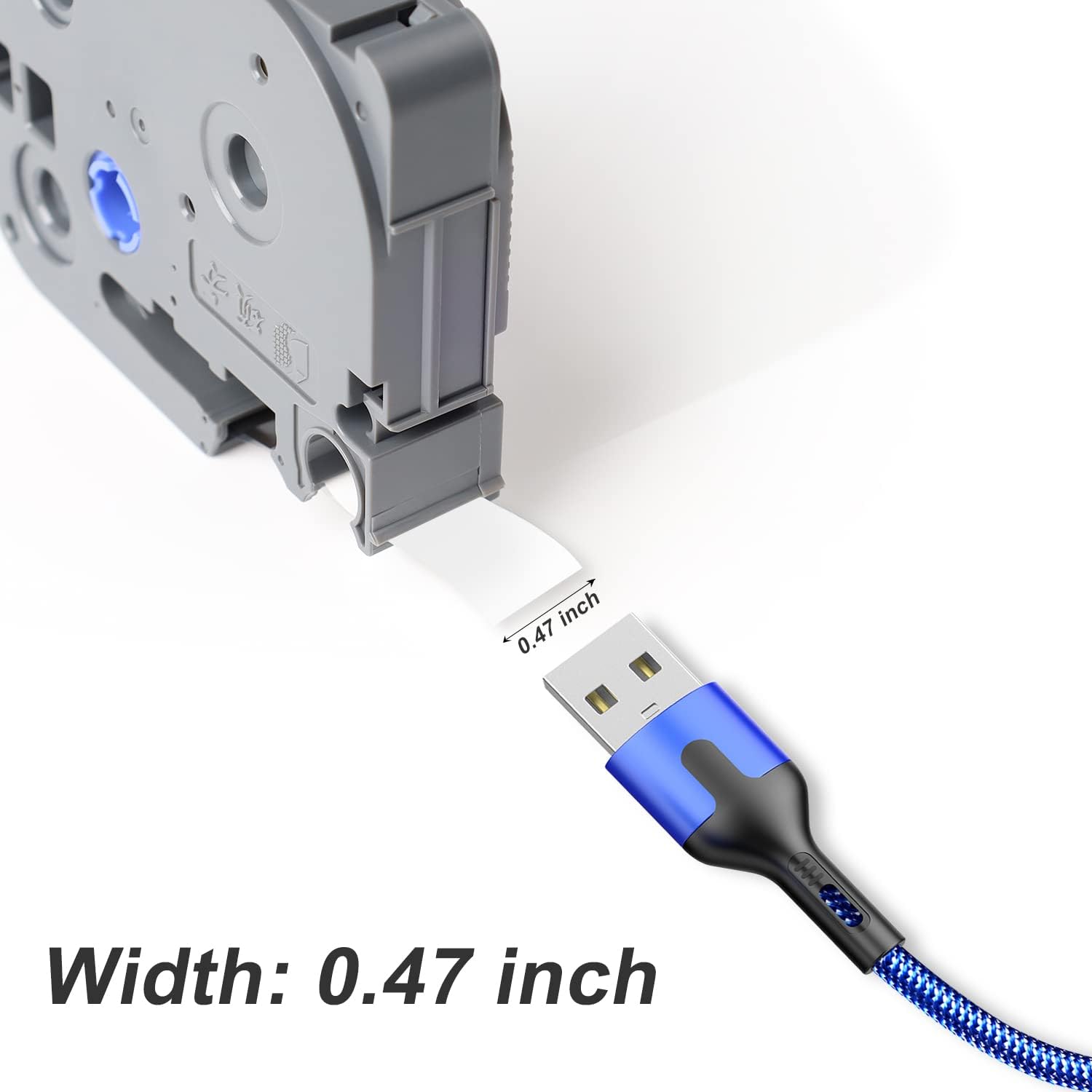
Image: The label tape emerging from the label maker, demonstrating its 0.47-inch (12mm) width.
3.2 Laminated Design and Durability
The LP5120M label tape features a special laminated layer that provides enhanced durability and protection.
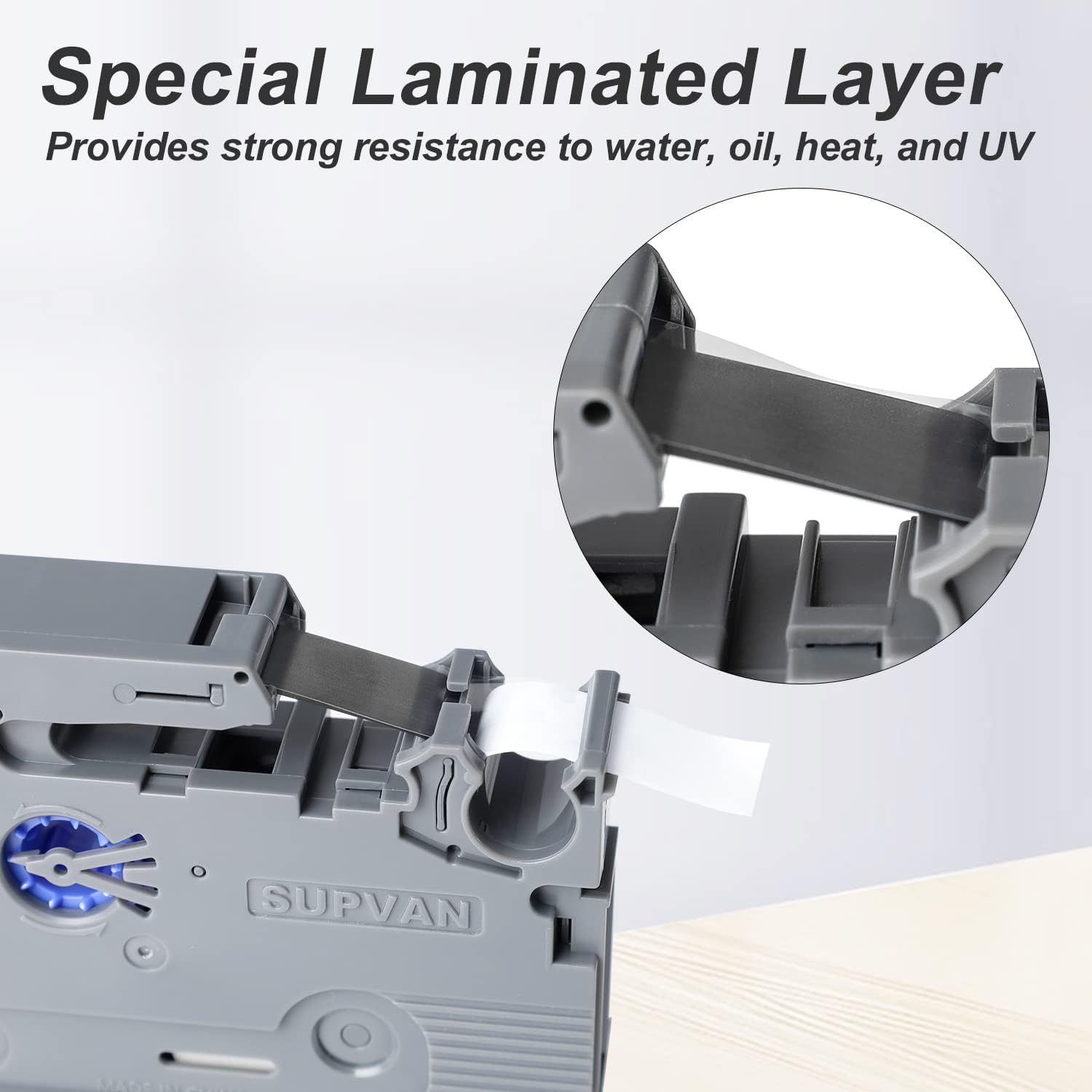
Image: A magnified view illustrating the laminated layers of the label tape, which contribute to its strength and protective qualities.
This multi-layer design offers excellent resistance to scratches and tears, and protects against water, oil, heat, and UV rays. This ensures your labels remain legible and intact for an extended period.

Image: A label being tested for its waterproof properties under running water, showing the label remaining intact and legible.
3.3 Application Examples
The versatility of the SUPVAN LP5120M label tape makes it suitable for a wide range of applications, including organizing files, labeling containers, and identifying cables.
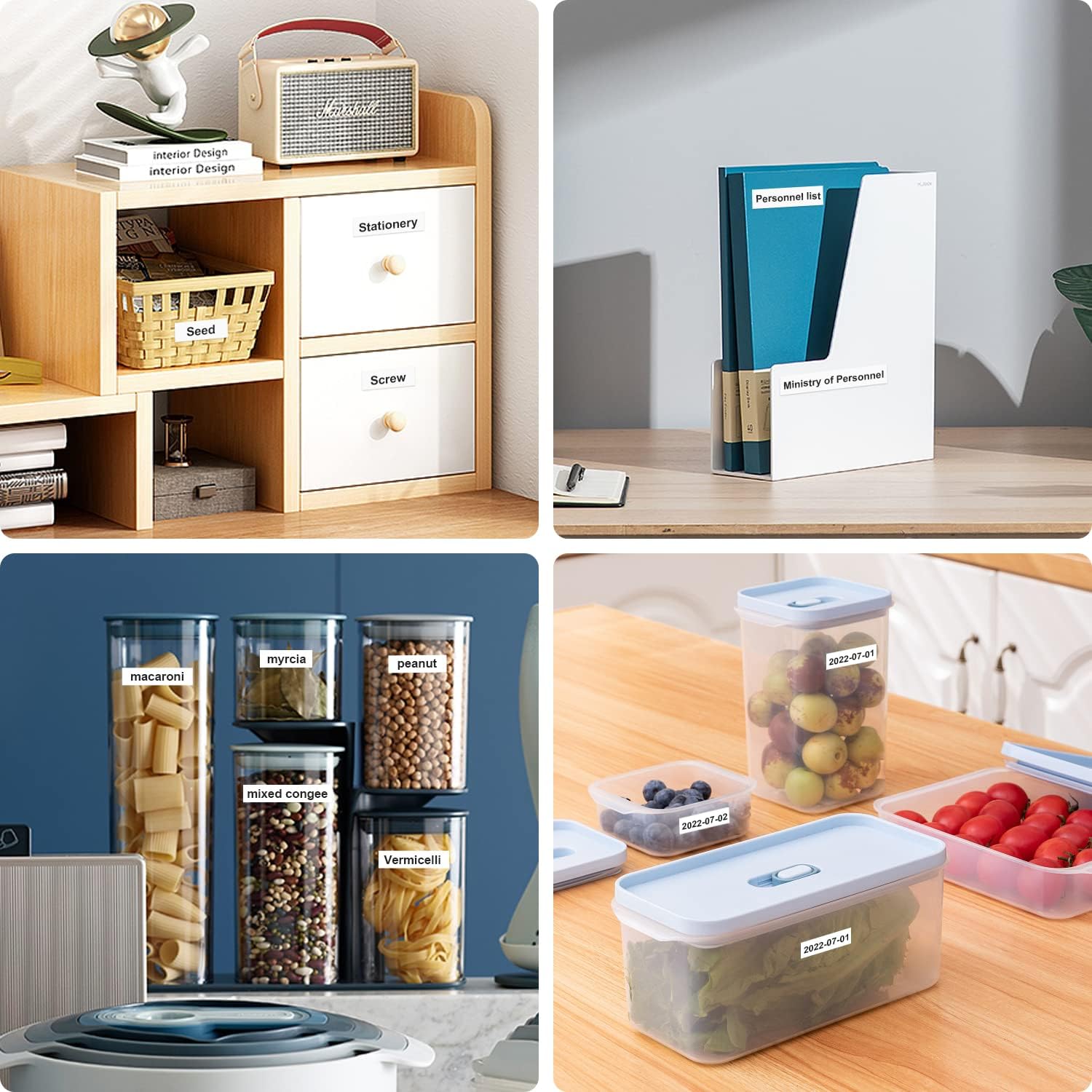
Image: Examples of the label tape in use for organizing items in a home or office setting, such as food containers and document folders.

Image: Further application examples, including labeling storage shelves, network cables, and electrical circuit breakers, demonstrating the tape's utility in various environments.
4. Maintenance
Proper care and storage of your label tape will ensure optimal performance and longevity.
4.1 Storage
Store unused label tape cassettes in a cool, dry place away from direct sunlight and extreme temperatures. Keep them in their original packaging until ready for use to protect them from dust and damage.
4.2 Cleaning
The label tape itself does not require cleaning. If the label maker's print head or tape path becomes dirty, refer to your label maker's manual for cleaning instructions. Avoid touching the adhesive side of the tape to prevent contamination.
5. Troubleshooting
If you encounter issues while using the SUPVAN LP5120M Label Tape, consider the following common solutions:
5.1 Poor Print Quality
- Check Tape Installation: Ensure the tape cassette is correctly and securely installed in the label maker.
- Clean Print Head: A dirty print head can cause faded or incomplete prints. Refer to your label maker's manual for cleaning instructions.
- Verify Tape Compatibility: Ensure you are using the correct tape model (LP5120M) for your SUPVAN label maker.
5.2 Tape Jams
- Reinstall Tape: Remove the tape cassette and reinstall it, ensuring no part of the tape is twisted or misaligned.
- Clear Obstructions: Check the tape path within the label maker for any small debris or tape fragments that might be causing a jam.
5.3 Tape Not Feeding
- Check Cassette: Ensure the tape is not stuck inside the cassette. Gently pull a small length of tape to confirm it moves freely.
- Label Maker Power: Ensure the label maker has sufficient power (batteries or power adapter) to operate the feeding mechanism.
6. Specifications
| Feature | Specification |
|---|---|
| Brand | SUPVAN |
| Model Number | LP5120M |
| Product Dimensions (L x W x H) | 6.86 x 1.98 x 9.4 cm |
| Item Weight | 41 grams |
| Color | Blue (Tape color) |
| Form | Rectangular |
| Material Type | Paper (Laminated) |
| Tape Size | 12mm × 4 m (1/2" x 13.1 ft) |
| Ink Color | Black |
| Finish Type | Laminated |
| Number of Labels | 1 (Continuous roll) |
| BPA-Free | Yes |
| Durability | Clear prints lasting over 5 years |
| Resistance | Water, oil, heat, UV rays, scratches, tears |
7. Warranty and Support
Information regarding product warranty and customer support for the SUPVAN LP5120M Label Tape is not provided within this manual. For details on warranty coverage, technical assistance, or to contact customer service, please refer to the official SUPVAN website or the documentation included with your label maker.


