
Introduction
The Sensor Brite Puck Lights are battery-operated LED lights designed for versatile illumination without the need for tools or complex wiring. These lights offer both motion-activated and manual on/off operation, providing convenient lighting wherever you need it. This manual provides instructions for setup, operation, maintenance, and troubleshooting to ensure optimal performance of your puck lights.

Image: Front view of a single Sensor Brite Puck Light, showing the central motion sensor and LED light array.
Setup
1. Battery Installation
- Gently twist the back cover of the puck light counter-clockwise to open the battery compartment.
- Insert the required batteries (typically 3x AAA, please check the compartment for specific battery type and polarity markings) into the designated slots, ensuring correct positive (+) and negative (-) orientation.
- Replace the back cover by aligning it and twisting clockwise until securely closed.
2. Mounting
The Sensor Brite Puck Lights are designed for easy, tool-free installation using adhesive backing.
- Clean the desired mounting surface thoroughly to ensure it is dry and free of dust or grease.
- Peel off the protective film from the adhesive pad on the back of the puck light.
- Press the light firmly onto the cleaned surface for at least 30 seconds to ensure a strong bond.
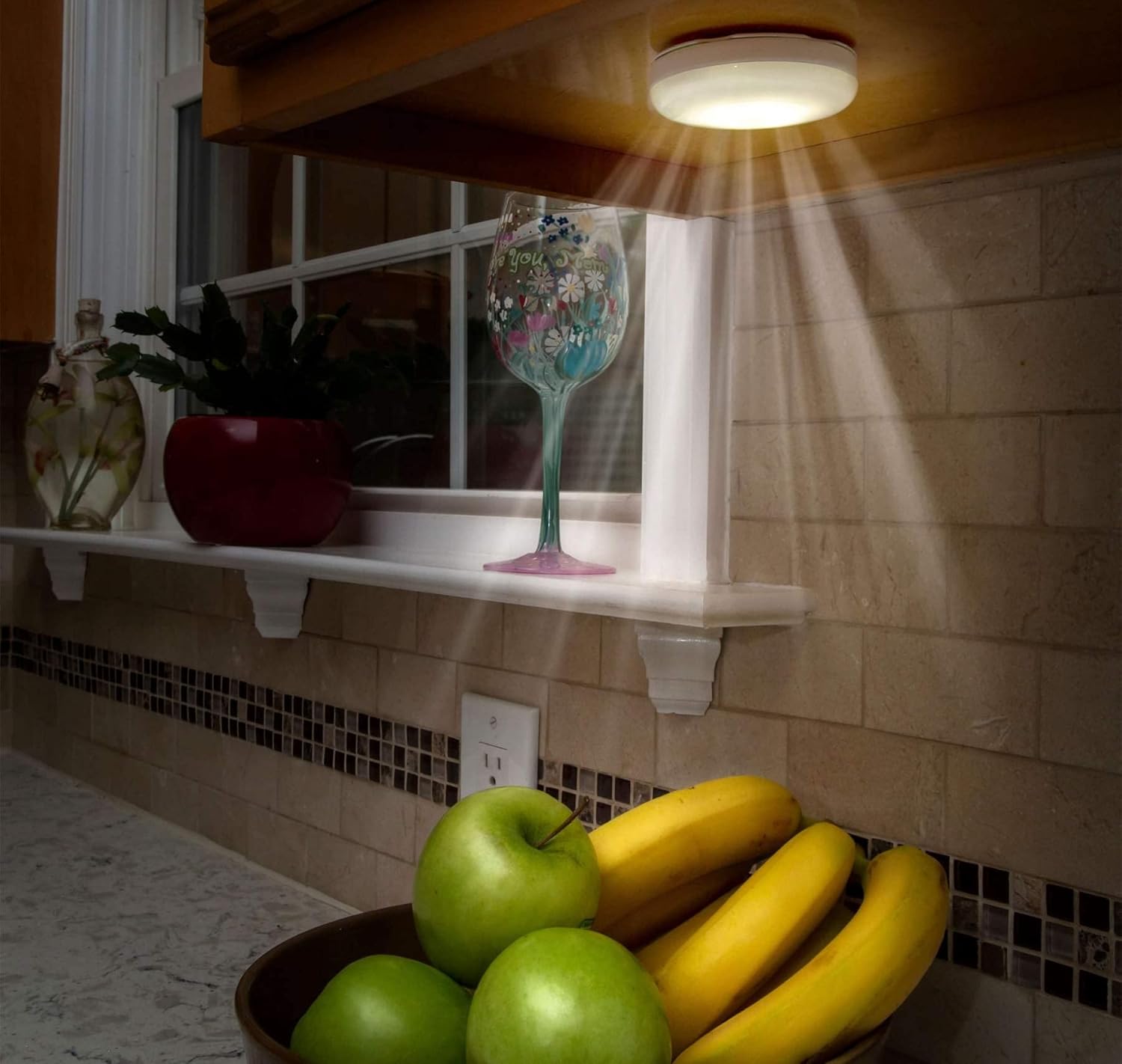
Image: A Sensor Brite Puck Light mounted under a kitchen cabinet, illuminating a fruit bowl on the counter.
Operating Instructions
Your Sensor Brite Puck Lights offer multiple operating modes for various lighting needs. Control is typically managed via a switch on the unit or an included remote control.
Mode Selection
- OFF: The light is completely off.
- ON (Manual): The light remains continuously on until manually switched off.
- AUTO (Motion Sensor): In this mode, the light will automatically turn on when motion is detected within its range and sufficient darkness, and will turn off after a period of no motion.
Using the Remote Control
If your model includes a remote control, use it to conveniently switch between modes, adjust brightness (if applicable), or set timers without directly accessing the puck light. Point the remote towards the light and press the desired function button.
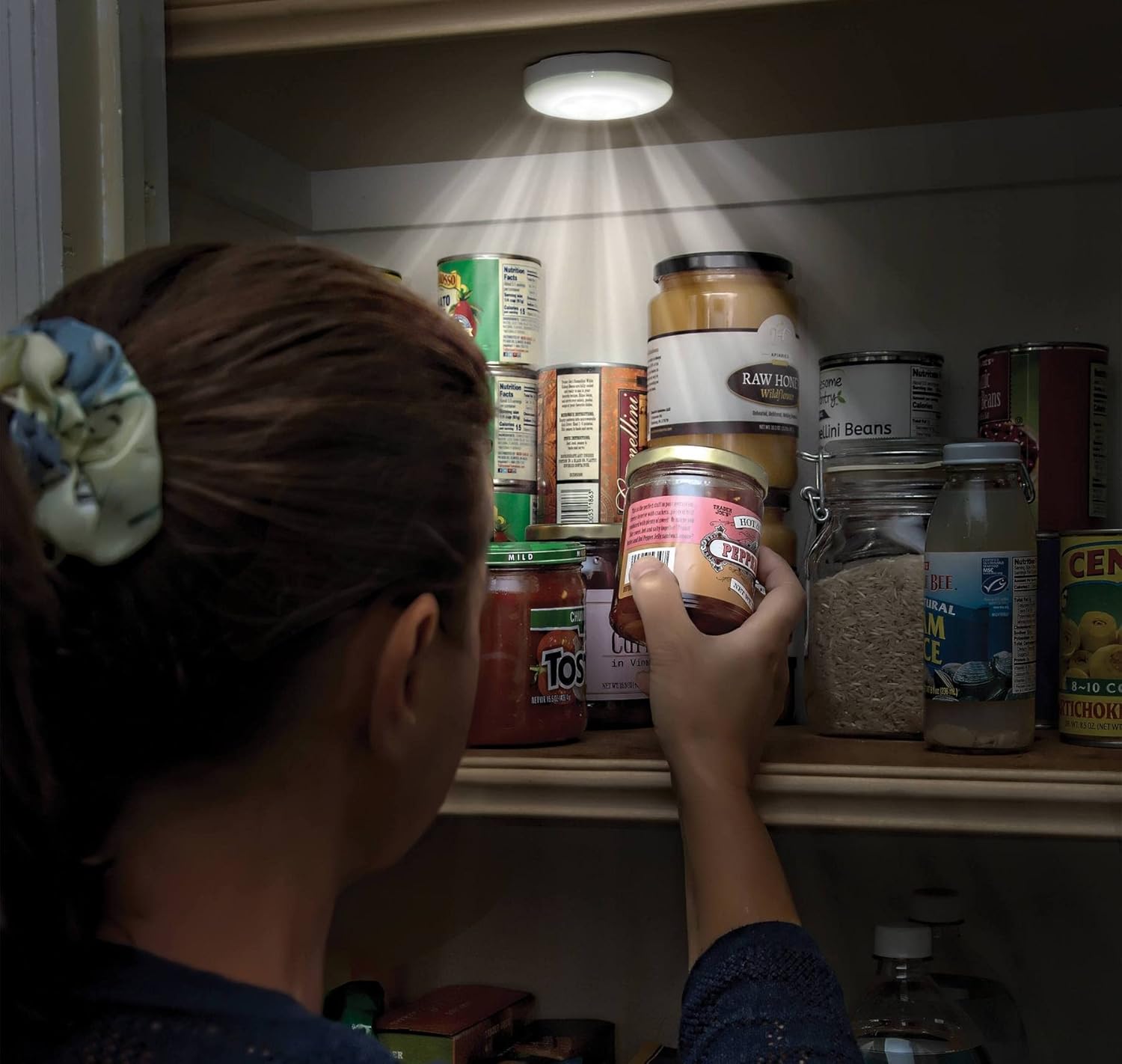
Image: A Sensor Brite Puck Light mounted inside a pantry, providing illumination for items on a shelf.
Maintenance
Battery Replacement
When the light dims or stops functioning, it's time to replace the batteries. Follow the battery installation steps outlined in the "Setup" section. Always replace all batteries at once with new ones of the same type and brand for optimal performance.
Cleaning
To clean the puck light, gently wipe the surface with a soft, dry cloth. Avoid using abrasive cleaners or solvents, as these can damage the finish or electronic components.
Troubleshooting
| Problem | Possible Cause | Solution |
|---|---|---|
| Light does not turn on. |
|
|
| Motion sensor not working in AUTO mode. |
|
|
| Light is dim. |
|
|
Specifications
- Model Number: 850014381158
- Light Source Type: LED
- Power Source: Battery Powered (1.5 Volts)
- Number of Items: 2
- Finish Type: Matte
- Base Material: Plastic
- Shade Material: Plastic
- Control Method: Remote Control
- Additional Features: Cordless, Motion Sensor, Remote Control
- Water Resistance Level: Water Resistant
- Indoor/Outdoor Usage: Indoor
- Shape: Round
- Color: White
Safety Information
- Do not mix old and new batteries.
- Do not mix alkaline, standard (carbon-zinc), or rechargeable (nickel-cadmium) batteries.
- Remove batteries if the product is not to be used for an extended period.
- Dispose of used batteries properly according to local regulations.
- Keep out of reach of children.
- Do not expose to extreme temperatures or direct sunlight.
Warranty and Support
For warranty information or technical support, please refer to the packaging or contact Sensor Brite customer service directly. Keep your purchase receipt for warranty claims.

