
1. Product Overview
The GRV Fitness Tracker S1 is a non-Bluetooth fitness watch designed for straightforward activity monitoring without the need for a smartphone application. It tracks essential fitness data such as steps, calories burned, distance, and sleep patterns. Its simple operation and independent functionality make it suitable for users who prefer a basic, reliable fitness tracking device.

Figure 1.1: Front view of the GRV S1 Fitness Tracker displaying time (08:22 AM), date (06/16 FRI), and battery level.
2. Key Features
- Independent Operation: Functions without a smartphone app or Bluetooth connection.
- Activity Tracking: Accurately records steps, calories burned, and distance.
- Sleep Monitoring: Tracks sleep duration and patterns.
- Easy Setup: Simple configuration of time, date, and personal data directly on the device.
- Long Battery Life: Up to 7 days of use on a single charge.
- Integrated USB Charging: Convenient charging via any standard USB port.
- Waterproof Design: IP67 rated for resistance against dust and temporary immersion in water.
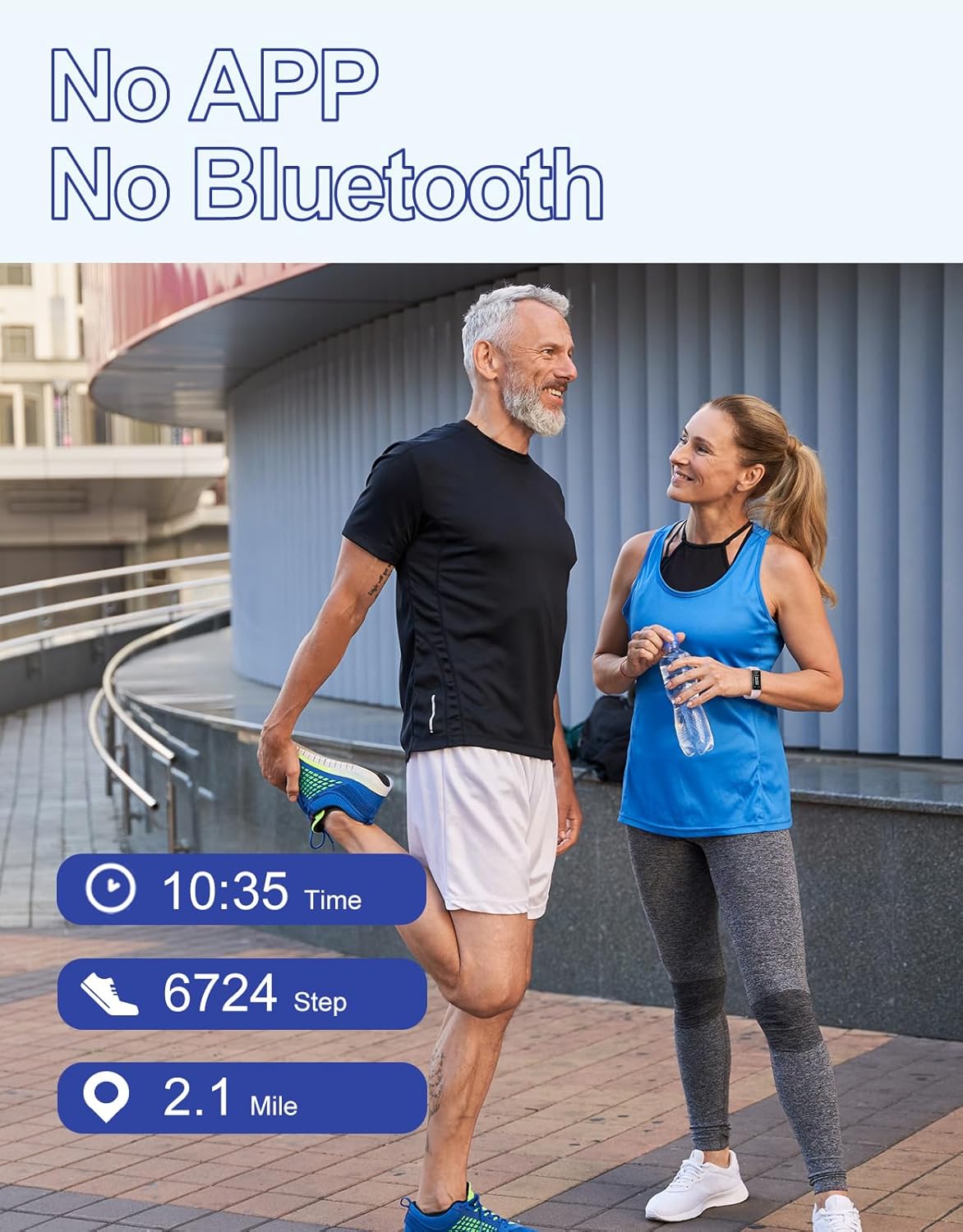
Figure 2.1: Image emphasizing the independent functionality of the GRV S1 Fitness Tracker, requiring no app or Bluetooth connection.
3. Setup Guide
3.1 Initial Charging
Before first use, fully charge the fitness tracker. To charge:
- Gently pull the watch body out of the strap. One end of the watch body has a metal USB connector.
- Insert the end with the metal piece into any standard USB port (e.g., computer, USB wall adapter).
- The watch display will indicate charging. A full charge typically takes 2-3 hours.
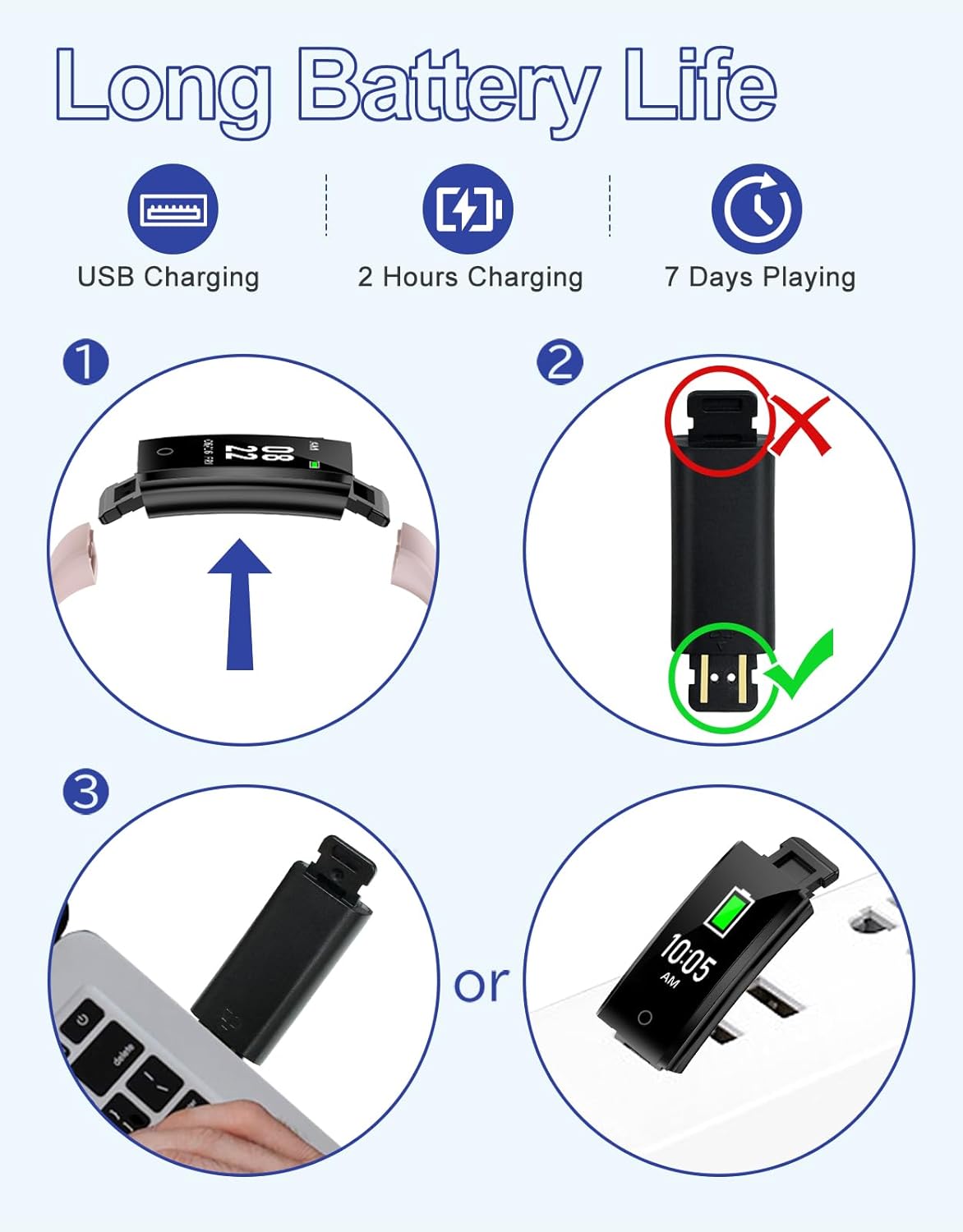
Figure 3.1: Instructions for charging the GRV S1 Fitness Tracker by detaching the strap and plugging the watch body into a USB port.
3.2 Basic Settings
After charging, set up the device:
- The watch is operated by a single touch button located at the bottom of the screen. Tap the button to cycle through display modes.
- To enter settings, navigate to the settings icon (often represented by gears) and press and hold the touch button for a few seconds until the display blinks.
- Tap the button to adjust values (e.g., time, date, age, height, weight, stride length, metric/imperial units).
- Press and hold the button again to confirm and save each setting.
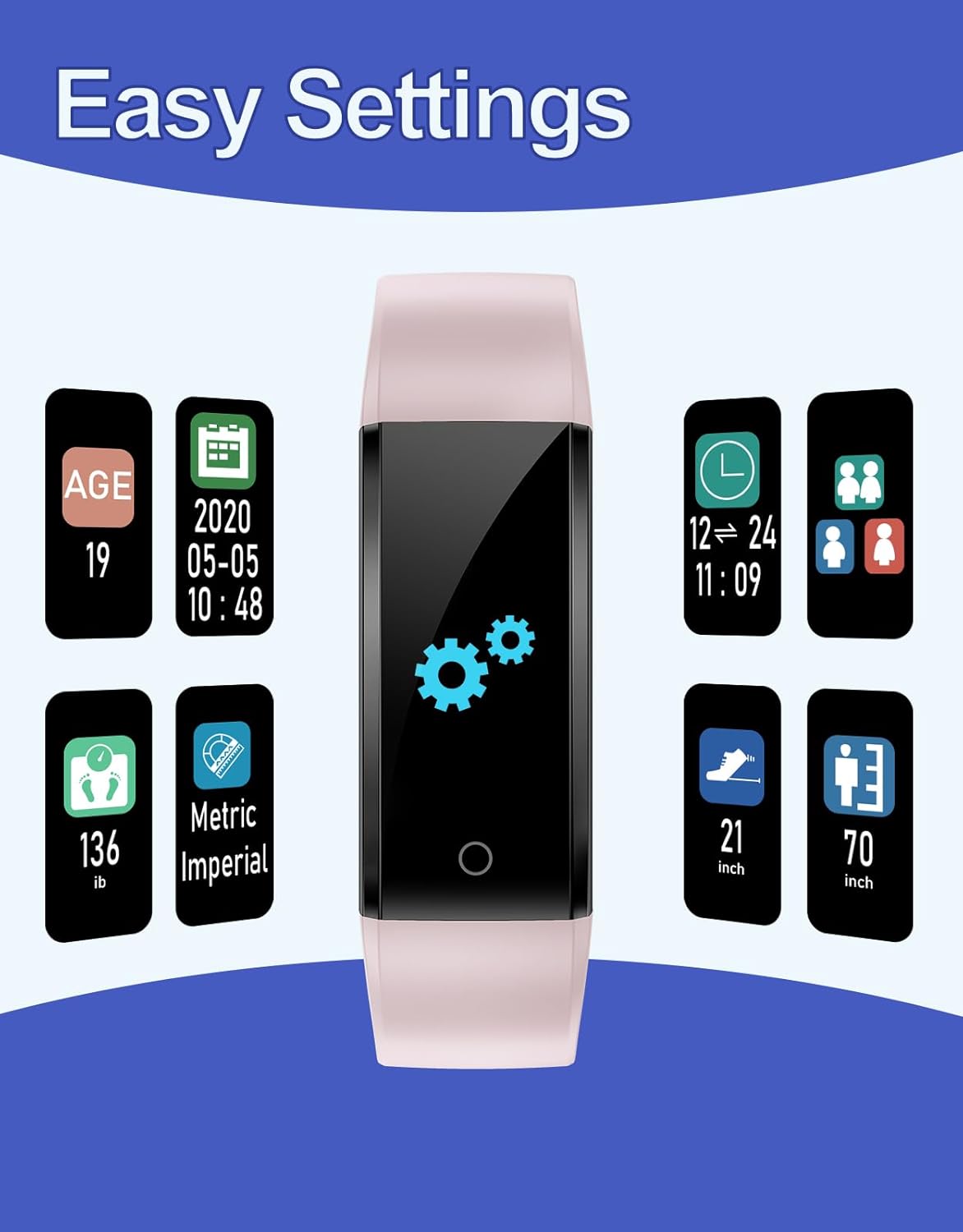
Figure 3.2: The easy settings interface of the GRV S1 Fitness Tracker, showing options for personal data and display preferences.
4. Operating Instructions
4.1 Navigating the Display
Tap the touch button at the bottom of the screen to cycle through different display modes, including:
- Time and Date
- Steps Count
- Distance Traveled
- Calories Burned
- Sleep Duration
4.2 Activity Tracking
The tracker automatically records your daily steps, distance, and calories burned. Wear the device on your wrist for continuous tracking during your activities.
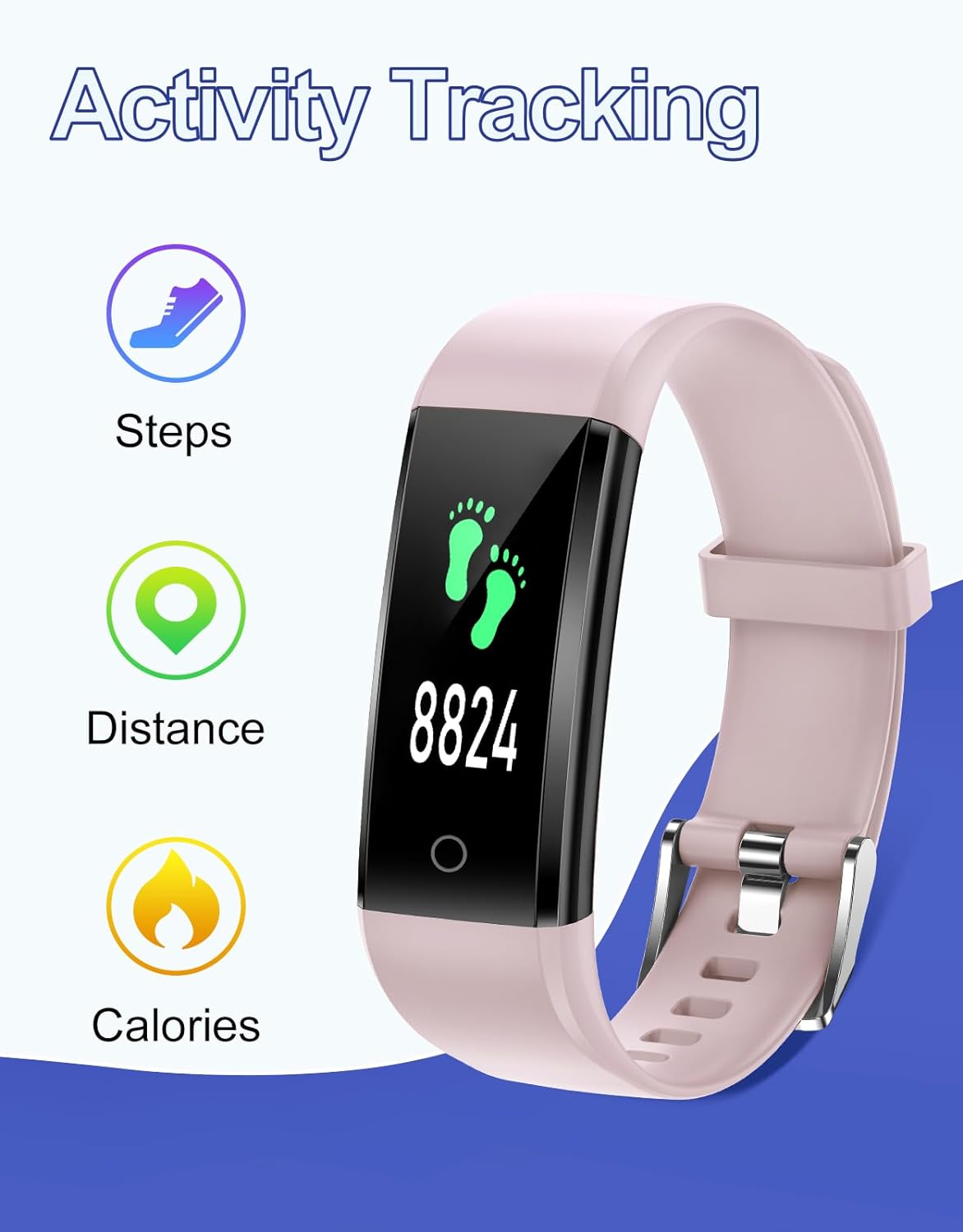
Figure 4.1: Illustration of the GRV S1 Fitness Tracker's activity tracking capabilities, showing steps, distance, and calories.
4.3 Sleep Monitoring
The GRV S1 automatically monitors your sleep when worn during rest. To view sleep data, cycle through the display modes until the sleep icon appears. You can also manually turn sleep tracking on or off in the settings if available.
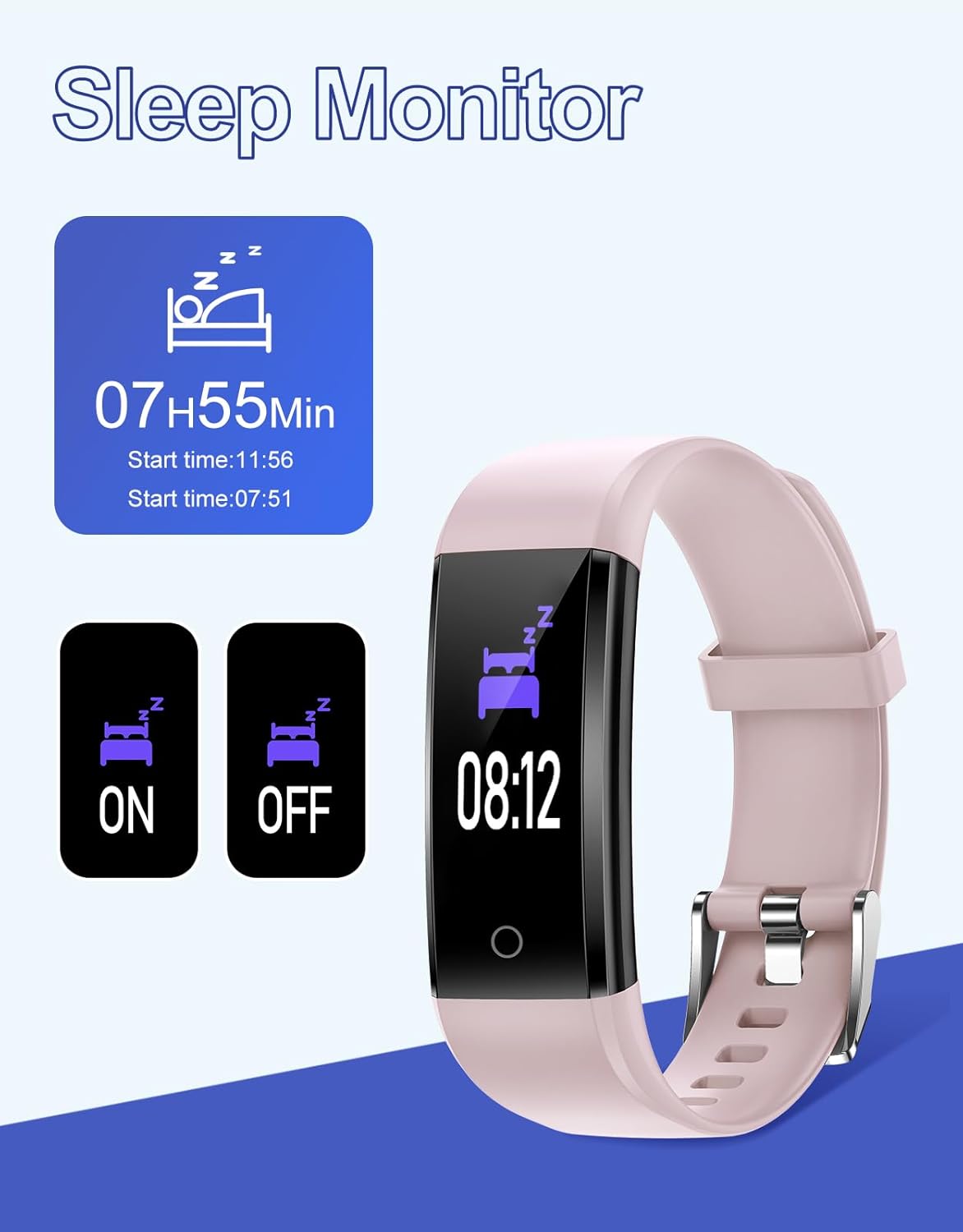
Figure 4.2: The sleep monitoring function of the GRV S1 Fitness Tracker, showing sleep duration and control options.
5. Maintenance and Care
5.1 Cleaning
Clean the tracker regularly with a soft, damp cloth. Avoid using harsh chemicals or abrasive materials that could damage the device.
5.2 Waterproofing (IP67)
The GRV S1 Fitness Tracker is IP67 waterproof, meaning it is protected against dust ingress and can withstand temporary immersion in water up to 1 meter for 30 minutes. It is suitable for daily use, such as washing hands or light rain. Avoid prolonged immersion, hot water, or steam.
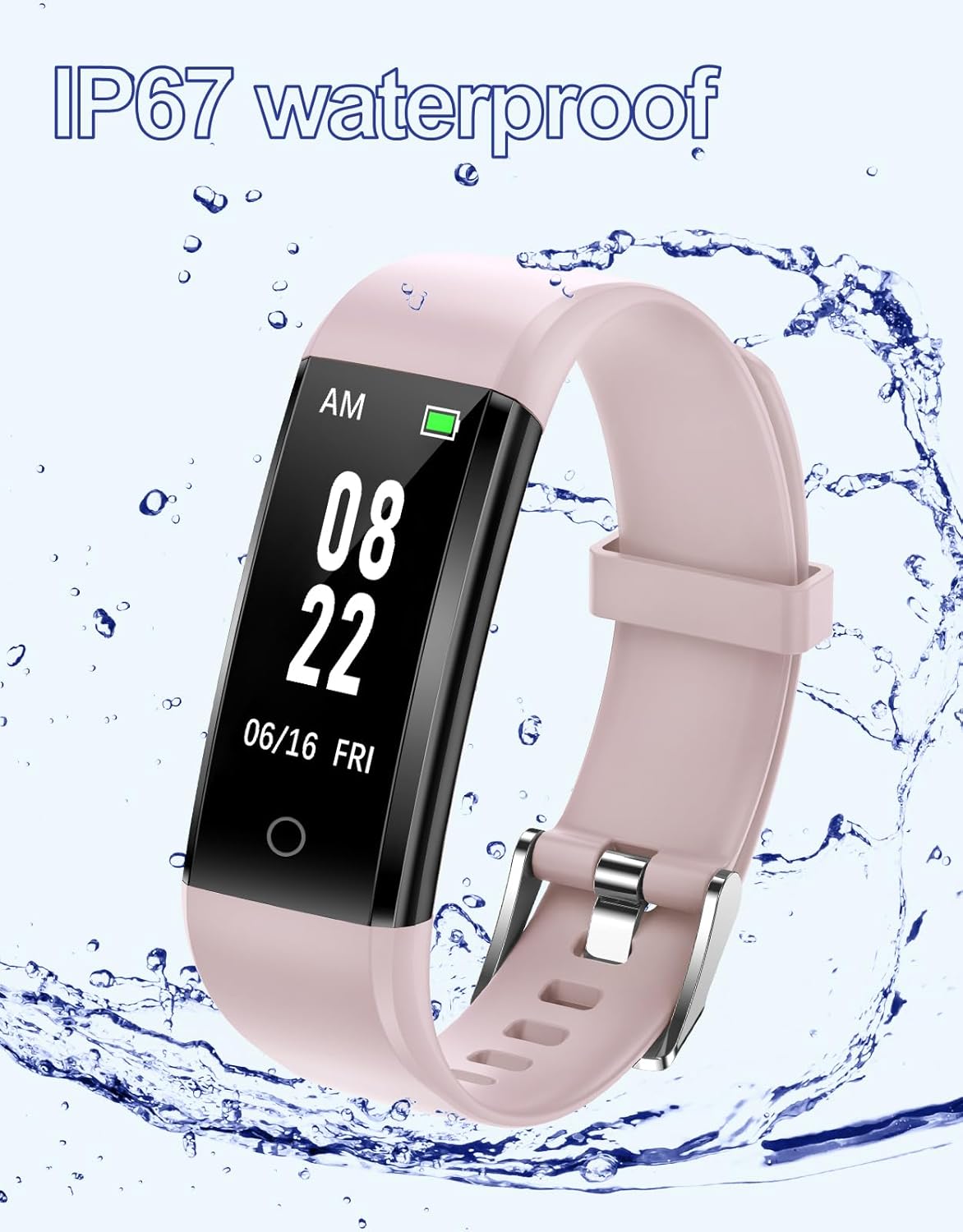
Figure 5.1: The GRV S1 Fitness Tracker highlighting its IP67 waterproof capability.
6. Troubleshooting
- Device not turning on: Ensure the device is fully charged. Check if the USB connector is properly inserted during charging.
- Settings reset after battery depletion: If the battery completely runs out, some settings (like time/date) may reset. Recharge the device promptly and re-enter necessary settings.
- Inaccurate step count: Ensure the tracker is worn securely on your wrist. Verify that your personal information (height, stride length) is correctly entered in the settings.
- Display unresponsive: Try charging the device. If the issue persists, the device may require a reset (if a reset option is available in settings, or by fully depleting and recharging the battery).
7. Specifications
| Feature | Specification |
|---|---|
| Brand | GRV |
| Model | S1 |
| Display Type | LCD |
| Screen Size | 0.96 Inches |
| Operating System | Proprietary operating system |
| Memory Storage Capacity | 32 MB |
| Special Features | Pedometer, Sleep Monitor |
| Connectivity Technology | USB (for charging) |
| Battery Type | Lithium Polymer |
| Battery Capacity | 0.1 Amp Hours |
| Battery Average Life | 7 days |
| Charging Time | 2-3 Hours |
| Water Resistance | IP67 |
| Material Type | Plastic |
| Product Dimensions | 25.7 x 7.5 x 1.7 cm; 20 g |
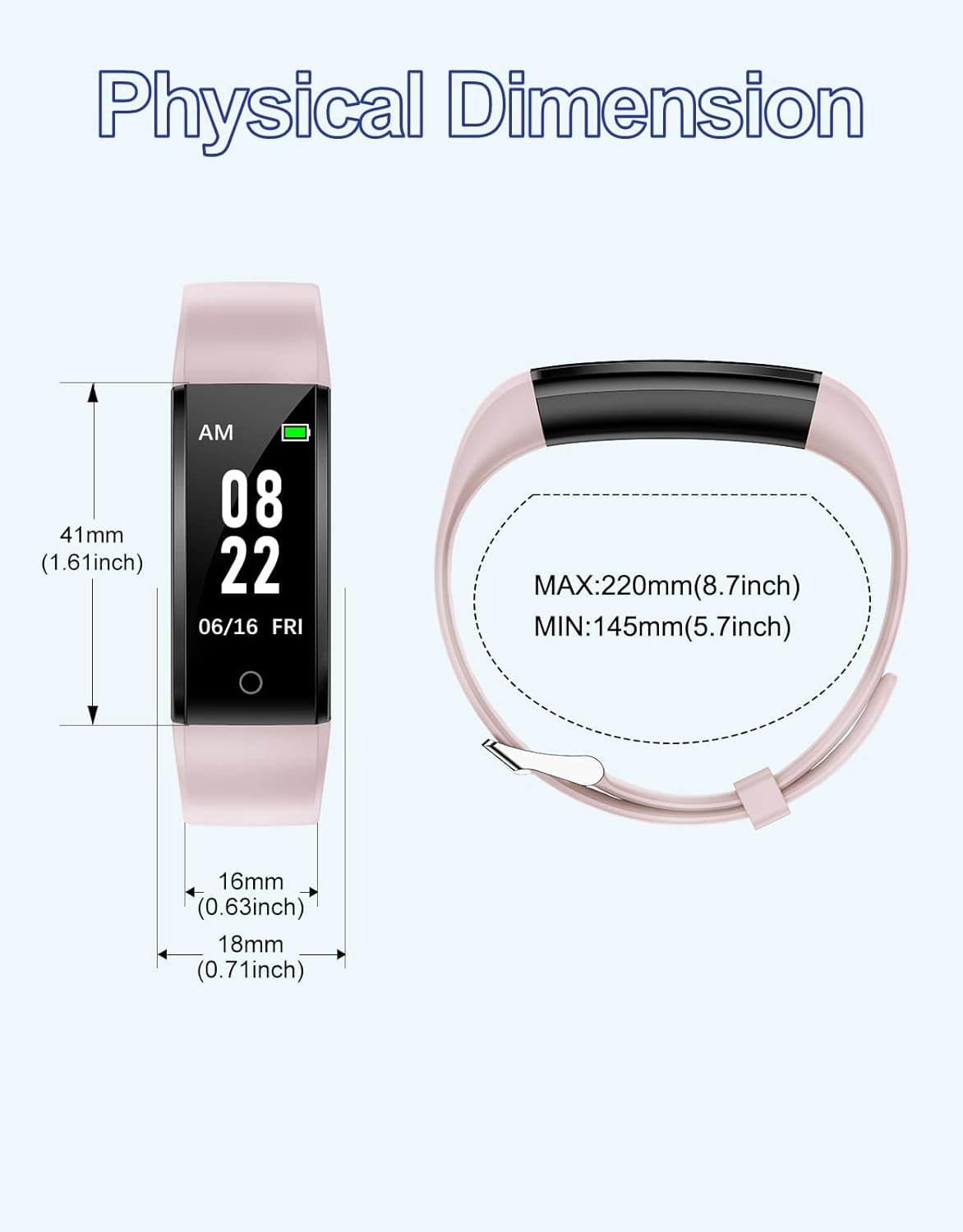
Figure 7.1: Physical dimensions of the GRV S1 Fitness Tracker, including watch face and strap measurements.
8. Safety Information
- Do not attempt to disassemble or modify the device.
- Keep the device away from extreme temperatures and direct sunlight.
- Avoid exposing the device to strong impacts or drops.
- Dispose of the device and its battery according to local regulations.
- Consult a medical professional before starting any new exercise program.
9. Warranty and Support
Specific warranty details and customer support contact information are not provided in the product data. Please refer to the product packaging or the retailer's website for warranty claims and support inquiries.


