
OLEVS YKS-S-G2858GJ-JH
OLEVS Men's Luxury Watch User Manual
Model: YKS-S-G2858GJ-JH
1. Introduction
Welcome to the user manual for your new OLEVS Men's Luxury Watch. This guide provides detailed instructions on how to set up, operate, maintain, and troubleshoot your timepiece. Please read this manual thoroughly to ensure optimal performance and longevity of your watch.
2. Product Overview
The OLEVS Men's Luxury Watch is a sophisticated timepiece featuring exquisite craftsmanship, a durable stainless steel structure, and elegant Roman diamond details. It is equipped with a precise quartz movement and a chronograph function for accurate timing. The watch also includes a calendar display and a luminous feature for easy readability in low light conditions. Its versatile design makes it suitable for both formal and casual occasions.
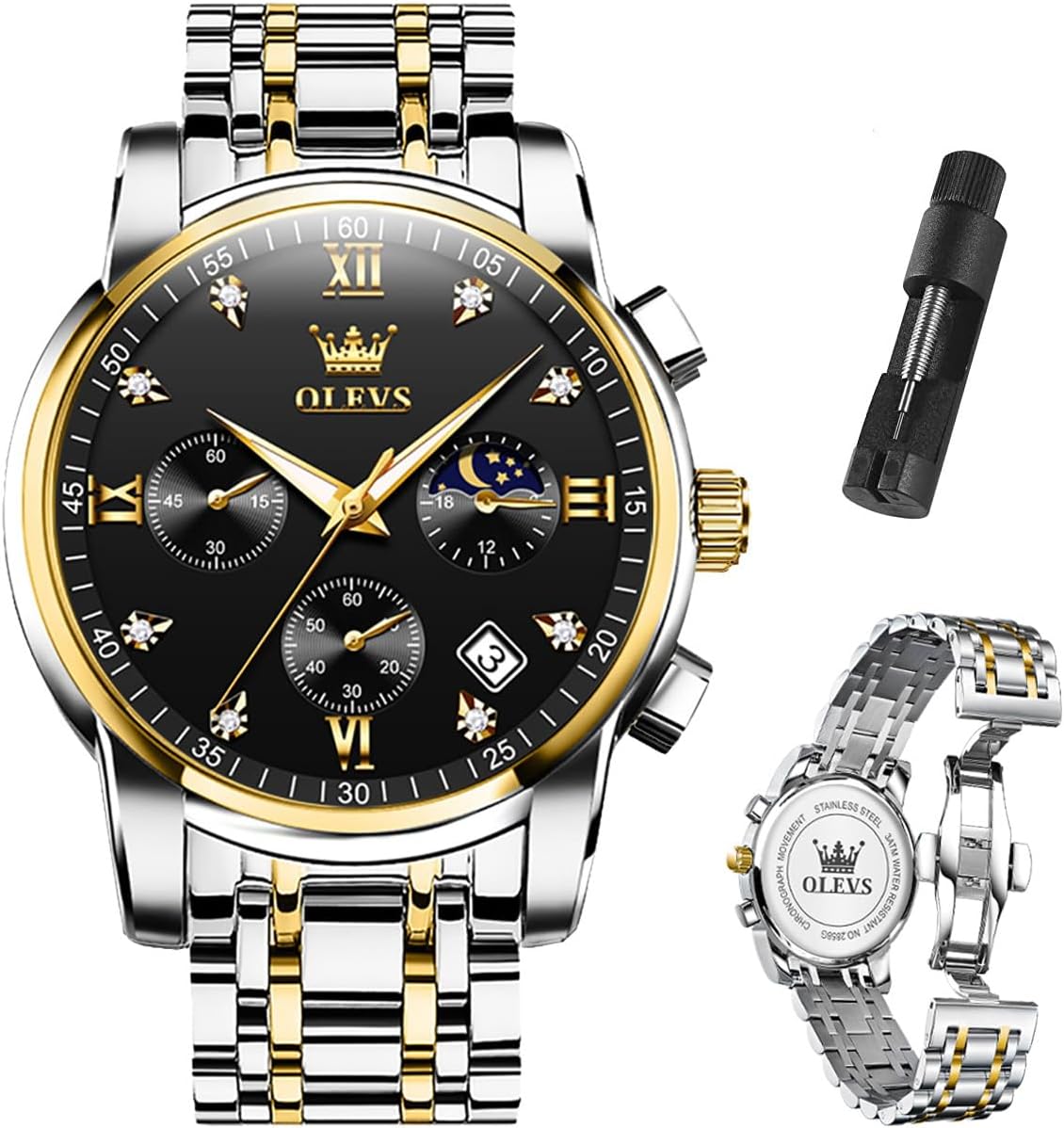
Figure 2.1: Front view of the OLEVS Men's Luxury Watch, showcasing its design and the included band adjustment tool.
3. Setup
3.1 Adjusting the Watch Band
To ensure a comfortable fit, you may need to adjust the length of the watch band by removing or adding links. A band adjustment tool is typically included with your watch for this purpose.
Video 3.1: Watch Band Adjustment Tutorial. This video demonstrates the process of disassembling and reassembling watch band links using the provided tool to achieve the desired fit.
- Determine the number of links to be disassembled: Try on the watch and identify how many links need to be removed for a comfortable fit.
- Locate the correct position: On the underside of the watch band, find the links with small circular holes or arrows indicating the pin direction. These are the removable links.
- Prepare the tool: Open and flatten the steel band, placing it on the movable slot of the watch band disassembly tool.
- Remove the pin: Insert the adjustment tool into the circular hole. Align it with the watch pin on the steel band. Rotate the handle of the disassembly tool to push out and remove the watch pin.
- Remove links: Once the pin is out, carefully remove the desired number of links.
- Reconnect the band: Reconnect the metal band by aligning the remaining links and reinserting the connecting pin along the pop-out direction. Gently tap the pin back into place if necessary.
3.2 Setting Time and Date
The watch features a crown and push-buttons for setting the time, date, and operating the chronograph.
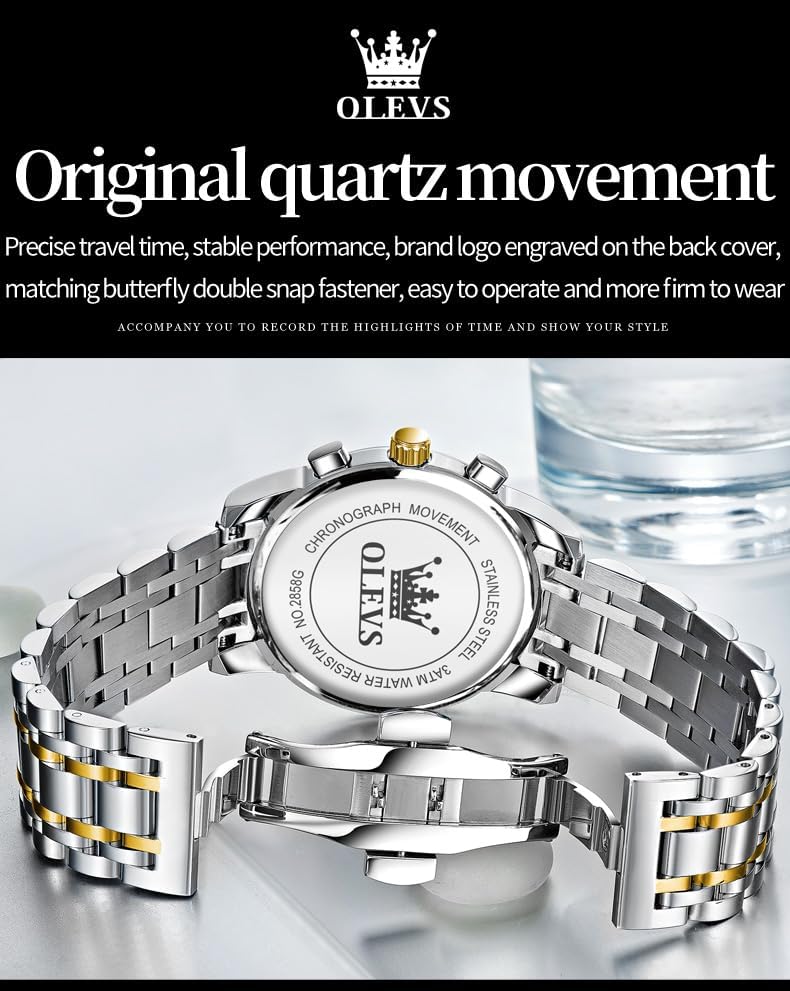
Figure 3.2: Side display diagram illustrating the functions of the crown and buttons for time, date, and chronograph.
- Setting the Date: Pull out the crown to the first gear position. Rotate the crown to adjust the date. Push the crown back in when finished.
- Setting the Time: Pull out the crown to the second gear position. Rotate the crown to set the hour and minute hands. Push the crown back in when finished.
4. Operating Instructions
4.1 Using the Chronograph Function
Your OLEVS watch is equipped with a chronograph for precise timing. Refer to Figure 3.2 for button locations.
- Start/Pause Timing: Press the top button (Start/Pause timing button) to begin the chronograph. Press it again to pause.
- Reset Timing: While the chronograph is paused, press the bottom button (Reset timing function button) to reset the chronograph hands to zero.
- The sub-dials typically indicate 60-second, 60-minute, and 24-hour lunar phase measurements.
4.2 Luminous Feature
The watch hands and markers are coated with a luminous material for visibility in the dark.

Figure 4.1: The watch dial displaying its luminous properties in a dark environment, allowing for clear time reading.
To activate the luminescent function, expose the watch to a bright light source for 30 to 40 seconds. The pointers will absorb the light and glow in low-light conditions.
5. Maintenance
5.1 General Care
- Clean your watch regularly with a soft, dry cloth to remove dust and smudges.
- Avoid exposing the watch to extreme temperatures, direct sunlight for prolonged periods, or strong magnetic fields.
- Do not use chemical cleaners or abrasive materials on the watch.
5.2 Water Resistance
This OLEVS watch is water resistant to 3 ATM (98 ft / 30 meters).
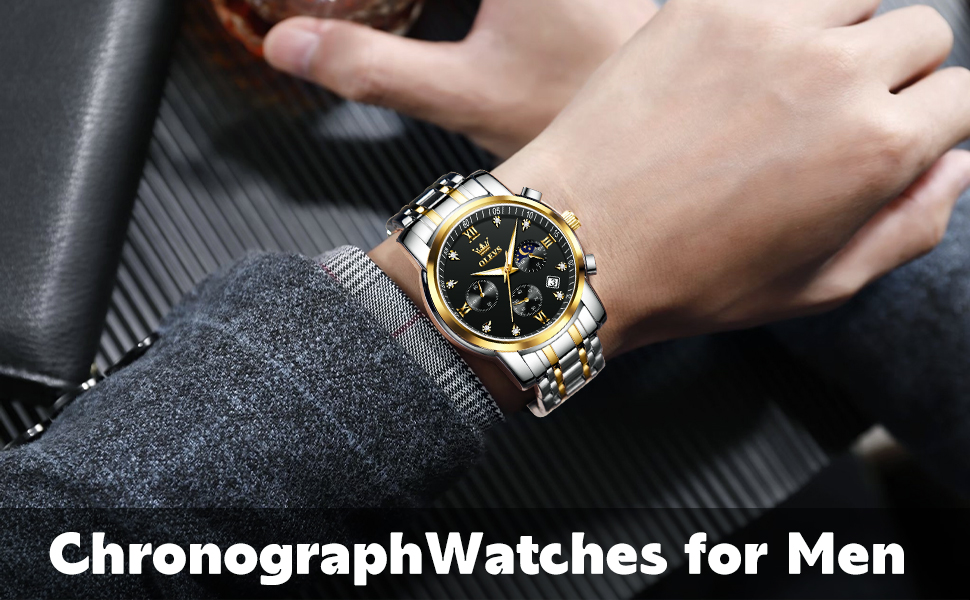
Figure 5.1: The watch demonstrating its water resistance, suitable for daily splashes.
Important Note:
- Water resistant to 3 ATM means the watch can withstand daily splashes, rain, or brief immersion in water.
- It is not suitable for swimming, diving, showering, or hot baths, as steam and hot water can damage the seals.
- Do not operate the crown or push-buttons when the watch is wet or submerged.
6. Troubleshooting
If you encounter any issues with your OLEVS watch, please consider the following common solutions:
| Problem | Possible Cause | Solution |
|---|---|---|
| Watch stops or loses time | Low battery, crown pulled out, impact | Ensure crown is fully pushed in. If battery is included (1 LR44), it might need replacement. Avoid impacts. |
| Chronograph hands do not reset to zero | Improper reset procedure | Ensure chronograph is stopped before pressing the reset button. If issue persists, contact support. |
| Date does not change | Incorrect time setting (AM/PM) | Advance the time by 12 hours to ensure the date changes at midnight, not noon. |
| Condensation inside watch | Water ingress due to improper sealing or exceeding water resistance limits | Immediately seek professional service to prevent further damage. Avoid hot water exposure. |
For any persistent issues or problems not covered here, please refer to the Warranty and Support section.
7. Specifications
| Brand | OLEVS |
| Model Number | YKS-S-G2858GJ-JH |
| Product Dimensions | 0.79 x 1.61 x 0.43 inches; 4.34 ounces |
| Case Width | 41 millimeters |
| Movement Type | Quartz |
| Water Resistance | 3 ATM (98 ft / 30 meters) |
| Clasp Type | Push Button Foldover Clasp With Safety |
| Battery | 1 LR44 battery (included) |
| Manufacturer | YIKASHI |
8. Warranty and Support
For any questions, concerns, or issues regarding your OLEVS Men's Luxury Watch, please contact the seller directly. They are best equipped to assist you with product-specific inquiries and support.
Contact Information:
- Refer to your purchase documentation or the platform where you purchased the watch for direct seller contact details.
- For general inquiries, you may visit the official OLEVS store on Amazon: OLEVS Store
We appreciate your love for our products and are committed to providing assistance.
Related documentsYKS-S-G2858GJ-JH


Ask a question about this manual
Ask about setup, troubleshooting, compatibility, parts, safety, or missing instructions. Manuals+ will review the question and use this page’s manual context to help answer it.