
JTEMAN JTEMAN Phone Stand Speaker
JTEMAN Cell Phone Stand with Wireless Bluetooth Speaker User Manual
Model: JTEMAN Phone Stand Speaker
Introduction
Thank you for choosing the JTEMAN Cell Phone Stand with Wireless Bluetooth Speaker. This innovative 2-in-1 device combines a versatile phone stand with a high-quality Bluetooth speaker, designed to enhance your mobile experience. It features an angle-adjustable pedestal, HD sound with bass, and a built-in microphone for hands-free calls. This manual provides detailed instructions for setup, operation, and maintenance to ensure optimal performance.
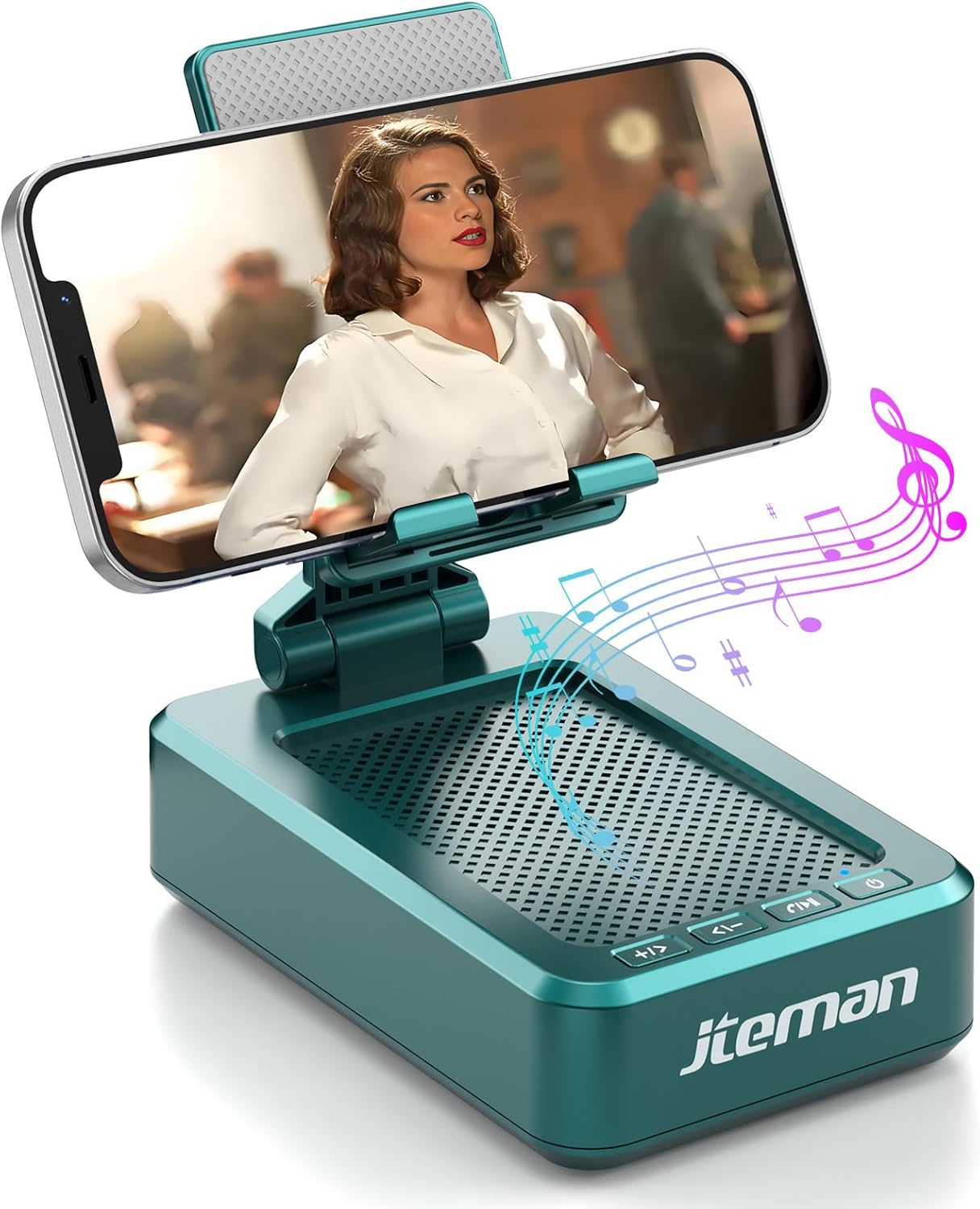
Image: The JTEMAN Cell Phone Stand with Wireless Bluetooth Speaker, showcasing its primary function of holding a phone while playing audio.
What's in the Box
- Phone Stand with Bluetooth Speaker
- User manual
- USB-A to Type-C charger cable *1
Setup Guide
Charging the Device
Before first use, fully charge your JTEMAN Cell Phone Stand. Connect the provided USB-A to Type-C charger cable to the charging port on the device and a compatible USB power source (e.g., computer USB port, wall adapter). The charging indicator light will show red during charging and turn green when fully charged. A full charge takes approximately 4 hours.
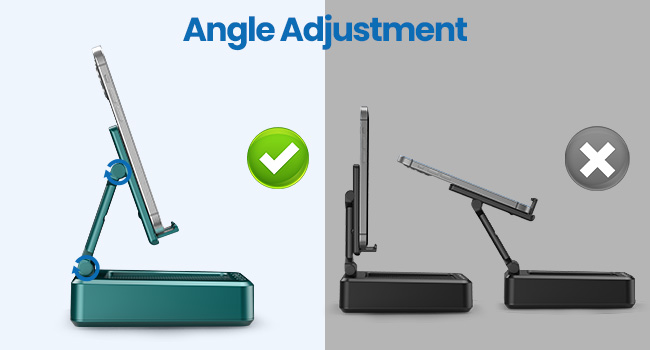
Image: Visual guide for charging the device, indicating charging status lights.
Bluetooth Pairing
- Ensure the JTEMAN speaker is powered on.
- Activate Bluetooth on your smartphone, tablet, or e-reader.
- Search for available Bluetooth devices. The speaker will appear as "JTEMAN" or a similar name.
- Select the device name to pair. A confirmation sound will indicate successful pairing.
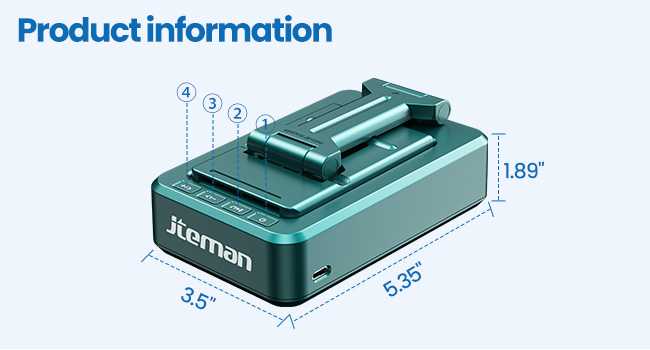
Image: Illustration of the Bluetooth pairing process, showing a phone successfully connected to the speaker.
Operating Instructions
Power On/Off
Press and hold the power button (usually marked with a power symbol) for a few seconds to turn the device on or off.
Adjusting the Phone Stand
The phone stand features multiple adjustable angles to suit your viewing needs. Gently adjust the stand to your desired position. The stable design and anti-slip silicone pads ensure your device remains secure.
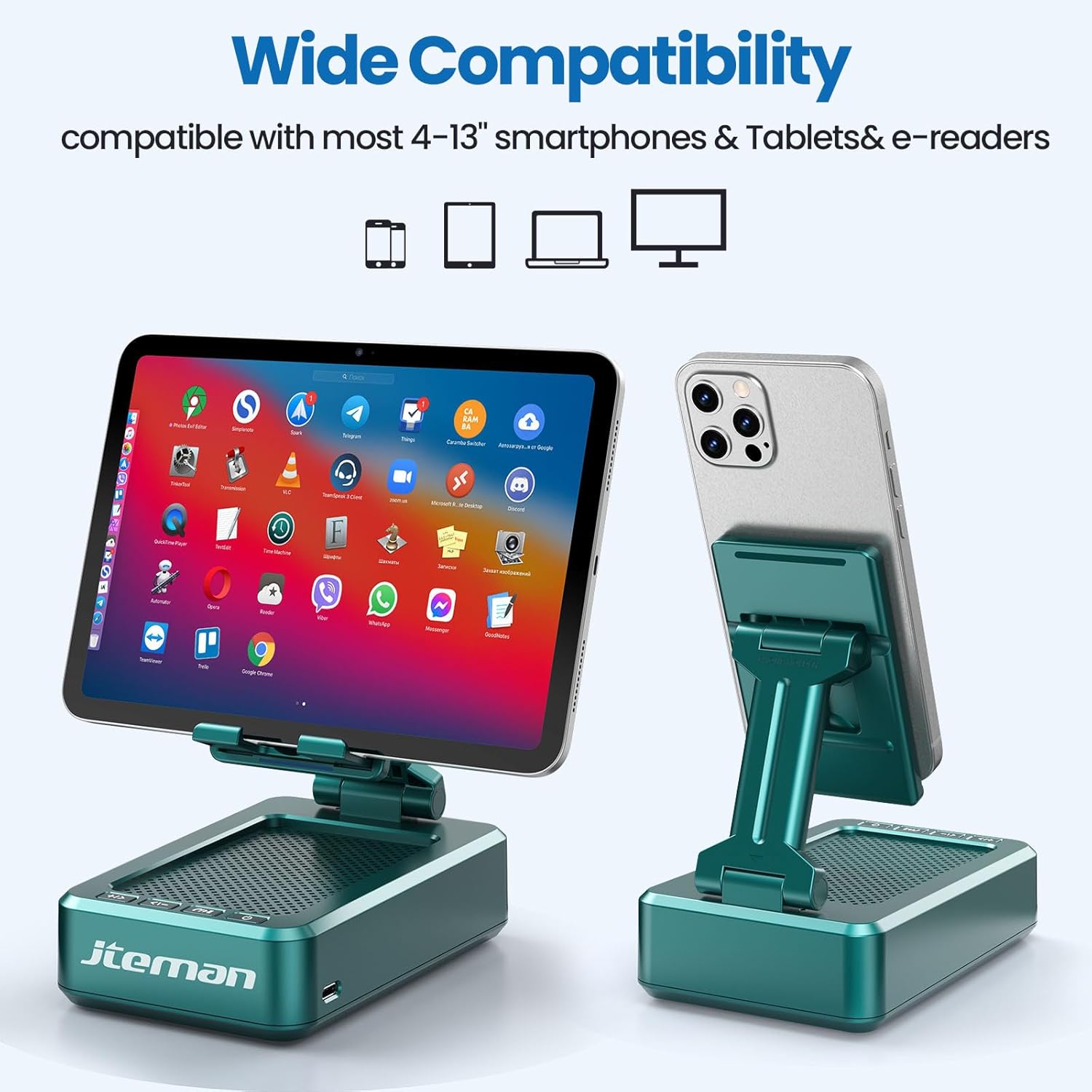
Image: The JTEMAN stand demonstrating its adjustable angle capability.

Image: The JTEMAN stand in its folded, portable configuration.
Audio Playback
Once paired, audio from your connected device will play through the JTEMAN speaker. Use the controls on your phone or the speaker's integrated buttons (if available) to manage playback (play/pause, volume up/down, next/previous track).

Image: The JTEMAN stand with a phone playing music, illustrating the audio output.
Hands-Free Calling
The built-in microphone allows for clear hands-free calls. When a call comes in, you can answer it directly through the speaker. This feature is particularly useful for individuals who may have difficulty hearing.
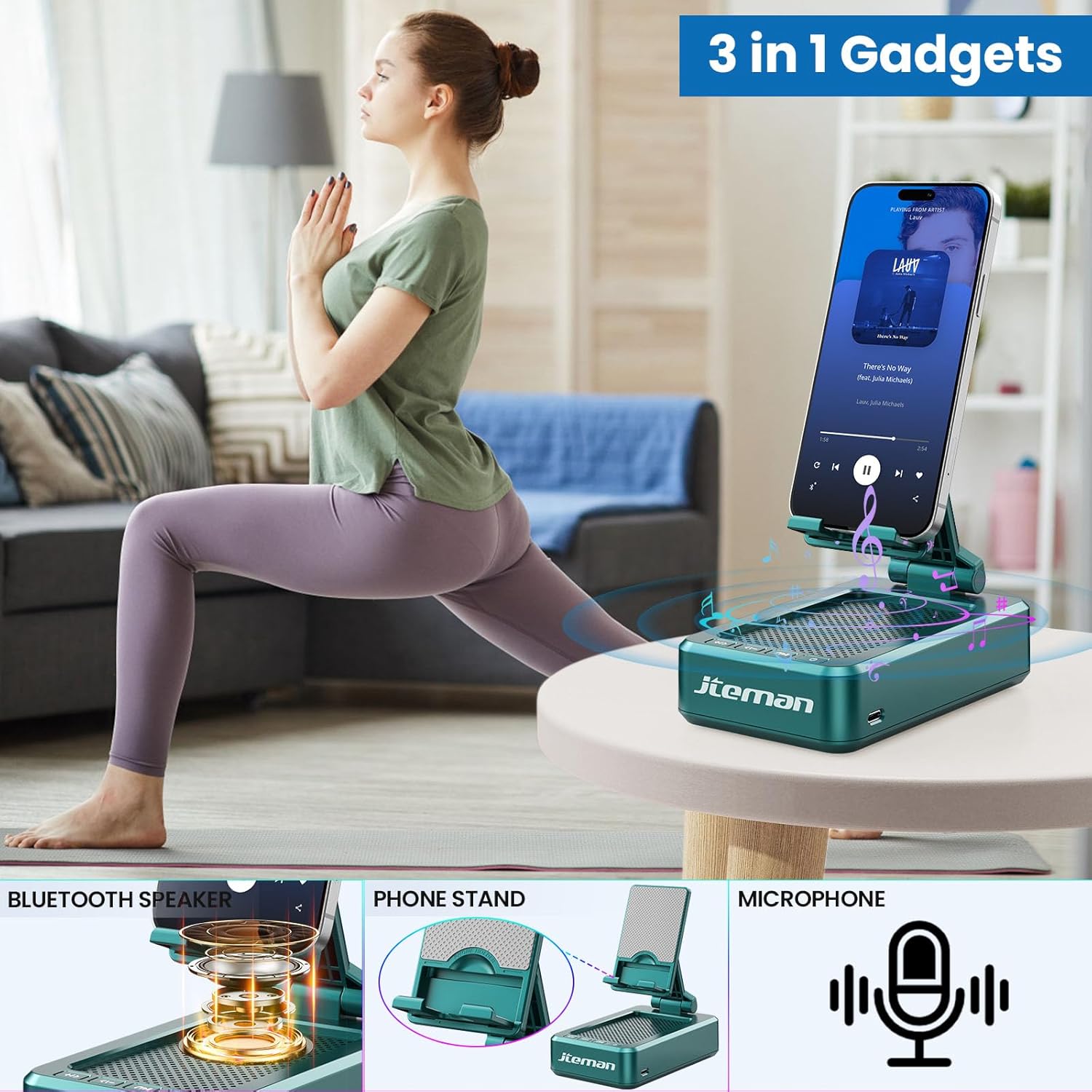
Image: A user engaging in a hands-free call using the JTEMAN speaker stand.
Maintenance
- Cleaning: Wipe the device with a soft, dry cloth. Do not use abrasive cleaners or solvents.
- Storage: Store the device in a cool, dry place away from direct sunlight and extreme temperatures.
- Battery Care: To prolong battery life, avoid fully discharging the battery frequently. Charge the device regularly, even if not in use for extended periods.
Troubleshooting
| Problem | Possible Cause | Solution |
|---|---|---|
| Device does not power on. | Low battery. | Charge the device fully. |
| Cannot pair via Bluetooth. | Bluetooth is off on your device; speaker is not in pairing mode; too far from speaker. | Ensure Bluetooth is enabled, speaker is on and discoverable, and move closer to the speaker. |
| No sound or low volume. | Volume too low on speaker or connected device; device not properly paired. | Increase volume on both devices. Re-pair the Bluetooth connection. |
| Sound distortion at high volume. | Volume set too high. | Reduce the volume level. |
| Device does not charge phone. | This product does not have a power bank function. | The JTEMAN Cell Phone Stand with Wireless Bluetooth Speaker is not designed to charge your phone. |
Specifications
- Product Dimensions: 5.35 x 3.5 x 1.89 inches
- Item Weight: 11.5 ounces
- Batteries: 1 Lithium Ion battery required
- Brand: JTEMAN
- Color: Green (for this specific model)
- Form Factor: Foldable
- Compatible Devices: Most 4-13 inch smartphones, tablets, and e-readers with Bluetooth function. Hook fits devices up to 0.59 inches (15 mm) thick.
- Manufacturer: jteman
- Country of Origin: China
- Play Time: 8-10 hours in medium volume
- Battery Capacity: 1800mAh
Official Product Videos
Watch these official videos from JTEMAN for additional product insights and demonstrations.
No official seller-created product videos are available for embedding at this time.
Warranty and Support
For warranty information and customer support, please refer to the contact details provided on the product packaging or visit the official JTEMAN website. Keep your purchase receipt for warranty claims.
You can also visit the JTEMAN Store on Amazon for more information and product updates.
Related documentsJTEMAN Phone Stand Speaker

Ask a question about this manual
Ask about setup, troubleshooting, compatibility, parts, safety, or missing instructions. Manuals+ will review the question and use this page’s manual context to help answer it.