
LEDVANCE 41257
SYLVANIA Dusk to Dawn A19 LED Light Bulb Instruction Manual
Model: 41257
1. Introduction
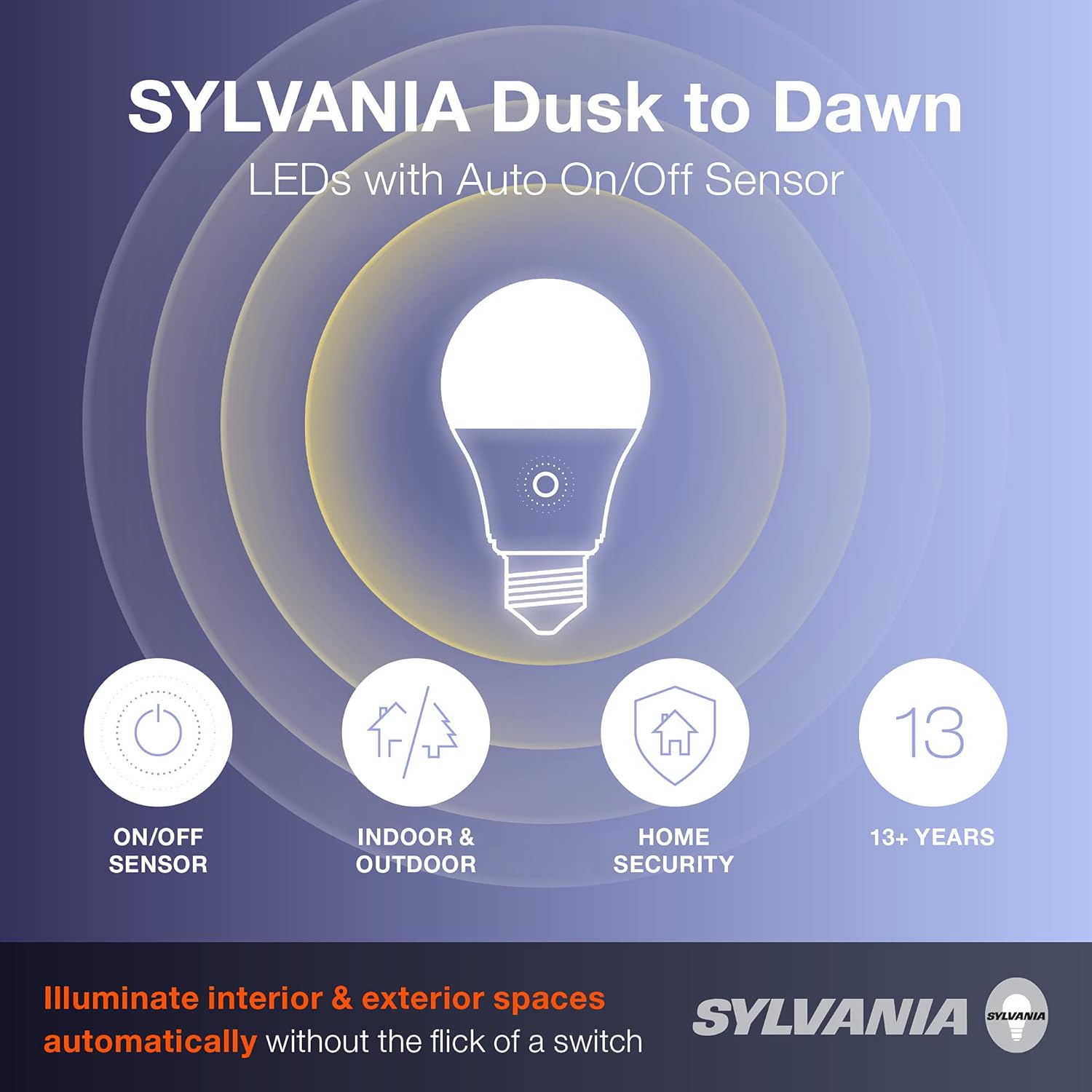
The SYLVANIA Dusk to Dawn A19 LED Light Bulb is designed to provide automatic illumination for both interior and exterior spaces. Featuring a built-in light sensor, these bulbs activate under low-light conditions and deactivate when sufficient ambient light is detected. This functionality eliminates the need for manual switching or timers, enhancing convenience and security around your home. With an estimated lifespan of 15,000 hours, these energy-efficient LED bulbs offer a long-lasting lighting solution.
2. Product Features
- Integrated Sensor Technology: Automatically turns the light on in low-light conditions and off when light levels increase.
- Versatile Application: Suitable for use in hallways, decks, porches, garages, mudrooms, and other indoor or outdoor areas.
- Energy Efficiency: Designed to replace 60W incandescent bulbs while consuming only 9 watts, reducing electrical costs.
- Long Lifespan: Engineered for durability with a rated life of up to 15,000 hours, equivalent to over 13 years of typical use.
- Soft White Light: Emits a 2700K soft white light with 800 lumens of brightness, providing a warm and inviting ambiance.
- High Color Rendering Index (CRI): An 80 CRI ensures accurate color perception.
3. Installation Instructions
Follow these steps for safe and proper installation of your SYLVANIA Dusk to Dawn LED light bulb:
- Power Off: Before installation, ensure the power to the light fixture is turned off at the circuit breaker or wall switch.
- Remove Old Bulb: Carefully unscrew the existing light bulb from the fixture.
- Install New Bulb: Screw the SYLVANIA Dusk to Dawn LED bulb into the standard E26 medium base socket until it is finger-tight. Do not overtighten.
- Restore Power: Turn the power back on at the circuit breaker or wall switch.
- Sensor Placement: For optimal performance, ensure the light sensor on the bulb is not obstructed and is exposed to ambient light. Avoid placing the bulb in fixtures that might block the sensor or in close proximity to other light sources that could interfere with its operation.

4. Operating Instructions
The SYLVANIA Dusk to Dawn LED bulb operates automatically based on ambient light levels:
- Automatic On: The built-in light sensor detects when ambient light falls below a certain threshold (e.g., at dusk or in dark conditions) and automatically turns the bulb on.
- Automatic Off: When the sensor detects sufficient ambient light (e.g., at dawn or when other lights are turned on nearby), the bulb will automatically turn off.
- Continuous Power: For the automatic function to work, the light fixture's switch must remain in the 'ON' position.

5. Maintenance
SYLVANIA LED bulbs are designed for long-term, maintenance-free operation. However, consider the following for optimal performance:
- Cleaning: If necessary, gently wipe the bulb with a soft, dry cloth to remove dust. Do not use liquid cleaners or abrasive materials.
- Sensor Obstruction: Periodically check that the light sensor on the bulb is clear of any obstructions (e.g., dirt, leaves, fixture components) that could interfere with its ability to detect light levels.
- Replacement: While designed for longevity, if the bulb ceases to function, replace it with a new SYLVANIA Dusk to Dawn LED bulb.
6. Troubleshooting
If you encounter issues with your SYLVANIA Dusk to Dawn LED bulb, refer to the following common solutions:
| Problem | Possible Cause | Solution |
|---|---|---|
| Bulb does not turn on at dusk. | 1. Power switch is off. 2. Sensor is obstructed or receiving too much light. 3. Bulb is faulty. | 1. Ensure the fixture's power switch is in the 'ON' position. 2. Check for obstructions over the sensor. Relocate if another light source is interfering. 3. Replace the bulb. |
| Bulb does not turn off at dawn. | 1. Sensor is obstructed or not receiving enough light. 2. Bulb is faulty. | 1. Ensure the sensor is clear and exposed to daylight. Remove any obstructions. 2. Replace the bulb. |
| Bulb flickers or dims. | 1. Loose connection. 2. Incompatible dimmer switch (this bulb is non-dimmable). 3. Electrical issue. | 1. Turn off power, then re-tighten the bulb. 2. Ensure the bulb is not connected to a dimmer switch. 3. Consult a qualified electrician if the issue persists. |
7. Technical Specifications
| Specification | Value |
|---|---|
| Model Number | 41257 |
| Light Type | LED |
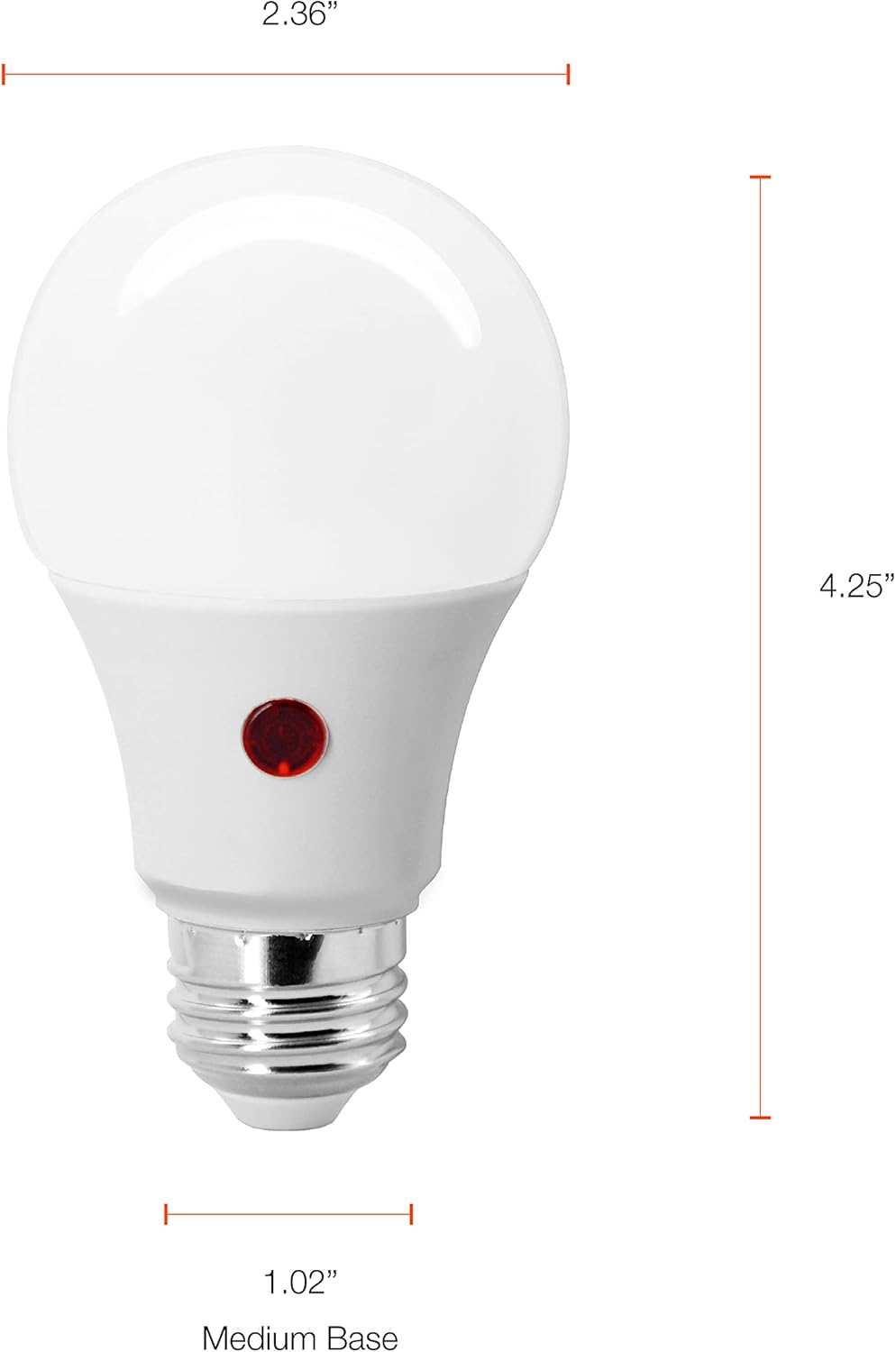
| Bulb Shape Size | A19 |
| Bulb Base | E26 Medium |
| Wattage | 9 Watts |
| Incandescent Equivalent | 60 Watts |
| Brightness | 800 Lumens |
| Color Temperature | 2700 Kelvin (Soft White) |
| Voltage | 120 Volts |
| Color Rendering Index (CRI) | 80 |
| Average Life | 15,000 Hours |
| Special Features | Energy Efficient, Frosted, Light Sensor, Shatter Resistant |
| Dimmable | No |
| Material | Plastic |
| Indoor/Outdoor Usage | Indoor |
| UPC | 046135412578 |
8. Warranty and Support
This SYLVANIA Dusk to Dawn A19 LED Light Bulb is backed by a standard 3-year warranty. For warranty claims or technical support, please refer to the contact information provided on the product packaging or visit the official LEDVANCE website.

Related documents41257


Ask a question about this manual
Ask about setup, troubleshooting, compatibility, parts, safety, or missing instructions. Manuals+ will review the question and use this page’s manual context to help answer it.